Gemini Connected Apps: Setup Guide & 2026 Extensions List
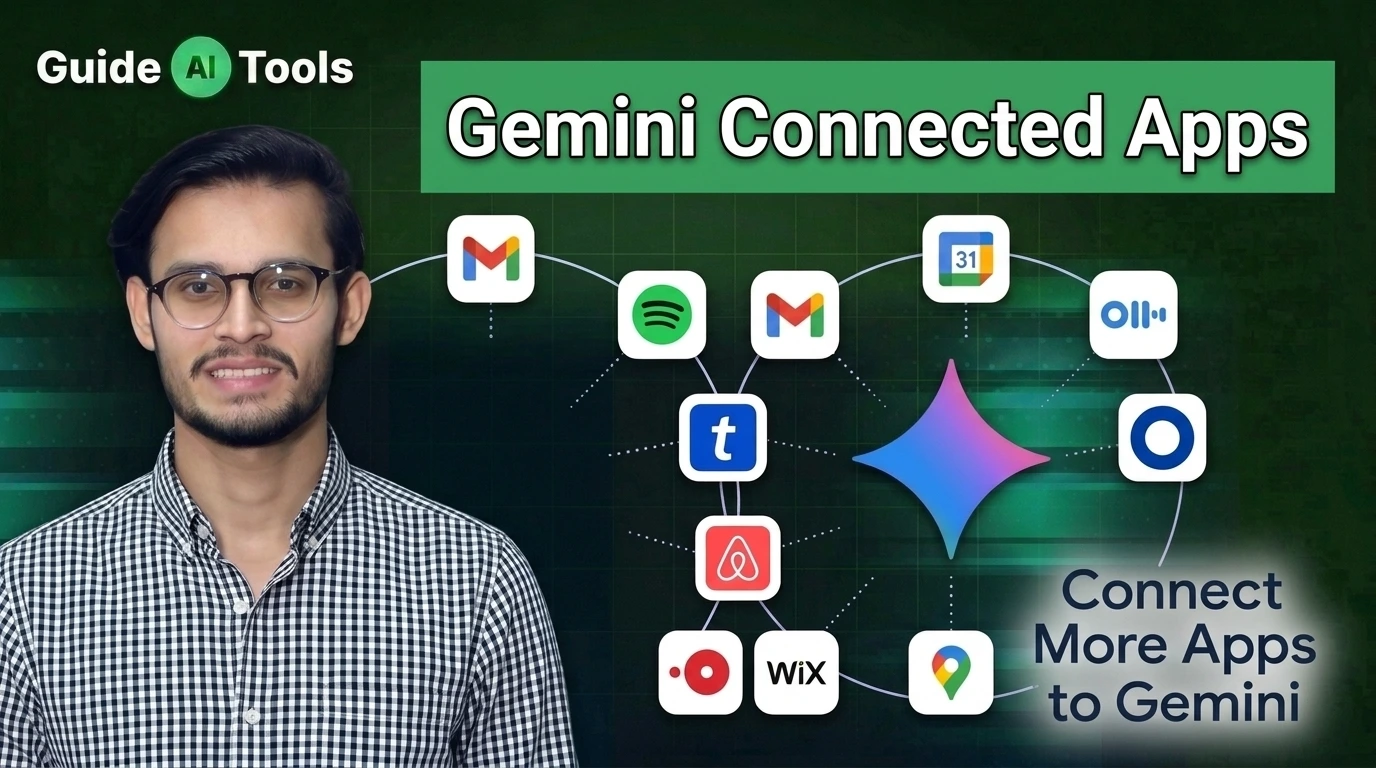
Gemini connected apps are official integrations that allow Google to read your personal Workspace data like Gmail and Docs. They stop the chatbot from guessing and let it answer questions based on your actual private files. This setting turns a generic bot into a highly personal assistant.
If you are manually copying and pasting text from a document into a prompt window, you are wasting time. Connected apps allow the system to retrieve and summarize your private files instantly. I have observed that most people completely miss this setting.
What Are Gemini Connected Apps?
They act as direct bridges between the chatbot and your personal Google account. You might also know them as Gemini Extensions.
Instead of giving you generic internet answers, the bot can read your actual daily schedule. And it works beautifully. It is completely different from the standard Google AI search mode which only reads public websites.
Full List of Gemini Connected Apps
The August 2026 update added massive functionality. We saw Keep and Tasks finally join the roster.
This puts Gemini way ahead of standalone AI task management tools because it natively knows your entire daily routine. You do not have to migrate your data to a new platform for the AI to understand it.
| App Name | Category | What It Does |
| Workspace (Gmail, Docs, Drive) | Productivity | Reads and summarizes private files |
| Google Tasks & Keep | Organization | Adds and checks off your lists |
| Google Calendar | Scheduling | Checks availability and adds events |
| Google Maps | Travel | Provides real-time navigation routes |
| Google Flights & Hotels | Travel | Finds live booking prices |
| YouTube & YouTube Music | Media | Summarizes videos and finds playlists |
How to Connect Apps to Gemini
Setting this up is fast. But you have to know exactly where to look.
In my practical testing Workspace users often hit a wall here if their company admin blocks it. If you need Chrome Android Gemini help the mobile app process is identical.
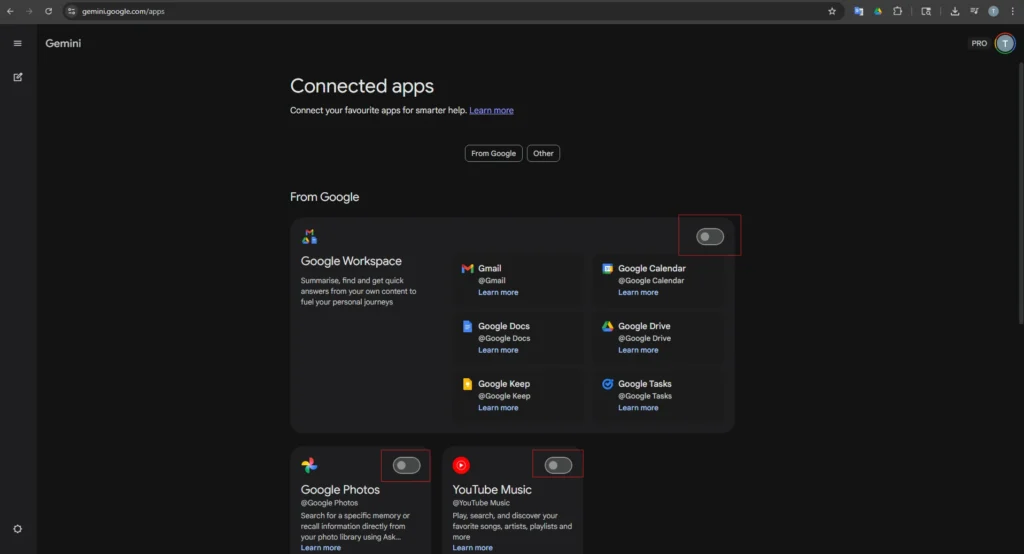
- Open the Gemini web interface or mobile app.
- Click on Settings in the bottom left corner.
- Select Extensions from the menu list.
- Toggle the switch next to each app you want to connect.
Make sure you refresh your browser window after toggling the switches.
How to Trigger Connected Apps
Sometimes the system forgets to check your apps. You have to force it.
Typing the “@” symbol in the prompt bar manually targets a specific extension. If you want to know how to use Google Gemini like a professional you must learn this habit. Just type “@GoogleDrive find my tax return” and hit enter.
This single habit fixes almost every hallucination error. It works just as well for pulling data into AI spreadsheet tools when you need accurate numbers.
The Privacy Question
Honestly most people get this wrong. They refuse to connect their Gmail because they fear Google will read it.
Google explicitly states that your private Workspace data is not used to train their public AI models. Human reviewers do not see your private emails. Your personal files remain completely encrypted and isolated from the global training sets.
You can read the exact policy details on Google’s official Gemini Apps Privacy Hub if you want the legal specifics.
Why Aren’t My Connected Apps Working?
Bugs happen constantly. Usually the extension toggle is simply turned off by default.
Or you are using an Enterprise account that restricts data sharing. Always use the “@” command to bypass vague prompt issues. If the “@” menu does not show your app then your account administrator has restricted your access.
FAQs
How do I turn on connected apps in Gemini?
You turn them on inside the Extensions menu in your main settings. Just toggle the switch next to Workspace or Maps to activate them.
What apps can connect to Google Gemini in 2026?
You can connect Gmail, Docs, Drive, Keep, Tasks, Calendar, Maps, Flights, Hotels, and YouTube. Third party non Google apps are still rolling out slowly.
Does Gemini train on my private Gmail and Drive data?
No. Google guarantees that personal Workspace data accessed via extensions is never used to train public models.
Are Gemini connected apps free to use?
Yes. Anyone with a standard free Google account can use the basic connected apps without paying for the Advanced tier.
Why aren’t my Gemini connected apps working?
Your Workspace administrator likely disabled the feature for your organization. Check your extension settings or try forcing the app with an “@” mention.
How do I use the “@” symbol in Gemini?
Type “@” followed by the app name directly in the prompt bar. This tells the system exactly where to look for your answer.
My Final Words
Connected apps completely change how you interact with artificial intelligence. You are no longer talking to a blank chatbot. You have a highly capable personal assistant that actually knows your schedule, reads your emails, and organizes your daily tasks.
I have observed that users who activate these extensions save hours of manual data entry every single week. Take five minutes right now to check your settings and force a prompt with the “@” symbol.
The right software setup dictates your daily output. Check out the rest of the GuideAITools directory to find more automations that cut out the busywork.

Related Blog Posts