
Customize Gemini: Disable Visible Watermarks
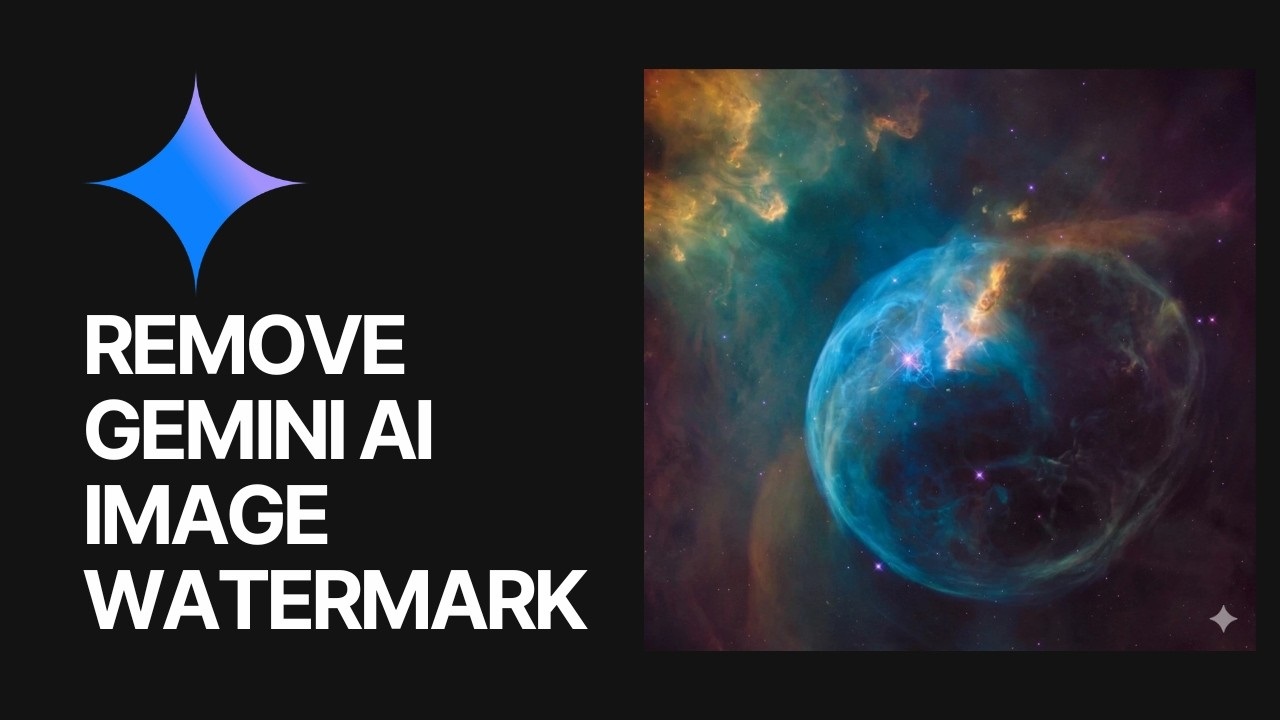
Google has finally answered one of the biggest complaints from digital creators. You can now turn off the visible watermarks on content generated by the Gemini platform. Josh Woodward, Vice President of Google Labs, announced the update on August 14, 2026. He described the change as fixing a minor but frustrating “papercut” for users who wanted a clean creative workflow.
How to Change Your Settings
The process to remove these overlays is incredibly simple. You just need to open the Gemini web or mobile application and navigate to the main settings menu. Look for the “Media Watermark” option and toggle it off.
This update applies across multiple media formats. It removes the visible logos from images generated by the Nano Banana model, videos created with Omni, and music tracks produced by Lyria. The toggle is also rolling out to the Google Flow interface and the new AI Mode in Search.
Invisible Tracking Remains Active
Woodward stated that Google wants to balance creative control with safety. While the visible logos are gone, the underlying tracking remains fully active.
Every piece of media you generate still contains invisible SynthID watermarks and C2PA provenance metadata. This means detection systems and fact-checkers can still identify the content as artificial. If you work in professional content creation, we cover these types of platform shifts heavily in our top AI design tools guide to keep your workflows compliant.
Regional Limits and Enterprise Restrictions
Not everyone gets access to this new level of creative freedom. Google enforces mandatory visible watermarks in countries where local laws require strict AI transparency, such as China.
Additionally, users accessing Gemini through enterprise work or school accounts will not see the toggle option at all. In certain regions like India, South Korea, and Vietnam, the ability to disable the watermark is locked behind the paid AI Ultra subscription.
For most everyday users, creating clean AI assets just got much easier. You can find more updates on platform changes in our daily AI news coverage.
