Best Speech Recognition Software in 2026: 8 Top Tools Compared
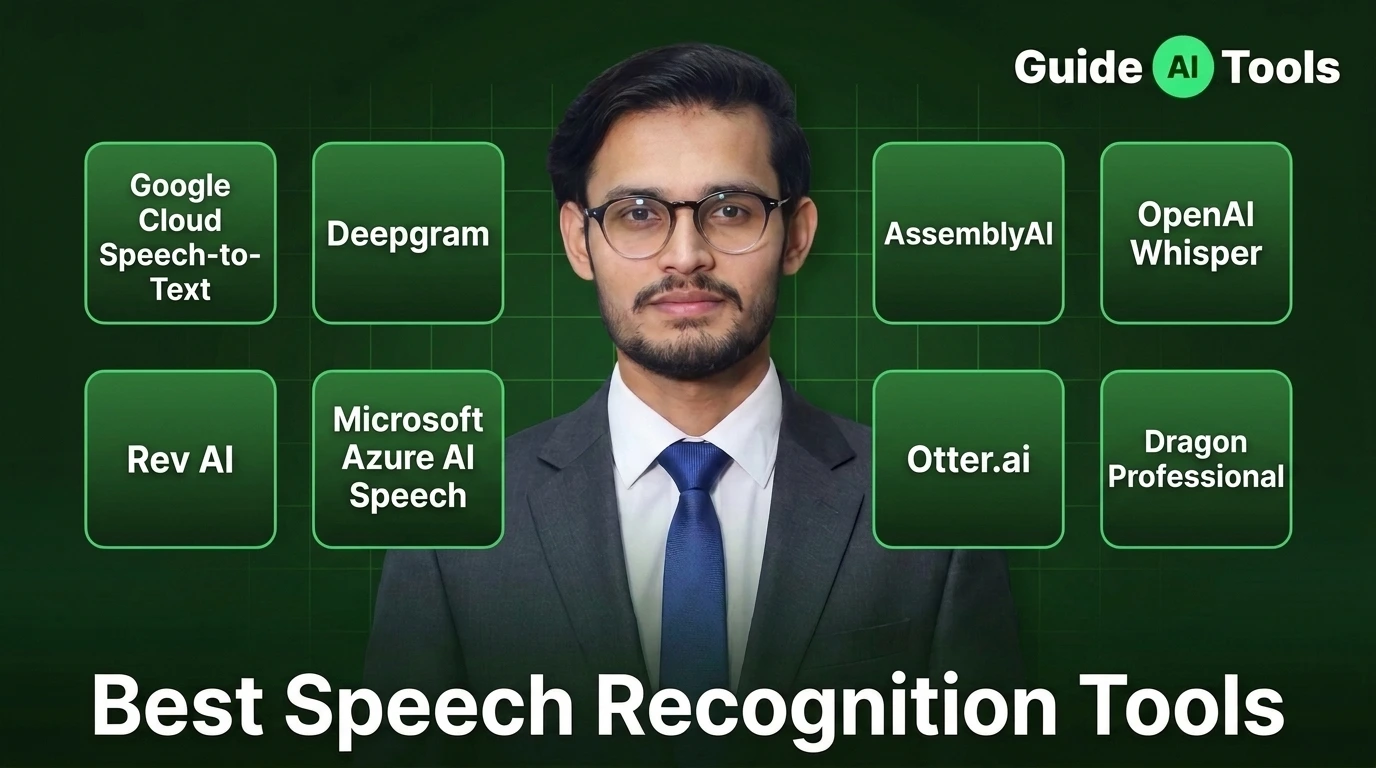
The best speech recognition software depends on what you need to do with spoken audio. Google Cloud and Azure are strong for enterprise systems, Deepgram and AssemblyAI fit developers, Whisper suits open-source projects, Rev AI adds managed transcription, Otter focuses on meetings, and Dragon remains a strong choice for desktop dictation.
A lot of comparison pages get this part wrong.
They put an API, a meeting app and a desktop dictation program in the same list, then compare them as if they’re interchangeable. They aren’t.
I checked the current product documentation and pricing information for the eight tools below, with particular attention to transcription costs, real-time processing, speaker recognition, language support and practical workflow differences.
Quick comparison of the best speech recognition software
| Tool | Best For | Starting Price | Free Option | Real-Time | API |
|---|---|---|---|---|---|
| Google Cloud Speech-to-Text | Enterprise transcription | $0.016/min | $300 new-customer credits | Yes | Yes |
| Deepgram | Developers and voice apps | $0.0043/min | $200 credits | Yes | Yes |
| AssemblyAI | Speech intelligence | $0.15/hr | Free usage | Yes | Yes |
| OpenAI Whisper | Open-source transcription | $0.006/min API | Open-source model | Yes, with implementation | Yes |
| Rev AI | Automated transcription | $0.10/hr | 5 free hours | Yes | Yes |
| Microsoft Azure AI Speech | Microsoft enterprise users | Usage based | F0 tier | Yes | Yes |
| Otter.ai | Meetings | $16.99/user/month | Yes | Yes | Yes |
| Dragon Professional | Desktop dictation | About $699 one-time | No | Yes | No |
Google Cloud Speech-to-Text V2 currently lists Standard recognition at $0.016 per minute for the first 500,000 minutes per month. New Google Cloud customers can also receive up to $300 in credits.
Deepgram’s current Nova-3 prerecorded rate is $0.0043 per minute for monolingual transcription and $0.0052 for multilingual transcription. Its streaming Nova-3 rate starts at $0.0048 per minute for monolingual audio.
AssemblyAI currently lists Universal-2 at $0.15 per hour and Universal-3.5 Pro at $0.21 per hour for prerecorded transcription.
OpenAI lists Whisper API transcription at $0.006 per minute. The underlying Whisper model is also available as an open-source model, which makes its pricing story different from a normal hosted transcription service.
Rev AI currently offers five free hours of Reverb ASR credits. Its published rates include $0.20 per hour for Reverb transcription, $0.10 per hour for Reverb Turbo and $0.005 per minute for Whisper Fusion.
Otter’s Basic plan is free, while Pro is $16.99 per user per month when billed monthly or $8.49 per user per month with annual billing.
What is speech recognition Tools?
Speech recognition Tools converts spoken language into text. The technology behind it is commonly called automatic speech recognition, or ASR.
That sounds simple. The actual job isn’t.
A good system has to deal with pauses, accents, background noise, speaker changes, technical vocabulary and people talking over each other. Some services also add punctuation, timestamps, speaker labels, translation and other information to the transcript.
Speech recognition and transcription are closely related, but they’re not always the same product.
A developer may use an ASR API as one component inside a voice assistant. A journalist might upload an interview and download a transcript. Someone writing a long report may want live dictation directly inside a document.
Same underlying idea. Very different workflows.
If you’re comparing other audio-focused software too, our AI audio tools guide covers tools for editing, enhancement and related audio tasks.
Which speech recognition software should you choose?
Your use case should decide the shortlist before accuracy or price does.
| What you need | Best starting point |
|---|---|
| Enterprise cloud transcription | Google Cloud Speech-to-Text |
| Low-cost developer API | Deepgram |
| Transcription plus audio analysis | AssemblyAI |
| Open-source or local transcription | Whisper |
| Automated transcription with human services available | Rev AI |
| Microsoft infrastructure | Azure AI Speech |
| Meeting recording and notes | Otter.ai |
| Professional desktop dictation | Dragon |
This distinction matters when you compare prices. Paying $0.0043 per minute for an API isn’t directly comparable with paying $16.99 a month for a meeting application.
One gives you a building block.
The other gives you a finished workspace.
1. Google Cloud Speech-to-Text
Google Cloud Speech-to-Text is the strongest choice here for companies that need a scalable transcription API and tight integration with Google Cloud.
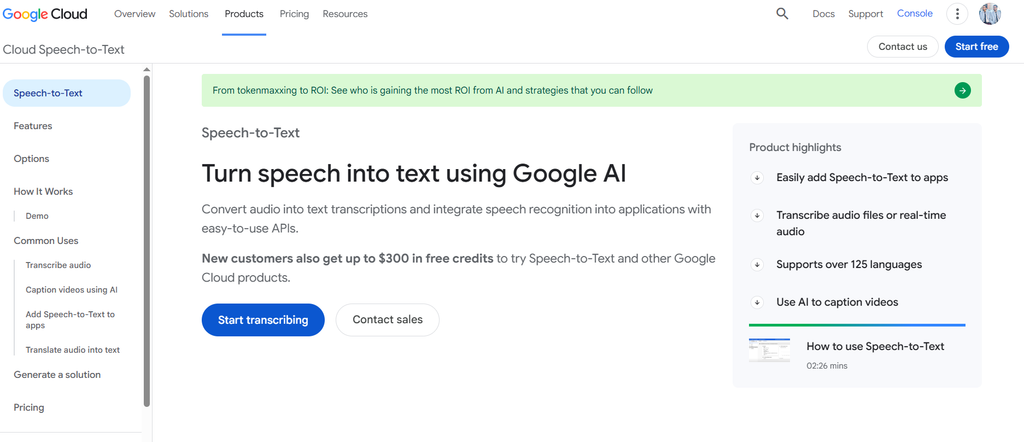
Its current Speech-to-Text V2 API supports standard recognition models and Google’s Chirp family. The service can handle real-time and batch workloads, with pricing based on processed audio duration, model and processing method.
The enterprise side is where Google gets interesting. Speech-to-Text V2 supports data residency options, audit logging and customer-managed encryption keys. Those aren’t features most casual users will care about, but they matter when audio is part of a larger business system.
Pricing starts at $0.016 per minute for standard V2 recognition. Google also offers dynamic batch processing at $0.003 per minute, which is aimed at workloads where immediate results aren’t necessary.
There is one pricing detail worth watching. Google bills each audio channel separately. A four-channel, 30-second recording can be billed as 120 seconds of processed audio.
Best for: Enterprise applications, multilingual systems and developers already working in Google Cloud.
Watch out for: The service has more configuration and billing complexity than a simple transcription app.
2. Deepgram
Deepgram is my pick for developers who care about transcription speed, low usage costs and API control.
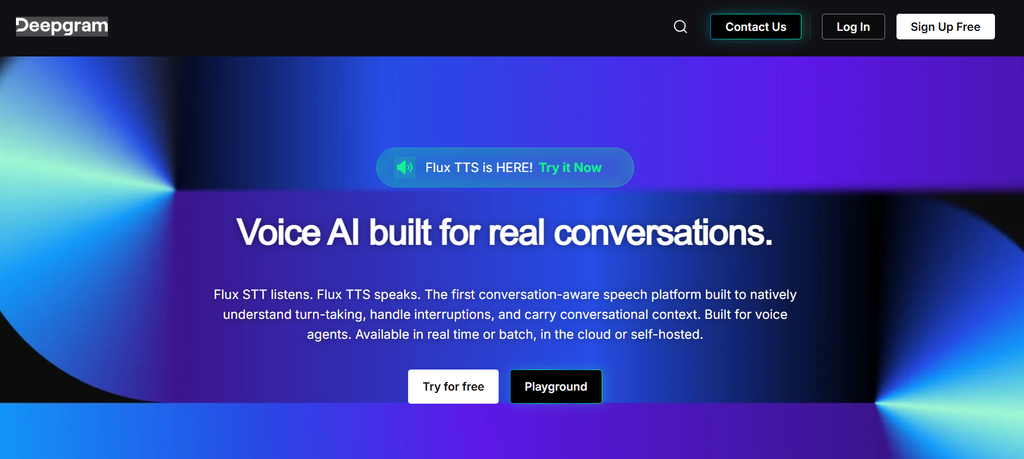
Its current Nova-3 model is positioned for difficult audio, including background noise, cross-talk and far-field speech. There are separate monolingual and multilingual models, while streaming options are designed for applications that need transcripts as someone speaks.
The pricing is one of its strongest points. Nova-3 prerecorded transcription costs $0.0043 per minute for monolingual audio and $0.0052 for multilingual audio at the current pay-as-you-go rates.
Deepgram also provides Flux, a speech recognition model aimed at real-time voice agents, with turn detection and interruption handling built into the product.
That makes Deepgram a much better fit for an application than for someone who simply wants to transcribe a two-hour interview without touching code.
Best for: Developers, voice agents, call systems and applications that need real-time ASR.
Watch out for: You need to build or connect the surrounding application yourself.
3. AssemblyAI
AssemblyAI is a strong choice when transcription is only the beginning of what you want to do with an audio file.
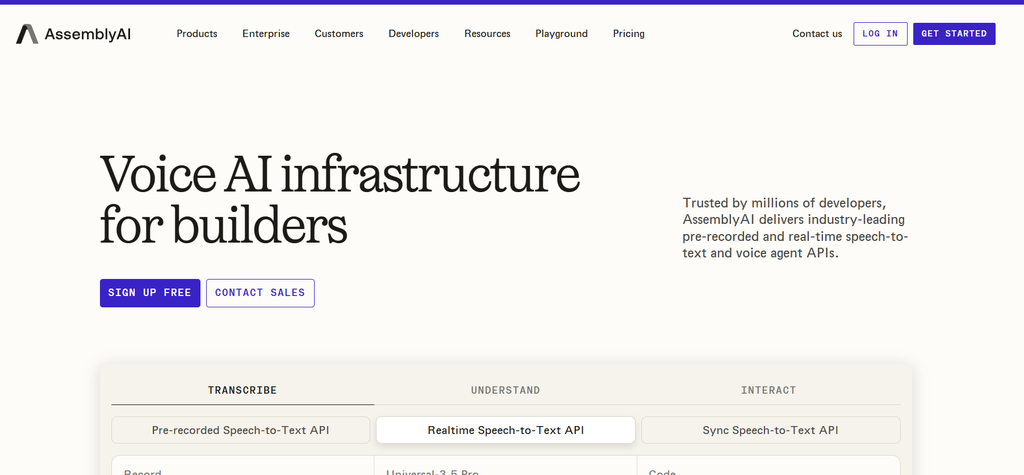
Its current Universal-3.5 Pro model handles prerecorded transcription at $0.21 per hour, while Universal-2 costs $0.15 per hour. Streaming Universal-3.5 Pro Realtime is priced separately at $0.45 per hour.
The interesting part comes after the words have been transcribed.
AssemblyAI offers features for speaker diarization, keyterms, sentiment, entity detection and other forms of audio analysis. Speaker diarization, for example, can be added to asynchronous transcription for $0.02 per hour.
The service also supports a large language range through its model lineup. Universal-2 supports 99 languages, while the newer Universal-3.5 Pro currently has native support for 18 languages with automatic fallback to Universal-2 for broader coverage.
Best for: Developers who need transcription plus structured information from audio.
Watch out for: Advanced analysis features can raise the final cost beyond the headline transcription rate.
4. OpenAI Whisper
OpenAI Whisper is the most interesting option on this list if you want control over where transcription happens.
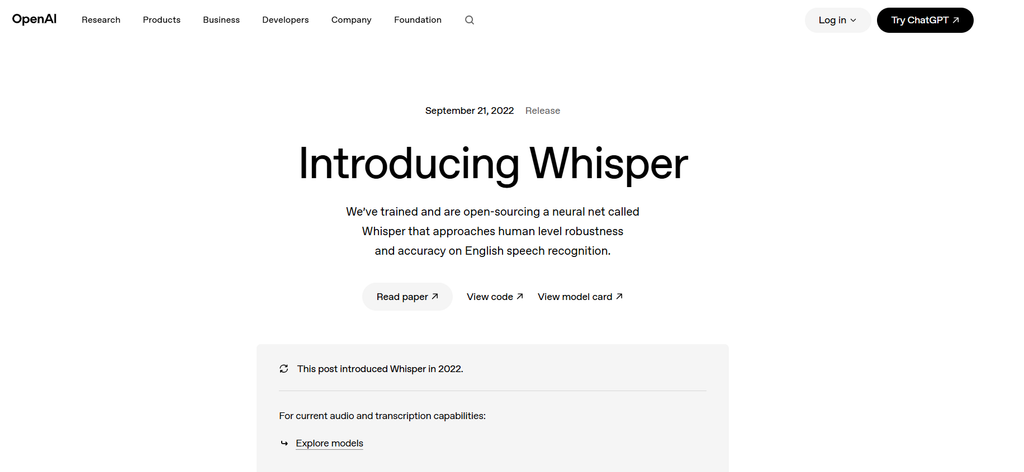
OpenAI released Whisper as an open-source speech recognition model, while its hosted Whisper API gives developers access without managing the model themselves. The API currently costs $0.006 per minute.
Whisper can perform multilingual speech recognition, speech translation and language identification. It also accepts common audio formats such as MP3, MP4, M4A, WAV and WebM through the API.
Here’s the distinction people often miss.
Whisper the model and Whisper API are different choices.
With the open-source model, you can run transcription on your own hardware or infrastructure. With the API, OpenAI handles the serving side and charges according to usage.
That makes Whisper particularly attractive for developers who want to experiment with local speech recognition or build their own transcription workflow.
Best for: Developers, researchers and teams that want open-source flexibility.
Watch out for: Running the model yourself means taking responsibility for hardware, deployment and performance.
5. Rev AI
Rev AI is a good fit when you want automated speech recognition but also value having a transcription company behind the workflow.
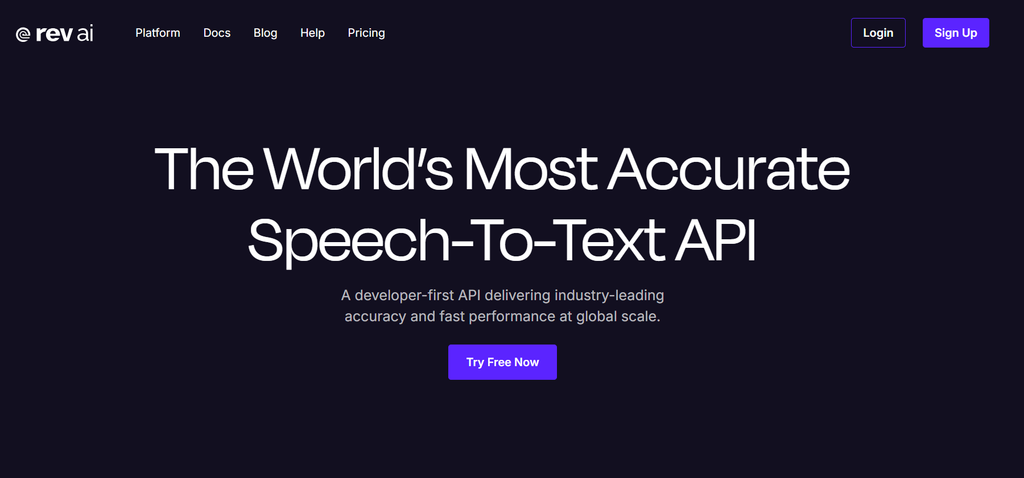
The current Rev AI pricing page offers five free hours of Reverb ASR credits. Reverb transcription costs $0.20 per hour, Reverb Turbo costs $0.10 per hour and Whisper Fusion costs $0.005 per minute. Foreign-language Reverb transcription starts at $0.30 per hour.
Rev supports common audio and video media types and does not impose a fixed file-duration limit, although upload size limits still apply. Its documentation also makes one thing clear: Rev AI itself is not a dictation service.
That last detail matters. If you’re looking for software that types while you speak into a document, Rev AI isn’t the right product.
If you’re processing recorded audio through an API, it becomes much more relevant.
Best for: Automated transcription, developers and organizations that may also need managed transcription services.
Watch out for: Don’t confuse Rev AI with Rev’s consumer-facing dictation or transcription products.
6. Microsoft Azure AI Speech
Azure AI Speech makes the most sense when your application already lives inside Microsoft Azure.
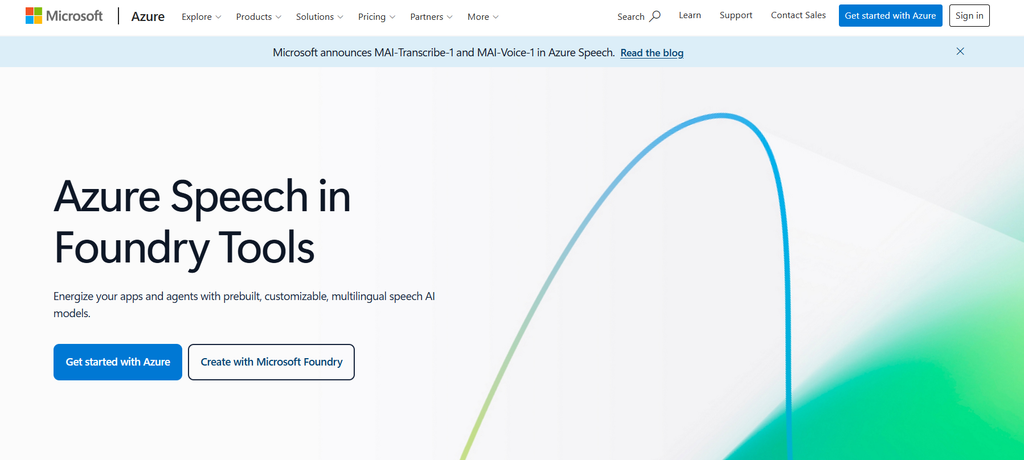
The service supports real-time speech-to-text, fast transcription and batch transcription. Microsoft also provides Custom Speech tools for organizations that need recognition adapted to their terminology or audio conditions.
Azure’s free F0 tier currently includes five audio hours of real-time Speech-to-Text each month. Paid usage varies according to the recognition mode, model and Azure configuration, so there isn’t one honest flat price I would put beside Deepgram’s per-minute rate.
That complexity is not necessarily a flaw.
Large organizations often need controls that consumer transcription tools don’t provide. Azure can fit into existing Microsoft identity, security and cloud infrastructure rather than becoming another isolated service.
Best for: Enterprise applications already using Microsoft Azure.
Watch out for: Pricing and configuration take more work to understand than simpler API services.
7. Otter.ai
Otter.ai is the easiest choice on this list for someone whose main problem is meetings rather than raw speech recognition.
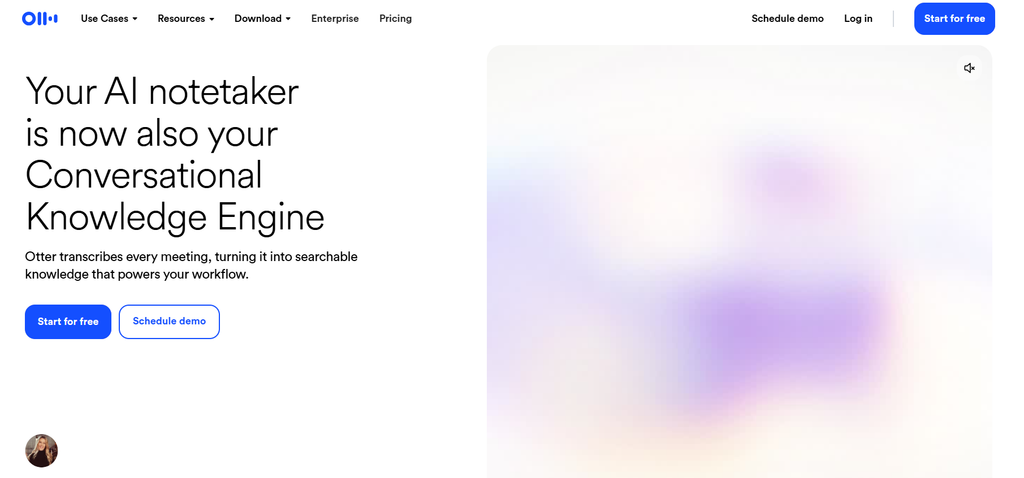
Its Basic plan is free and includes 300 monthly transcription minutes, live transcription, speaker identification, meeting recording and support for Zoom, Microsoft Teams and Google Meet. Pro costs $16.99 per user per month when paid monthly, or $8.49 per user per month with annual billing.
The difference becomes obvious once you open a meeting workflow.
Otter isn’t just trying to turn voices into words. It organizes conversations, provides AI chat within meetings, creates summaries and gives teams tools for searching and reviewing what was discussed.
That makes it a poor substitute for Deepgram if you’re building a voice application. For a sales team that spends half the week in meetings, though, the finished workflow is much more useful than a raw transcript API.
Best for: Meetings, interviews, sales calls and teams that want searchable conversation records.
Watch out for: It’s not the right choice if your main requirement is a developer-first ASR engine.
8. Dragon Professional
Dragon Professional remains relevant because not every speech recognition user needs cloud transcription.
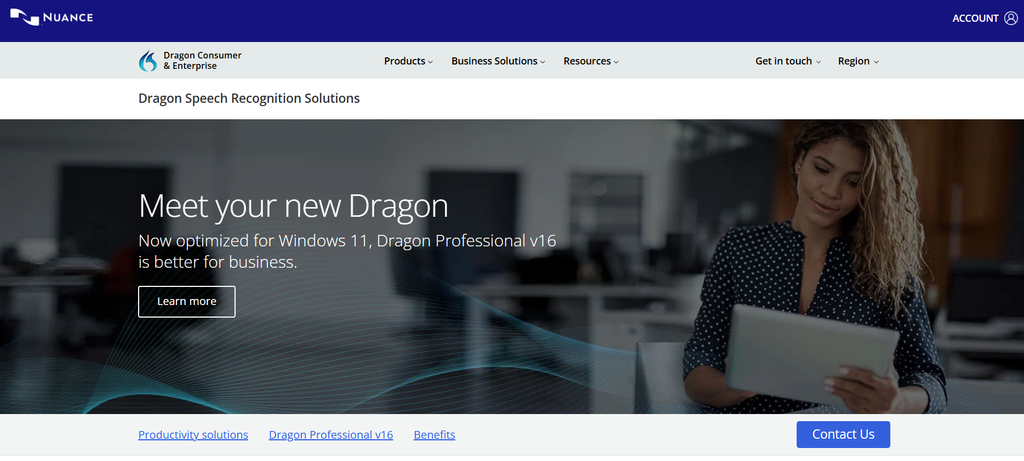
Dragon is built around dictation. You speak, and the software types into the applications you work with. It also supports custom vocabulary and voice commands for professional workflows.
Nuance positions Dragon Professional as a Windows speech recognition product for professional users, including live dictation and transcription of existing audio.
Current market pricing puts Dragon Professional desktop at roughly $699 for a one-time license. This price should be checked against the current checkout before publication because desktop licensing can change.
Dragon is particularly relevant to people who spend hours writing documents by voice and want commands that control their desktop workflow.
Best for: Professional Windows dictation and users who prefer a desktop application.
Watch out for: The upfront cost is high, and its platform focus is much narrower than cloud ASR services.
How much does speech recognition software cost?
Speech recognition pricing looks simple until you put eight products next to each other.
It isn’t.
API providers normally charge by audio duration, while meeting products charge by user or subscription and desktop dictation tools may use a one-time license.
For a rough 100-hour prerecorded workload, the current base rates produce very different numbers:
| Tool | Current base rate | Approx. 100-hour cost |
|---|---|---|
| Deepgram Nova-3 | $0.0043/min | $25.80 |
| Whisper API | $0.006/min | $36 |
| Google Cloud STT V2 Standard | $0.016/min | $96 |
| AssemblyAI Universal-2 | $0.15/hr | $15 |
| AssemblyAI Universal-3.5 Pro | $0.21/hr | $21 |
| Rev AI Reverb | $0.20/hr | $20 |
| Rev AI Turbo | $0.10/hr | $10 |
These are simple base-rate calculations, not guaranteed invoices. Add-on features, audio channels, model choice, volume discounts and other cloud services can change the amount. Google specifically charges each audio channel separately.
This is why I wouldn’t choose a provider from a price table alone.
If you need diarization, translation, sentiment analysis or medical terminology, the cheapest transcription rate may not produce the cheapest usable transcript.
Which speech recognition software is most accurate?
There isn’t one honest answer for every recording.
A system that performs beautifully on a clean podcast can struggle with a noisy customer-service call. An interview with two people speaking clearly is a very different test from a group discussion with people interrupting each other.
The usual benchmark is Word Error Rate, or WER. Lower WER generally means fewer transcription errors, but even WER has limits.
Imagine a transcript with only a handful of errors. Fine.
Now imagine those errors are the names of five medicines, three clients and a product code. The overall score might look good while the transcript is still unusable.
When comparing speech recognition software, pay attention to:
| Factor | Why it matters |
|---|---|
| Clean speech | Shows basic recognition quality |
| Background noise | Reflects real-world recordings |
| Accents | Reveals regional speech performance |
| Speaker overlap | Tests difficult conversations |
| Technical vocabulary | Matters for medical, legal and technical work |
| Punctuation | Saves editing time |
| Speaker labels | Useful for interviews and meetings |
| Timestamps | Important for media production |
| Latency | Matters for live applications |
AssemblyAI’s own research on ASR evaluation makes a similar point, WER alone doesn’t capture everything that matters when judging a speech recognition system.
So when someone asks me, “Which one is the most accurate?” I ask another question first.
Accurate for what audio?
Real-time or batch transcription, which do you need?
Real-time transcription makes sense when the text needs to appear while people are speaking.
Think live captions, call-center systems, voice assistants and live meeting notes.
Batch transcription is different. You upload an existing file, let the system process it and receive the result afterward. Podcasts, interviews, archives and recorded meetings often fit this model better.
| Use case | Better approach |
|---|---|
| Live captions | Real-time |
| Voice assistant | Streaming |
| Call center | Streaming |
| Live meeting | Real-time |
| Podcast | Batch |
| Interview | Batch |
| Archived recordings | Batch |
| Large audio library | Batch |
Google Cloud, Azure and AssemblyAI all support different combinations of real-time and prerecorded processing, but their billing and model structures aren’t identical.
Don’t pay streaming rates for audio that can wait.
Can speech recognition identify different speakers?
Yes, many modern speech recognition services can separate speakers through speaker diarization.
The distinction is worth understanding.
Diarization tells you that the voice changed, giving you labels such as Speaker 1 and Speaker 2. Speaker identification goes a step further when the system can associate those voices with known people.
This matters for interviews, research calls, meetings and legal recordings.
AssemblyAI, Google Cloud, Deepgram and several other services offer speaker-related capabilities, but the exact implementation and pricing differ. AssemblyAI currently lists diarization as a separate paid add-on for some transcription workflows.
Is speech recognition software safe for confidential audio?
The answer depends on where your audio is processed and what controls the provider gives you.
Cloud APIs are convenient, but companies handling medical, legal, financial or customer information should check data retention, encryption, regional processing, compliance and access controls before uploading sensitive recordings.
Google Cloud Speech-to-Text V2 supports data residency, audit logging and customer-managed encryption keys. AssemblyAI currently lists security and compliance options including SOC 2 Type 2, GDPR, HIPAA and EU data residency.
Whisper offers another route because its open-source model can be deployed locally. That can give a team much more control over where audio is processed, although the responsibility for securing that environment then sits with the team.
Don’t treat “cloud” or “local” as automatic proof of safety. Check the actual deployment and data policies.
What is the best speech recognition software for each use case?
The shortlist becomes much easier when you stop asking for one overall winner.
| Use case | Best choice | Why |
|---|---|---|
| Enterprise cloud ASR | Google Cloud | Strong cloud controls and scalable API |
| Developer voice applications | Deepgram | Low usage cost and real-time models |
| Audio intelligence | AssemblyAI | Transcription plus analysis features |
| Open-source speech recognition | Whisper | Local deployment and developer control |
| Managed transcription | Rev AI | Automated ASR with wider Rev services |
| Microsoft enterprise stack | Azure Speech | Custom Speech and Azure integration |
| Meeting transcription | Otter.ai | Recording, transcripts, summaries and meeting tools |
| Desktop dictation | Dragon | Voice commands and professional dictation |
That table is the real answer to this category.
There isn’t one product that wins every row.
What should you check before buying?
Start with your audio.
If most recordings are clean interviews, almost every major service can produce a usable transcript. If you’re dealing with noisy calls, overlapping speakers or specialist vocabulary, the shortlist gets much smaller.
Then check the billing model. A low transcription rate means very little if you need expensive add-ons to get the transcript you can actually use.
Finally, look at where the text needs to go.
If you’re writing inside Windows applications, Dragon may be more practical than an API. If you’re building a voice agent, Deepgram, AssemblyAI, Google or Azure makes far more sense. If the transcript is simply the byproduct of a Zoom meeting, Otter saves you from building an entire workflow around an API.
For creators working with interviews, podcasts and video content, our guide to AI tools for content creators covers tools that fit the wider production workflow.
FAQs
What is the best speech recognition software in 2026?
Google Cloud Speech-to-Text is a strong enterprise choice, while Deepgram is particularly attractive for developers. Whisper is the better fit for open-source projects, Otter for meetings and Dragon for desktop dictation.
What is the most accurate speech recognition software?
Accuracy depends on the recording. Background noise, accents, speaker overlap and technical terminology can change results significantly, so WER should be treated as one measurement rather than the entire decision.
What is the cheapest speech recognition API?
Current base rates vary by model and processing type. Deepgram Nova-3 starts at $0.0043 per minute for prerecorded monolingual audio, while Whisper API costs $0.006 per minute.
Is there free speech recognition software?
Yes. Whisper is available as an open-source model, Otter has a free Basic plan and Azure provides an F0 Speech-to-Text tier. Google Cloud also gives new customers up to $300 in credits.
What is the best speech recognition software for meetings?
Otter.ai is the strongest fit when meetings are the main requirement. It combines live transcription with recording, speaker identification, AI meeting features and searchable conversation history.
What is the best speech recognition software for Windows?
Dragon Professional is the strongest choice for professional desktop dictation because it is built around voice-controlled document work rather than API transcription.
Can speech recognition work offline?
Yes, if you use a model that can run locally. Whisper is the clearest option in this list because its model is open source and can be deployed on your own hardware.
Can speech recognition recognize multiple speakers?
Yes. Speaker diarization can separate different voices within a recording and assign speaker labels. The quality and availability of this feature varies between providers.
What is the difference between speech recognition and transcription?
Speech recognition converts spoken language into text, while transcription usually refers to the complete process of turning recorded or live speech into a usable written record. Modern products often use both terms for the same core service.
Is Whisper better than Google Speech-to-Text?
Neither is universally better. Whisper gives developers open-source flexibility and local deployment options, while Google Speech-to-Text provides a managed cloud service with enterprise controls and multiple processing options.
Is Deepgram cheaper than Google Speech-to-Text?
At the listed base rates for the compared models, Deepgram Nova-3 prerecorded transcription is cheaper per minute than Google Cloud Speech-to-Text V2 Standard. The final cost can differ when channels, models, add-ons and cloud services are included.
The right choice depends on what happens after the transcript
If you need an API inside a product, start with Deepgram, AssemblyAI, Google Cloud or Azure. If you want to run the model yourself, Whisper gives you far more control.
For meetings, Otter makes more sense because transcription is only one part of its workflow. For professional desktop dictation, Dragon remains the more natural fit.
And if you need a service that can handle automated transcription while giving you access to managed transcription options, Rev is worth considering.
The better question isn’t “Which speech recognition software is number one?”
It’s “Which one gives me the transcript I need, at a cost and workflow I can live with?” That’s the comparison that actually helps you choose.

Related Blog Posts