Best AI Audio Tools 2026: Voice, Music, and Cleanup Compared
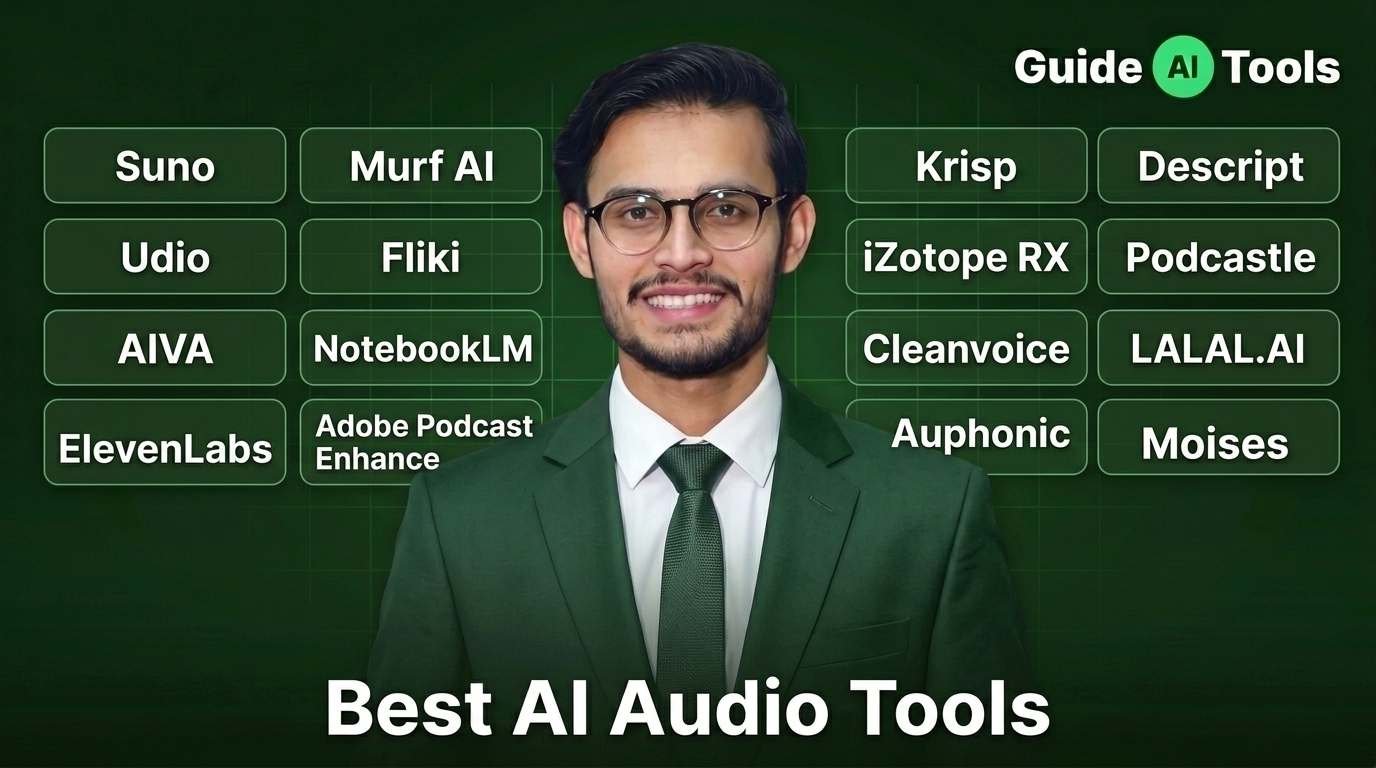
The best AI audio tools in 2026 split by job, not by brand. Suno leads music generation at $10 a month. ElevenLabs owns voice synthesis from $6. Adobe Podcast Enhance cleans bad recordings for free. Descript edits podcasts fastest from $16. Most creators end up running two of these together.
You recorded forty minutes of clean interview. Then you played it back and heard the air conditioner humming under every single word.
Two years ago that meant a re-record or a $200 engineer. Now it means one upload and about ninety seconds of waiting.
That gap is why this category exploded. But here’s what most roundups get wrong. They pick ten tools, rank them one through ten, and pretend they compete with each other.
They don’t. A real-time noise blocker and a spectral repair suite solve completely different problems, and buying the wrong one wastes both your money and a weekend.
Prices below were cross-checked in August 2026. Check the vendor page before you commit, because this category reprices constantly.
The five jobs AI audio tools actually do
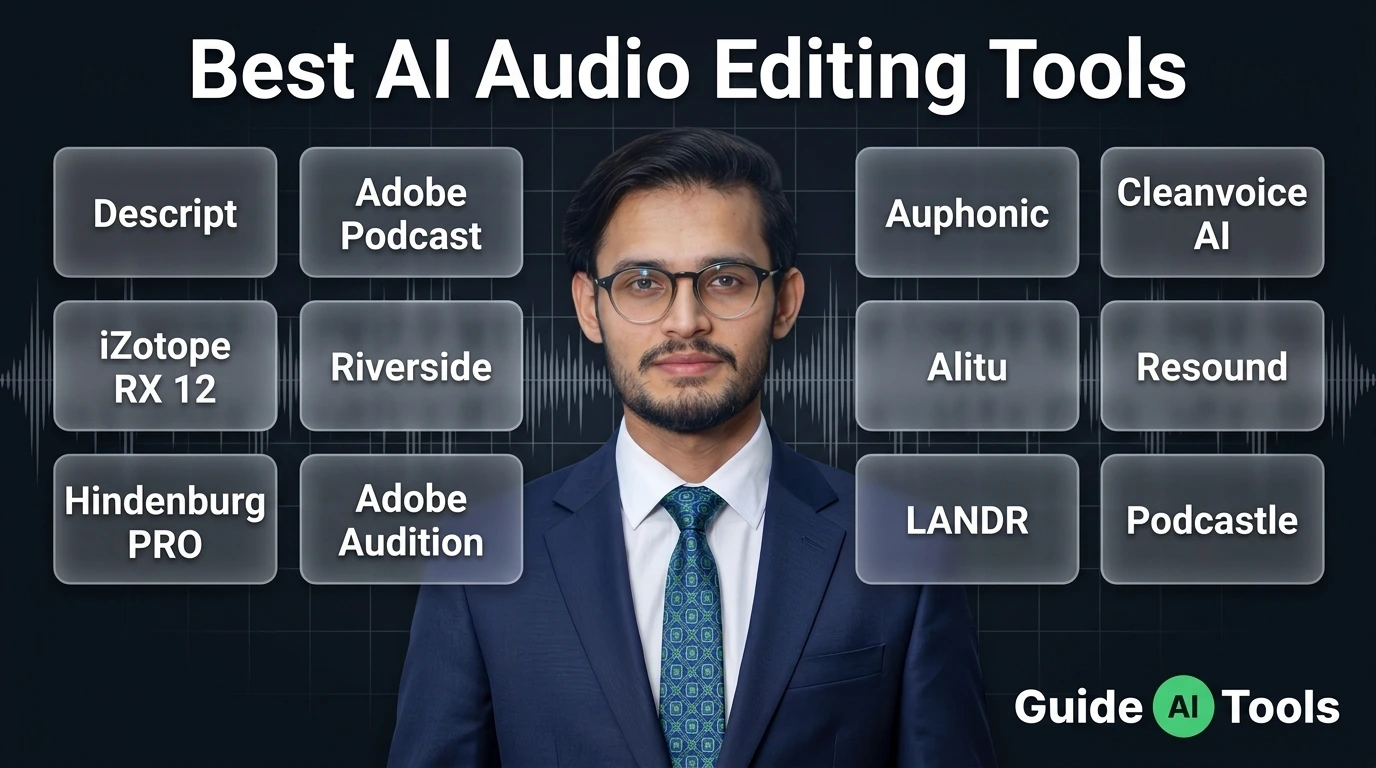
Before you compare anything, figure out which of five buckets you’re in. Music generation, voice synthesis, cleanup and repair, editing, or stem separation.
Then answer one more question that matters more than people think. Is your audio live or already recorded?
Krisp sits between your microphone and Zoom and kills noise as you speak. It cannot touch a file sitting on your desktop. iZotope RX can rebuild a damaged recording almost surgically, and it’s useless during a live call.
I’ve watched people buy a $400 restoration suite because they wanted quieter Teams meetings. Wrong tool, wrong money.
| Your job | Category | Best pick | Starts at |
|---|---|---|---|
| Make original music | Music generation | Suno | Free, $10/mo |
| Record a voiceover | Voice and TTS | ElevenLabs | Free, $6/mo |
| Fix a noisy recording | Repair | Adobe Podcast Enhance | Free |
| Cut a podcast fast | Editing | Descript | Free, $16/mo |
| Pull vocals off a track | Stem separation | Moises, LALAL.AI | $3.99, $7.50/mo |
| Quiet a live call | Real-time | Krisp | Free, $8/mo |
Browse the full AI audio tools category if your job isn’t on that list.
Best AI music generators in 2026
Suno runs the category. Around two million paying subscribers, roughly $300M in annual revenue, and full tracks at 44.1 kHz in under thirty seconds.
The free tier gives you 50 credits a day and zero commercial rights. That last part catches people. You can make music all day and legally do nothing with it.
Pro at $10 a month unlocks 2,500 credits and commercial use. Premier at $30 gets you 10,000 credits, priority generation, stems, MIDI export, and Suno Studio. Our full Suno AI review covers the workflow in detail.
Udio takes a different angle. Producers consistently say the mixes come out cleaner and the musicality holds up better across genres.
Standard is $10 for 2,400 credits, Pro is $30 for 6,000. A two minute song burns 2 credits, and most generations hand you two songs per click, so the math stretches further than the number suggests.
One thing you need to know before subscribing. Udio disabled audio, video, and stem downloads during its Universal Music Group licensing transition.
Credits went up as part of that deal. Standard jumped from 1,200 to 2,400, Pro from 4,800 to 6,000, plus a one-time 1,000 credit grant. But if you can’t download, you can’t distribute. Check the current status yourself before paying. We break the two apart properly in our Suno vs Udio comparison.
AIVA plays a smaller but sharper game. Orchestral and cinematic scoring, and it exports editable MIDI, which almost nothing else in this bracket does.
There’s a catch buried in its pricing that I’ll come back to later. It’s the single most expensive mistake in this whole article.
| Tool | Free tier | Paid | Credits | Commercial use |
|---|---|---|---|---|
| Suno | 50 credits/day | $10 or $30/mo | 2,500 or 10,000 | Paid only |
| Udio | 10 credits/day | $10 or $30/mo | 2,400 or 6,000 | Paid only |
| AIVA | 3 downloads/mo | ~$11 to $36/mo | 15 or 300 downloads | Limited, see below |
Neither Suno nor Udio rolls credits over. Whatever you don’t spend this month is gone. Top-up credits you buy separately don’t expire, but they only work while your subscription is active.
Best AI voice generators and text to speech
ElevenLabs is the benchmark everyone else measures against. When a competitor markets itself as “the affordable ElevenLabs,” that tells you who set the standard.
Free gives you 10,000 credits. Starter at $6 opens up 30,000 credits plus commercial rights and instant voice cloning. Creator at $22 adds professional cloning and around 100,000 credits, and it’s frequently $11 for the first month. Pro runs $99 for 500,000 credits.
Now here’s the number nobody publishes. Roughly 1,000 credits equals one minute of generated speech.
Run that math and the tiers suddenly make sense. Starter buys you about 30 minutes a month. Pro buys about 500. If you’re producing a weekly 20 minute show, Starter runs dry in week two. Our ElevenLabs review goes deeper on voice quality across languages.
Murf approaches this differently and wins a different customer. Corporate training, e-learning, anything where you need to control pronunciation, emphasis, and pacing down to the syllable.
Creator is $29 monthly or $19 on annual billing, which buys 24 hours of generation per year and one seat. Business is $99 monthly or $66 annual. Watch that annual gap, because plenty of comparison sites quote the $19 figure as if it were the month-to-month price.
Fliki bundles voice with video generation. Standard is $28 monthly or $21 annual for 180 audio minutes plus 60 video minutes. Premium is $88 or $66 for 600 audio and 240 video.
One trap sits inside that structure. Audio credits and video credits live in separate pools and don’t transfer, and re-rendering a video charges you the full amount again. I’ve seen people burn a month’s allowance on three revisions.
NotebookLM deserves a mention because it’s free and does something strange and useful. Feed it documents and it produces a two-host conversation about them, now across 50 plus languages with Deep Dive, Brief, Critique, and Debate formats.
You steer it loosely rather than scripting it, and the voices belong to Google. As a research tool it’s excellent. As a production tool it’s limited. The NotebookLM breakdown covers what it can and can’t do.
Building a product instead of recording content? The API economics flip hard. ElevenLabs runs roughly $100 to $200 per million characters against roughly $10 to $15 for OpenAI and Google. At scale that difference decides your architecture. More options sit in the text to speech category.
And whatever you use, voice cloning needs consent from the person whose voice you’re copying. That isn’t a nice-to-have.
Best AI audio cleanup and repair tools
Adobe Podcast Enhance Speech is free and it solves the most common problem in amateur audio, which is a room that sounds like a room.
The free tier handles files up to 30 minutes and 500 MB, capped at one hour of processing per day. Premium at $9.99 monthly or $99.99 yearly raises that to four hours daily and 1 GB files, plus batch uploads and video support.
For most podcasters the free version is genuinely enough. Honestly, most people upgrade before they need to.
Krisp works on the opposite side of the timeline. It sits between your microphone and any app, Zoom, Teams, Meet, Slack, and strips noise in real time on both your outgoing audio and what’s coming in.
Free covers 60 minutes a day. Pro at $8 per user on annual billing, $12 monthly, removes the cap and adds transcription, meeting summaries, action items, recording, 19 plus languages, and HIPAA and GDPR compliance. See the Krisp review for how it behaves on weak connections.
iZotope RX is where professionals go when audio is genuinely broken. RX 12 Advanced is the current release, which matters because most articles still headline RX 11.
RX 11 Standard listed around $400 with street pricing seen near $199.50, and Advanced around $1,200. Upgrades from any previous RX version have run $99 to $119. Standard ships 33 modules including Dialogue Isolate and Music Rebalance, Advanced ships 44 plus Spectral ARA and Loudness Optimize.
Since RX 12 is out, RX 11 stock is discount territory. Time your purchase. Full detail in our iZotope RX guide.
Cleanvoice handles a narrower job well, which is stripping filler words, stutters, and mouth sounds. Starter is $11 for 10 hours, Pro $30 for 30 hours, Business $90 for 100 hours.
Its credits roll over up to three times your plan limit, which is unusually generous here. Pay-as-you-go packs run 5 hours for $11, 10 for $20, 30 for $45, valid two years.
Auphonic does leveling and loudness normalization, and its free tier comes with a string attached. Free output gets an Auphonic jingle attached to your file.
Paid starts around $11 a month for 9 hours. Credits expire at reset with no rollover, and 4K video cutting needs a paid plan while 1080p works on free.
That jingle points at something worth checking across every tool here. Free tiers usually charge you in a currency other than money:
- Auphonic adds its own audio jingle to your exported file
- Descript watermarks free exports and caps them at 720p
- AIVA requires visible credit on anything you publish
- Suno and Udio free tiers block commercial use completely
- Moises free tier serves ads and caps you at 5 uploads
| Tool | Free | Paid | Live or recorded |
|---|---|---|---|
| Adobe Podcast Enhance | 1 hr/day, 30 min files | $9.99/mo | Recorded |
| Krisp | 60 min/day | $8 to $12/mo | Live |
| iZotope RX | None | $199 to $1,200 one-time | Recorded |
| Cleanvoice | 30 min trial | $11 to $90/mo | Recorded |
| Auphonic | 2 hrs/mo with jingle | ~$11/mo | Recorded |
More options sit in the audio editing category.
Best podcast editing and stem separation tools
Descript changed podcast editing by making it text-based. Delete a word from the transcript and it vanishes from the audio.
Free gives you 60 minutes a month with 720p watermarked exports. Hobbyist at $16 annual or $24 monthly buys 600 minutes and clears the watermark at 1080p. Creator at $24 or $35 unlocks 4K and 1,800 minutes. Business at $50 or $65 adds collaboration and brand kits.
The watermark clearing at Hobbyist and 4K only arriving at Creator is the detail that decides which tier you actually need.
Podcastle targets solo creators who want one tool instead of four. Storyteller starts at $11.99 monthly on yearly billing, Pro at $19.99. Some listings show Pro at $29, which looks like the month-to-month rate.
For stem separation, two tools lead and they serve different budgets. LALAL.AI’s Phoenix model has measured around 10.4 dB SDR on vocals in community testing, which is the cleanest published figure I’ve seen.
Lite is $7.50 a month on annual billing for 90 Fast Queue minutes and 200 MB uploads. Pro at $15 gets 250 Fast Queue minutes, 2 GB files, and the VST plugin.
Moises undercuts everyone. Premium at $3.99 a month, or $35.88 for the year, covers 30 uploads with tempo change, pitch lock, key detection, and lyric transcription. Pro at $9.99 adds lossless WAV export plus guitar and piano separation.
Moises Pro measured around 9.8 dB SDR on vocals and roughly 9.1 dB on drums, where it actually beats LALAL.AI. Higher SDR simply means less bleed between separated stems.
Both figures come from community benchmarks rather than controlled lab testing, so read them as directional.
Who actually owns AI generated audio
This section will save you more money than any pricing table above.
The US Copyright Office published Copyright and Artificial Intelligence, Part 2 on 29 January 2025. Its position is direct. Human authorship is required for protection.
Work generated entirely by AI with no meaningful human creative input isn’t eligible for copyright. Prompts alone don’t count as authorship, because writing a prompt doesn’t give you enough creative control over the output. You can read the official guidance yourself.
AI-assisted work can still be protected where real human creativity shaped it. The Office concluded existing law handles this fine and needs no rewrite.
Now the part that costs people money. A platform granting you commercial rights is not the same as you owning the copyright.
AIVA demonstrates this perfectly. On Free and Standard plans, AIVA keeps the copyright to your music. Standard limits your monetization to YouTube, Twitch, TikTok, and Instagram only. Full copyright transfers to you exclusively on the Pro tier.
Read that again if you’re planning to license a track to a client. You’d be selling something you don’t own.
Then there’s a rule that landed this month. EU AI Act Article 50 transparency obligations became applicable on 2 August 2026.
AI-generated audio that resembles a real or realistically plausible person now needs a visible or audible label that a listener understands without any detection tool. A hidden machine-readable watermark from the provider doesn’t discharge your obligation as the deployer.
No intent to deceive is required for the rule to apply. Clearly fantastical content falls outside it, and evidently artistic, satirical, or fictional work gets a lighter disclosure carve-out. Penalties reach 15 million euros or 3% of worldwide annual turnover.
Publishing to a European audience? This applies to you regardless of where you’re sitting.
Standard disclaimer, and I mean it. This is general information rather than legal advice, and anything with real commercial exposure deserves a proper look at the platform’s current terms.
How to pick without wasting a month
Answer four questions and the shortlist writes itself:
- Is your audio live or already recorded, since that eliminates half the market immediately
- Are you creating new sound or repairing existing sound
- Do you need to sell, license, or distribute the result
- How many minutes per month do you realistically produce
That last one decides your tier more than any feature list. Most people overbuy on features and underbuy on volume.
A few stacks that work in practice. A solo podcaster runs Adobe Podcast Enhance free alongside Descript Hobbyist for $16 total. A YouTube creator pairs ElevenLabs Creator with Suno Pro for around $32, which replaces both voice actor fees and a stock music subscription.
Indie musicians do well on Suno Pro plus Moises Pro at roughly $20. Game developers get further with Suno Pro for background beds and ElevenLabs Starter for character lines, about $16 combined.
Remote teams need none of it and just want Krisp at $8 per seat.
One truth worth accepting early. No single tool covers this whole category, and anyone telling you otherwise is selling something. Plan on running two or three. Our content creator toolkit shows how these fit alongside video and writing tools.
FAQs
What are the best AI audio tools in 2026?
Suno for music, ElevenLabs for voice, Adobe Podcast Enhance for repair, and Descript for editing. Those four cover roughly 90% of what creators need, and three of them have usable free tiers.
Does Suno give commercial rights on the free plan?
No. Suno’s free tier is personal, non-commercial use only. Commercial rights begin at Pro for $10 a month, and the same restriction applies to Udio’s free tier.
What’s the best free AI audio enhancer?
Adobe Podcast Enhance Speech. The free tier processes one hour daily with files up to 30 minutes and 500 MB, no payment details required. For a weekly show that’s plenty of headroom.
Is ElevenLabs better than Murf for voiceover?
For raw voice quality and emotional range, ElevenLabs wins clearly. For corporate training where you need precise pronunciation and pacing control, Murf usually delivers better results. Different tools, different jobs.
Can I use AI voices on YouTube and still monetize?
Generally yes, provided you hold commercial rights, which means being on a paid tier. Platform policy on AI disclosure keeps shifting, so check YouTube’s current requirements before you build a channel around it.
What happened to Udio downloads?
Udio switched off audio, video, and stem downloads during its Universal Music Group licensing transition. Credit allowances increased at the same time. Verify the current status directly before subscribing if distribution matters to you.
Can AI remove background noise from a recording?
Yes, and the tool depends on timing. Adobe Podcast Enhance handles files you’ve already recorded. Krisp handles noise during a live call. Neither does the other’s job.
Do AI audio tools require attribution?
Some free tiers do. AIVA Free demands visible credit, Auphonic Free stamps a jingle onto your output. Paid tiers almost always drop the requirement, but the exact wording lives in each platform’s terms.
Start with the free tier
Pick the job you’re stuck on right now, then take the free version of whatever tool solves it.
Adobe Podcast Enhance costs nothing and needs no card. Suno gives you 50 credits a day. ElevenLabs hands over 10,000 credits before asking for anything.
Spend a week inside one of them before you compare pricing tables. You’ll learn more from twenty minutes of actual use than from any roundup, this one included.

Related Blog Posts