Best AI Coding Tools: 12 Assistants and Agents Compared
The best AI coding tool for most developers is GitHub Copilot at 10 dollars a month. If you want the editor itself built around the agent, start with Cursor, from 8 dollars a month on its new plan ladder. But the honest answer now depends on shape, not brand. An assistant completes your code inside the editor you already use.
An agent takes a whole task from the terminal and hands back a change to review. A cloud platform runs the agent for you and bills by credits. This guide compares 12 tools across those shapes, prints every price verified from an official page, and flags the names that changed or vanished this year. Windsurf is now Devin Desktop. Tabnine no longer sells a coding assistant on its own domain. Google has sunset Gemini Code Assist for new buyers. At GuideAITools we track the full set as AI coding tools, and the shape split decides almost every pick below.
The Shortlist at a Glance
Start with the shape you want, then compare inside it. Every price below is the entry paid tier from the vendor’s official pricing page, and every tool is one we track at GuideAITools.
| Tool | Shape | Best for | Starting price | Free entry |
|---|---|---|---|---|
| GitHub Copilot | Editor assistant | GitHub teams and everyday coding | $10 per user/month | Free plan |
| JetBrains AI | Editor assistant | IntelliJ, PyCharm and WebStorm users | $10/month | AI Free tier |
| Cursor | AI-native editor | Multi-file work inside one editor | $8/month | Free plan |
| Devin Desktop | AI-native editor | Agent work with a real free tier | $20/month | Free plan |
| Claude Code | Terminal agent | Hard refactors on large codebases | $17/month (Claude Pro, annual) | Limited free Claude plan |
| OpenAI Codex | Terminal and cloud agent | Delegated tasks that return as pull requests | $20/month (ChatGPT Plus) | Free ChatGPT tier, quick tasks |
| Cline | Editor agent, open source | Agent work on your own API keys | Free | Free |
| Aider | Terminal agent, open source | Git-first pair work in the shell | Free | Free |
| Google Antigravity | Hosted agent platform | Trying agent-first coding at no cost | Free | Free individual plan |
| Kiro | Hosted spec-driven IDE | Structured builds, AWS accounts | $20/month | Free plan, 50 credits a month |
| Amazon Q Developer | Editor assistant, AWS | AWS estates and code transformation | $19 per user/month | Free tier |
| Replit | Hosted builder platform | Shipping an app from the browser | $20/month | Paid from Core |
Four Shapes, One Label: Assistants, Editors, Agents and Platforms
An assistant watches you type and completes the next line and the next function. An agent works the other way round: you describe the task, it reads the codebase, edits several files, runs the tests and shows you a diff. The assistant is a faster keyboard. The agent is closer to pair programming with a partner who types at machine speed and needs review.
Those two shapes live in four homes. Extensions sit inside your current editor. AI-native editors rebuild the editor around the agent. Terminal agents work from the command line, beside your editor. Hosted platforms run the agent in the cloud and hand back a pull request or a deployed app. Most setups pair one editor tool with one agent, which is why this guide ranks inside shapes instead of pretending a 10 dollar extension and a 200 dollar agent tier are the same product. The split is the practical core of AI in software development today: the argument has moved from whether to use these tools to which shape fits the work.
The Best AI Coding Assistants That Live in Your Editor
GitHub Copilot, the default inside the editor you already use
Copilot adds completions, chat, agent mode, code review and a CLI to the editors developers already run. The free plan gives 2,000 completions a month with limited chat and agent use. Pro costs 10 dollars per user per month, Pro+ 39 dollars and Max 100 dollars. Since June 2026, chat and agent work runs on GitHub AI Credits, where 1 credit equals 0.01 dollars. Completions do not consume credits. The honest limit: heavy agent sessions on frontier models burn credits fast, so the 10 dollar headline is a floor, not a ceiling.
JetBrains AI, for developers who live in IntelliJ, PyCharm or WebStorm

JetBrains AI is the subscription behind AI Assistant and the Junie agent inside JetBrains IDEs, and it can host outside agents such as Claude Agent and Codex in the same chat. Its official help center lists AI Free at 3 AI credits per 30 days, AI Pro at 10 dollars with 10 credits, and AI Ultimate at 30 dollars with 35 credits. One credit equals 1 dollar of usage, and AI Pro comes included with the All Products Pack. The limit is the meter: heavy agent users can drain a month of credits in days and live on top-ups.
AI-Native Editors: Cursor and Devin Desktop
Cursor, the editor built around the agent
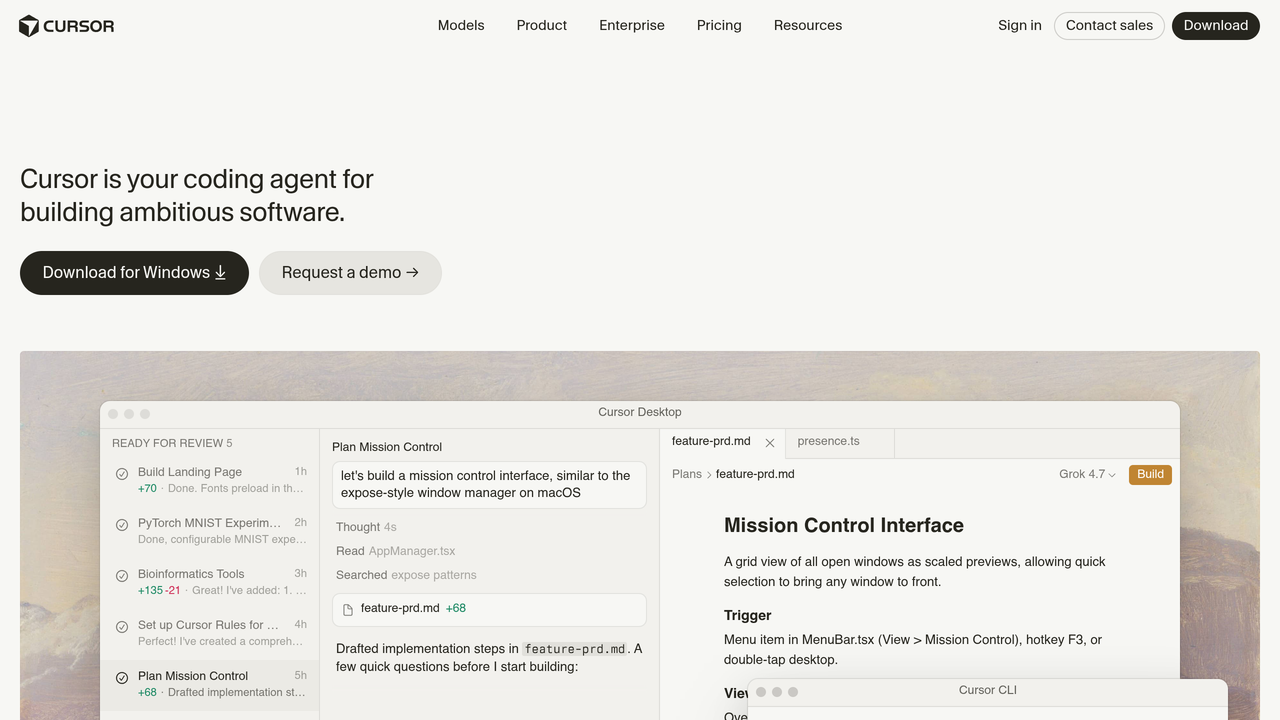
Cursor is a VS Code-based editor where the agent is the main event: multi-file edits, codebase-wide context and a choice of frontier models in one window. Its official pricing page now runs Free at 0 dollars, Plus at 8 dollars a month, Premium at 30 dollars, Super at 100 dollars and Ultra at 200 dollars, with Teams from 30 dollars per user per month. The fine print matters: third-party model usage is not included in those prices and is billed separately by usage. Older advice quoting a 20 dollar Pro plan describes a ladder Cursor no longer sells.
Devin Desktop, formerly Windsurf

The editor most roundups still call Windsurf is now Devin Desktop, sold by Cognition, the company behind the Devin agent. The old windsurf.com address redirects to devin.ai. The free plan carries a light agent quota with unlimited Tab completions and inline edits. Pro costs 20 dollars a month, Max 200 dollars, and Teams runs 80 dollars a month plus 40 dollars per full dev seat. The limit is trust, not features: two ownership changes in a year is a fair reason for a team to read the current terms before a wide rollout.
AI Coding Agents That Work From the Terminal
Claude Code, the terminal agent for hard, messy work
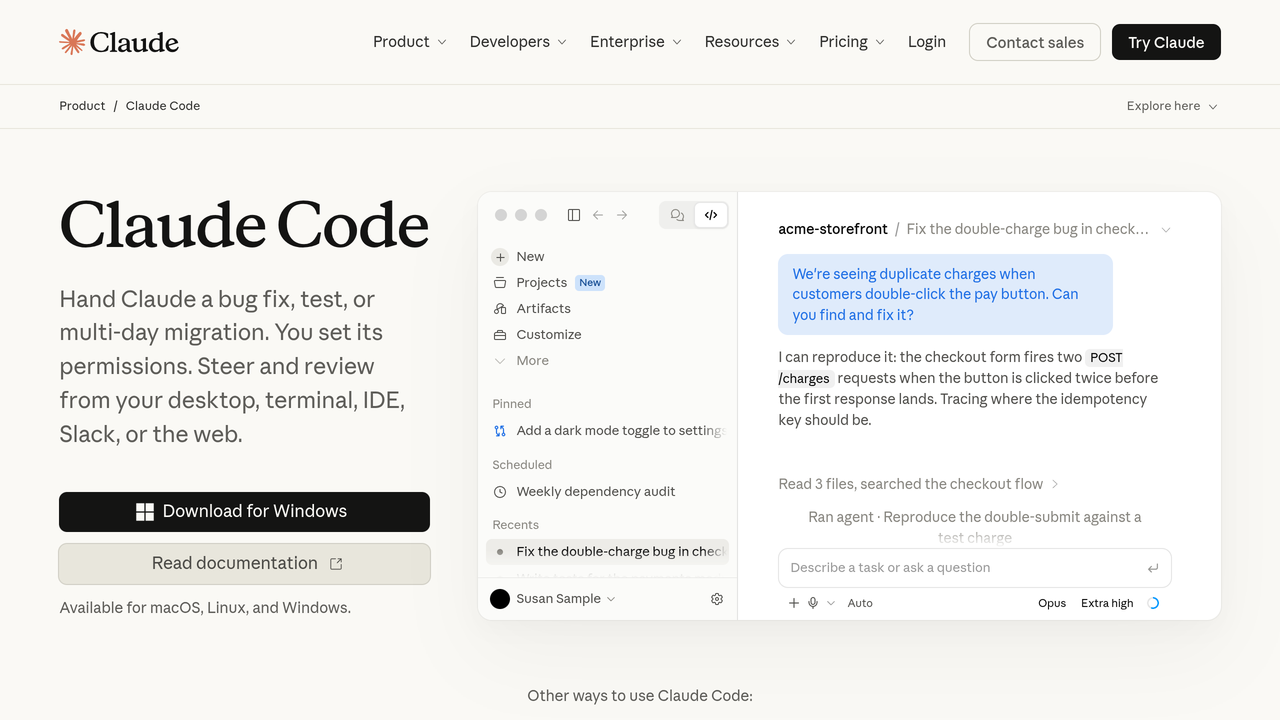
Claude Code runs in your terminal, reads the whole repository, plans the change, edits across files and runs your tests before handing the work back. It also plugs into major IDEs. It is included with Claude plans and draws on the same usage limits: Pro from 17 dollars a month on annual billing, Max at 100 dollars and Ultra at 200 dollars. The honest limit is the shared pool. Agent sessions and Claude chat drink from the same glass, and there is no classic autocomplete, so it pairs with an editor tool instead of replacing one.
OpenAI Codex, for handing off tasks and getting pull requests back
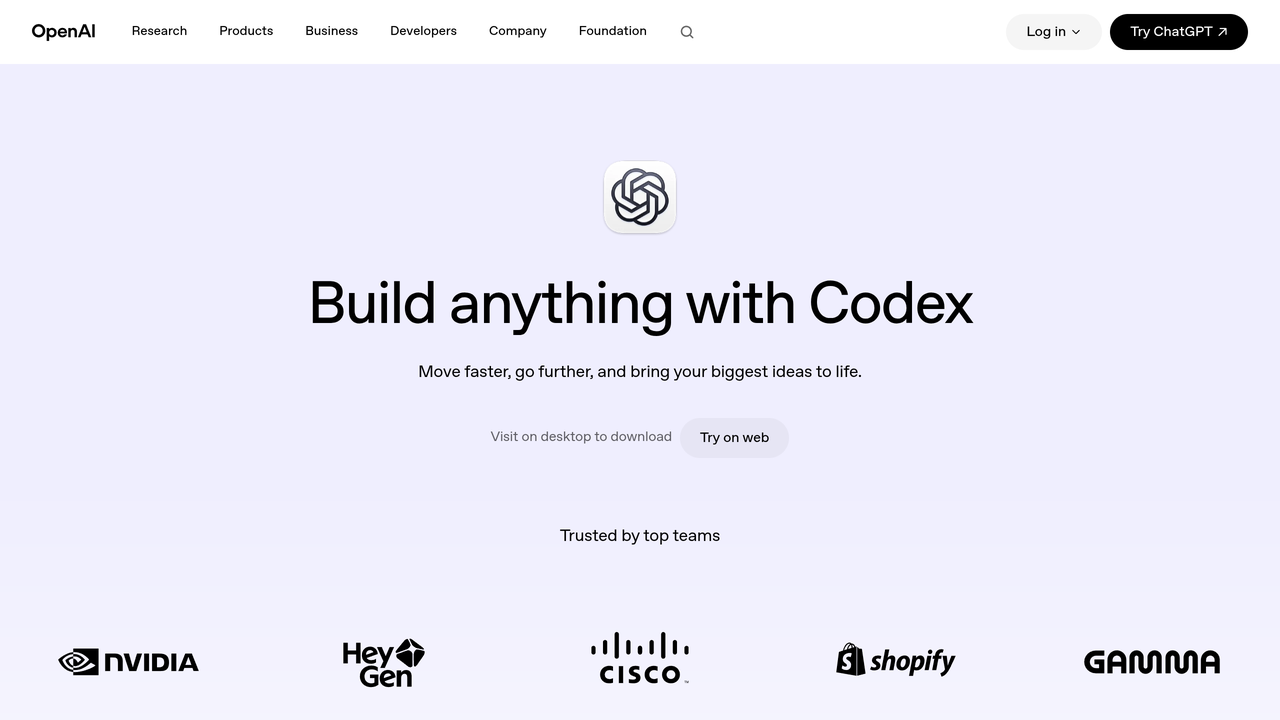
Codex is OpenAI’s coding agent across the cloud, a CLI and IDE extensions. You assign a task, it works in a sandbox, and the result comes back as a pull request to review. It is included with ChatGPT plans: the free tier covers quick coding tasks, a Go plan at 8 dollars a month adds light access, Plus at 20 dollars a month is the realistic entry, Pro starts at 100 dollars, and Business runs 20 dollars per user per month billed annually. The limit is rhythm. Delegation suits well-scoped chores and background work. It is a poor fit for the minute-by-minute pairing an editor tool gives you.
Cline, the open-source agent that runs on your own keys

Cline is an open-source agent that lives in VS Code and works through tasks step by step, asking approval as it goes. Its official pricing page states the deal plainly: free for individual developers, no subscriptions and no seat fees for the extension. You pay only for AI inference, either with your own API keys from the model providers or through the Cline provider. That makes Cline the control pick: your code, your keys, your bill. The limit is setup. You need to be comfortable choosing models and holding your own keys.
Aider, free pair programming in the terminal, built on Git
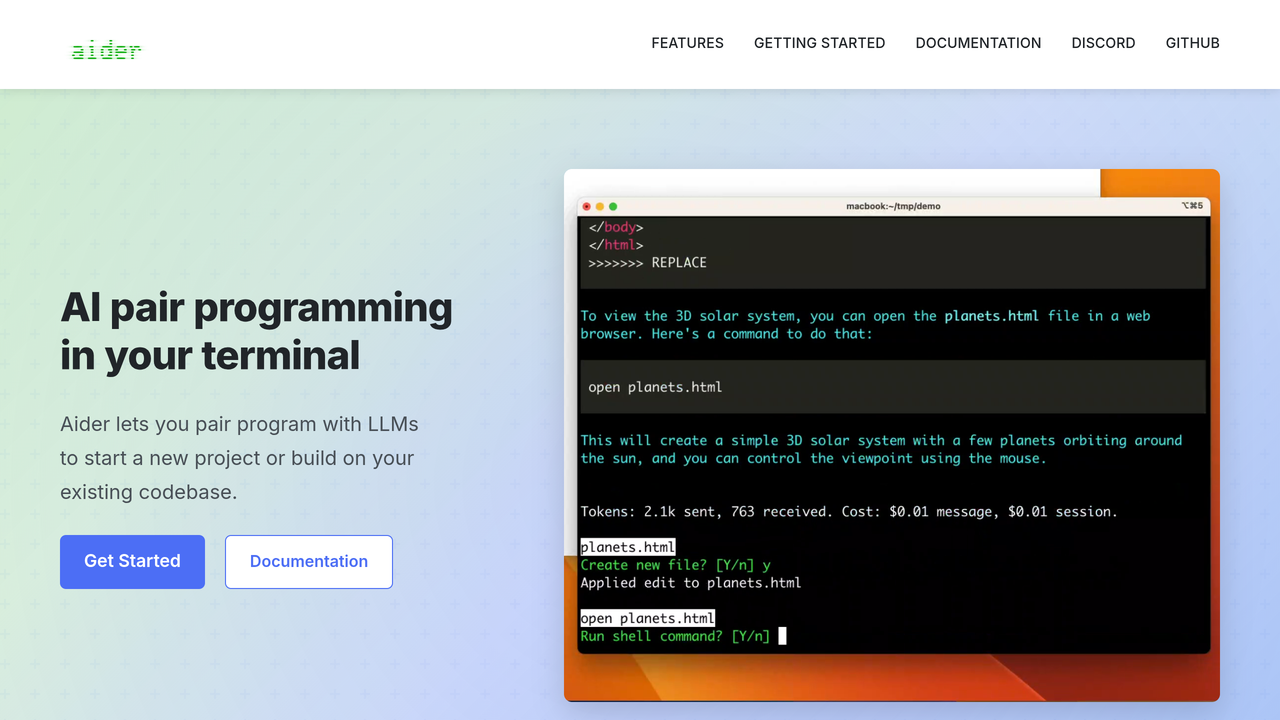
Aider is a free, open-source terminal tool released under the Apache License 2.0. It maps your whole codebase, works with cloud and local models across more than 100 languages, and commits its changes to Git with sensible messages as it goes. The tool itself costs nothing. You pay only your own model usage. For a developer who already lives in the shell and thinks in commits, it is the most natural agent on this list. The limit is the same as the strength: terminal-only, Git-first, and no hosted anything.
The Best AI Coding Tools for Developers Who Want It Hosted
Google Antigravity, the free way to try agent-first coding

Antigravity is Google’s agent-first platform, across an app, a CLI and an agentic IDE of its own. It is also where Google now points users of its older coding assistant. The individual plan is free with no subscription: unlimited Tab completions and Command requests, held in check by basic weekly rate limits. Higher limits ride on Google AI Pro and Ultra subscriptions, and its pricing page prints Gemini Enterprise access from 30 dollars per seat per month. The honest limit is the free meter. Weekly limits suit evaluation and side projects. Daily production work will push you onto a paid Google plan.
Kiro, AWS and its spec-driven answer

Kiro is the AWS-backed IDE built around specs: you set out requirements, design and tasks, and its agents build against that structure. Pricing is credit bundles. The free plan gives 50 credits a month, and a first upgrade to a paid plan adds 500 trial credits. Pro costs 20 dollars a month for 1,000 credits, Pro Plus 40 dollars for 2,000, Pro Max 100 dollars for 5,000 and Power 200 dollars for 10,000, with add-on credits at 0.04 dollars each. The limit is the method. Spec-first work rewards planning and punishes vague prompts, so chat-first developers may find it strict.
Amazon Q Developer, the AWS incumbent on its way out
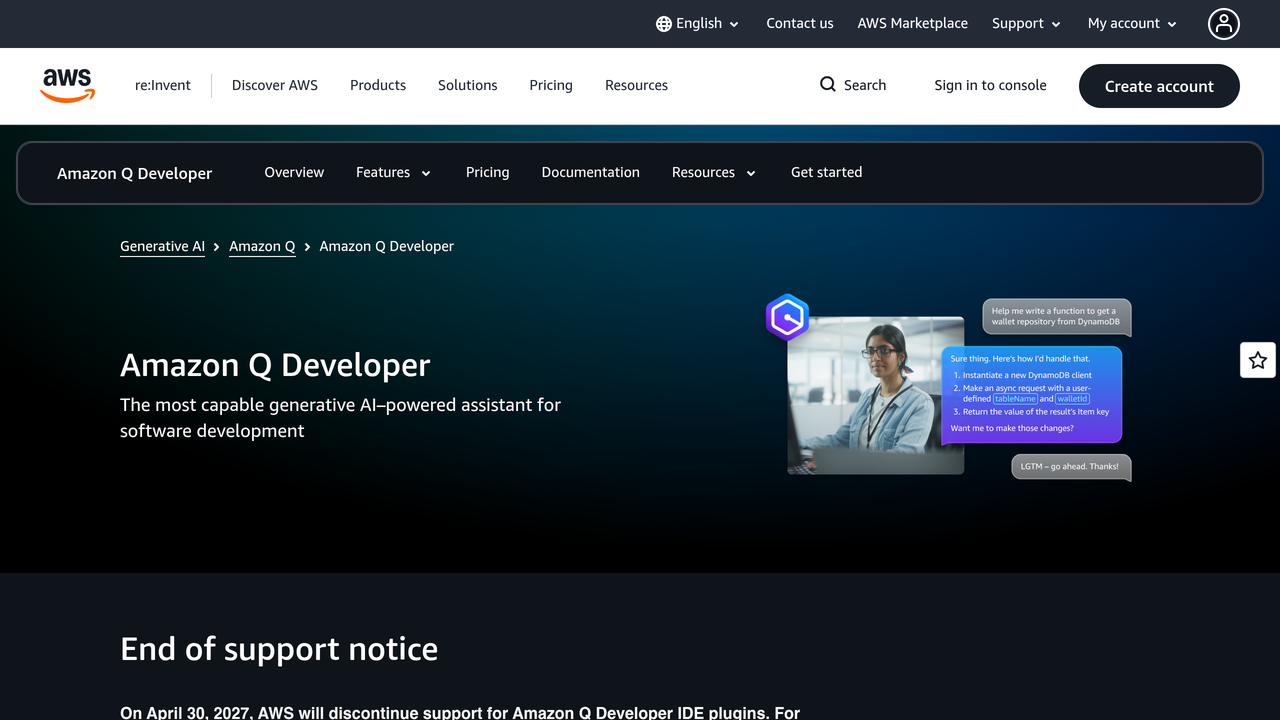
Amazon Q Developer remains the deepest coding help inside the AWS world, with IDE plugins, a CLI and a transformation service for large code upgrades, billed at 0.003 dollars per line of code beyond the included allocation. The free tier costs nothing and Pro runs 19 dollars per user per month. The direction of travel matters: the official Amazon Q homepage now tells IDE users to explore Kiro for the latest models and features, and AWS has set April 30, 2027 as the end of support for the Amazon Q Developer IDE plugins. Treat Q as the incumbent for existing AWS estates and transformation jobs, and evaluate Kiro first for anything new.
Replit, for shipping an app without leaving the browser
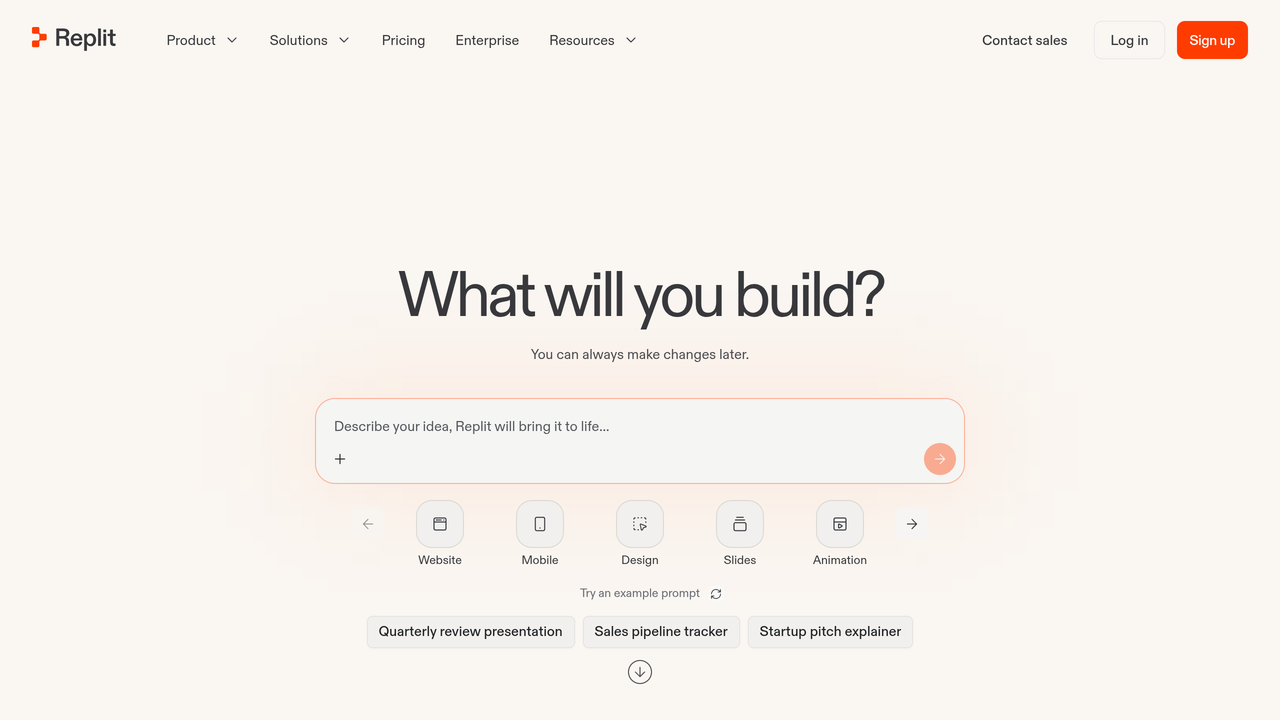
Replit pairs a browser IDE with an agent that builds and deploys. Core costs 20 dollars a month, or 18 dollars billed annually, and includes 20 dollars toward more powerful models. Pro costs 100 dollars a month, or 90 dollars annually, with 100 dollars of model spend included, and Enterprise is custom priced. The pricing page shows Core as the entry plan, with no free tier listed. If your real goal is building from a prompt rather than editing code line by line, compare AI app builders as well. Deep work in a large existing codebase is not Replit’s home ground.
AI Coding Tools Pricing: Credits Changed What Cheap Means
Three billing facts matter more than any sticker price this year. First, the meter moved: Copilot bills agent and chat work in AI Credits, Cursor bills model usage on top of the plan, and Kiro and JetBrains sell credit bundles, so two developers on the same plan can pay very different totals. Second, the subscription you already hold may include the agent: Codex rides inside ChatGPT plans and Claude Code rides inside Claude plans. Third, the open-source tools removed the plan entirely. With Cline or Aider, the tool is free and the only bill is your own model usage at API prices.
| Tool | What you pay | What meters the bill |
|---|---|---|
| GitHub Copilot | From $10 per user/month | GitHub AI Credits for chat and agent work |
| JetBrains AI | From $10/month | AI credits, 1 credit equals $1 of usage |
| Cursor | From $8/month | Plan tier plus model usage billed separately |
| Devin Desktop | From $20/month | Plan tier and agent quotas |
| Claude Code | From $17/month (Claude Pro, annual) | Your Claude plan usage pool |
| OpenAI Codex | From $20/month (ChatGPT Plus) | Your ChatGPT plan usage pool |
| Cline | Free | Your own model inference only |
| Aider | Free | Your own model usage only |
| Google Antigravity | Free to start | Weekly rate limits, then Google AI plans |
| Kiro | From $20/month | Credit bundles, add-on credits at $0.04 |
| Amazon Q Developer | From $19 per user/month | Plan tier plus per-line transformation billing |
| Replit | From $20/month | Plan tier with included model spend |
At GuideAITools we read these figures from each vendor’s official pricing page. The credit systems are why this guide prints the meter next to every price.
Gone or Going: The Names to Stop Shopping For
Cross Tabnine off any list that still ranks it as a buyable coding assistant. Its own domain now serves the Tricentis agentic quality engineering platform, a testing product, and its old pricing address lands on a Tricentis contact page. No coding assistant price could be verified on any official page, so it is not ranked here.
Google has sunset Gemini Code Assist for new buyers. Google’s own sunset notice states that new Standard and Enterprise subscriptions ended on October 9, 2026, the free individual tier stopped serving requests in June 2026, and agentic coding at Google moves to Antigravity, which is ranked above. Existing subscribers keep access until their contracts end, which is the only sense in which the tool still exists.
And one rename to file away: Codeium, the company name behind the original Windsurf editor, is gone entirely. The product survives as Devin Desktop, under its second owner in a year.
How to Choose an AI Coding Tool
Choose in three steps. First, pick the shape: an extension if your editor is home, an AI-native editor if you want the agent in charge of the window, a terminal agent for deep work on an existing codebase, a hosted platform if you would rather review results than watch edits. Second, do the subscription maths. If you already pay for ChatGPT or Claude, try Codex or Claude Code for a week before buying a third bill. Third, check the meter and the privacy terms together.
On Copilot individual plans, GitHub’s own FAQ says interaction data may be used to train models unless you opt out. Business tiers carry no-train terms and IP indemnity. With Cline or Aider, code stays on your machine and the model account is yours.
Our rule at GuideAITools: if your bottleneck is documentation rather than code, look at AI developer documentation tools instead of a second coding agent.
FAQs
What are the best AI coding tools?
For most developers, GitHub Copilot is the safest default and Cursor is the strongest editor-first pick. Claude Code leads for terminal work on large codebases, Codex leads for delegated tasks, and Cline and Aider lead on cost because the tools themselves are free.
What is the difference between an AI coding assistant and a coding agent?
An assistant helps while you drive: completions, suggestions and answers inside your editor. An agent takes a described task, reads the codebase, edits files and runs tests, then hands you a change to review. Many products now bundle both, but the working style is different.
How much do AI coding tools cost per month?
Paid plans cluster between 8 and 30 dollars a month at the entry tier, with heavy-usage tiers reaching 100 to 200 dollars. The catch is metering: credits and model usage now sit under most prices, so your real bill depends on how much agent work you run.
What is the best free AI coding tool?
Cline and Aider cost nothing as tools, though you pay for your own model usage. Google Antigravity offers the most generous hosted free plan, and Copilot, Cursor, Devin Desktop and Kiro all run free tiers with limits.
Is GitHub Copilot still worth it in 2026?
Yes, for developers and teams already on GitHub. It is the cheapest serious entry at 10 dollars per user per month, it works in nearly every editor, and its agent and review features now run inside the same subscription. Just watch the AI Credits meter on heavy agent use.
Do I need Cursor if I already pay for ChatGPT or Claude?
Not automatically. ChatGPT Plus already includes Codex and a Claude plan already includes Claude Code, so run your real tasks through the agent you already pay for first. Cursor earns its extra bill when you want the agent inside a dedicated editor all day.
Can AI coding tools see or train on my private code?
It depends on the plan, not just the tool. Copilot individual plans may use interaction data for training unless you opt out, per GitHub’s FAQ, while business tiers add no-train terms. Open-source tools such as Cline and Aider keep code on your machine, with the model provider terms applying to whatever you send.
Conclusion
Decide by shape first and brand second. Keep your editor and add Copilot or JetBrains AI if you want a faster keyboard. Move to Cursor or Devin Desktop if you want the agent in the window. Live in the terminal with Claude Code, Cline or Aider if the codebase is the job, and delegate to Codex, Antigravity or Kiro when you would rather review results.
Before you pay anywhere, compare the live listings in the GuideAITools AI coding tools category, run one real task on the free tier, and let that test, not a ranking, close the decision.

Related Blog Posts