Best AI API Design Tools in 2026: 11 Tools for Specs, Mocks and Docs
A design flaw caught in review costs you an edit. The same flaw caught after the mobile app ships costs a version bump, a deprecation window, and a support queue full of angry developers. That is why the design tool matters more than the editor it ships in. The best AI API design tools in 2026 are Stoplight for the strongest pure designer, Postman for teams that already live there, and Apidog for small teams.
At GuideAITools we checked 11 tools against their official pricing pages, five-person team costs included. Where a vendor would not publish a figure, we say so plainly.
One split runs through the list. Some tools were built to author specs, and testing came later. Others started as API clients and bolted design on. Neither origin is wrong, but they feel different every day, so we name the origin in every section.
What an API design tool does, and where AI fits
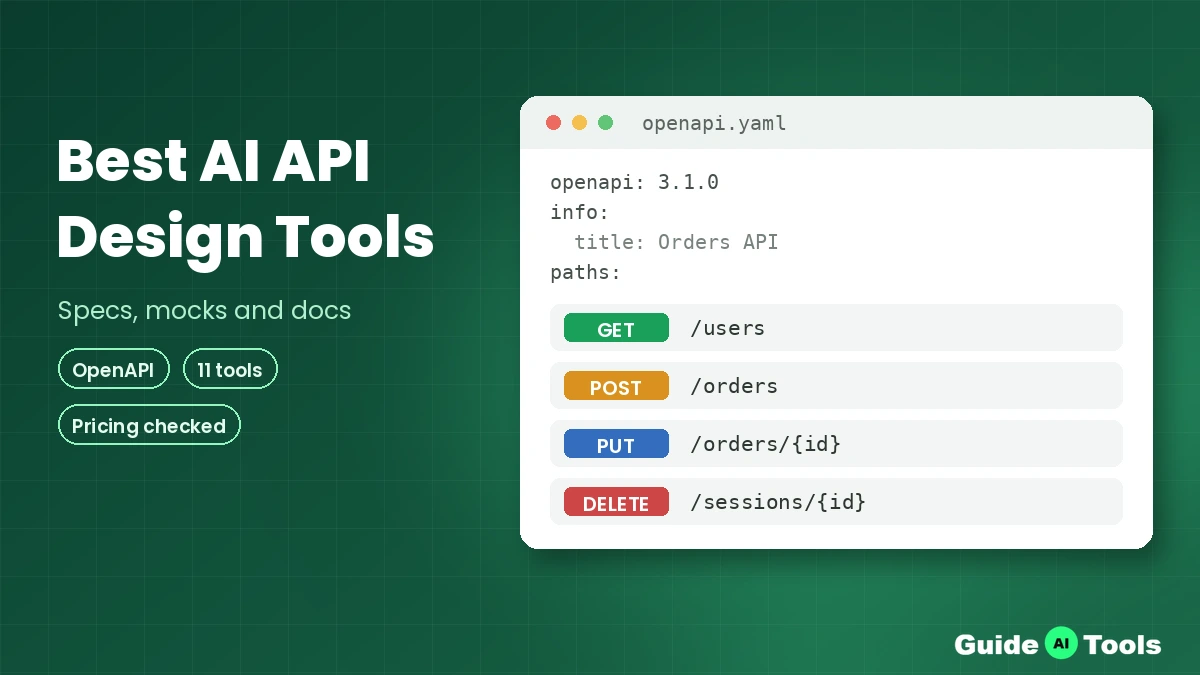
An API design tool is where an API gets described before anyone builds it. You author an OpenAPI Specification or an AsyncAPI file, check it against a style guide, and share it for review. That one description then turns into mock servers, documentation, and client SDKs. The spec becomes the contract every team works from, written in YAML or JSON and structured with JSON Schema. GraphQL teams make the same choices with a different file format.
AI now does four jobs inside these tools. It drafts a first spec from a plain English prompt or an example payload. It lints the draft and fixes common errors, the same work Spectral rules do without AI. It generates tests and mock data from the finished endpoints.
And it drafts the docs and changelogs nobody wants to write. The review step stays human in every tool here. AI writes the first pass, a person approves it.
You will also hear two working styles. Design-first development, often called contract-first development, starts with the spec and builds the code to match it. Code-first starts with the code and generates the spec afterwards. Design-first costs more effort in week one and saves painful arguments in month six, a trade-off that shapes most of what we cover in our guide to AI in software development.
How we picked the best OpenAPI design tools for this list
Every tool here designs or documents APIs as its core job, not as a side feature inside a code editor. Each one needed a public pricing page or an official price source we could check.
We weighted spec authoring quality, governance controls like style guides and breaking change detection, mock and docs output, and whether the AI features map to real work or sit in a corner as a chatbot.
Prices were verified from official pricing pages, and the billing unit travels with every figure, because per seat, per workspace, and per project pricing punish different teams. One honest note: Speakeasy no longer publishes a self-serve price for its SDK plans, so its section says so instead of repeating a figure the vendor has taken down. The full shelf sits in our AI API design tools category on GuideAITools.
The 11 best AI API design tools, compared
Postman – best all-round platform for teams that already test in Postman
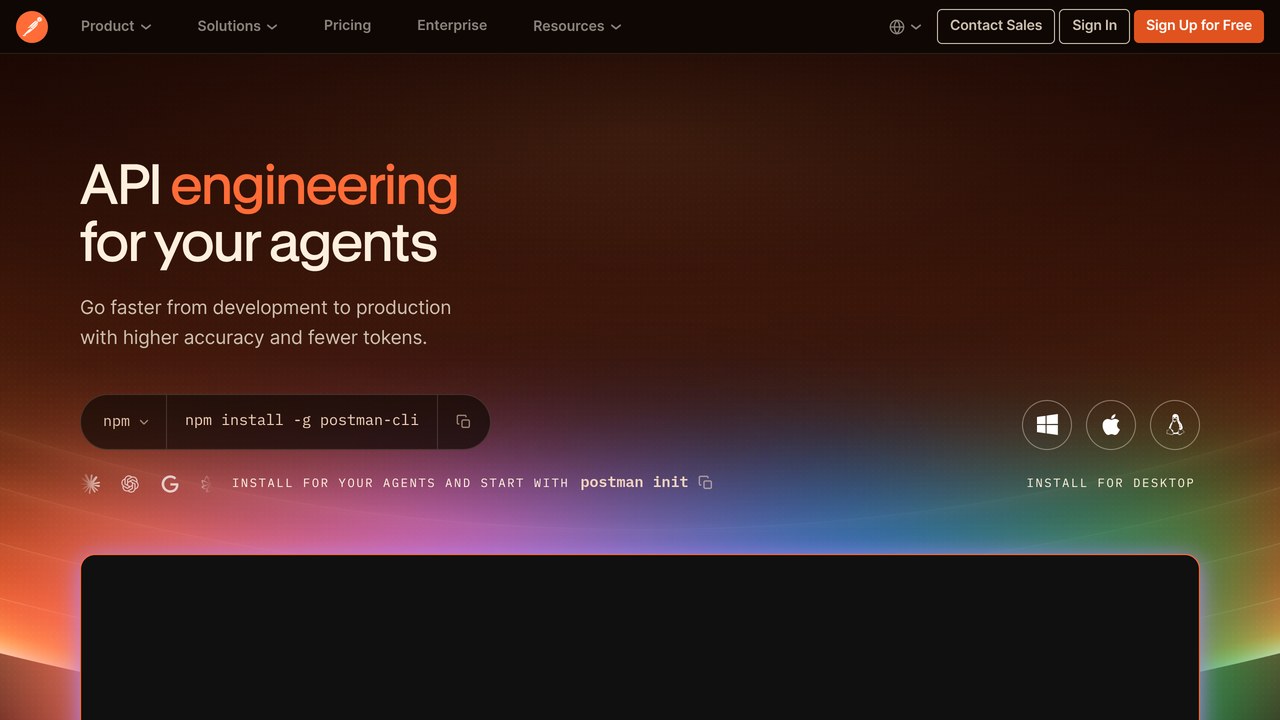
Postman started test-first and grew a real design layer, so the spec, the tests, and the docs now live in one workspace. Its Spec Hub editor authors OpenAPI files next to the collections your team already runs. Postman AI, the assistant that replaced Postbot, drafts specs and tests from prompts. Hosted mock servers spin up from a collection in a few clicks.
The catch is weight. Small teams pay for a platform when they only needed an editor, and AI credits are metered per plan. Pricing: free plan, Solo at $9 per month billed annually, Team at $19 per user per month billed annually.
Stoplight – best visual OpenAPI design and governance
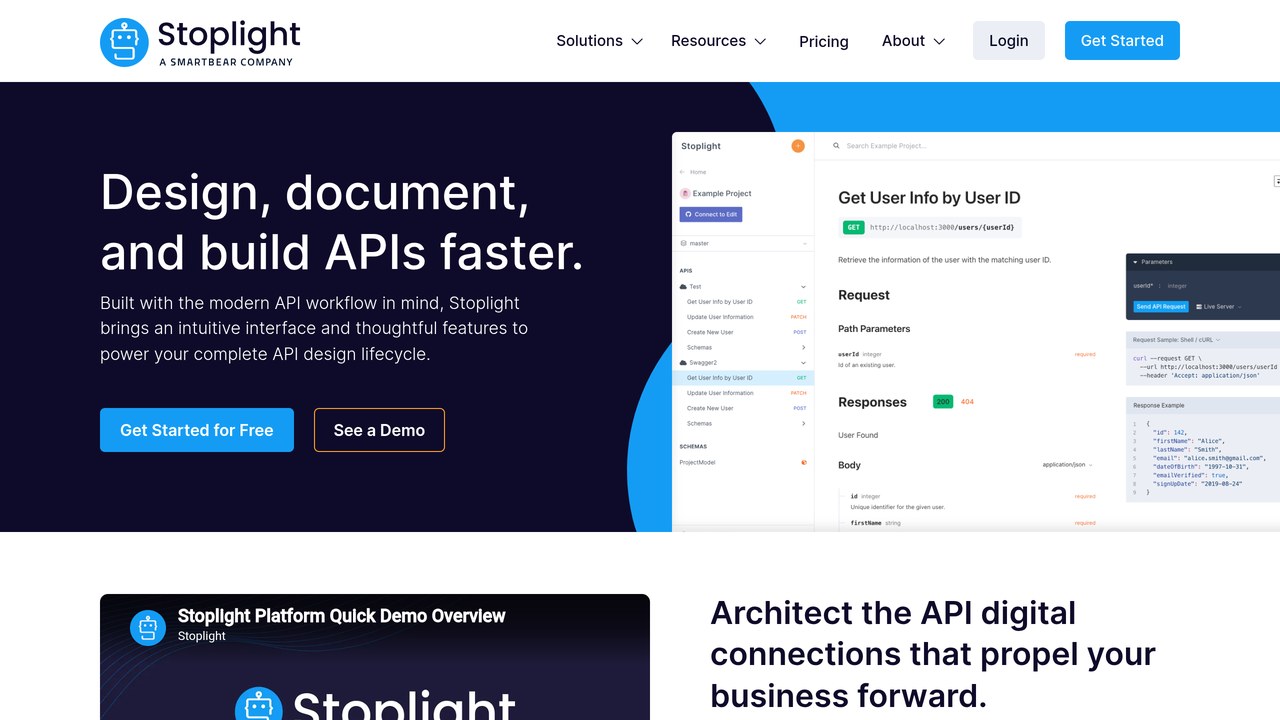
Stoplight is the design-first pick. Its visual form editor lets a product manager shape an endpoint without reading YAML, while the code view stays one toggle away. Style guides run on Spectral, the open-source linter Stoplight maintains, so naming rules get checked as you type. The Prism mock server returns responses straight from your spec, with request validation on.
Two things to know. SmartBear owns Stoplight, and the old Stoplight Studio desktop app has had no release since February 2024, so the hosted platform is the product to buy. Pricing: free for one user and one project, Basic at $44 per month billed annually, first three users included, extra users $11 per month.
Apidog – best value all-in-one for small teams
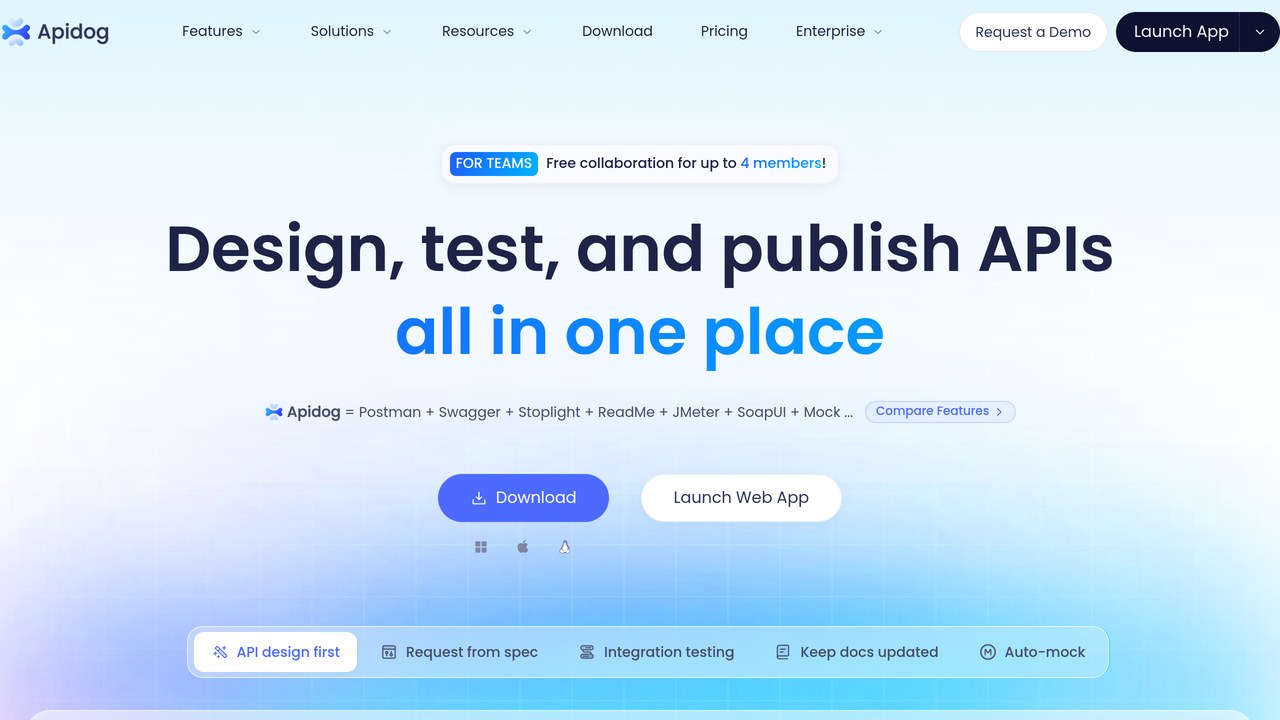
Apidog puts the visual spec editor, the client, automated tests, and docs in a single app, which is why small teams keep landing on it. The smart mock generates readable data from your schemas instead of empty placeholders, and the AI help covers spec drafting and doc writing in the same window. Nothing needs exporting to a second tool just to share a working endpoint.
The trade-off is maturity. The governance layer is thinner than Stoplight or SwaggerHub, and the track record with enterprise buyers is shorter. Pricing: free for up to four users, Basic at $9 per user per month, Professional at $18 per user per month.
SwaggerHub – best for enterprise OpenAPI governance and shared domains
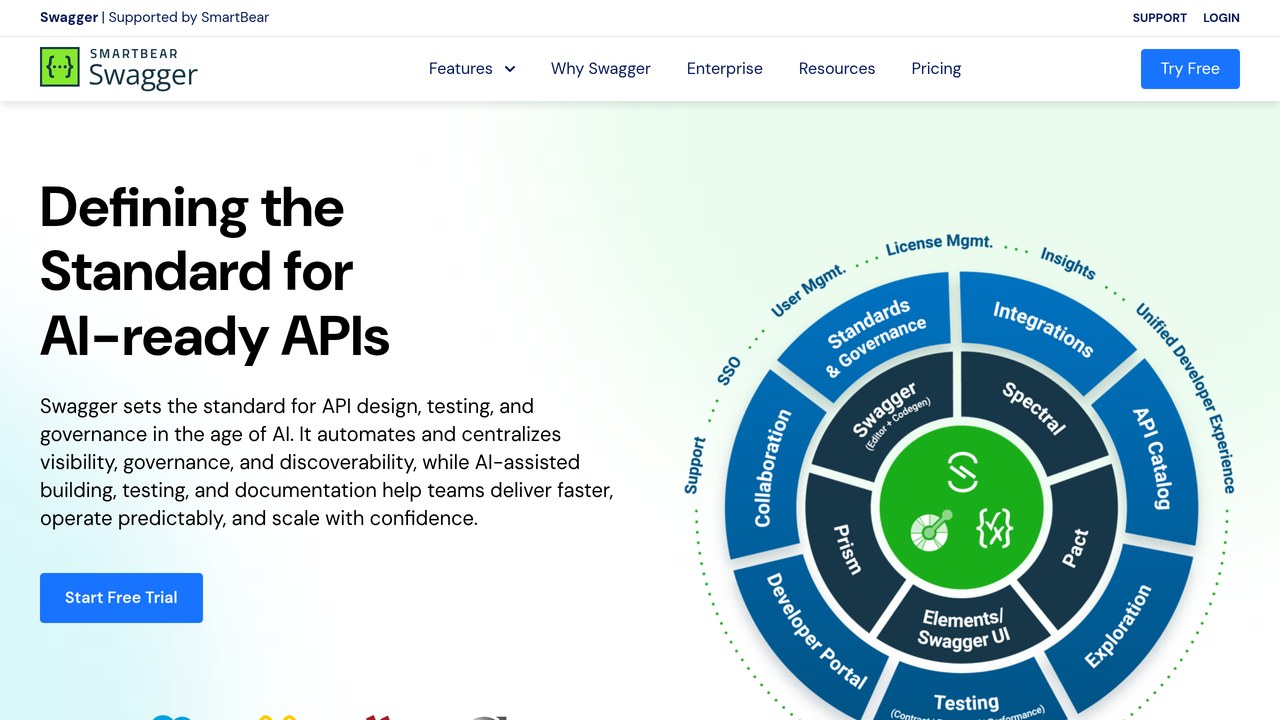
SwaggerHub is the hosted home of the Swagger toolset, built for companies where dozens of teams publish APIs under one set of rules. Shared domains hold reusable components, so a standard error response gets defined once and referenced everywhere. Style guide checks and versioning controls run at workspace level, and AI drafting help sits inside the editor your architects already know.
It is also the heavyweight option, and SmartBear owns both SwaggerHub and Stoplight, so the two overlap more every year. Pricing, served in euros on the official page: Individual at EUR 21.20 per user per month billed yearly, Team at EUR 32.34, Enterprise at EUR 54.68.
Insomnia – best light design plus client setup for solo developers
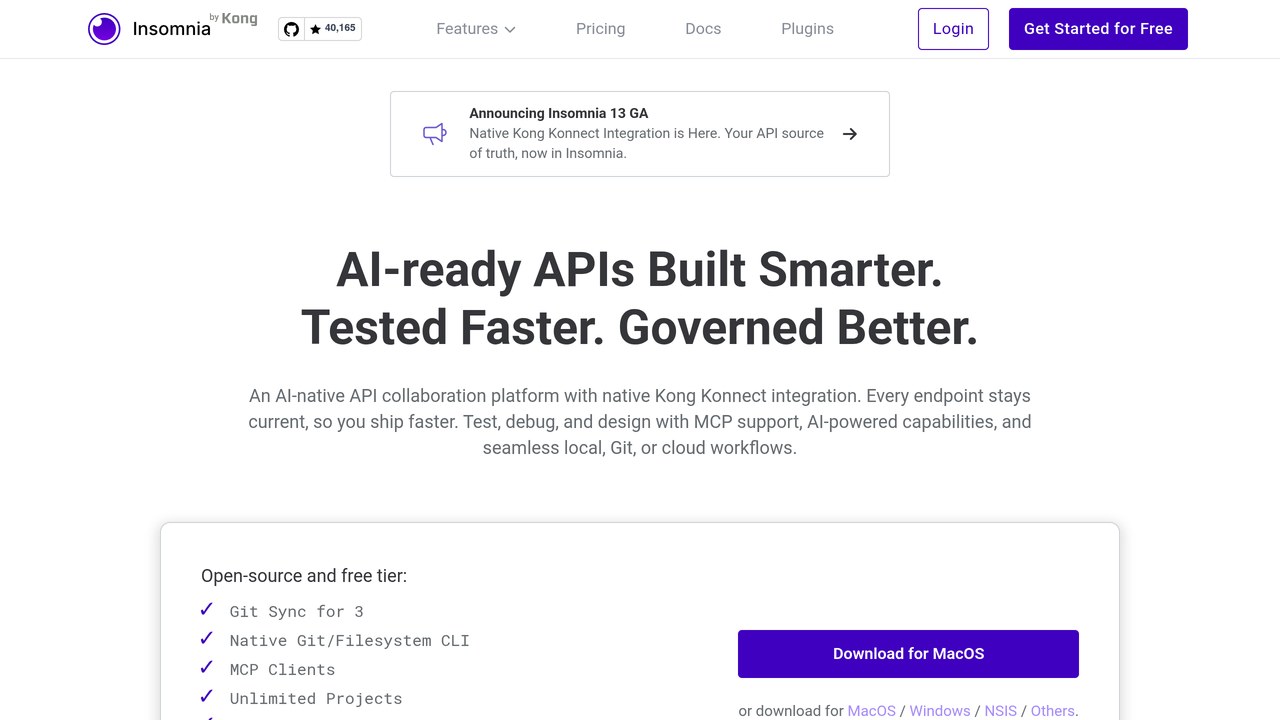
Insomnia, owned by Kong, keeps design tools inside a fast client that starts in seconds. You write the OpenAPI spec in the editor, lint it with custom rules, then send requests against the same file without switching apps. Git sync keeps the spec in your repo, and hosted mocks cover the front-end team while the backend catches up. The AI features are quality-of-life help rather than a headline act.
The limit is scope. There is no docs portal and no real governance layer, so it serves individuals and small teams better than API programs. Pricing: Essentials is free, Pro at $12 per user per month, Enterprise at $45 per user per month.
Speakeasy – best for turning a finished spec into production SDKs
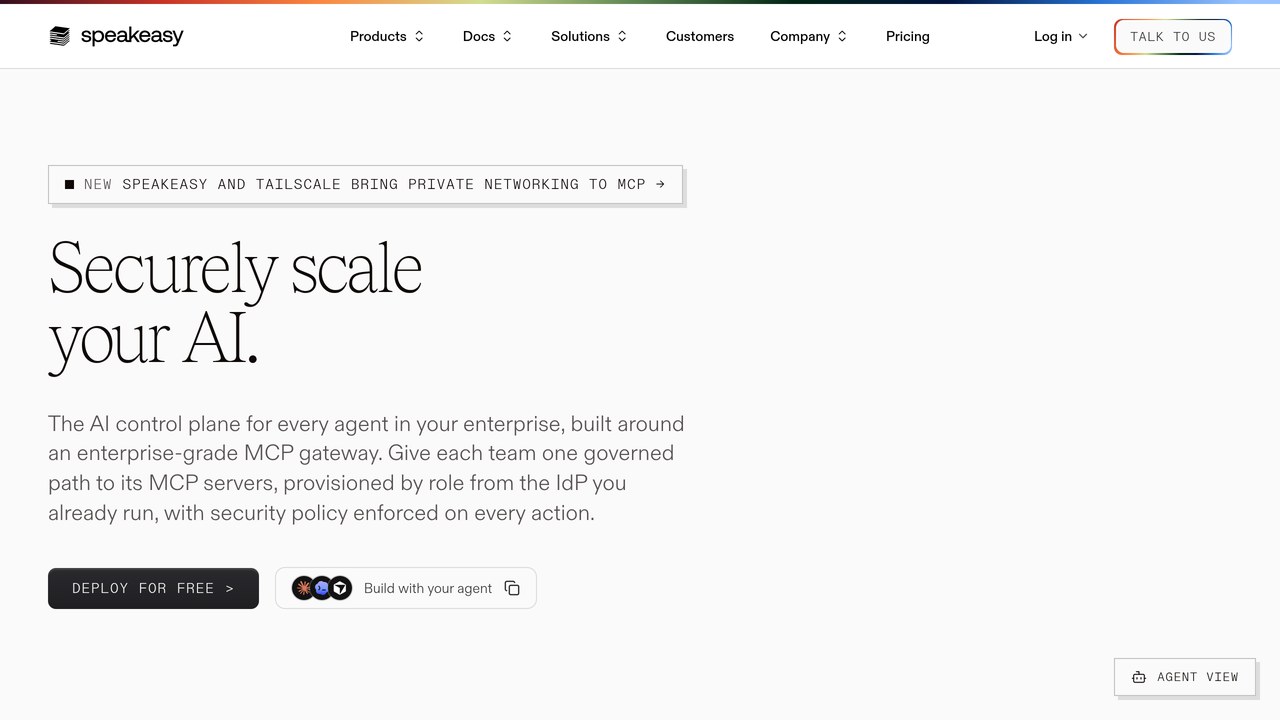
Speakeasy does one job and does it properly: it turns your OpenAPI spec into typed, published SDKs across ten languages, then keeps them updated as the spec changes. The spec stays in your repo and the CLI cleans up common spec problems before generation. Teams comparing it with general AI coding tools should note the difference. This is not an assistant that writes app code. It is a publishing pipeline for client libraries.
The pricing picture changed this year. The generator was open-sourced under the AGPL licence in September 2026, the free tier still covers one SDK, and hosted paid plans are now tailored enterprise deals with no published figure. Budget talks start with a sales call.
Redocly – best docs-as-code portals with linting built in
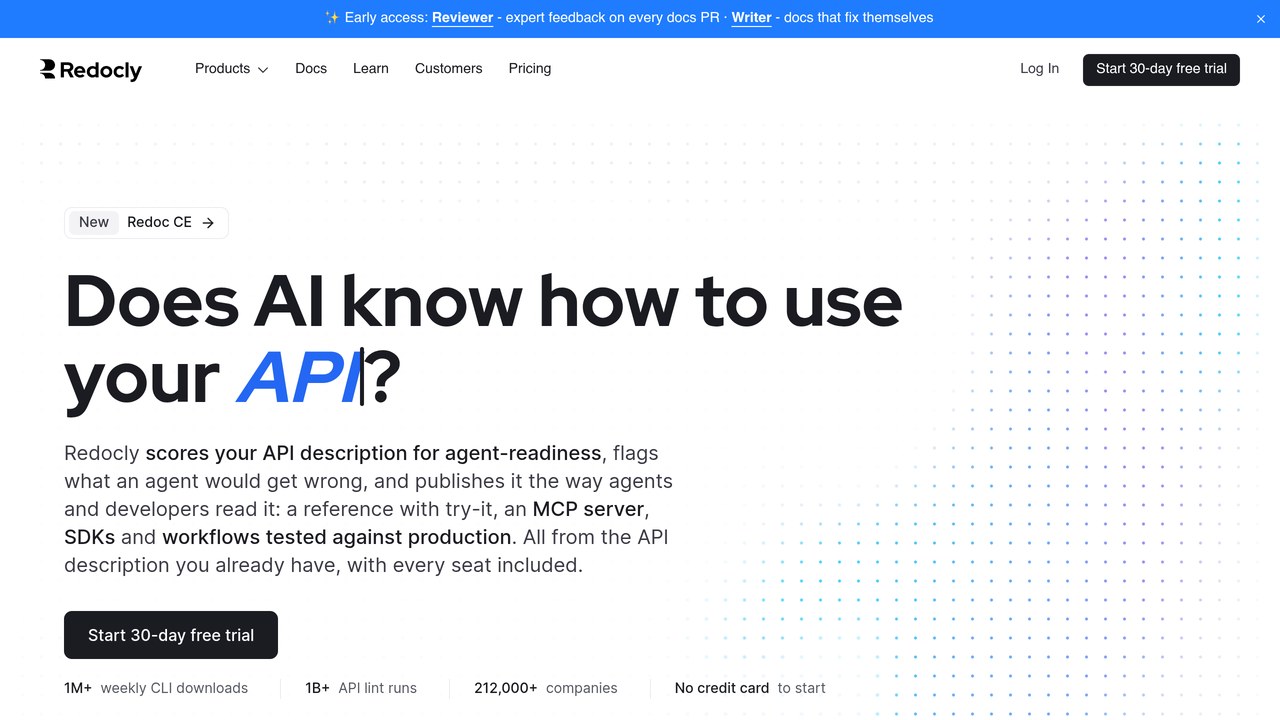
Redocly treats your docs like software. The spec and the guides live in Git, every pull request gets a preview, and built-in linting scores each change before it merges. The portal renders OpenAPI, GraphQL, and AsyncAPI references side by side, with a mock server generated from the description. Its AI assistant answers readers from your own docs, and Redocly Agent reviews doc pull requests.
The catch is the entry price and the shape of the bill. There is no free plan, and you pay per project rather than per person. Pricing: Pro at $249 per month billed annually with unlimited seats and three projects, Scale at $729 per month billed annually.
ReadMe – best interactive developer hub for a public API
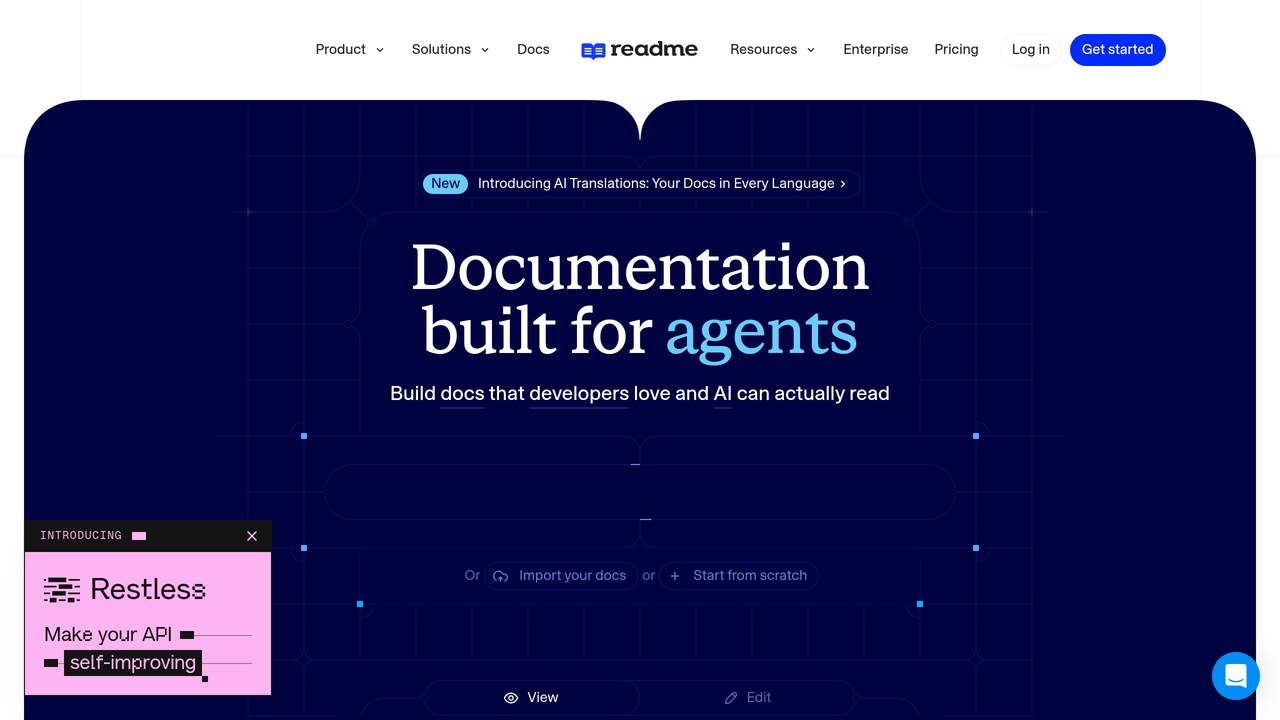
ReadMe is the developer portal your customers actually read. You import a spec and get an interactive reference where developers run live calls, grab code samples, and read the guides around them. The AI linter and AI writer keep the prose consistent as the hub grows, and the Ask AI add-on answers reader questions from your content. Changelogs, recipes, and forums sit in the same hub.
It is a publishing tool, not a design tool. Your spec gets authored somewhere else, and the per-project bill adds up across many small APIs. Pricing: Starter is free, Pro at $250 per month billed annually, Ask AI add-on at $150 per month.
Bruno – best offline, Git-native option with no account at all
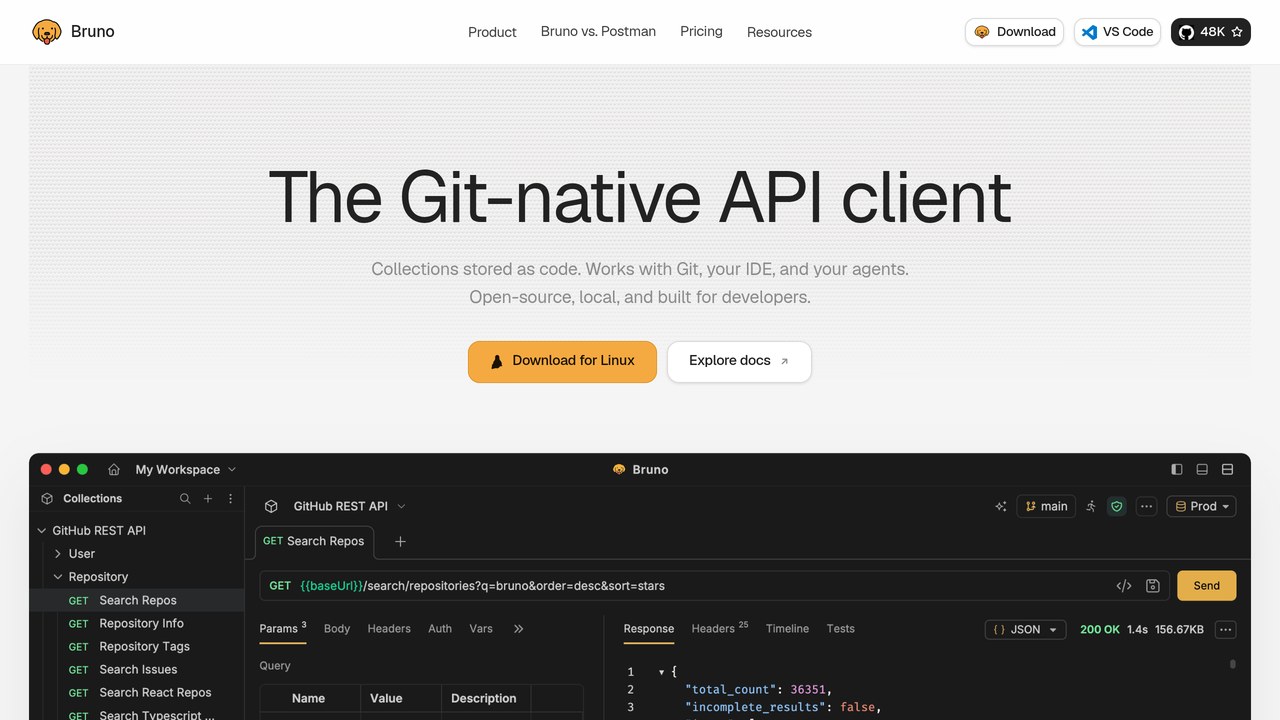
Bruno stores your collections as plain files in your repo and works fully offline. There is no account, no login, and no vendor cloud holding your specs, which is why developers who distrust hosted tools keep recommending it. It imports OpenAPI files, syncs changes both ways, and generates a spec back from a collection when you started code-first. The AI assistant arrives with the paid tiers.
The limits match the philosophy. There are no hosted mocks and no published docs portal, and collaboration means Git discipline rather than a shared workspace. Pricing: the open-source edition is free, Pro at $6 per user per month billed annually, Ultimate at $11, Enterprise at $18.
RapidAPI – best for finding, testing and publishing APIs in one hub
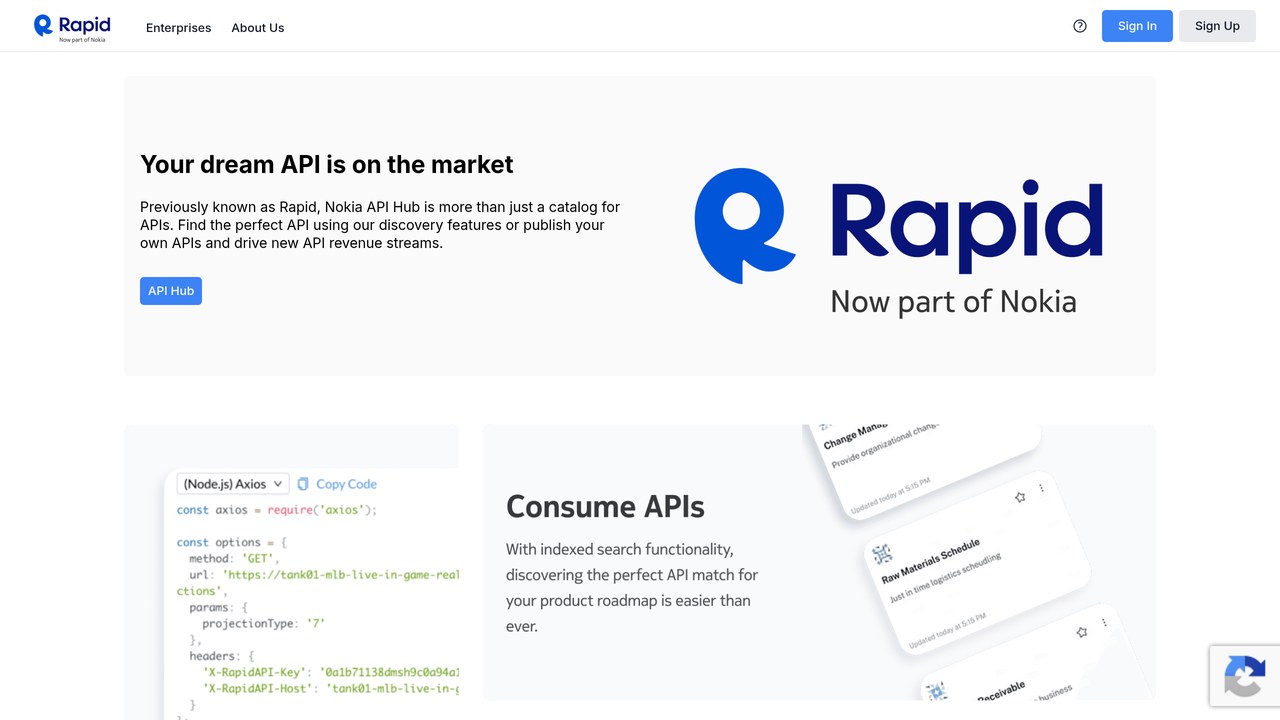
RapidAPI is the marketplace play. Your team finds third-party APIs, tests them in the hub, and publishes its own APIs to the same audience, with keys, plans, and billing handled by the platform. Design and testing tools sit inside the hub, so a provider can go from spec to a listed, monetised API without stitching services together. AI search helps buyers find the right API in a catalogue of thousands.
As a pure design environment it is shallower than Stoplight or SwaggerHub, and the enterprise platform price is a sales conversation. Pricing: the public hub is free to join and each listed API sets its own plan, while the enterprise platform is custom.
Apigee – best enterprise API management with published usage pricing
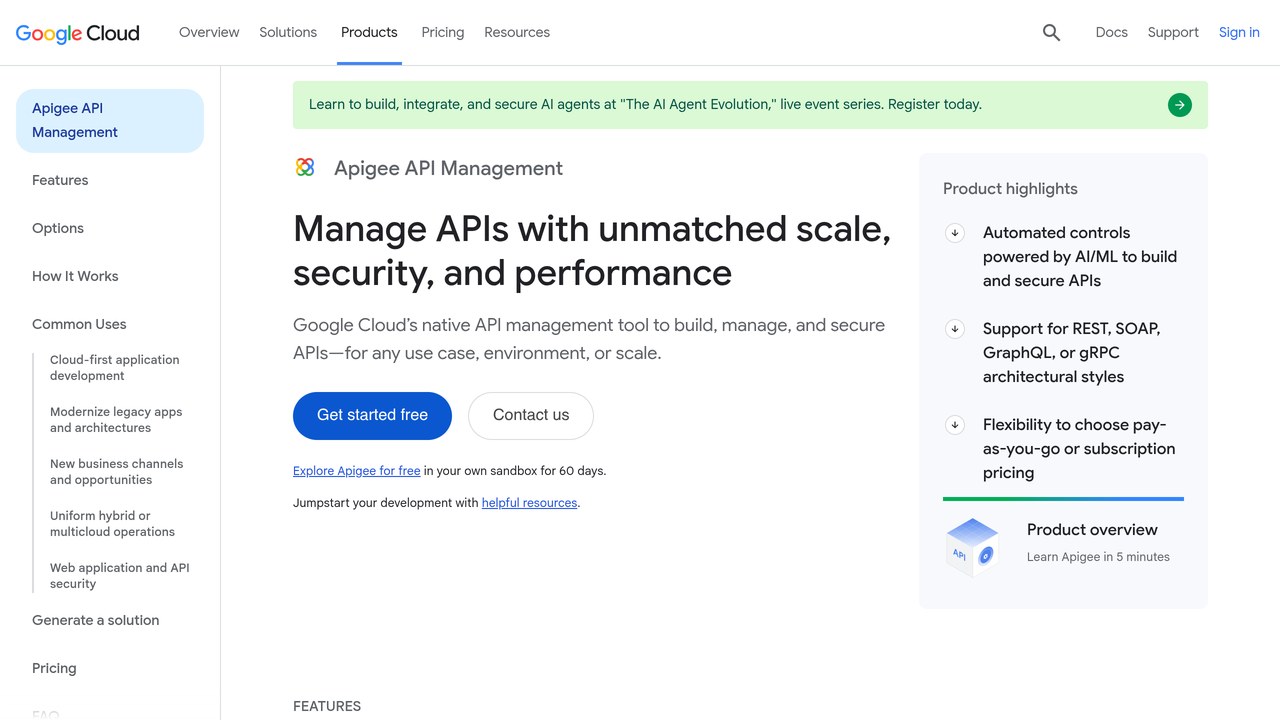
Apigee is Google Cloud’s API management platform. Design here means API Hub registration, proxy design, and governance across the whole API lifecycle, not one team’s spec editor. It earns its place for one rare reason: an enterprise vendor that publishes real usage prices. AI insights ride on the wider Google Cloud stack, and Model Context Protocol (MCP) support matters now that agents consume APIs directly.
Be honest about fit. A five-person startup does not need Apigee, and the per-region environment bill starts where the other tools on this page end. Pricing: pay as you go, Base environment at $365 per month per region, Standard API proxy calls at $20 per million calls.
AI API development tools at a glance
Short on time? This table lines the 11 tools up by the job they do best, whether a mock server is included, and the verified starting price with its billing unit.
| Tool | Best for | Design style | Mock servers | AI help | Starting price (verified) |
|---|---|---|---|---|---|
| Postman | All-round team platform | Spec Hub editor inside a test-first platform | Yes, hosted | Spec and test drafting, Postman AI assistant | Free, Solo $9/mo billed annually |
| Stoplight | Visual design and governance | Visual form editor, design-first | Yes, Prism based | Spec drafting help, style guide checks | Free, Basic $44/mo billed annually |
| Apidog | Small team value | Visual editor, design and test in one app | Yes, smart mock | AI spec and doc help | Free, Basic $9/user/mo |
| SwaggerHub | Enterprise governance | Hosted OpenAPI editor, design-first | Via separate tools | AI spec drafting in Swagger tooling | Individual EUR 21.20/user/mo billed yearly |
| Insomnia | Solo developers | Spec editor inside a fast client | Yes, hosted mocks | AI quality-of-life features | Free, Pro $12/user/mo |
| Speakeasy | SDK generation | Spec stays in your repo, CLI driven | No hosted mock focus | Spec cleanup for generation | Free tier, paid pricing not published |
| Redocly | Docs-as-code portals | Git workflow, CLI linting | Yes, from the spec | AI assistant for doc readers, agent reviews | Pro $249/mo billed annually, no free plan |
| ReadMe | Public API hubs | Import a spec, publish a hub | No | AI linter, AI writer, Ask AI add-on | Free, Pro $250/mo billed annually |
| Bruno | Offline Git-native work | Plain files in your repo | No hosted mocks | AI assistant in paid tiers | Open source free, Pro $6/user/mo billed annually |
| RapidAPI | API catalogue and publishing | Hub based design and testing | Basic | AI search and testing help | Hub free to join, enterprise custom |
| Apigee | Enterprise API programs | API Hub and proxy design in Google Cloud | Yes, via Apigee tools | AI insights in the Google Cloud stack | Base environment $365/mo per region |
What a five-person team actually pays
Starting prices hide the real comparison, because the billing units differ. A per-seat tool taxes every new hire. A per-project tool taxes every new API. A per-language tool taxes every platform your users code in. Here is the same five-person team priced against each model, on annual billing, using only the figures verified for this article.
| Tool | Billing unit | Five-person team cost |
|---|---|---|
| Bruno Pro | Per user | $30/mo |
| Apidog Basic | Per user | $45/mo |
| Insomnia Pro | Per user | $60/mo |
| Stoplight Basic | Workspace, first 3 users included, $11 per extra user | $66/mo |
| Apidog Professional | Per user | $90/mo |
| Postman Team | Per user | $95/mo |
| SwaggerHub Team | Per user, billed yearly | EUR 161.70/mo |
| Redocly Pro | Per project, seats unlimited | $249/mo flat |
| ReadMe Pro | Per project | $250/mo flat |
| Speakeasy | Per SDK language | Not published, tailored enterprise deals |
| RapidAPI Enterprise | Custom | Quote only |
| Apigee | Per region plus per call | From $365/mo per region before call charges |
Read the shape, not just the number. Redocly and ReadMe look expensive for five people and cheap for fifty, because seats are unlimited. Per-seat tools look gentle today and grow with every hire. Neither shape is a trap, but picking the wrong one for your growth pattern is.
API mocking tools, docs portals and design platforms: how to choose
Start from your team shape, not the feature list. A solo developer needs speed and Git, so Insomnia or Bruno covers the job for almost nothing. A small product team needs design, tests, and docs in one place, so Apidog or Postman ends the tool hunt. A design-first shop running many APIs needs governance more than another editor, so Stoplight or SwaggerHub earns the higher bill.
A public API lives or dies on adoption. ReadMe or Redocly gives outside developers a portal worth reading, and Speakeasy decides the deal if polished SDKs are what your users ask for. An enterprise program already on Google Cloud can fold design governance into Apigee instead of buying a second platform. The surrounding workflow matters too, from the AI DevOps assistant tools that ship the API to the monitoring that watches it in production.
Every listing behind this roundup sits in the GuideAITools directory with its own detailed page.
When API documentation tools matter more than design features
If your spec is stable and your problem is adoption, a better portal returns more than a better editor. Developers judge your API by the docs they read at midnight, not by the tool your architects used in March. That is the moment to look at dedicated AI developer documentation tools and spend on the reading experience. If the problem runs the other way, with specs drifting and teams inventing their own field names, fix the design layer first and let the portal wait.
FAQs
What is an AI API design tool?
It is software for describing an API before it gets built, with AI helping along the way. You author an OpenAPI or AsyncAPI description, check it against a style guide, and publish mocks and docs from the same file. The AI drafts, lints, and writes first-pass documentation, while a human still approves the result.
Can AI generate an OpenAPI spec from a plain English description?
Yes, in every serious tool on this list. You describe the endpoints in plain words or paste an example payload, and the AI returns a structured draft with paths, parameters, and schemas. Treat it as a fast first draft. Naming, error responses, and auth flows still need a human pass before the spec becomes a contract.
Which API design tools are free?
Postman, Stoplight, Apidog, Insomnia, ReadMe, and Speakeasy all have free tiers, and Bruno’s open-source edition is free. Redocly is the exception here, with a trial instead of a free plan. Free tiers suit solo work and evaluation. Teams usually hit the collaboration or governance ceiling first.
What is the difference between design-first and code-first API development?
Design-first starts with the spec. Frontend, backend, and docs teams all build against the agreed contract, and changes get debated before code exists. Code-first starts with the implementation and generates the spec from annotations or traffic. Code-first is faster for a quick internal API. Design-first holds up better when other teams or outside developers depend on you.
Do API design tools include mock servers?
Most of them do. Stoplight’s Prism, Postman, Apidog, Insomnia, and Redocly all serve mocks from the spec, returning example or generated data so client teams can build before the backend lands. Bruno and ReadMe are the gaps on this list. Bruno stays offline by design, and ReadMe expects the API to exist behind its portal.
How much does an API design tool cost for a small team?
For a five-person team on annual billing, the verified range here runs from $30 per month for Bruno Pro to $95 for Postman Team, with Stoplight at $66 and Apidog at $45. Per-project portals sit higher, at $249 to $250 flat. The full breakdown sits in the five-person team table above.
What is API governance in an API design tool?
Governance is how a company keeps many APIs consistent without reviewing every file by hand. The tool enforces a shared style guide through linting, flags breaking changes before they ship, and routes big changes through approvals. Stoplight and SwaggerHub lead on it here. Solo developers can ignore governance until a second team starts publishing.
Conclusion
Pick by the shape of your team. Solo and offline-first developers should start with Bruno or Insomnia. A small product team gets the most design help per dollar from Apidog, and teams already testing in Postman should stay there. Design-first shops with many APIs belong on Stoplight or SwaggerHub, and public APIs deserve a ReadMe or Redocly portal in front of them.
Every pick above is listed on GuideAITools with its pricing checked at the source. Before you pay anyone, take one real spec from your own backlog, run it through your design-first pick and your all-round pick, and see which review conversation your team would rather have every week.

Related Blog Posts