12 Best AI Face Swap Tools in 2026

The best AI face swap tool for most people is DeepSwap for video and AIFaceSwap for photos. DeepSwap handles clips up to 30 minutes on a $9.99 first month. AIFaceSwap swaps photos for free, with no account and no watermark. Your pick changes if you stream live, work on a phone, or refuse to upload your face to a server. The 12 tools below are ranked with prices checked on their official pages.
Quick answer
- Best for video: DeepSwap, $9.99 for the first month, clips up to 30 minutes
- Best free photo swaps: AIFaceSwap, free with no login and no watermark
- Best on a phone: Reface, the app most people already have
- Best for serious production: Akool, plans from $12 a month with 4K and 8K video
- Best for privacy: FaceFusion, free software that runs on your own machine
- Best for live streaming: Swapface, the only tool here built for live swaps
What Is an AI Face Swap Tool?
An AI face swap tool takes a face from one photo or video and puts it onto another. You upload a target image, then a face, and the software maps the new face onto the head in the target. It matches skin tone, lighting and angle as it works.
The first face swap apps were party tricks. The current ones are work tools. Creators restyle old footage. Small brands put one presenter into ten ad variants. Teachers appear in training clips they never filmed. The same software also carries real risk when someone uses a face without permission, which is why this guide covers consent and privacy alongside prices.
On GuideAITools, face swap sits inside the wider image tools category, next to image generators and editors. A swap tool is narrower than those. It does one job, changing who appears in a picture or clip, and the tools differ mostly in how they charge for it and what the free tier really gives you.
| Tool | Best for | Free plan truth | Starting price |
|---|---|---|---|
| DeepSwap | Video face swaps | No free plan | $9.99 first month |
| AIFaceSwap | Free photo swaps | Free, no watermark, no login | $6.99 credit pack |
| Reface | Phone users | Limited swaps, watermark, ads | $2.49/week in app |
| Akool | Production teams | No free plan on the pricing page | $12/month |
| Magic Hour | Mixed media work | Free signup, paid plans carry the credits | $19/month |
| FaceFusion | Privacy and control | Free open source software | Free, optional paid installer |
| Swapface | Live streaming | 10 image and 10 video uploads a day | $39/month Pro |
| Remaker AI | Occasional swapping | Free to try, credits after that | $5.99 credit pack |
| Pica AI | Swaps plus headshots | 4 credits a day, watermarked | $9.99/month |
| Vidnoz | Swaps inside a video platform | Face swap tool is free to use | $26.99/month platform plan |
| FaceSwapper | Quick browser swaps | Fully free right now, paid plans unavailable | Free |
| Artguru | Swaps inside a photo suite | 2 trials a day, watermarked | $9.99/month |
The 12 Best AI Face Swap Tools
DeepSwap

DeepSwap is the name that comes up whenever video enters the conversation, and it earns that spot. Photos and GIFs work fine here, but the reason to pay is video. Paid accounts swap faces in clips up to 30 minutes long, in HD, with priority processing and several jobs running at once.
The pricing is simple by category standards. One month costs $9.99 on a first order, against a regular $19.99. A 12-month pass costs $49.99 as a one-time payment with no auto-renewal, against a regular $99.99. Both include 20 credits, and on the yearly pass those credits land at 20 per month, 240 across the year.
There is no free plan on the pricing page, so you cannot test the paid quality before paying. That is the honest trade here. You get the strongest video offer in this list, and you pay from the first real job.
AIFaceSwap
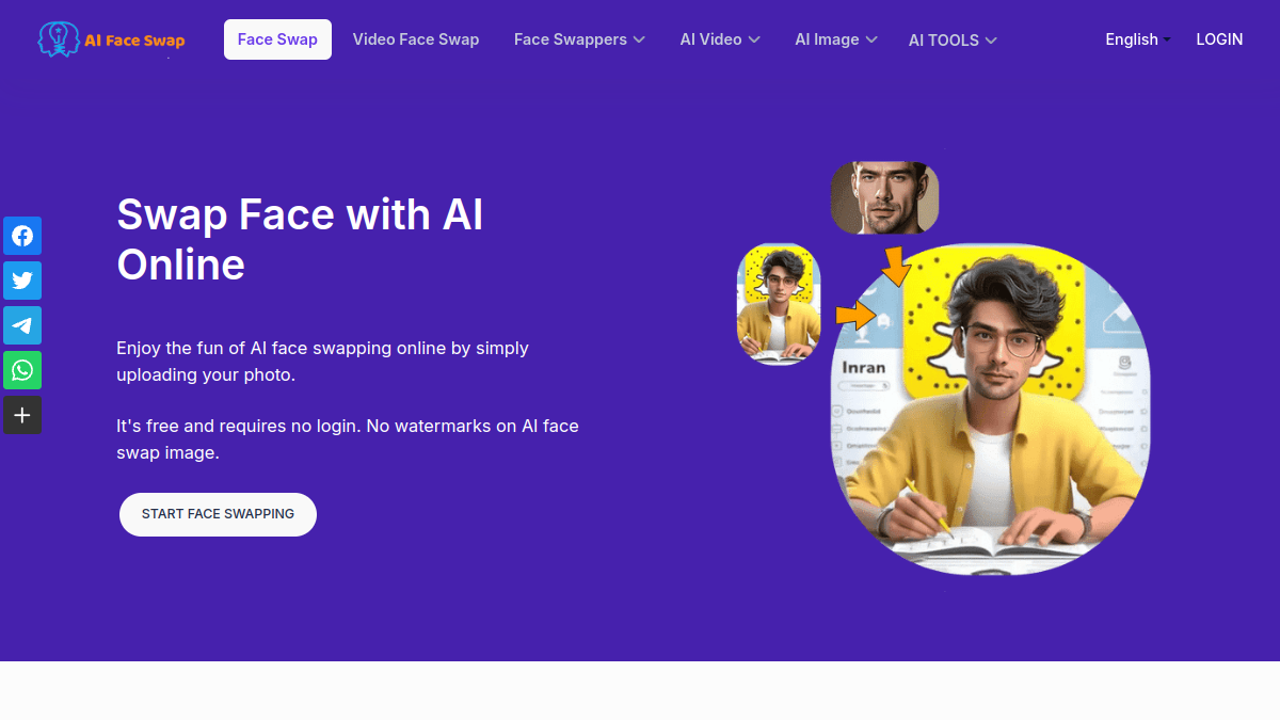
AIFaceSwap does the thing most readers actually want, and it does it for free. Single and multi-face photo swaps cost zero credits. Visitors get 100 swaps a day, and a free account removes that cap. There is no login wall in front of a photo swap and no watermark waiting on the download.
Video is where the meter starts. You get 3 free video or GIF swaps every 12 hours, for clips up to 10 seconds. Longer basic video costs 1 credit per second. Advanced video, which handles several faces, costs the face count plus one credit per second. Batch photo work costs 1 credit per image.
Credit packs are one-time purchases, so there is no monthly bill. Prices run from 500 credits for $6.99 up to 32,000 credits for $168.35. Paid credits open VIP queues, 1080p video output and the API.
Reface
Reface is the face swap app with more than 100 million installs on Google Play, and it still feels built for a phone first. Pick a template clip or a photo, drop in a selfie, and share the result a minute later. It is the fastest route in this list for a fun swap you send to friends.
The free tier limits your swaps per day and stamps a watermark on the output, with ads in the app. Paid plans remove all three limits. The prices live in the app stores rather than on the website. On the Apple App Store the listing shows weekly plans at $2.49, $3.99 and $6.99 for Reface PRO, a monthly plan at $12.99, and an annual plan at $24.99.
Read that ladder with care. A weekly plan left running quietly costs far more across a year than the annual plan. If Reface becomes a habit, the $24.99 year is the only tier that makes sense.
Akool
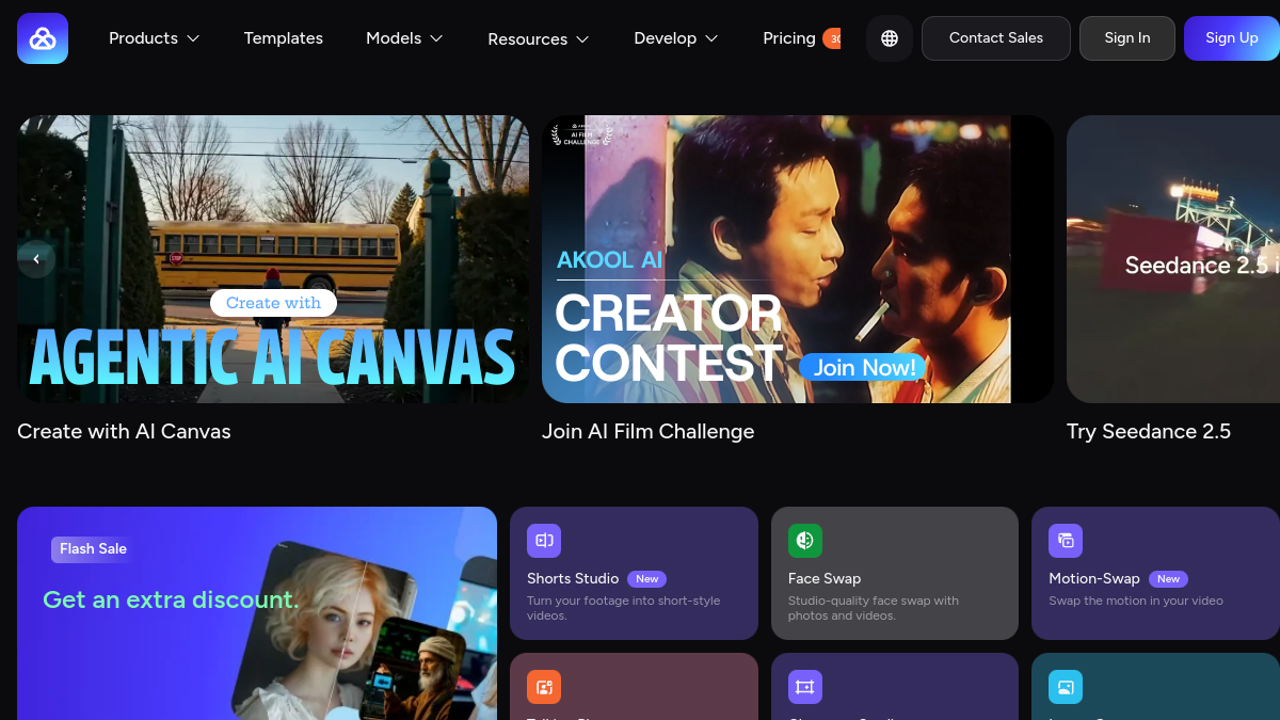
Akool treats face swap as one part of a production platform. Alongside swaps it builds talking avatars, translates video and generates clips, and it prices like a tool for teams rather than a toy. The face swap itself is strong, with all swap models open from the first paid tier.
Starter costs $12 per seat a month and includes 200 credits, video up to 1080p and up to 15 minutes, and no watermark on output. Pro at $30 raises that to 600 credits and 4K. Pro Max at $59 includes 1,200 credits, video up to 8K and API access. Business at $249 is built for agencies, and the Enterprise tier is custom, with one notable detail: Enterprise credits do not expire.
Two limits to know. Prices are per seat, so a small team multiplies the headline number fast. And the pricing page shows no free plan, so budget for the $12 entry from day one.
Magic Hour

Magic Hour is a full media studio, and face swap is one tool on a long shelf. The same account makes videos from text, edits images and works with audio, all spending one shared pool of credits. That shape suits creators whose swap work sits inside bigger projects.
Creator costs $19 a month billed monthly, or $144 a year. It includes 12,000 credits a month, which the pricing page converts to 8 minutes of video or 2,400 images. Output runs at 1024px with no watermark, and commercial use is included. Pro at $39 a month, or $300 a year, brings 25,000 credits and 1472px output. Business at $99 a month, or $792 a year, brings 70,000 credits and 4K.
Signing up is free. What the free signup lets you export changes often enough that the paid plans above are the reliable ground for planning. If face swap is your only job, a focused tool below will cost you less.
FaceFusion
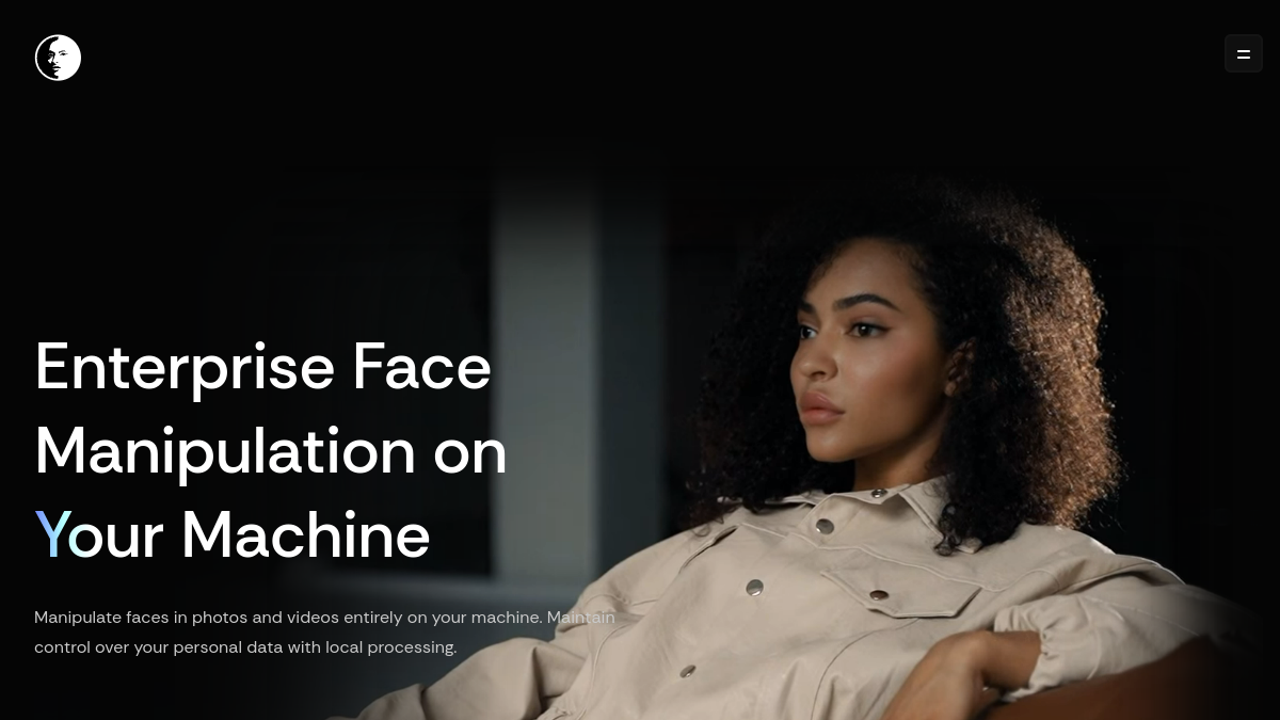
FaceFusion is the odd one out here, in a good way. It is free, open source software that you install on your own computer. Nothing is uploaded. Your photos and videos never leave your machine, which settles the privacy question in a way no cloud tool can match.
The trade is effort and hardware. You install it yourself, or buy the one-click installer the project sells through BuyMeACoffee. The installer price is not printed on the project site, so check it there before you budget. Video work wants a real graphics card, because your machine does all the processing that a cloud tool rents to you.
One licence trap deserves a plain warning. The most popular swap model used with FaceFusion, inswapper, is licensed for research and non-commercial use. Swapping holiday photos is fine. Selling client work built on that model is a different matter, so check the model licence before any paid job.
Swapface
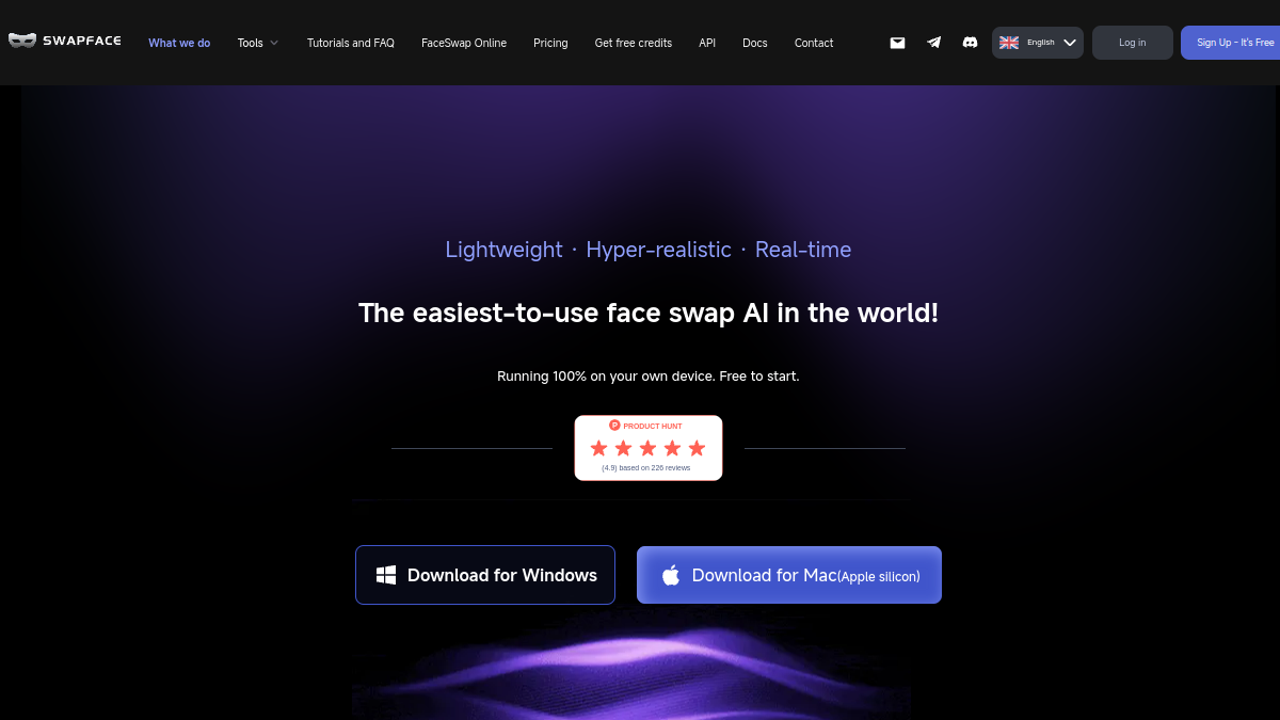
Swapface is a desktop app for Windows and Mac that swaps faces in images, in videos, and live on a stream or video call. That last mode is its whole reason to exist. If you present, teach or stream as a character, this is the only tool in the list built for you.
The free plan allows 10 image face uploads and 10 video face uploads a day. Pro costs $39 a month, or $299 a year, and raises the limits to 50 image and 50 video swaps a day with unlimited stream swapping and no watermark. Advance at $69 a month doubles the daily limits to 100. Enterprise at $249 a month reaches 300 a day.
There is also a pay-as-you-go route at $49 for 100 credits, where one image swap costs 1 credit and one video swap costs 4 credits. Credits cannot pay for stream swapping. Live work needs a subscription, full stop.
Remaker AI
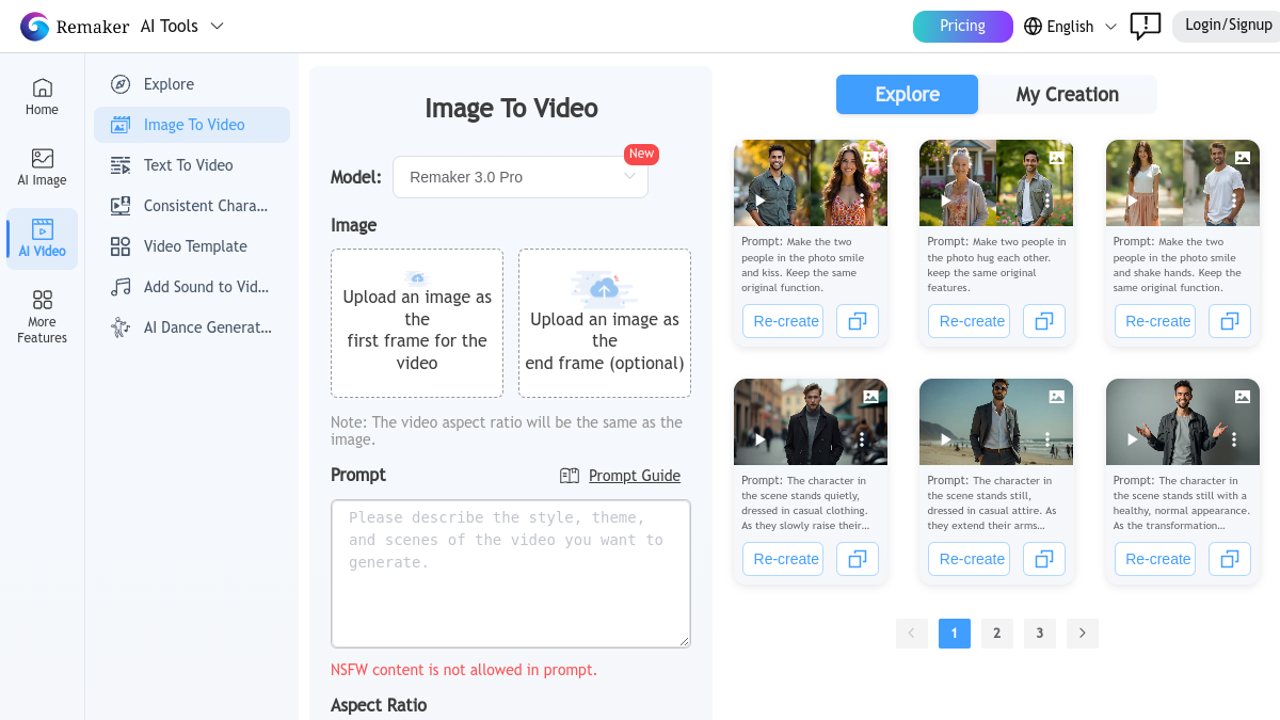
Remaker AI is a workbench of more than 20 image tools, and face swap is one of the most used drawers. It handles photo swaps and video swaps in the browser, with nothing to install. For someone who swaps now and then and also restores photos or builds headshots, one account covering all of it has real appeal.
There is no subscription at all. You buy credit packs when you need them: 200 credits for $5.99, 530 for $9.99, 1,100 for $19.99, 3,000 for $49.99, or 20,000 for $299. Buying any pack makes the account VIP permanently, and the pricing page describes payment by card through Telegram or by crypto, which will not suit every buyer.
That pack model cuts both ways. Occasional users pay nothing in the months they do not swap. Heavy users should do the maths against a subscription tool before the third pack.
Vidnoz

Vidnoz is a video platform first. Its face swap sits in a shelf of free tools next to the main product, which builds avatar videos from text. That makes it a sensible pick if your swap work feeds a bigger video habit, and a strange one if swapping is all you do.
The face swap tool itself is free to use. The platform plans buy video creation credits: a free plan with 720p exports and a 3-minute cap per video, Starter at $26.99 a month with 450 credits, and Business at $74.99 a month with 900 credits. Yearly billing takes 25 percent off.
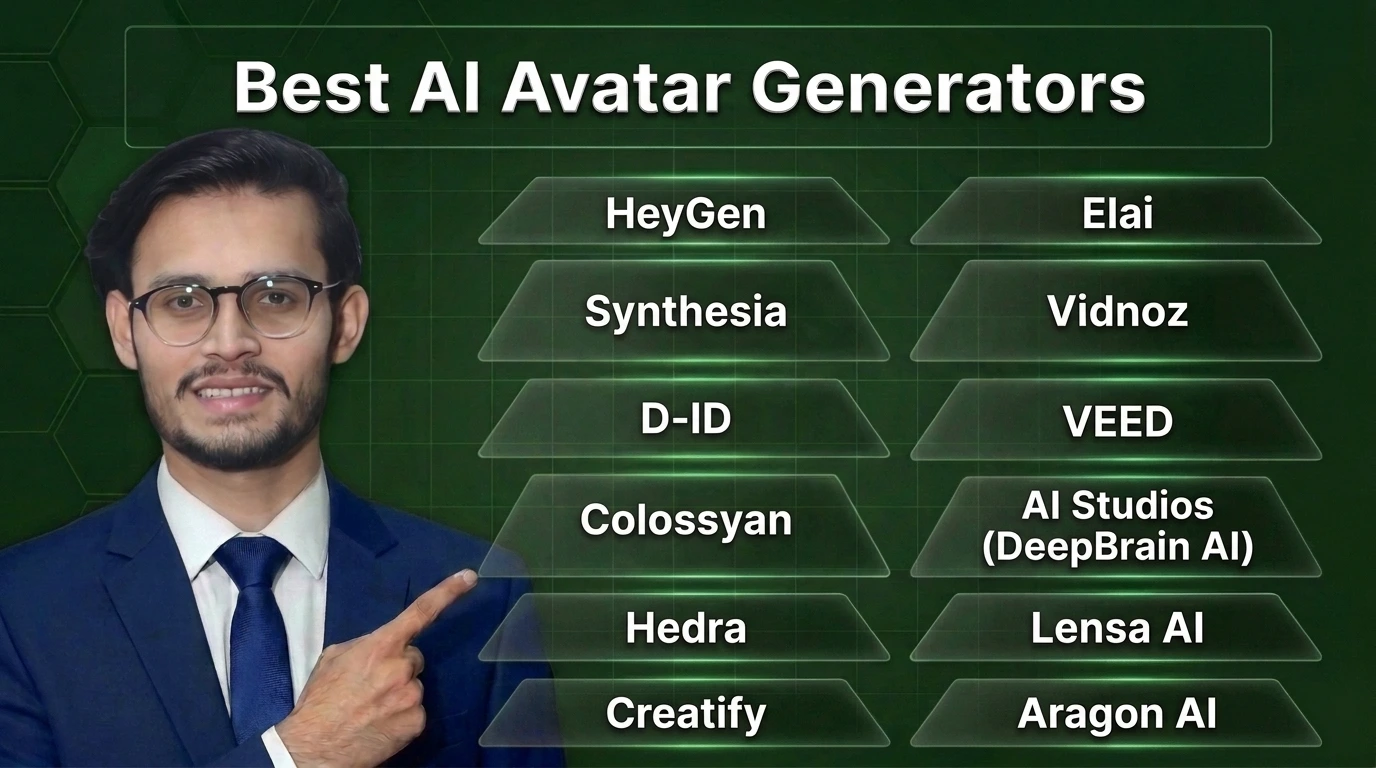
Vidnoz already has a full listing on GuideAITools in the avatar category, because that is where most readers use it. If avatars are your real job, our guide to the best AI avatar generators compares it with the dedicated avatar tools.
Pica AI
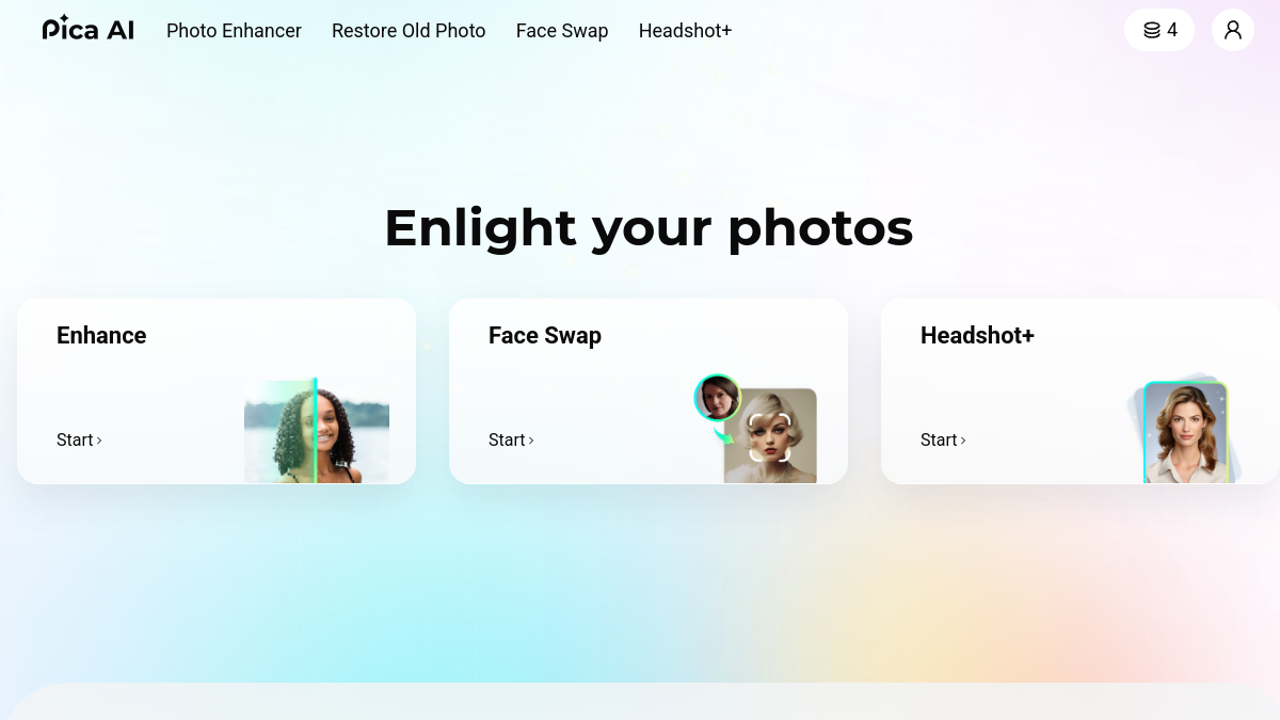
Pica AI bundles face swap with photo enhancement, old photo restoration and AI headshots, all spending one credit wallet. Its swap handles single faces and multi-face group photos, in photos, cartoons and artwork.
The free plan gives 4 credits a day, and the maths is open about what that buys. A single-face swap costs 1 credit, so the free tier covers 4 single swaps or 2 multi-face swaps a day, each with a watermark, and your images are stored for 24 hours. The monthly plan at $9.99 includes 1,000 credits and removes the watermark. The annual plan at $59.99 includes 8,000 credits for the year.
One line on the pricing page is worth knowing before you subscribe: the subscription covers Face Swap and Headshot+ only. The other tools in the suite sit outside it.
FaceSwapper
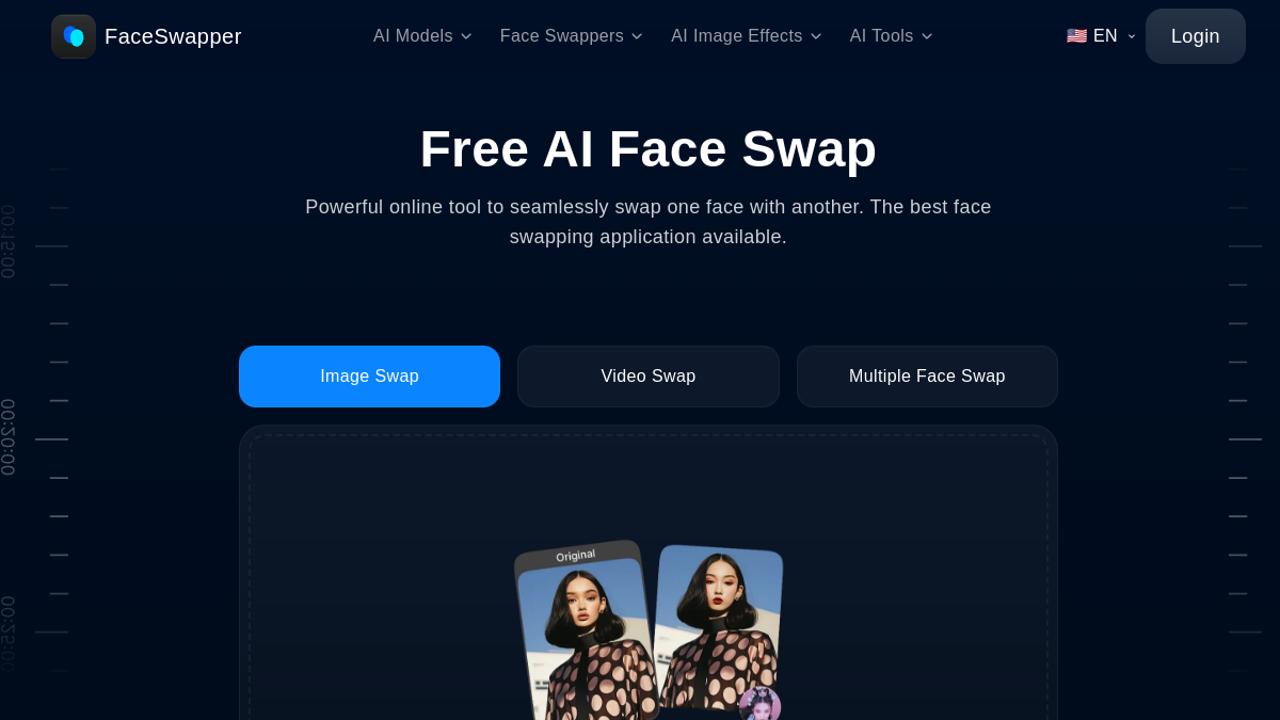
FaceSwapper is the quick, no-commitment option. The browser tools swap faces in photos, videos and GIFs, including several faces in one image, and they ask for no account before you start. Its privacy policy says uploaded and generated files are deleted every six hours.
Here is the part most roundups miss, because they copy old reviews. Right now the site says paid plans are unavailable, and new account creation is closed. The tools themselves still work for free. So treat FaceSwapper as a useful free option while it lasts, not as a service to build a paid workflow on. If your work matters, keep a second tool from this list ready.
Artguru
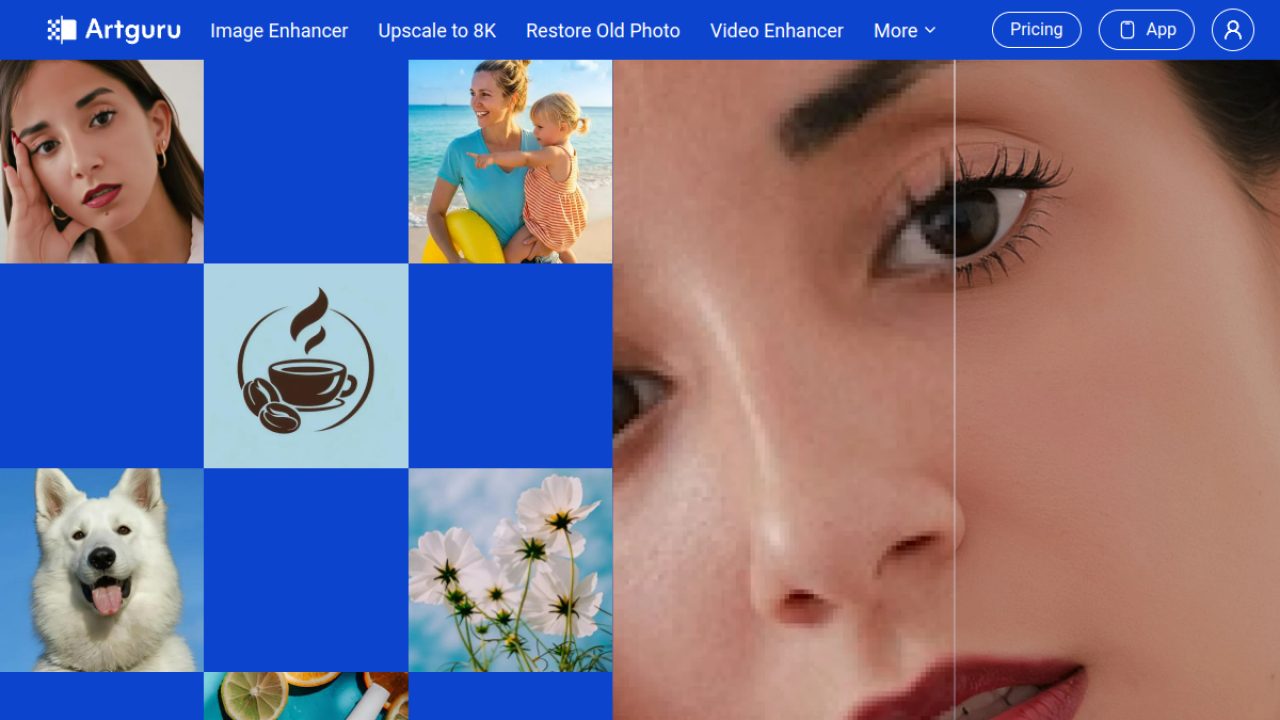
Artguru is a photo suite where face swap sits beside an image enhancer, an upscaler, old photo restoration and a background remover. The swap itself is simple and quick, aimed at casual users rather than production teams.
The free tier allows 2 trials a day. Downloads carry a watermark, the feature set is limited, and the licence is personal use only. The monthly plan costs $9.99 for 1,000 credits that reset each month, with no watermark, batch processing and commercial use. The annual plan costs $39.99 for 4,000 credits that stay valid for 12 months.
That annual shape is the interesting bit. Most tools in this list hand you credits that vanish monthly. Artguru’s yearly pool suits the person who swaps in bursts, a few busy weeks a year and nothing between them.
What Face Swapping Really Costs
Four billing models hide inside this category, and the headline price tells you little until you know which one you are buying.
Subscription credits reset every month, as on Pica AI and Magic Hour. One-time packs sit in your account until you spend them, as on Remaker AI and AIFaceSwap. Access passes sell time rather than credits, which is the DeepSwap shape. And per-day limits, the Swapface model, charge for a daily allowance instead of a credit balance.
Where a site publishes enough to do honest maths, here is what 100 photo swaps cost:
| Route to 100 photo swaps | Cost | Notes |
|---|---|---|
| AIFaceSwap photo swaps | $0 | Photo swaps cost zero credits |
| FaceSwapper tools | $0 | Free while paid plans stay unavailable |
| FaceFusion on your own PC | $0 | Your hardware does the work |
| Pica AI monthly plan | About $1 of the $9.99 plan | 1,000 credits, 1 credit per single swap |
| Magic Hour Creator plan | About $0.79 of the $19 plan | 12,000 credits cover 2,400 images |
| Swapface pay as you go | $49 | 100 credits at 1 credit per image swap |
Read the last row twice. The same 100 swaps cost nothing on one tool and $49 on another, because the billing models differ, not because one output is fifty dollars better. For video, the spread widens further, since some tools charge per second and others per clip. Before you pay anywhere, price your actual month: how many photos, how many video seconds, at what length.
Expiry is the quiet half of cost. AIFaceSwap says subscription credits clear 15 days after a plan expires. Pica AI warns that credits can be lost when a plan changes. Swapface credits cannot touch its stream mode at all. None of this sits in the headline price, and all of it decides what you really paid.
Photo, Video, GIF or Live: Pick by Format
Not every tool here covers every format, and free tiers narrow the field fast.
| Format | Strong options | Free truth |
|---|---|---|
| Photo | All 12 tools | AIFaceSwap and FaceSwapper are free without a watermark |
| Video | DeepSwap, Akool, Magic Hour, Swapface, FaceFusion | Free video is short: AIFaceSwap allows 10-second clips |
| GIF | AIFaceSwap, DeepSwap, FaceSwapper | AIFaceSwap gives 3 free GIF or video swaps every 12 hours |
| Live stream | Swapface | No free live mode here, and Swapface live needs a paid plan |
| Multi-face | AIFaceSwap, Pica AI, FaceSwapper, Akool | Multi-face costs more credits than single swaps on paid tools |
If your work is mostly still images for posts and product shots, you may never need to pay at all. If it is video longer than a minute, you are choosing between DeepSwap’s access pass and the credit platforms, and the credit maths above is your comparison. Live work removes the choice almost entirely.
How to Check Swap Quality Before You Pay
Every tool in this category looks great on its own demo page. Demo faces are chosen to flatter the software. Run these five inputs instead, on the free tier or the cheapest pack, and judge the output yourself.
- A head turned about 45 degrees. Weak tools smear the far cheek and jaw.
- A face wearing glasses. Check whether the frames bend, vanish or cut through the new face.
- A group photo with three or more faces. This is where swaps land on the wrong person.
- Two faces with very different skin tones. Look for a visible seam along the jaw and neck.
- A 10-second video where the person talks. Watch the teeth and the edges of the mouth, and look for flicker from frame to frame.
A tool that survives all five is worth its subscription. A tool that fails the first one will fail your real work too, no matter how sharp its demo looked. Score each input pass or fail before you compare prices, because a cheap swap you cannot use is not cheap.
Consent, Privacy and the Law
Face swapping is the consumer face of deepfake technology, and the rules around it are tightening. The working rule is simple: swap your own face freely, swap a friend’s face with their clear permission, and do not swap the face of anyone who has not agreed to it. Using a real person’s likeness in ads or paid content without permission can break platform rules and, in many places, the law on publicity rights and fraud. This is general guidance, not legal advice.
Privacy differs sharply across this list, and it is published if you look. FaceFusion never uploads your media at all, because the work happens on your machine. FaceSwapper deletes uploaded and generated files every six hours, according to its privacy policy. Pica AI stores free-tier images for 24 hours. AIFaceSwap lets you swap photos without an account, which keeps your identity out of its system for casual use.
Two habits protect you on any cloud tool. Strip location data from photos before uploading, since many phone photos carry it. And never upload identity documents, workplace material or anyone else’s private photos to test a tool. A free tier is not worth a leak.
How to Choose the Right Face Swap Tool
Start from the job, not the brand name. For fun swaps on a phone, Reface is already in your pocket and its annual plan is cheap. For photos at no cost, AIFaceSwap and FaceSwapper cover you, with FaceFusion as the private route. For video, DeepSwap is the simple buy, and Akool is the step up when resolution and team seats matter. For a mixed studio where swaps sit beside other media work, Magic Hour and Remaker AI earn their shelf space. For live work, Swapface stands alone here.
Budget second. Price one real month of your work on two or three finalists, using the billing models above, and include what expires. The tool with the higher headline price often wins that maths.
If your project is wider than swapping, the same checking method we use at GuideAITools applies across the AI image generator tools category too: verified prices first, free tier truth second, marketing claims last.
FAQs
Which AI face swap tool is completely free?
AIFaceSwap swaps photos for free with no watermark and no login, up to 100 swaps a day as a visitor and without that cap once you register. FaceSwapper is also fully free right now, because its paid plans are unavailable. FaceFusion is free software, though it runs on your own hardware.
Which face swap tools have no watermark on the free tier?
AIFaceSwap photo swaps and FaceSwapper output carry no watermark for free users. Pica AI and Artguru both watermark their free output, and Reface watermarks its free tier as well. On most paid plans in this list, the watermark is the first thing your money removes.
How much does AI face swap cost per month?
Nothing, if photos are all you need. For paid routes, entry prices verified for this guide run from $9.99 a month at Pica AI and DeepSwap’s first month, through $12 at Akool and $19 at Magic Hour, up to $39 a month for Swapface Pro. Credit packs start lower, at $5.99 on Remaker AI and $6.99 on AIFaceSwap, with no monthly commitment.
Can I swap a face in a video for free?
Yes, within tight limits. AIFaceSwap gives 3 free video or GIF swaps every 12 hours for clips up to 10 seconds. FaceSwapper’s video tool is free while its paid plans are unavailable. Anything longer, sharper or watermark-free for a client belongs on a paid plan, where DeepSwap is the common pick.
Is it legal to swap someone else’s face into a photo or video?
Swapping your own face is fine. Using another person’s face needs their permission, and using it in advertising, impersonation or anything that deceives viewers can break platform rules and the law in many places. Rules differ by country, so treat consent as the minimum, not the whole answer.
What is the best face swap tool for live streaming?
Swapface. It is a desktop app built for real-time swapping on streams and video calls, with unlimited stream swapping on its paid plans. None of the other tools in this list publishes a live mode, so for streaming work the shortlist has one name on it.
Conclusion
Pick by format first and billing model second. Photos cost you nothing here: AIFaceSwap for free swaps in the browser, FaceFusion when the files must stay on your machine. Video is a paid decision, and DeepSwap’s simple access pass beats most credit systems for regular work. Live streaming means Swapface. Whatever you choose, run the five quality checks on a free tier before a subscription touches your card.
The full category, with every new tool we add as listings go live, sits in the AI face swap generator category on GuideAITools. Start there when you are ready to compare the tools side by side.

Related Blog Posts