Best AI Clothing Generator Tools for Design, Try-On and Selling

The best AI clothing generator depends on which of three jobs you are hiring it for. For designing garments that do not exist yet, The New Black is the easiest place to start, with plans from $15 a month. For trying real products on a model, FASHN and Botika produce the most convincing on-model photos. For outfits built from clothes you already own, Cladwell is the one dedicated planner in this list. Every price in this guide was verified from official pricing pages, and the tools below are grouped by job, not by hype. One well-known name is missing on purpose: a popular tool no longer sells an AI generator at all, and its case is explained below, next to the AI clothing generator tools listed on GuideAITools.
The shortlist at a glance
| The New Black | Designing new garments | $15/mo | Free start |
| Refabric | Design plus tech packs | $45/mo | 3-day free trial |
| Raspberry AI | Brand design teams | $49 per user/mo | Free, 50 credits once |
| Style3D AI | Garment design and style boards | $8.90/mo | Free trial, 50 credits |
| Fashion Diffusion | AI fashion imagery and models | $15/mo | Free credits at signup |
| FASHN | Virtual try-on | $19/mo | 10 free credits |
| Botika | On-model product photos | $55/mo, or $46/mo billed yearly | Free start |
| WearView | Full outfits on AI models | $24/mo billed yearly | None |
| Modelia | Try-on and AI models on a budget | $30/mo | Free plan |
| SellerPic | Marketplace and store sellers | $29/mo, or $14.50/mo billed yearly | Free plan |
| CLO | 3D garment development | $25/mo (Student) | None on the pricing page |
| Cladwell | Outfits from your own wardrobe | $9.99/mo | Free closet plan |
Prices are the entry tier on each official pricing page. Read the per-image section before comparing headlines: credit systems change what a month really costs.
One label, three very different jobs
AI clothes design generators, for garments that do not exist yet
Design tools start from a prompt, a sketch or a reference photo and return new garment ideas: dresses, prints, colorways, full outfits. They run on generative AI models trained on fashion imagery, which is why they are fast at style and weak at construction. A generated dress looks sewn. Nothing about the image proves it can be sewn. The step that turns an image into a garment a factory can make is virtual prototyping and pattern work, and only the production end of this list, Refabric and CLO, reaches into it. Buy one for range and speed at the idea stage, not for a finished product.
AI virtual try-on tools, for clothes you already sell
Try-on tools start from the opposite end: a real garment you already have. Upload a product photo or a person photo, and the tool shows the garment on a body. Sellers use it to skip photoshoots, shoppers use it to picture a fit. The limit is the same everywhere. A try-on image shows how a garment looks, not how it will fit you. Treat it as photography, not a sizing tool, and it earns its money.
The AI outfit generator, for the wardrobe you already own
The third job is personal. Wardrobe apps catalog the clothes in your closet and build daily outfits from them, using weather, occasion and color rules. Nothing is designed and nothing is sold. The output is a decision about what to wear tomorrow. Only one tool here does this job, and it is the cheapest.
The 12 best AI clothing generator tools, reviewed
The New Black
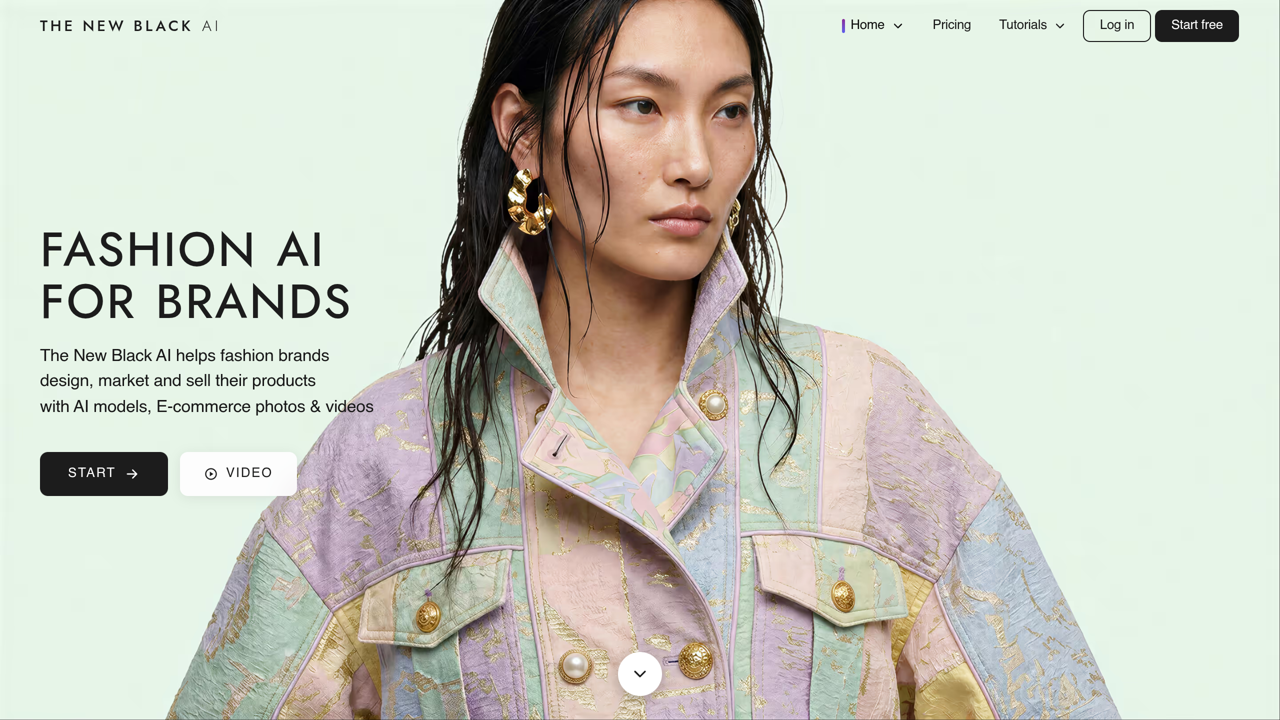
The New Black is the design generator most roundups agree on, and the pricing is part of the reason. You describe or sketch a garment and get styled designs, prints and model imagery back, with collection planning on top. It fits independent designers and small brands that need range fast. Plans run Starter $15 a month for 200 credits, Pro $35 for 500, Business $65 for 1,000 and Multi-brands $195 for 3,000, with a free start before any of that. The limit: it stops at the design stage. No 3D drape, no pattern grading, so a maker still has to translate the winning image into a real garment.
Refabric
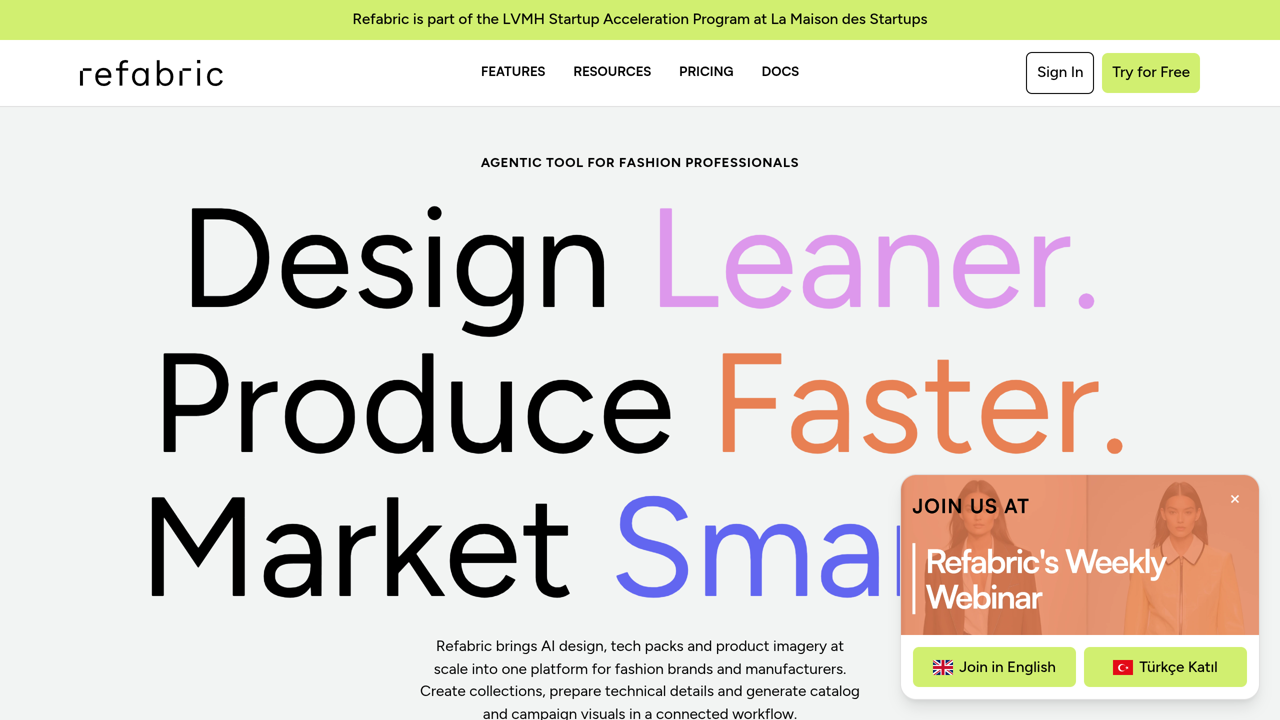
Refabric sells three products in one subscription: design generation, AI photoshoots and tech pack generation. That last item is rare in this category and it is why studios look at it. Photoshoot Starter and Design Starter both cost $45 a month, Design Pro is $160, Design Studio $265 and Creative Suite $550, with a 3-day free trial and a commercial license on paid plans. The catch sits in the entry tiers. Fifty generations a month is a test run, not a collection, so the $45 headline buys a trial of the workflow more than a season of output.
Raspberry AI
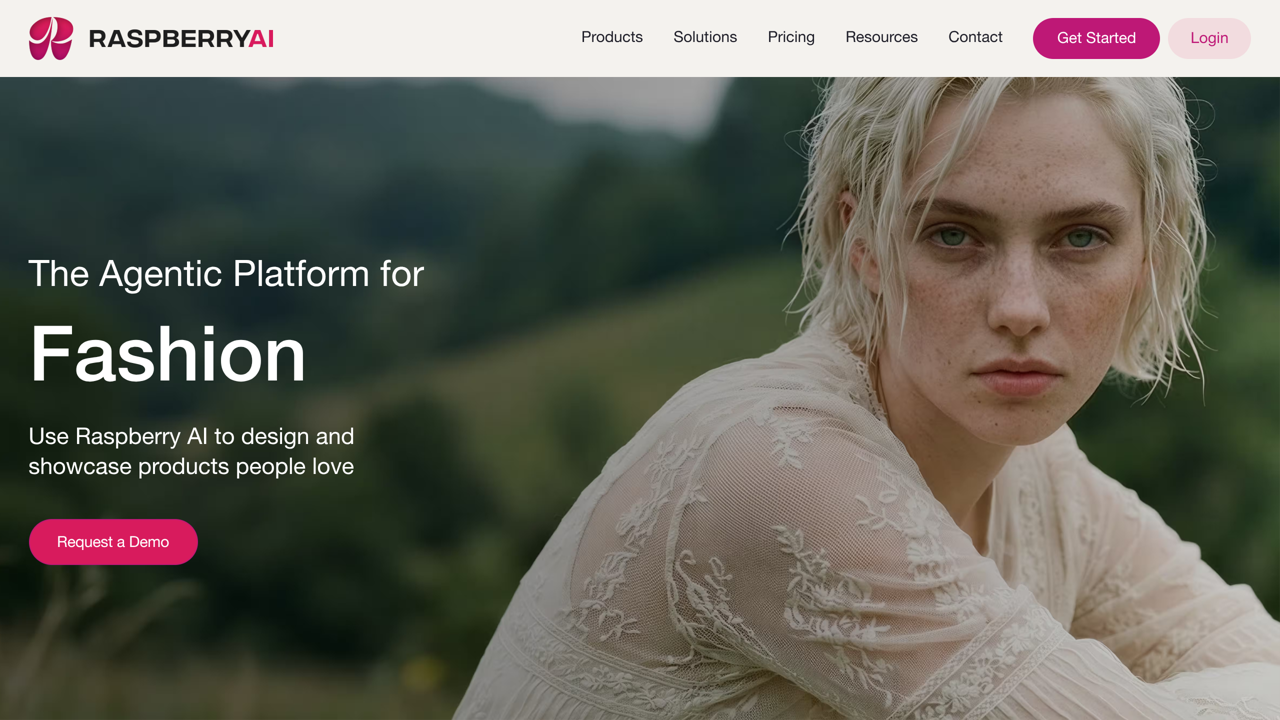
Raspberry AI aims at brand design teams rather than solo creators: garment ideation, print and graphic generation, and product imagery in one workspace. The pricing is per user, which changes the math fast. A free tier gives 50 credits once, then Individual is $49 per user a month, Basic $198 and Pro $298, with overage at $0.50 per credit. For a lone designer, the free credits and Individual tier make sense. For a five-person team, the same tool costs five subscriptions, and credits reset monthly with no rollover, so unused budget evaporates.
Style3D AI
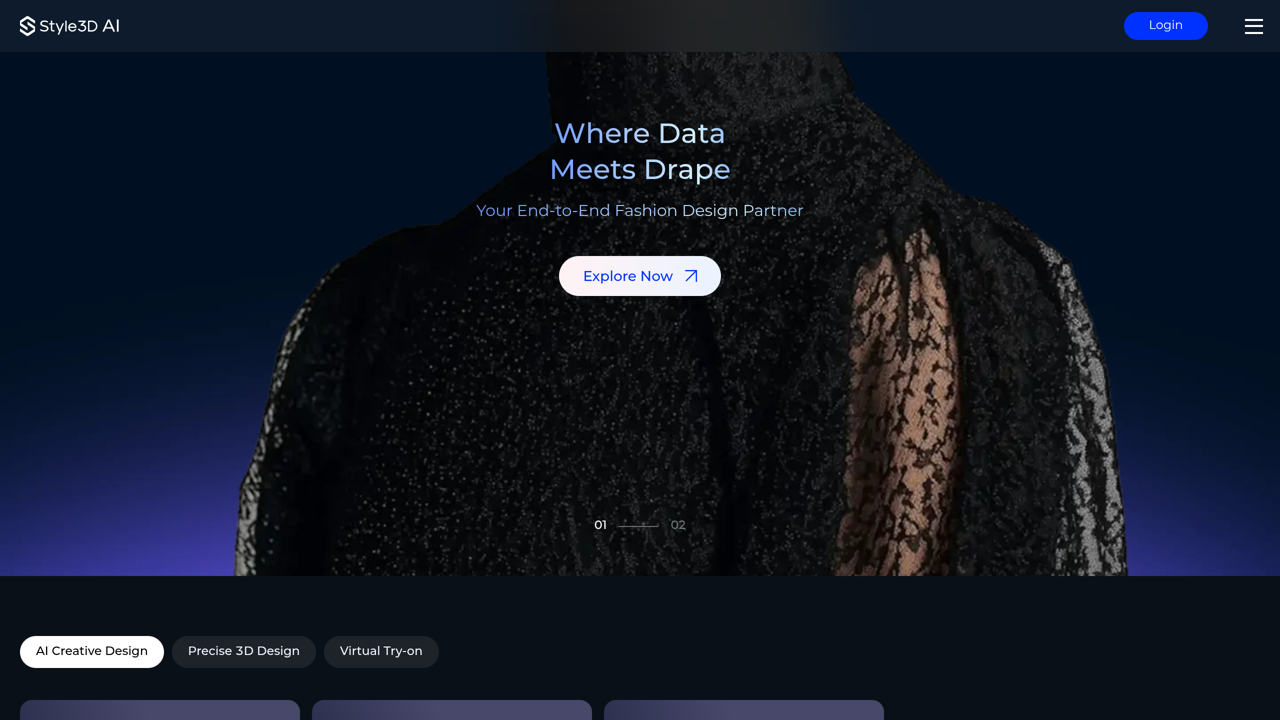
Style3D AI is the AI studio inside Style3D, a fashion technology company better known for 3D garment software. The AI side runs on credits and covers the idea stage: garment generation, style boards and AI agents that build looks from prompts and references. A free trial gives 50 credits across one month, roughly 50 images, though trial assets are stored for 15 days only. Basic costs $8.90 a month for 300 credits, Pro costs $53.90 for 2,000 credits, and paid plans roll unused credits into the next month instead of wiping them. Paid tiers also open the VIP tools, including image-to-video and 8K output. The limit follows the company’s shape: images and boards live here, while patterns and construction sit in its separate 3D products, so this is a design and presentation tool, not a production one.
Fashion Diffusion
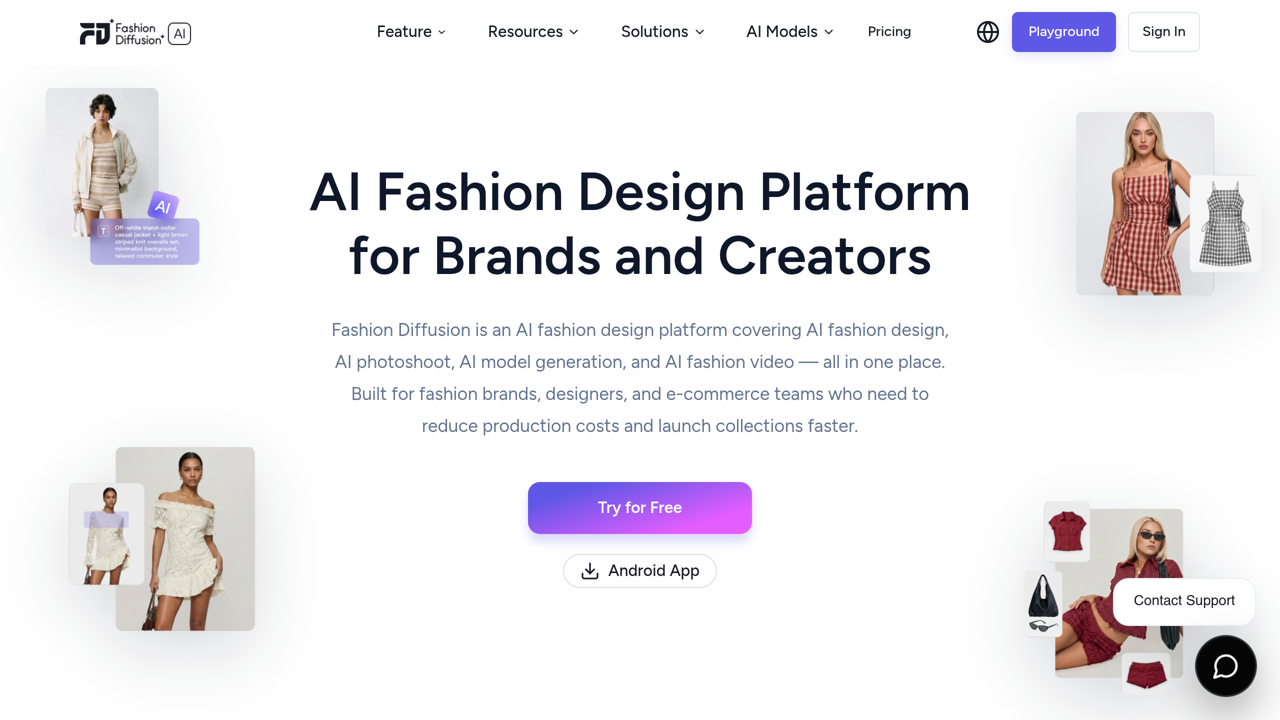
Fashion Diffusion builds fashion imagery for brands and sellers: generated garments, an AI model library, product shots on models and short AI videos, all paid from one credit balance. Its pricing page does something rare in this category and prints the per-image cost on every plan. Starter costs $15 a month for 100 credits, about $0.15 an image. Creator costs $35 for 320 credits, Pro costs $65 for 760, and Studio costs $199 for 2,800, where the rate falls to about $0 .07 an image. Yearly billing takes two months off the price. Unused credits can sit in a credit bank up to a cap on each plan, and every tier includes the full tool set, 4K output and API access. There is no free plan, but new accounts receive free credits at signup, so the first test costs nothing. For sellers who think in cost per product photo, the printed rates make this the easiest tool here to budget.
FASHN
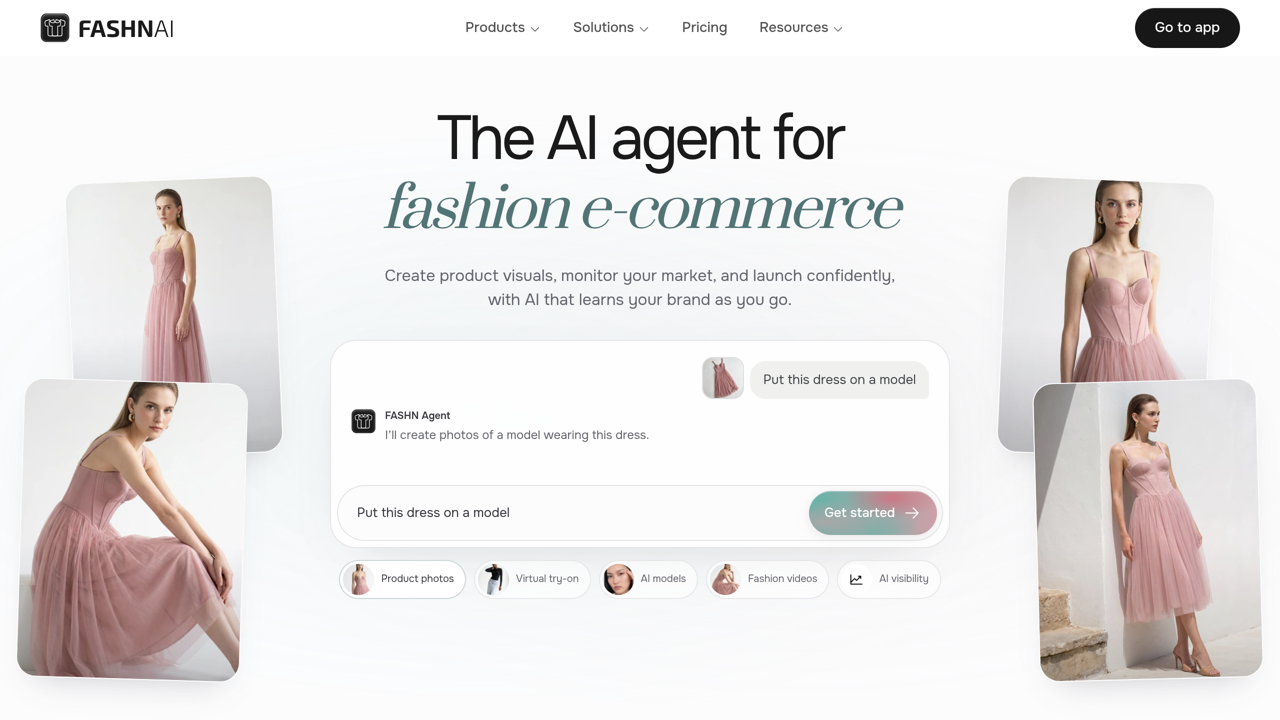
FASHN does one job and does it directly: virtual try-on for commerce. Give it a garment and a person, and it returns the garment worn, built for product pages and campaigns. New accounts start with 10 free credits. After that, Basic is $19 a month or $16 billed yearly, Pro $49 or $41, and Agency $99 or $83, with API top-ups at $0.075 per credit. The limit is built into the category: the output is a visualization. It can sell a garment, but it cannot tell a shopper their size.
Botika
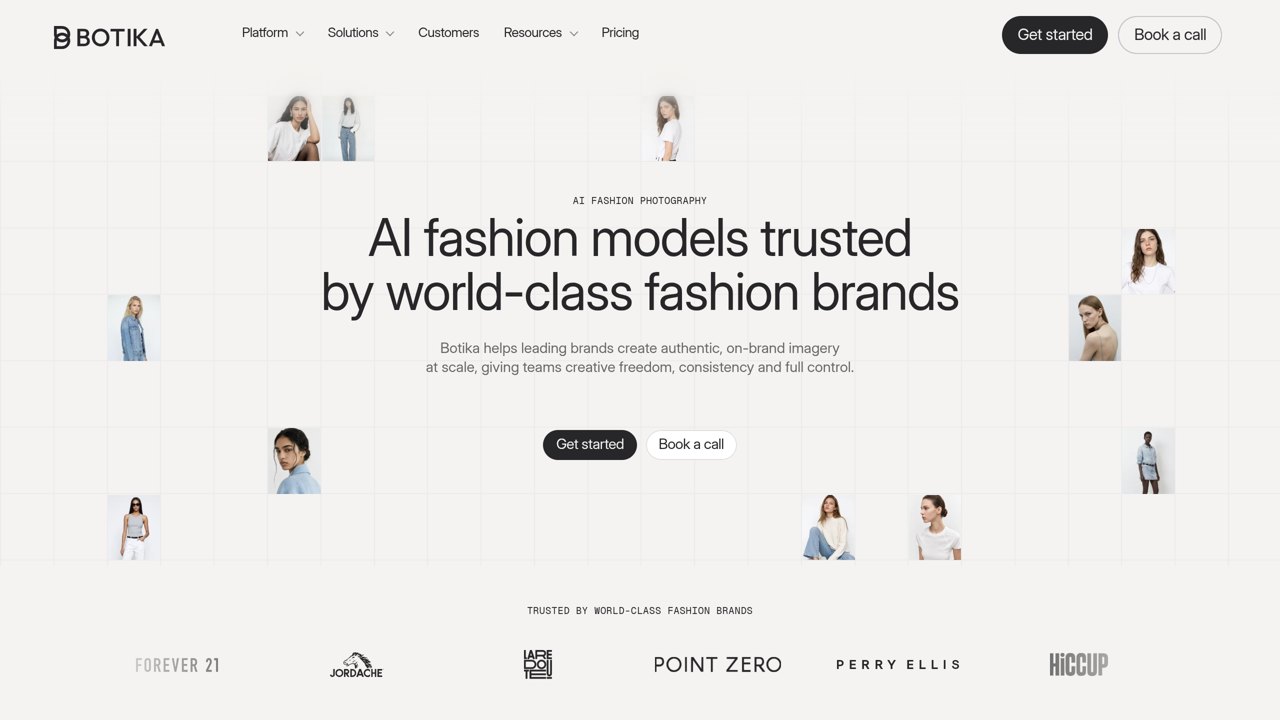
Botika turns plain product photos into on-model fashion photography: models, backgrounds, flat lays and short videos, aimed at brands that shoot catalogs. Pricing runs on yearly credit pools. Pro costs $55 a month, or $46 a month billed annually, for 600 credits a year, and one credit buys one photo. Advanced starts at $100 a month for 1,000 credits a year, and Enterprise is custom. The trade-off is pace. Botika builds retouch rounds into its plans and quotes about 15 minutes to process a photo, so it behaves like a photo service, not an instant generator. Sellers comparing it with other AI ecommerce tools should price it per finished photo, not per month.
WearView
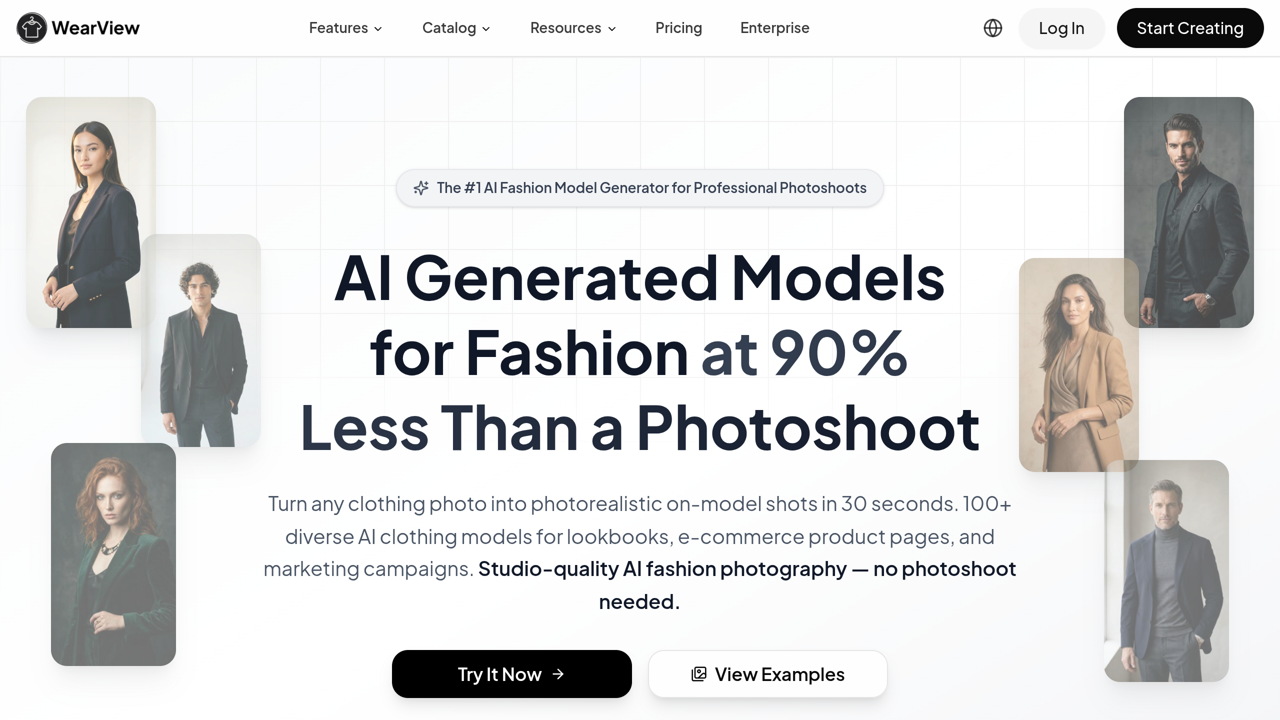
WearView styles complete outfits on realistic AI models you can reuse across a lookbook, ad set or product page. Where Botika starts from one garment, WearView starts from a whole look. Lite is $24 a month billed yearly or $29 monthly, with 50 credits. Pro is $40 or $49 with 200 credits and a build-your-own model option. Advanced is $82 or $99 with 500 credits. There is no free tier, so the first image already costs money. For a brand publishing weekly drops, the reusable model is the point: the same face selling every outfit reads as a campaign, not stock.
Modelia
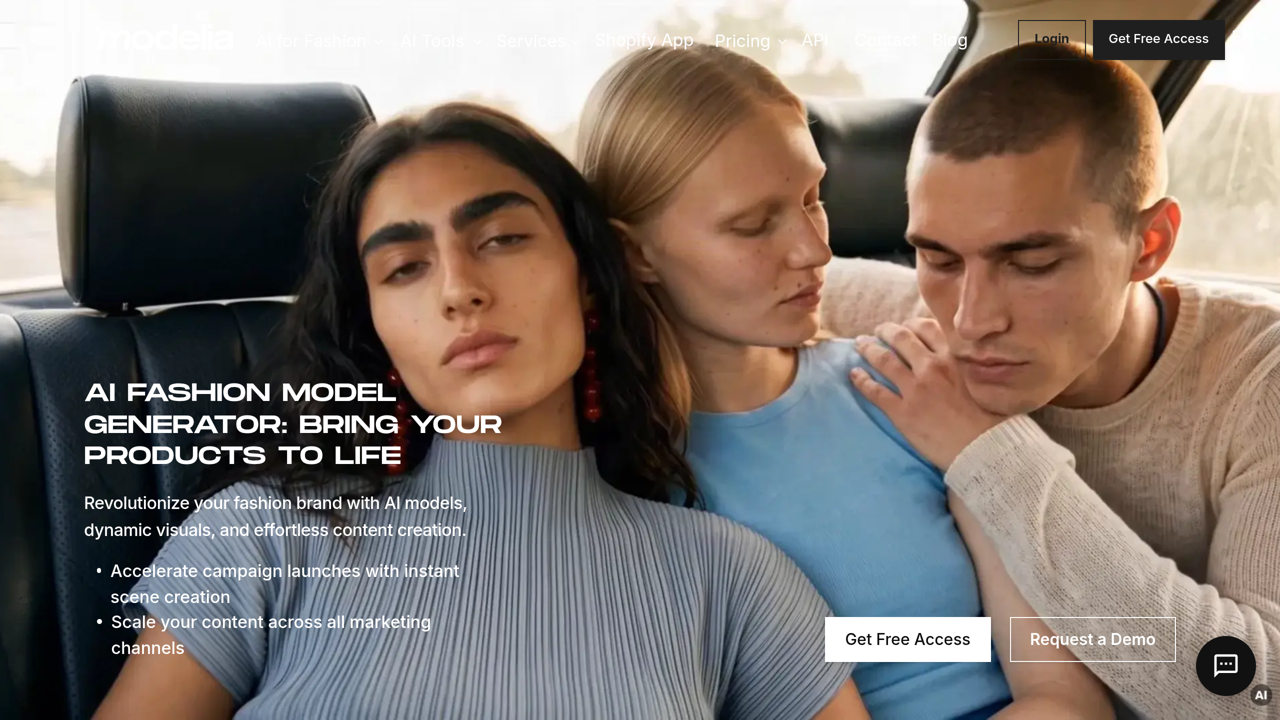
Modelia covers try-on and AI model generation at the friendly end of the price range. A free plan lets you create one custom model, then Creator is $30 a month, Atelier $109 and Brand $385, with credit packs starting at $30 for 150 credits. It fits creators and small stores that want model imagery without an agency invoice. The limit is scale. The free plan is a taster, and the jump from Creator to Atelier tells you where regular production is expected to live. Budget for Atelier if the tool works for you.
SellerPic
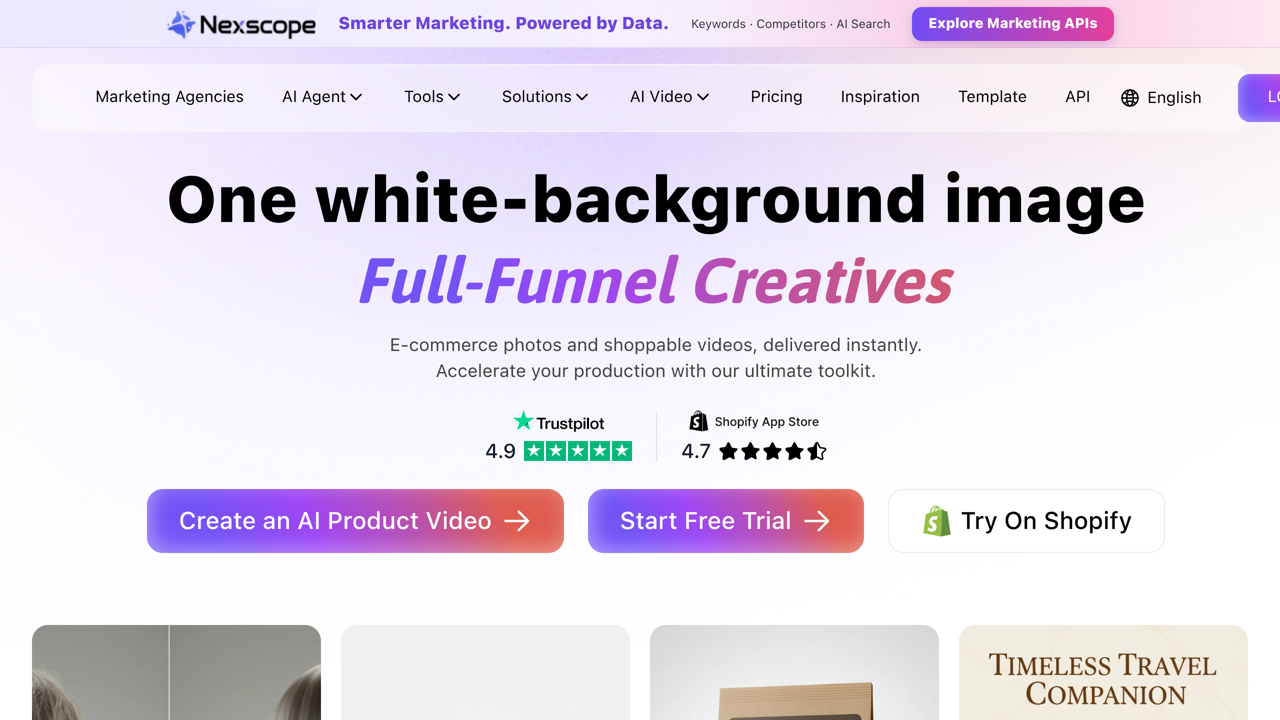
SellerPic is built for marketplace and store sellers: send a flat product photo and get model photos and try-on images back, sized for listings. The free plan costs nothing, then Starter is $29 a month or $14.50 billed yearly, Growth $79 or $39.50, and Advanced $99 or $49.50. Those yearly figures are the sharpest in this list for a seller on a budget. The trade-off is focus. SellerPic serves many seller categories, not fashion alone, so its garment handling is broader and less deep than the fashion-only tools above it. For a small store, broad and cheap often wins.
CLO
CLO is the professional end of this category: 3D garment design and simulation that technical designers use to build real products, with patterns, fabric behavior and fit checks in 3D before anything is cut. Its AI features assist that work rather than replacing it. The pricing page lists Student at $25 a month and Individual at $50 a month, with business tiers above. CLO sits closer to the 3D tools a product team uses daily than to a prompt box, and the learning curve matches. If you need garments that can actually be manufactured, that curve is the cost of admission.
Cladwell
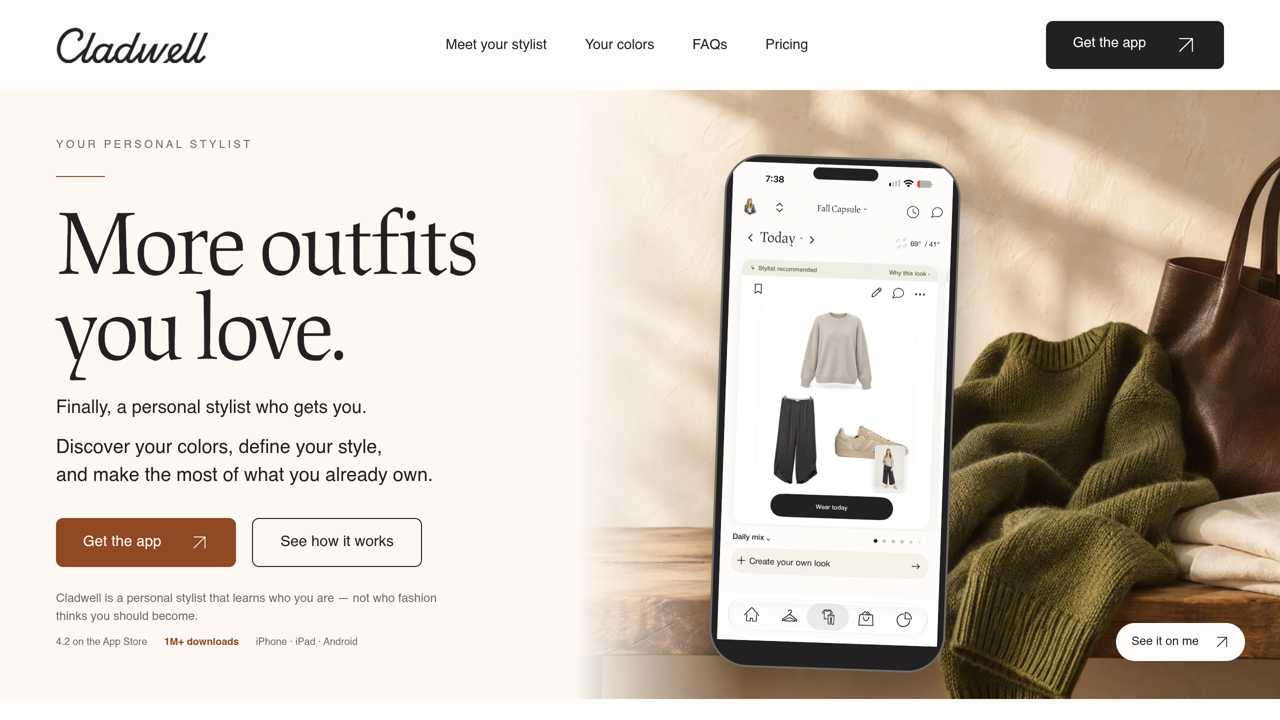
Cladwell is the wardrobe entry, and the only tool in this guide already listed on GuideAITools. You photograph your clothes once, and it builds a digital closet, then suggests daily outfits from what you own, with color analysis on iPhone and iPad. The closet plan is free at $0 with no card. The Your Stylist subscription costs $9.99 a month or $79.99 a year on web subscriptions, and signup starts in the app. Its limit defines the category: it works only with clothes already in your closet. It cannot design a garment or photograph one for a store.
AI clothing generator pricing, worked out per image
Monthly prices mislead here because most plans sell credits, and credits burn at different rates. The table below uses only figures printed on official pricing pages, divided openly.
| Tool | Official figures used | Worked cost |
|---|---|---|
| FASHN | Top-up credits priced on the pricing page | $0.075 per credit |
| The New Black | Starter plan, $15 for 200 credits | $0.075 per credit |
| Modelia | Credit packs on the pricing page | $0.20 per credit at 150, $0.15 at 1,000 |
| WearView | Lite plan, 50 credits at $24 billed yearly | $0.48 per credit |
| Raspberry AI | Overage rate on the pricing page | $0.50 per extra credit |
| Botika | Pro plan, 600 credits a year at $552 billed annually, 1 credit per photo | About $0.92 per photo |
| Style3D AI | Basic plan, $8.90 for 300 credits | About $0.03 per credit |
| Fashion Diffusion | Per-image rates printed on the pricing page | $0.15 per image at Starter, $0.07 at Studio |
Three traps hide behind these numbers. First, a generation can cost more than one credit when you raise resolution or add video, so the worked cost is a floor, not a quote. Second, some credits expire at the end of the month or the plan year, which punishes irregular users. Third, per-user pricing, like Raspberry AI charges, multiplies silently as a team grows. The pattern holds across every pricing page GuideAITools checked for this guide: the cheapest headline plan is rarely the cheapest finished image.
How to choose, and one name to cross off
Start with the job, then the budget. Designing on a small budget points to The New Black, or to Style3D AI, whose entry plan is the cheapest design tier here. Brand teams should compare Refabric for its tech packs and CLO for 3D work. Selling clothes you already have points to FASHN or Botika for photos, and to SellerPic if yearly billing at half price matters more than fashion depth. Planning your own outfits points to Cladwell and nothing else in this list.
Before you sell anything these tools make, read the license on your plan. Refabric lists a commercial license on paid plans, which is the kind of line you want in writing. Free tiers are where restrictions hide, and uploaded garment photos deserve one more check: what the tool may do with them, including training use.
One name to cross off: Resleeve. Older roundups still list it as an AI clothing design generator. Its official site now sells something else, a pattern-making service staffed by human pattern makers on retainer, priced on request. The AI generator product has been retired, so it is not ranked here.
FAQs
What is an AI clothing generator?
It is software that creates clothing designs, outfit images or on-model photos from a text prompt, a sketch or an uploaded photo. The name covers three jobs: designing new garments, showing existing garments on a model, and planning outfits from a wardrobe. The right pick depends on which job you need.
What is the best free AI clothing generator?
There is no unlimited free tool in this category, but several free entries are real. Raspberry AI gives 50 credits once with no card. Modelia and SellerPic both run free plans, FASHN starts you with 10 credits, Fashion Diffusion adds free credits at signup, and Cladwell’s closet plan is free for good. Expect caps or one-time credits. Free tiers here are for testing, not production.
Can an AI clothing generator turn a sketch into a finished design?
Yes, at the image level. The New Black, Refabric and Raspberry AI all take sketch or reference input and return polished designs you can recolor and present. Finished still means a picture or a design file, not a sewn garment. Between image and product sits pattern work, and only the production tools here reach into it.
Can AI put my products on a model without a photoshoot?
Yes. Botika, FASHN, WearView and SellerPic all start from your product photos and return the garment on a model, which is why sellers use them for listings and ads. You still supply good source photos, and the output is photography, not a fit guarantee.
Do I own the designs I generate?
It depends on the tool and the plan. Paid plans often include commercial use, and Refabric states a commercial license on its paid tiers. Free output is where ownership and resale limits usually sit. If you plan to sell a design, read the terms of your exact plan first.
How much does an AI clothing generator cost?
Across this list, paid plans run from $9.99 a month for Cladwell’s stylist subscription to $550 a month for Refabric’s Creative Suite. Most solo tools cluster between $15 and $49 a month. Team tools charge per user or climb into the hundreds, and credit systems decide what the money buys, which is why the per-image table matters more than the headline.
Can these tools make real clothes, with patterns and tech packs?
Two in this list reach that far. Refabric generates tech packs alongside designs and photos, and CLO works at the pattern and 3D level product teams use. The other ten stop at images. A factory can only work from a checked tech pack, so treat every generated image as the start of development, not the end.
Conclusion
Pick the job first and the tool second. Designers should start with The New Black and graduate to Refabric or CLO when a design needs to become a product. Sellers should start with FASHN or Botika and judge both on cost per finished photo. Wardrobe planners need only Cladwell. Your next step: open the category page on GuideAITools, compare the options against your job, and test one tool free before paying for a month. If your need is pictures alone, a general AI image generator may do the same work for less.

Related Blog Posts