Which AI Image Generator Is Best? 9 Tools Tested and Compared (2026)
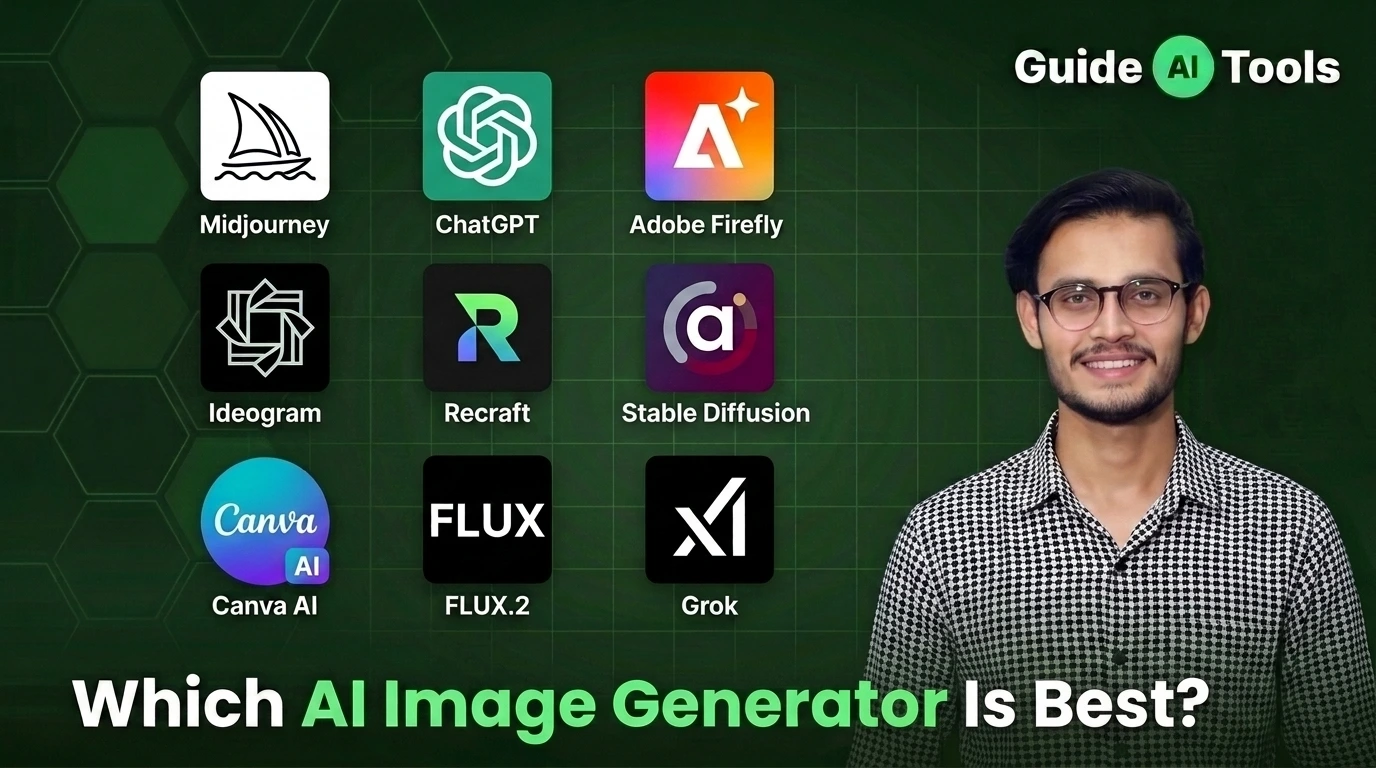
Midjourney V8.1 is the best AI image generator for visual quality. ChatGPT (GPT Image 2) wins on prompt accuracy. Adobe Firefly is the only option with full commercial IP protection. The right pick depends entirely on what you’re making, not which tool has the most hype in 2026.
Two years ago, AI images had melting faces and six fingers. Today I have to zoom in at 200% to tell if a photo was shot in a studio or generated in four seconds. The quality jump is real.
But finding one tool that actually fits your workflow? Still frustrating. We tested nine platforms at GuideAITools using identical prompts across five image types. Here is exactly what we found.
Best AI Image Generators in 2026 Quick Comparison
We verified all pricing directly from official developer sites in July 2026. Readers scan before they read, so start here.
| Tool | Best For | Starting Price | Free Tier | Max Resolution | Our Rating |
|---|---|---|---|---|---|
| Midjourney V8.1 | Artistic images | $10/mo | No | 2K HD | 4.9/5 |
| ChatGPT (GPT Image 2) | Prompt accuracy | $20/mo (Plus) | Yes (limited) | 1,536×1,024 px | 4.8/5 |
| FLUX.2 | Developer API use | Pay per image | No | 2,304×1,736 px | 4.8/5 |
| Adobe Firefly | Commercial safety | $9.99/mo | Yes (25 credits) | 2,304×1,792 px | 4.7/5 |
| Ideogram 4.0 | Text in images | $8/mo (Basic) | Yes (10 credits/wk) | 2,048×2,048 px | 4.6/5 |
| Recraft v3 | SVG vector design | $12/mo | Yes (limited) | 2,048×2,048 px | 4.5/5 |
| getimg.ai | Multi-model image generation | $10/mo | No | Up to 4K | 4.6/5 |
| Stable Diffusion 3.5 | Open-source local | Free (self-hosted) | Yes (unlimited) | Custom | 4.4/5 |
| Canva AI | Beginners, social | $18/mo (Pro) | Yes (50 credits) | 1,024×1,024 px | 4.3/5 |
| Grok Imagine | High-res paid gen | $10/mo (Lite) | No | 2,048×2,048 px | 4.2/5 |
Pricing varies a lot. Midjourney requires a paid plan from day one no free trial, no exceptions. Canva Pro runs $18 monthly or $12 monthly billed annually. Adobe Firefly Standard costs $9.99 monthly and is the only tool here with full legal cover for commercial work.
Midjourney vs ChatGPT: Which One Actually Wins?
Midjourney V8.1 wins on pure visual quality. ChatGPT (GPT Image 2) wins when your prompt has three moving parts or more.
In my practical testing, Midjourney creates cinematic lighting and depth by default. You get stunning results even from a vague, short prompt. That’s its real advantage.
ChatGPT handles complexity better. Ask for three people wearing specific colored hats in exact positions and ChatGPT gets it right on the first generation. Midjourney mixes up the details more often than people expect.
| Feature | Midjourney V8.1 | ChatGPT (GPT Image 2) |
|---|---|---|
| Primary Strength | Artistic visual quality | Prompt accuracy |
| Free Tier | No | Yes (limited, ads in US) |
| Starting Price | $10/month | $20/month (Plus) |
| Text in Images | Average | Good |
| Interface | Web app or Discord | Conversational chat |
| Best For | Art, portraits, campaigns | Complex multi-subject scenes |
ChatGPT Plus costs $20 monthly and includes the full GPT Image 2 model. The free plan gives limited access and shows ads to US users since February 2026. Midjourney V8.1 became the default model on June 11, 2026, replacing V8.
For general creators on a budget, ChatGPT offers better overall value. You get text generation, image generation, and web search all for $20 monthly. Midjourney is the better pick when visual quality is the only thing that matters.
Which AI Image Generator Fits Your Specific Job?
Most people pick a tool based on reviews. Wrong move. Your output format decides your tool, not star ratings.
I’ve observed that designers who switch from Canva to Midjourney waste the first two weeks fighting the prompt learning curve. And marketers who jump straight to Midjourney often miss that Adobe Firefly is the only legally safe option for paid ad campaigns.
| Your Use Case | Best Tool | Why |
|---|---|---|
| Logo and brand design | Recraft v3 | True SVG vector output that scales without pixel loss |
| Social media graphics | Canva AI | Template integration and built-in design layouts |
| Ad campaigns and marketing | Adobe Firefly | Full commercial IP protection, trained on licensed stock |
| Artistic and cinematic content | Midjourney V8.1 | Best visual depth, lighting, and aesthetic rendering |
| Text inside images (banners, posters) | Ideogram 4.0 | Best text spelling accuracy inside generated graphics |
| Open-source, local generation | Stable Diffusion 3.5 | Self-hosted on your GPU, zero monthly subscription |
| Complete beginners | Canva AI | Drag-and-drop, zero prompt engineering needed |
| Developer API integration | FLUX.2 | Pay-per-image pricing, highest resolution output |
Freelancers building client assets should also explore our full list of best AI tools for content creators. Matching your workflow to the right platform saves hours of re-generating bad outputs.
If you want several AI models in one workspace instead of committing to a single image generator, getimg.ai is another option worth considering. It brings multiple image models together with image editing, video generation and other creative tools, so you can switch workflows without moving between separate platforms.
Best Free AI Image Generators in 2026
You can generate high-resolution visuals without paying monthly. Several platforms offer genuinely functional free access, not just a teaser.
| Tool | Free Limit | Watermark? | Commercial Rights? |
|---|---|---|---|
| Ideogram 4.0 | 10 slow credits/week | No | Yes (images are public) |
| Adobe Firefly | 25 credits/month | Content Credentials tag | Yes (safest option) |
| Canva AI | 50 AI credits/month | No | Limited |
| Bing Image Creator | Unlimited (slow queue) | No | Personal use only |
| Stable Diffusion 3.5 | Unlimited (self-hosted) | No | Yes, fully open |
One thing most comparisons miss: Grok Imagine is no longer free. xAI removed image generation from the free tier on March 19, 2026. You now need at least the $10 monthly SuperGrok Lite plan to use it.
Ideogram 4.0 gives you ten slow credits weekly. Public images on the free plan, but no watermark and full commercial rights. Adobe Firefly’s free tier applies a Content Credentials tag, which flags the image as AI-generated. Useful for transparency. Potentially awkward for some campaigns.
Stable Diffusion 3.5 is the only genuinely unlimited free option, but you need a dedicated graphics card with at least 4GB VRAM to run it locally.
Which Tool Has the Best Commercial Rights?
Not all platforms let you sell AI-generated images legally. Businesses must check licensing terms before using this content in paid campaigns.
Tier 1 is just one tool: Adobe Firefly. It trains exclusively on licensed Adobe Stock images and offers full IP indemnification. You can review the official Adobe Firefly commercial use guidelines before committing. No other tool on this list matches that legal cover.
Tier 2 covers tools with commercial rights on paid plans. Midjourney, ChatGPT Plus, Ideogram, Canva AI, and Recraft all allow commercial usage when you hold an active subscription. One catch with Midjourney: companies earning over $1,000,000 annually must use the Pro plan at $60 monthly, not the Basic $10 plan.
Tier 3 is for platforms with real restrictions. Bing Image Creator limits you to personal projects only on the free tier. Grok Imagine requires a paid plan now, and you must label outputs as AI-generated.
Check terms before launching ads. Honestly, most people skip this step and only discover the restriction when a client asks for usage rights documentation.
How Do AI Image Generators Actually Work?
Worth covering because it explains why some tools are better than others for specific tasks.
Most tools use diffusion models. The AI starts with random noise and gradually removes it, guided by your text prompt. That’s why prompt wording matters so much you’re steering a noise-removal process, not telling an artist what to draw.
Ideogram 4.0 uses a different approach for text rendering that makes it dramatically better at placing readable words inside images. That’s why it wins on logos and banners, and why Midjourney still struggles with getting “Coca-Cola” to spell correctly inside a generated label.
If you want to understand how prompt engineering actually works to get better outputs from any of these tools, our guide to prompt engineering covers the full methodology.
FAQs: Which AI Image Generator Is Best?
Which AI image generator is best in 2026?
Midjourney V8.1 is the best tool for artistic quality and cinematic rendering. ChatGPT (GPT Image 2) is the best option for prompt accuracy and ease of use. Adobe Firefly is the safest choice for commercial projects.
What is the best free AI image generator without a subscription?
Bing Image Creator is the easiest free option for quick personal images. Stable Diffusion 3.5 is the best free option for power users who want unlimited local generations with no restrictions.
Is Midjourney or ChatGPT better for image generation?
Midjourney produces visually superior, cinematic images. ChatGPT handles complex multi-subject prompts and text-heavy scenes much better. Use Midjourney for beauty, ChatGPT for precision.
Which AI image generator can I use for commercial projects?
Adobe Firefly offers the safest commercial licensing with full IP indemnification. Midjourney and ChatGPT also allow commercial use on paid subscription plans.
What is the best AI image generator for beginners?
Canva AI is the easiest starting point. It features a drag-and-drop editor, 1.6 million+ built-in templates, and requires zero prompt engineering knowledge.
Which tool produces the most realistic images?
Midjourney V8.1 produces the most photorealistic portraits and environmental scenes. FLUX.2 is a strong second for hyper-detailed photorealism at the API level.
Do AI image generators work on mobile phones?
Google Gemini and ChatGPT both offer iOS and Android apps with full image generation built in. Canva has a solid mobile interface for on-the-go editing.
The Real Verdict
Photographers and digital artists should go with Midjourney V8.1. Marketing teams that need brand safety should buy Adobe Firefly. Graphic designers building scalable logos need Recraft v3.
And if you’re just starting out? Canva AI’s free tier with 50 monthly credits is enough to figure out whether AI image generation actually fits your workflow before you spend anything.
We review new models regularly at GuideAITools. Explore all AI image generator tools to compare these platforms side by side.

Related Blog Posts