6 Best AI Music Generators in 2026: Which One Should You Use?

The best AI music generator in 2026 is Suno for most people because it creates complete songs with vocals, offers a useful free tier and gives paid users commercial-use rights on eligible songs. Soundraw suits rights-conscious teams, Mubert wins for API use, Beatoven fits background scoring, Boomy keeps things simple, while Udio is limited by disabled downloads.
That last point changes the ranking more than people think. A tool can sound impressive and still be the wrong purchase if you cannot export the file, monetize it under the license you need, or send it into your normal production workflow.
For this September 2026 review, I checked the current vendor pricing pages, help centers, licensing pages, export rules and recent product notices. I also compared those findings against the six tools listed in the GuideAITools AI Music Generator category.
Quick answer: the best AI music generator for each job
| Use case | Best pick | Why it stands out | Main catch |
|---|---|---|---|
| Best overall | Suno | Full songs, vocals, editing, stems and commercial use on paid plans | Free-plan songs are non-commercial, legal disputes remain active |
| Best for rights-conscious content teams | Soundraw | Vendor says training music is created in-house, licensing is built around creator and artist use | Standalone music distribution has plan-specific rules |
| Best for API, apps and adaptive music | Mubert | Dedicated API, long-form generation, track editor and business licensing | Standard Render licenses restrict standalone DSP distribution |
| Best for video and podcast background music | Beatoven AI | Background scoring focus, MP3 and WAV downloads, monetization license with downloads | Beatoven keeps ownership, direct Spotify distribution is not allowed |
| Best for beginners | Boomy | Simple song creation with a low-friction free entry point | Boomy owns generated-song copyright by default |
| Best for in-platform music editing | Udio | Styles, Voices, Sessions and strong generation controls | Audio, video and stem downloads are currently disabled |
If you want the broader directory view first, browse the AI Music Generator tools category.
How I compared these six tools
Most AI music roundups rank whatever sounds exciting in a demo. I used a more practical filter. The winner has to fit the job after generation, not just during generation.
| What I checked | Why it matters |
|---|---|
| Generation scope | Full songs, vocals, instrumentals and background tracks solve different jobs |
| Editing control | Section edits, extensions, stems, tempo and arrangement control decide how usable a result is |
| Export | A track that cannot leave the platform has limited value in a real workflow |
| Commercial rights | Monetized YouTube, ads, games and client work need the right license |
| Copyright position | A platform license does not automatically mean you own enforceable copyright |
| Pricing | Free tiers can be useful, but paid rights and export limits often change the real cost |
| Current product status | AI music products change quickly, so 2024 or 2025 comparisons can now be misleading |
This is also why Udio sits lower here than it does in many older rankings. Its creation tools are still interesting, but the export restriction is a deal-breaker for many working creators.
1. Suno: best AI music generator overall
Suno AI is the easiest recommendation for someone who wants to type an idea and get a finished song with lyrics, vocals and instrumentation. Its current pricing page lists a free plan with 50 daily credits, Pro from $8 per month when billed annually, and Premier from $24 per month when billed annually. Monthly pricing is higher.
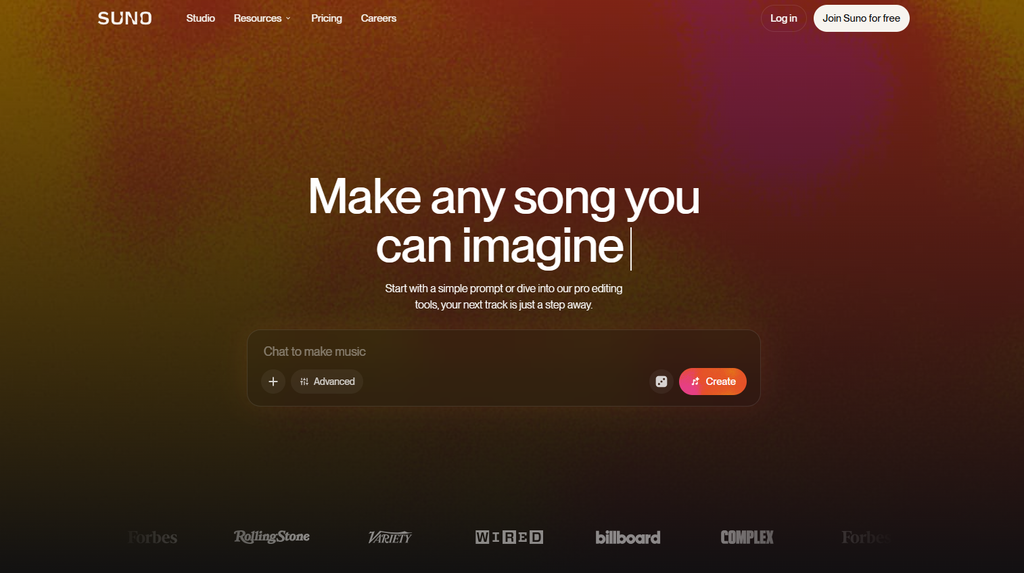
The free plan uses Suno’s free model access and does not include commercial use. Pro adds the current v5.5 model, 2,500 monthly credits, commercial-use rights for new eligible songs, advanced editing and stem tools. Premier raises that to 10,000 monthly credits and adds Suno Studio.
Where Suno is strongest
Suno makes sense when the song itself is the product. You can start from a text description, work with lyrics, add vocals or instrumentals, extend material and use editing tools without building a traditional DAW session first.
For a marketer, YouTuber, songwriter or small creator, that speed is hard to ignore. And unlike Udio right now, Suno still gives eligible paid users a path to download and monetize the songs they make while subscribed.
Where Suno gets complicated
Commercial permission is not the same as copyright protection. Suno explicitly says paid subscribers can monetize qualifying songs, distribute them to streaming services and use them in film, TV or games, but it also says that commercial-use rights do not guarantee copyright protection.
There is a second layer. Suno still faces legal pressure around AI training and generated outputs. A Munich court ruled for GEMA on July 31, 2026 in a case involving protected compositions, and new claims against Suno were filed in early September 2026. If the music is going into a high-value campaign, client library or brand asset, that legal context deserves review before publication.
GuideAITools has a separate Suno AI vs Udio comparison if those are the two tabs you already have open. You can also follow the site’s coverage of the Suno and GEMA copyright ruling.
Suno verdict
Pick Suno when you need full songs with vocals and a practical export path. Its paid plans offer one of the clearest creator workflows in this group, but serious commercial users should keep platform licensing and copyright risk as two separate questions.
2. Soundraw: best for rights-conscious content teams
Soundraw takes a different route. It focuses heavily on background music, artist beats and licensing, while the company says its AI is trained on music created by its own production team rather than scraped commercial recordings.
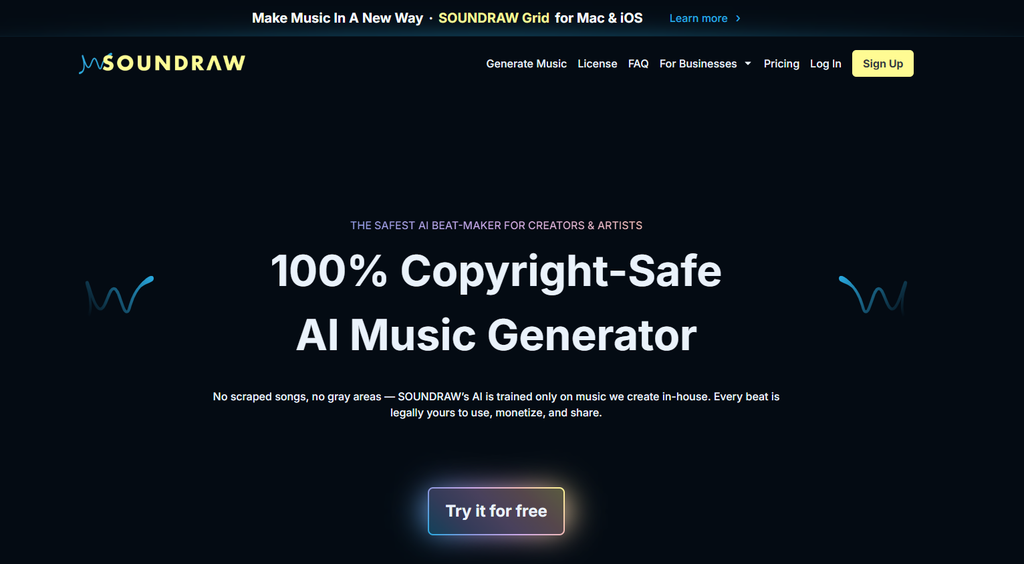
That training-data claim matters more in 2026 than it did two years ago. Legal disputes around AI music now affect buying decisions, especially for agencies, brands and creators who do not want a soundtrack to become the risky part of a campaign.
Soundraw pricing in 2026
Soundraw’s current main pricing page shows Creator at $16.99 per month, with an annual-equivalent rate shown as low as $11.04 per month. Artist Starter, Artist Pro and Artist Unlimited add higher download allowances and artist-focused rights, with Artist Pro also adding WAV and stem downloads.
The plan names matter because the license changes with what you are doing. Creator is aimed at using generated music as background audio in projects. Artist plans are built for musicians who want to change Soundraw beats and release the resulting songs on services such as Spotify.
The licensing detail people miss
Soundraw’s license page says Artist-plan users can distribute songs made from its beats, but the downloaded beat must be changed, for example by adding vocals or instrumentation. It also restricts Content ID registration and distribution of an unmodified downloaded track as standalone music.
So the simple question is not, “Does Soundraw allow commercial use?” It does under its plan rules. The better question is, “Am I using this as background music, or am I releasing the music itself?”
Soundraw verdict
Pick Soundraw when licensing clarity and training-data provenance matter as much as generation. It is especially sensible for video teams, agencies and musicians who want a vendor that puts its rights position near the center of the product.
3. Mubert: best for API, apps and adaptive music
Mubert is less about writing a pop song and more about generating music that fits content, streams, apps and interactive products. That makes it the most developer-friendly option in this six-tool group.
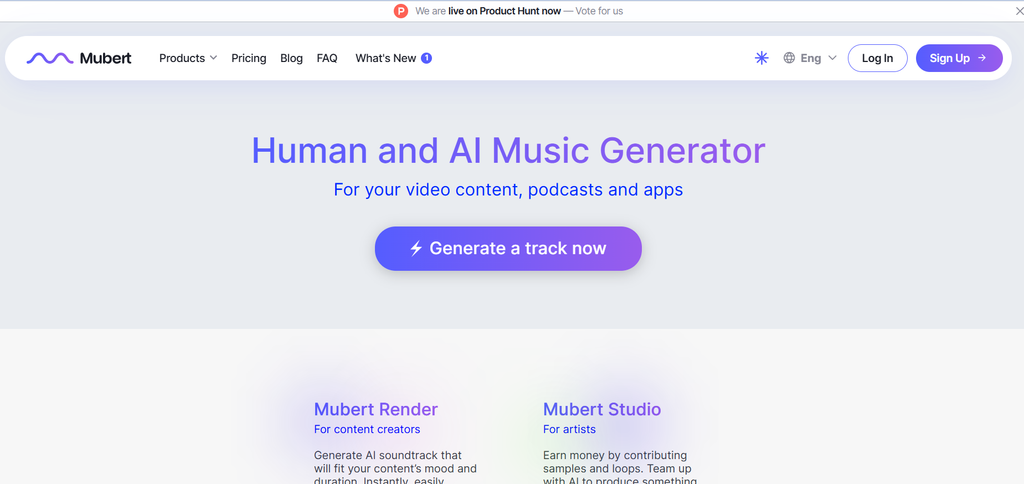
Mubert Render currently has a free Ambassador plan, Creator at $14 per month, Pro at $39 per month and Business at $199 per month. Annual billing lowers the effective monthly rates to $11.69, $32.49 and $149.29 respectively.
Why Mubert stands out
The Render product can generate tracks from text or images, supports long durations of up to 25 minutes on paid plans and includes editing controls. Its Track Editor on Pro and Business can work with song sections and stems, and it can change arrangement, duration, BPM and key.
Then there is the API. Mubert sells separate API plans for products that need generated tracks, streaming minutes, sub-licensing or music inside apps and services. For a game, wellness app, creator platform or live-stream product, this is more relevant than whether the system can write a convincing chorus.
Mubert licensing needs a careful read
The free and Creator plans are positioned for non-commercial use. Pro adds monetized content, while Business covers wider client, agency, app and game use.
Mubert also states that standard Render tracks cannot be sold as standalone music, published to streaming platforms such as Spotify, registered in Content ID systems or uploaded to stock music libraries. Those restrictions make Mubert a strong soundtrack engine, not a shortcut to a streaming catalog.
Mubert verdict
Pick Mubert when music needs to live inside a product or repeatable content workflow. Its API, long-form generation and business licensing are the real reasons to choose it over song-first tools.
4. Beatoven AI: best for video and podcast background music
Beatoven AI is built around original background music for videos, podcasts, games, short films, ads, livestreams and other content where the soundtrack supports something else.
Beatoven’s current homepage confirms MP3 and WAV downloads and says you can either pay per track or subscribe for more download minutes. Its public pricing URL is currently unavailable, so I cross-checked the latest 2026 snapshot of Beatoven’s official pricing page. That May 8 snapshot lists Creator at $10 per month or $100 per year with 30 download minutes, Visionary at $20 per month or $200 per year with 60 download minutes, and pay-as-you-go downloads at $3 per minute. The free Trial tier listed one monthly generation each for Composer, Maestro Music and Maestro SFX.
Beatoven’s license works for content, not standalone releases
Every downloaded track comes with a license that allows monetized use in supported content. Beatoven says the license is non-exclusive and perpetual, while Beatoven itself keeps ownership of the generated track.
That difference matters. You can use the music in monetized videos, podcasts, games and ads under the license, but Beatoven does not allow you to upload the generated track directly to Spotify, Apple Music or similar streaming services as standalone music.
Beatoven also says it is Fairly Trained certified and that musicians are compensated when they contribute music used for training. That gives rights-conscious buyers another data point when comparing it with models whose training disputes are still moving through courts.
Beatoven verdict
Pick Beatoven when you are scoring content, not trying to become an AI music artist. Creator at $10 per month fits regular video and podcast work, while Visionary doubles the monthly download allowance to 60 minutes. If you only need an occasional track, the $3-per-minute option is easier to justify than another subscription.
5. Boomy: best for beginners who want to make songs fast
Boomy has one of the simplest ideas in the category. Start with a style, generate a song, edit it and move on without needing production knowledge.
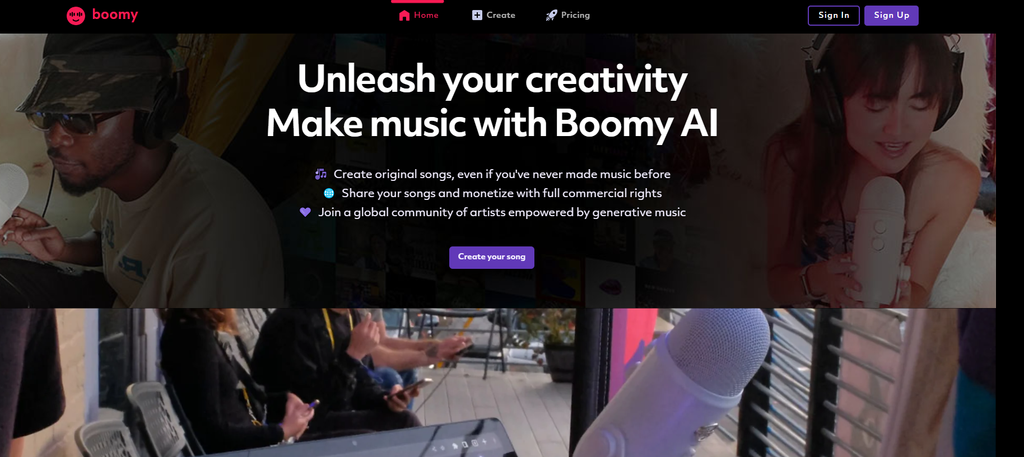
Boomy’s current pricing screen shows three plans. Free costs $0 per month and includes 25 song saves, but no downloads or commercial use. Creator is currently $9.99 per month, discounted from $14.99, and includes 500 song saves, 25 WAV downloads per month, full commercial use of downloaded songs and permission to distribute those downloads to DSPs. Pro is currently $29.99 per month, discounted from $39.99, with unlimited song saves, 250 WAV downloads per month, full commercial use and DSP distribution rights.
Boomy’s ownership rule is the part to read twice
Boomy says it owns and manages the copyright to songs made on the platform by default. Creator and Pro members, however, receive full commercial rights to songs they download while subscribed.
Paid users can use downloaded songs commercially and can release them through a distributor of their choice. Boomy no longer offers its old general distribution service, except for select artist partners.
So Boomy is not the cleanest choice if your first question is, “Do I own the copyright?” It is much more attractive if your question is, “Can I make something quickly and get commercial rights to the downloaded song on a paid plan?”
Boomy verdict
Pick Boomy for speed and simplicity, not for maximum ownership control. Beginners can get moving quickly, while serious artists should read the rights terms before building a catalog around it.
6. Udio: powerful creation tools, but downloads change the answer
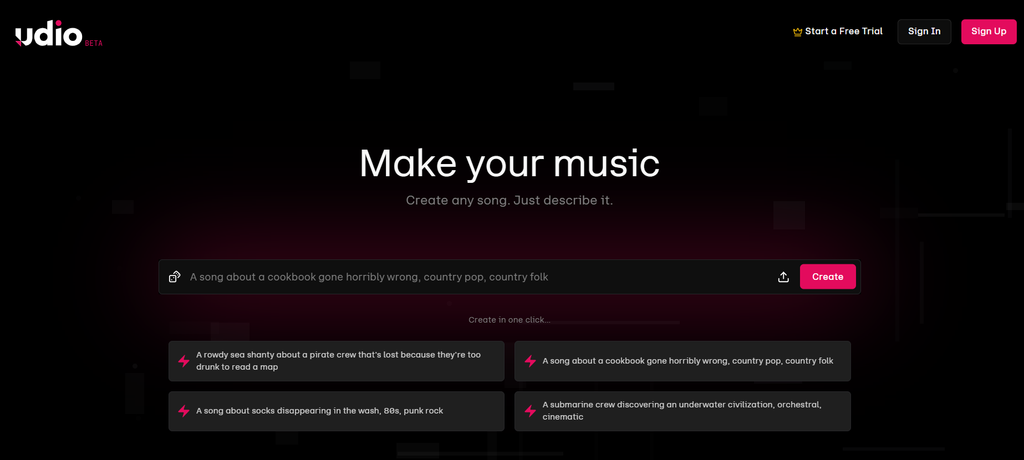
Udio is the strange one on this list. It still offers a rich creation environment with text prompting, Styles, Voices, audio-guided creation, inpainting and the Sessions timeline editor for paid users.
Its free account gets 10 daily credits plus a separate 100-credit monthly limit. Standard now allows up to 2,400 credits per month and Pro up to 6,000. Udio’s help center still lists Standard at $10 per month and Pro at $30 per month, with annual billing discounts.
Why Udio ranks sixth here
On October 29, 2025, Udio announced a partnership and settlement with Universal Music Group. During the transition to its new licensed product direction, Udio disabled downloads from the platform.
That restriction remains documented in Udio’s 2026 help center. Audio downloads, video downloads and stem downloads are disabled.
For experimentation inside Udio, that may be fine. For a YouTube editor, game developer, podcaster or musician who needs the actual audio file, it changes the purchase decision immediately.
Udio verdict
Pick Udio only when in-platform creation and editing matter more than taking the file elsewhere. Until downloads return, I would not make it the default recommendation for production work.
AI music generator pricing compared
Pricing changes fast in this category, so these numbers were checked again on September 8, 2026. Boomy’s current pricing screen confirms its live monthly prices. Beatoven’s current homepage confirms its pay-per-track and subscription model, while the numeric plan details below come from the latest 2026 snapshot of its official pricing page.
| Tool | Free option | Paid starting point | What the paid plan mainly adds |
|---|---|---|---|
| Suno | Yes, 50 credits daily | $8/mo annual equivalent, Pro | Commercial rights for eligible new songs, current models, editing and stems |
| Soundraw | Free creation access, paid licensing | $11.04/mo annual equivalent shown for Creator | Commercial project use and downloads, artist tiers add music-release rights |
| Mubert | Yes | $11.69/mo annual equivalent, Creator | Higher limits, lossless downloads, editing, Pro adds monetized use |
| Beatoven AI | Free Trial | $10/mo Creator, or $100/year | 30 download minutes, unlimited paid-plan generation, licensed MP3/WAV use |
| Boomy | Yes | $9.99/mo Creator | 500 saves, 25 WAV downloads/month, commercial use and DSP distribution |
| Udio | Yes | $10/mo Standard | Higher credit limits and subscriber creation tools, downloads remain disabled |
Suno pricing comes from its current pricing page, Soundraw from its live plan page, Mubert from Render pricing and Udio from its current help center. Boomy’s live pricing screen confirms $9.99 per month for Creator and $29.99 per month for Pro. Beatoven’s latest verifiable 2026 official-pricing snapshot lists Creator at $10 per month or $100 per year, Visionary at $20 per month or $200 per year, plus $3-per-minute pay-as-you-go downloads.
The cheapest plan is not automatically the cheapest workflow. If you need WAV, stems, client licensing or Spotify distribution, the first tier that legally supports your use may sit two plans above the advertised entry price.
Commercial use and Spotify rights compared
This is where the six products separate sharply.
| Tool | Monetized content | Standalone Spotify release | Copyright or ownership position |
|---|---|---|---|
| Suno | Yes on eligible songs made under paid plans | Yes under paid commercial-use terms | Commercial rights do not guarantee copyright protection |
| Soundraw | Yes under applicable paid plan | Artist plans, after modifying the beat as required | Soundraw retains rights in its source material, license governs user use |
| Mubert | Pro and Business for applicable monetized use | No under standard Render license | Licensed soundtrack use, not standalone distribution rights |
| Beatoven AI | Yes with the download license | No | Beatoven keeps ownership, user gets a non-exclusive perpetual license |
| Boomy | Creator and Pro for downloaded songs | Yes through your own distributor | Boomy owns copyright by default, paid downloads receive commercial rights |
| Udio | External workflow is currently constrained | Not practical while downloads are disabled | Review current Udio terms before any commercial plan |
These distinctions come directly from the current vendor licensing and help pages, not from the word “royalty-free” alone.
If Spotify distribution is your main goal, Suno and paid Boomy are the simplest options in this group on paper. Soundraw can also work for artists, but its license requires you to turn the generated beat into a meaningfully modified song rather than distribute the raw download.
Commercial rights do not mean you own copyright
This is the part most comparison pages blur. A platform can give you permission to make money from a track without guaranteeing that the track qualifies for copyright protection in your country.
Suno says this directly in its own help center. The U.S. Copyright Office also says purely AI-generated material, or material where human control over expressive elements is too limited, is not protected by copyright. Human-authored expression, arrangement and creative modifications can still qualify depending on the facts.
For working creators, the practical move is simple. Keep your prompts, edits, lyric drafts, stems, arrangement decisions and DAW project files when copyright matters. The more meaningful human authorship you add, the clearer your creative contribution becomes.
Which AI music generator should you choose?
Choose Suno if you want complete songs with vocals and need a usable export and monetization path. Choose Soundraw if your work is mostly content, ads or music production and the vendor’s in-house training approach matters to you.
Choose Mubert for apps, games, streams and API-driven audio. Beatoven fits video, podcast and game background scoring. Boomy fits beginners who want to make songs without learning production. Udio is worth watching, but I would wait for downloads to return before building an external workflow around it.
For related tools that handle voice, repair, podcast editing and other audio jobs, see the Best AI Audio Tools 2026 guide.
FAQs
What is the best AI music generator in 2026?
Suno is the best AI music generator for most users in 2026 because it combines full-song generation, vocals, editing, downloads and commercial-use rights on paid plans. Soundraw is a better fit when background music licensing and training-data provenance are higher priorities.
What is the best free AI music generator?
Suno has the most useful free starting point in this group for trying full-song generation, with 50 credits that renew daily. The catch is clear, music made on the free plan is for non-commercial use.
Can I use AI-generated music on YouTube?
Yes, if the specific plan grants the rights needed for monetized video. Soundraw, Suno paid plans, Mubert Pro or Business and licensed Beatoven downloads can support YouTube use under their respective terms.
Can I upload AI-generated music to Spotify?
Sometimes. Suno paid users can distribute eligible songs, and paid Boomy users can use an outside distributor for downloaded songs. Soundraw allows artist releases under its Artist-plan rules after the generated beat is modified. Mubert Render and Beatoven do not allow direct standalone streaming distribution under their standard licenses.
Do I own music made with an AI music generator?
Not always. Beatoven keeps ownership and grants a non-exclusive license, while Boomy says it owns generated-song copyright by default but gives paid users commercial rights to downloaded songs. Suno’s paid commercial rights are also separate from whether copyright law protects a specific output.
Is Suno better than Udio?
For most production workflows in September 2026, yes. Suno lets eligible paid users download and monetize songs, while Udio currently disables audio, video and stem downloads during its UMG transition.
Which AI music generator is best for commercial use?
Soundraw is a strong choice for rights-conscious content production because it publishes detailed licensing rules and says its training music is produced in-house. Suno is stronger when you need complete vocal songs, while Mubert fits commercial product and API use at the right plan level.
Which AI music generator has an API?
Mubert is the strongest API-first option in this group, with separate API plans for generated tracks, streaming minutes, apps and services. Soundraw also offers an API product, while the other tools here are mainly creator-facing applications.
Are AI music generators legal to use?
Using an AI music generator is not automatically illegal, but rights depend on the platform terms, what you upload, what the model produces and the law where you operate. Current disputes involving AI music companies show why commercial permission, copyright ownership and training-data legality should be checked separately.
The pick I would make today
For one account that needs to do the most jobs, I would start with Suno Pro. It has the best balance here between song generation, export, editing, price and commercial permission.
But I would not use that answer for every client. For branded background music, Soundraw’s rights-focused setup is appealing. For a game or app, Mubert makes more sense. That is the real buying rule with AI music in 2026, choose the license and workflow first, then judge the music.

Related Blog Posts