Best AI Voice Assistant Tools in 2026: 10 Top Picks Compared
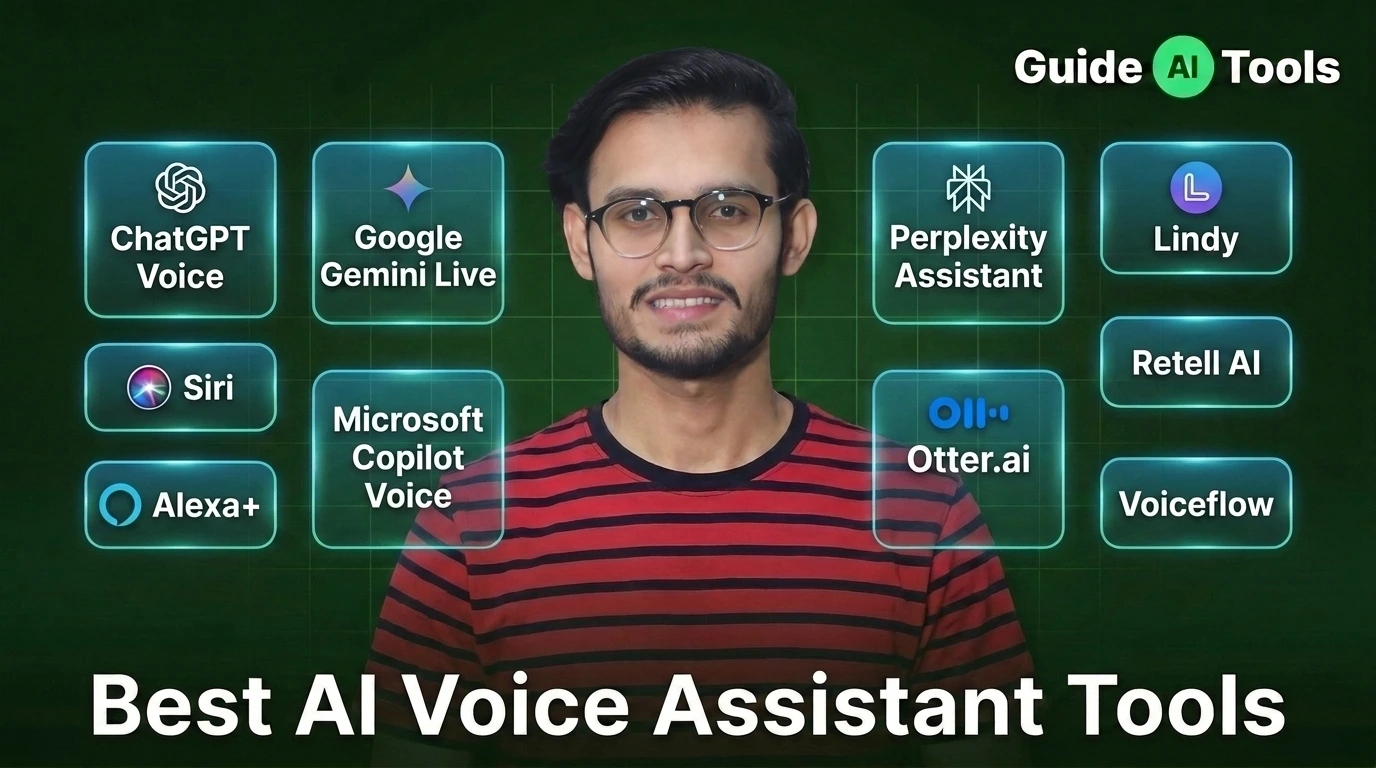
The best AI voice assistant depends on what you actually want it to do. ChatGPT and Gemini are strong for natural conversations, Siri fits Apple users, Alexa+ is built around smart homes and daily tasks, while Lindy, Retell AI and Voiceflow go further into automation and business workflows. Otter is the better choice when meetings are the main job.
That distinction matters.
A voice assistant that answers questions isn’t necessarily a voice agent that can complete a business workflow. And a meeting assistant isn’t automatically a good personal assistant.
I checked the current product pages, documentation and pricing for the ten tools below. The comparison focuses on conversation quality, task execution, integrations, platform fit, pricing and what happens after you say the first command.
Quick comparison of the best AI voice assistants
| Tool | Best For | Starting Price | Main Strength |
|---|---|---|---|
| ChatGPT Voice | Natural conversations | Free, Plus $20/month | Conversation and reasoning |
| Google Gemini Live | Google and Android users | Free, AI Pro $19.99/month | Google ecosystem and actions |
| Siri | Apple users | Free | Device and app control |
| Alexa+ | Smart homes and daily tasks | Free with Prime, $19.99/month otherwise | Household actions |
| Microsoft Copilot Voice | Microsoft users | Free, paid plans vary | Microsoft 365 workflows |
| Perplexity Assistant | Voice search and research | Free, Pro $20/month | Web research and citations |
| Lindy | Business automation | $29.99/user/month | Multi-step workflows |
| Otter.ai | Meetings | Free, Pro $16.99/user/month | Transcription and meeting notes |
| Retell AI | Production voice agents | $0.07 to $0.31/min | Phone-based AI agents |
| Voiceflow | Building custom assistants | Usage based | Voice and chat agent building |
ChatGPT has a free plan with limited voice access, while Plus is $20/month and includes expanded voice access. Google AI Pro is currently $19.99/month and includes higher Gemini limits and access to Pro features.
Alexa+ is currently $19.99/month in the US for non-Prime users and is included with Prime at no additional cost. Amazon also offers a free Alexa+ chat tier to non-Prime users. Perplexity Pro is $20/month or $200/year.
Lindy starts at $29.99 per user/month, Otter Pro starts at $16.99 per user/month on monthly billing, Retell uses pay-as-you-go pricing from $0.07 to $0.31 per minute, and Voiceflow uses usage-based billing for its agent platform.
What is an AI voice assistant?
An AI voice assistant is software that lets you speak naturally, understands what you’re asking and responds or performs an action.
The simple version is familiar. You ask a question, it answers.
The newer version is more interesting. A good assistant can understand context, work with connected apps, remember relevant information and carry out several steps without making you repeat every instruction.
That’s why voice assistants now overlap with AI agents.
ChatGPT Voice can combine spoken conversation with web search and other available capabilities. Gemini Live has moved into multi-step tasks across Google apps. Siri AI can use personal context and perform actions across supported apps.
For more tools in this area, you can browse GuideAITools’ AI voice assistants category.
AI voice assistant vs AI voice agent, what’s the difference?
The two terms are often mixed together, but the distinction is useful.
| AI Voice Assistant | AI Voice Agent | |
|---|---|---|
| Main purpose | Help a person | Complete a defined task |
| Typical user | Individual | Business or customer |
| Example | Siri | Retell AI |
| Conversation | Usually direct | Often goal-driven |
| Integrations | Device and consumer apps | CRM, phone systems, APIs |
| Autonomy | Usually limited | Often higher |
| Best use | Questions, planning, device control | Calls, bookings, support and workflows |
A personal assistant might help you plan tomorrow’s schedule.
A voice agent might call a customer, verify information, update a CRM and finish the conversation without a human taking over.
That second category is where tools such as Retell AI and Voiceflow become relevant.
Which AI voice assistant should you choose?
The right choice depends heavily on your ecosystem and the work you want the assistant to handle.
| If you need | Best starting point |
|---|---|
| Natural general conversation | ChatGPT Voice |
| Google and Android integration | Gemini Live |
| Apple device control | Siri |
| Smart home and household tasks | Alexa+ |
| Microsoft work tools | Copilot Voice |
| Research through voice | Perplexity Assistant |
| Business automation | Lindy |
| Meeting transcription | Otter.ai |
| Phone-based AI agents | Retell AI |
| Custom voice assistants | Voiceflow |
This is the part many rankings skip.
Don’t choose the assistant before deciding what “help” means for you.
1. ChatGPT Voice
ChatGPT Voice is the strongest all-purpose choice if you want a conversational assistant rather than a device-specific helper.
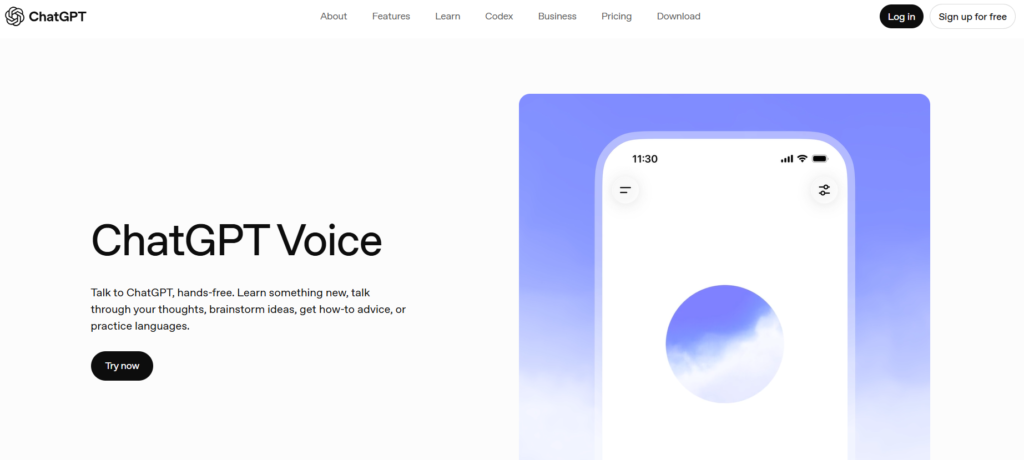
Voice works inside ChatGPT conversations, so you can speak, hear the response and continue the same conversation in text. The Live voice mode also supports more natural turn-taking and interruptions, with web search and memory available where supported by the account and feature.
The free plan includes limited voice access. ChatGPT Plus costs $20/month and adds broader access to voice and other ChatGPT capabilities.
What makes ChatGPT different is breadth. You aren’t limited to short commands like setting an alarm or asking about the weather. You can discuss a complicated idea, ask follow-up questions, work through a problem and switch between voice and text without starting over.
There is a catch. Voice can still make mistakes, and OpenAI itself advises users to verify important information.
Best for: General conversation, brainstorming, learning, research and everyday assistance.
Watch out for: It isn’t a replacement for dedicated phone-agent software or deep smart-home control.
2. Google Gemini Live
Gemini Live is the strongest option if most of your digital life already runs through Google.
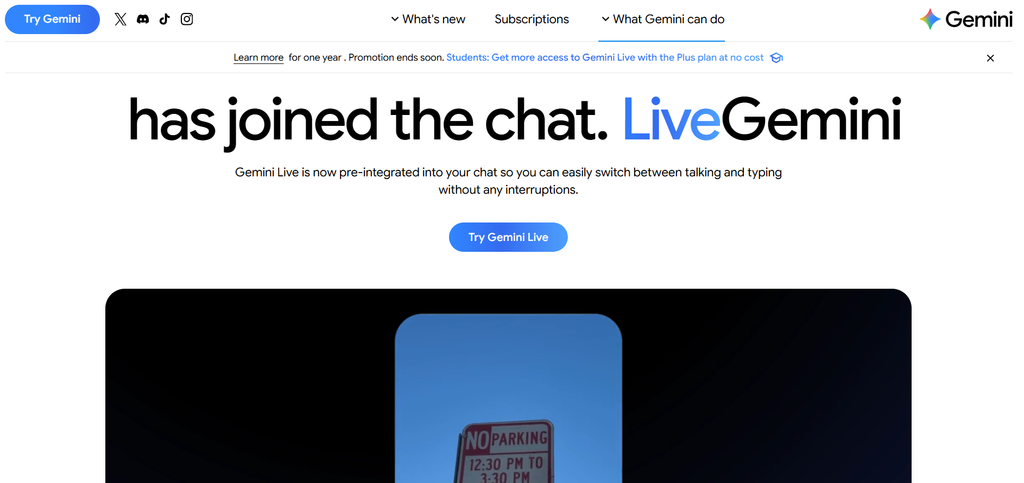
Google has pushed Gemini Live beyond simple voice conversation. Current features include Personal Intelligence, Daily Brief and hands-free interaction with connected Google apps. Google says users can use voice to organize schedules, sort emails and work through multi-step projects.
The camera and screen-sharing side is useful too. Gemini Live can see what you’re looking at and help explain an object, manual, error message or app interface while you’re using it.
Google AI Pro currently costs $19.99/month and gives Gemini higher usage limits, access to its Pro model and features such as Deep Research.
Gemini is particularly compelling on Android because the assistant can interact with supported apps and device features. Google says Android users can automate actions across more than 40 popular apps.
Best for: Android users and people deeply invested in Gmail, Calendar, Drive and other Google services.
Watch out for: Feature availability can depend on country, device, age and connected apps.
3. Siri
Siri remains the obvious choice if your main devices are Apple products, but the 2026 version changes the comparison significantly.
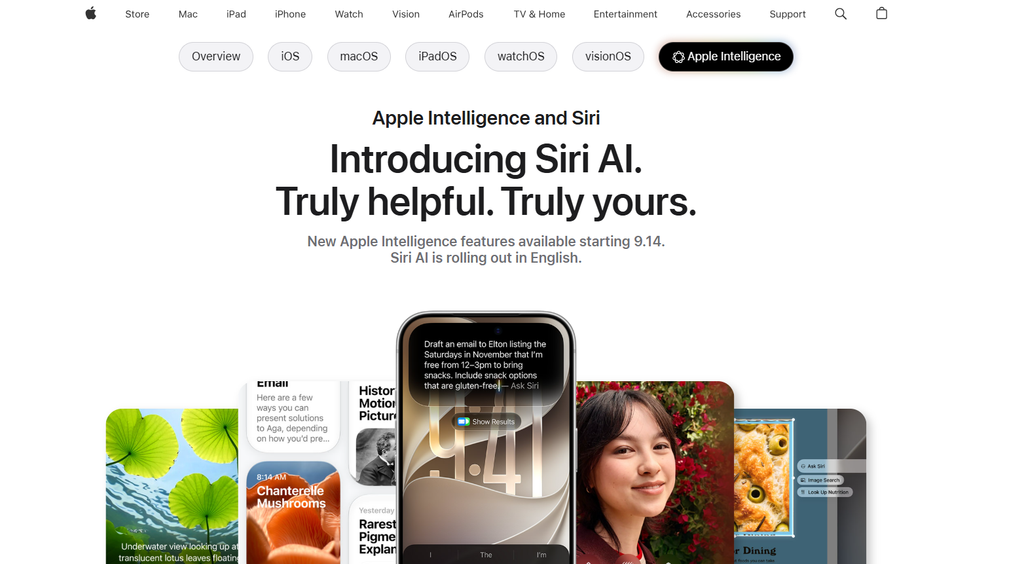
Apple’s new Siri AI is powered by Apple Intelligence and is designed around natural conversation, personal context, onscreen awareness and actions across apps. Siri can search messages, emails and photos, answer questions about what’s on screen and perform supported actions across the system.
That makes Siri less of a simple command tool and more of a personal assistant.
Apple also describes an architecture combining on-device models with Private Cloud Compute. Apple says that when Private Cloud Compute handles a request, personal data isn’t stored or made accessible to Apple.
Siri is free as part of supported Apple devices and software. The important qualification is compatibility. Apple’s new Siri AI capabilities aren’t simply available to every older iPhone, iPad or Mac.
Best for: People who live inside the Apple ecosystem.
Watch out for: Advanced Siri AI availability depends on supported hardware, software versions and rollout status.
4. Alexa+
Alexa+ is the strongest pick when your idea of an assistant includes the home around you.
Amazon describes Alexa+ as a more conversational assistant that can handle tasks on behalf of users. It is available through Alexa-enabled devices, the Alexa app and Alexa.com.
The pricing is straightforward in the US. Alexa+ costs $19.99/month for non-Prime users, while Prime members receive it at no additional cost. Amazon also offers a free Alexa+ chat tier for non-Prime users.
Its advantage is the Amazon ecosystem. Smart-home devices, shopping, household tasks and other connected services give Alexa+ more things to act on than a basic conversational chatbot.
That’s a different kind of usefulness.
If you want to talk through an idea for an hour, ChatGPT may be the better fit. If you want your assistant connected to the house, Alexa+ becomes much more interesting.
Best for: Smart homes, household tasks and Amazon users.
Watch out for: Alexa+’s full experience and availability are tied to supported regions and Amazon’s device ecosystem.
5. Microsoft Copilot Voice
Copilot Voice makes the most sense when your work already happens inside Microsoft’s ecosystem.
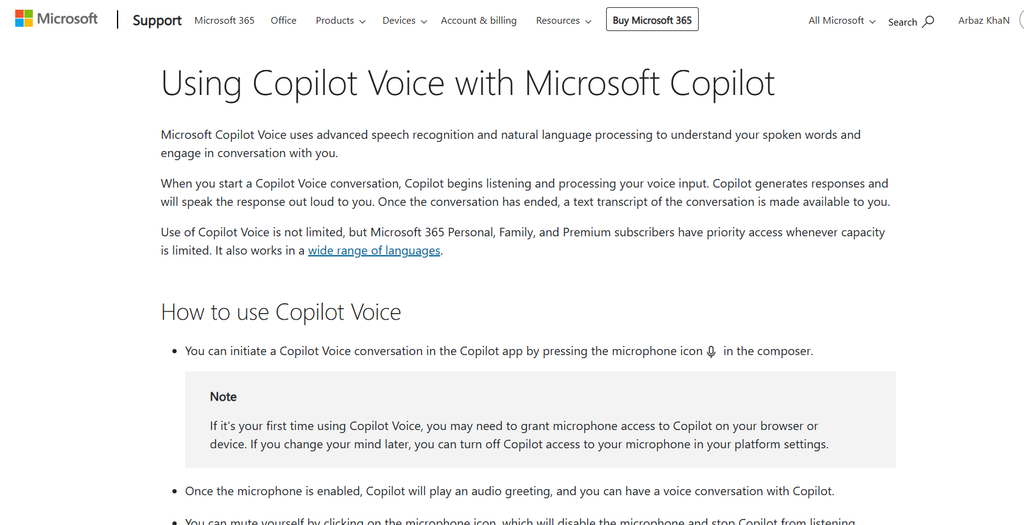
Microsoft currently provides Copilot voice features including voice chat, dictation and read-aloud functionality. Microsoft 365 Copilot also includes voice on mobile, desktop and web in its business plans.
For businesses, Microsoft 365 Copilot Business currently starts at $18/user/month when paid yearly, although a qualifying Microsoft 365 license is required.
That distinction matters because “Copilot” is now a family of products rather than one simple subscription.
The real advantage appears when Copilot can work alongside Outlook, Teams, Word, Excel and other Microsoft services. You can move from asking a question to working with business information without changing platforms.
Best for: Microsoft 365 users and organizations already invested in Microsoft services.
Watch out for: Don’t assume the consumer Copilot experience and Microsoft 365 Copilot Business have identical features or pricing.
6. Perplexity Assistant
Perplexity Assistant is the best fit here when the answer itself matters more than the conversation.
Perplexity’s voice assistant is available on iOS and Android and can handle simple actions as well as more complex tasks. Its documentation describes the assistant as a layer over the device that can interact with supported apps and services.
The main reason to choose Perplexity is research.
Perplexity’s current Pro plan costs $20/month or $200/year and adds higher usage limits, advanced models, research features and other capabilities.
Unlike a traditional voice assistant that might answer a question from its built-in knowledge, Perplexity is designed around web research and cited answers.
That makes it useful when you’re asking questions such as, “What’s changed this week?” or “Compare these three products using current sources.”
Best for: Voice research, current information and users who want cited answers.
Watch out for: It isn’t primarily a smart-home assistant or a full business voice-agent builder.
7. Lindy
Lindy is where the phrase “voice assistant” starts to mean something very different.
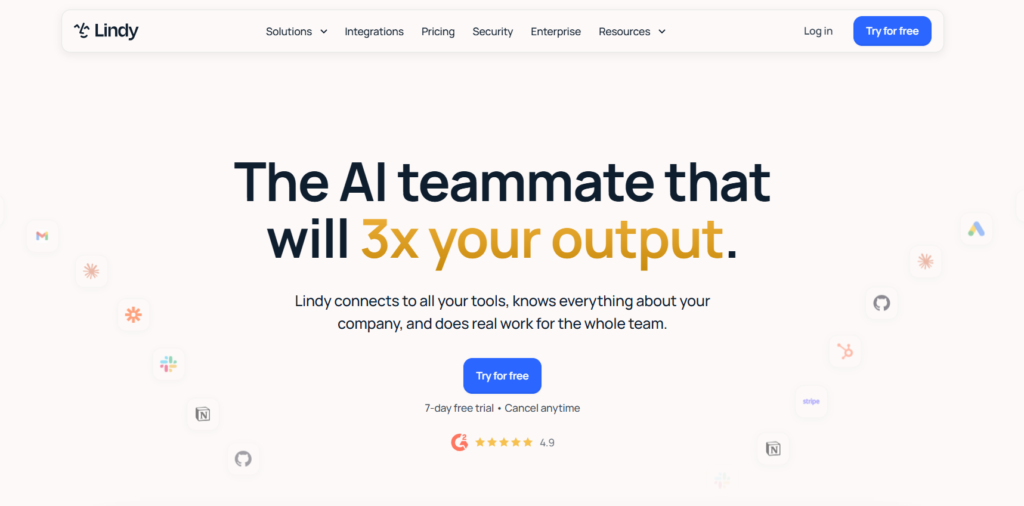
Instead of focusing mainly on conversation, Lindy is built around getting work done. Its current plans include scheduled routines, persistent workspace context, meeting management, inbox handling, daily briefs and integrations.
The Plus plan currently costs $29.99/user/month and includes 3,000 credits per user each month. Pro costs $99.99 and Max costs $199.99. Enterprise is custom and adds features such as HIPAA compliance, audit logs and dedicated support.
That price structure tells you something about the product.
Lindy isn’t competing with Siri on device commands. It’s trying to become a digital teammate for business work.
You might use it for inbox management, meeting preparation, scheduling or recurring routines rather than asking it to set a kitchen timer.
Best for: Business automation and users who want an assistant that can handle recurring work.
Watch out for: The credit system and higher subscription tiers make it a different purchase from a free consumer assistant.
8. Otter.ai
Otter.ai belongs on this list because meetings are one of the most common places where voice AI saves real time.
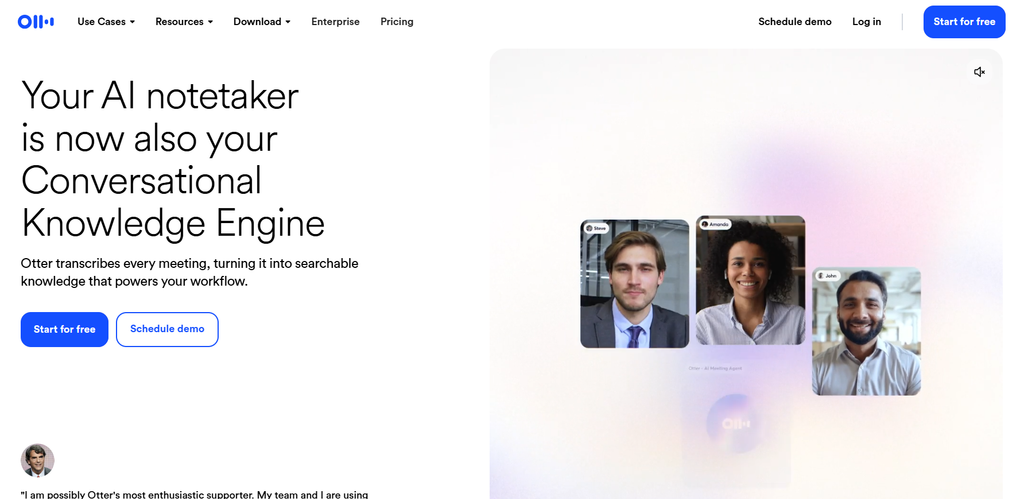
Its Basic plan is free and includes live transcription, speaker identification, 300 monthly transcription minutes and support for Zoom, Microsoft Teams and Google Meet. Pro costs $16.99/user/month on monthly billing, with annual billing currently shown at $8.49/user/month.
Otter also includes AI chat across meetings, meeting workflows, searchable transcripts and advanced features such as team vocabulary and speaker tags on paid plans.
The important distinction is that Otter is not trying to replace Siri.
It captures conversations.
For sales calls, interviews, classes and internal meetings, that’s exactly what you need. If you’re building a voice assistant into your own application, however, a developer platform such as Retell or Voiceflow makes more sense.
Best for: Meetings, interviews and searchable conversation records.
Watch out for: It is a meeting-first product rather than a general-purpose personal assistant.
9. Retell AI
Retell AI is aimed at a completely different buyer.
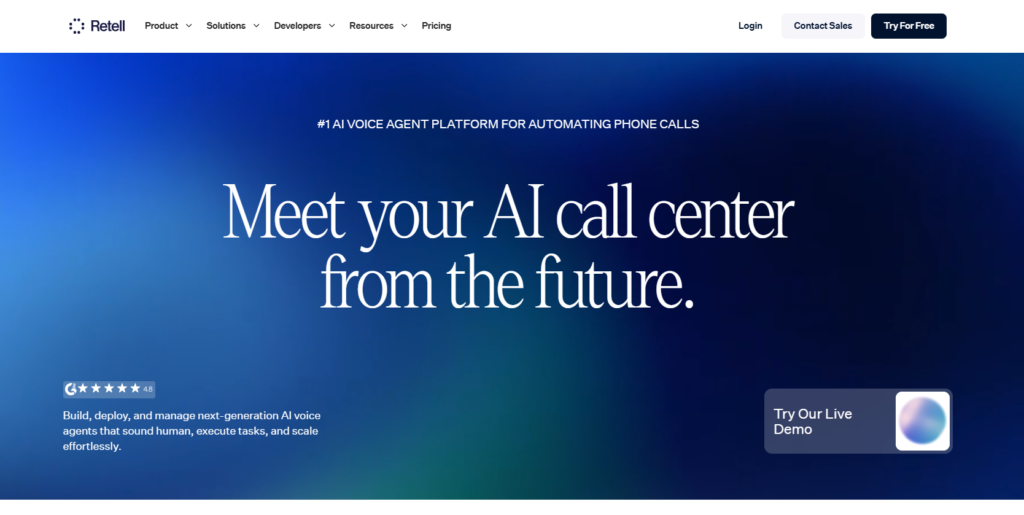
It’s for people who want to build AI voice agents that can actually talk to customers over the phone.
The current Retell pricing model is pay-as-you-go. Voice agents cost $0.07 to $0.31 per minute depending on the configuration, and new users receive $10 in free credits. The platform includes call analytics, transcripts, simulation testing, webhooks and API access.
The final price isn’t simply a single voice rate. Retell’s calculator breaks the cost into voice infrastructure, text-to-speech, LLM, telephony and optional features.
That’s worth understanding before you compare it with a $20 consumer AI subscription.
A business might use Retell for appointment booking, inbound support, qualification calls or other phone workflows where a customer needs to speak to an automated agent.
Best for: Production phone agents and business call automation.
Watch out for: Usage costs depend on the model, voice, telephony and add-ons you select.
10. Voiceflow
Voiceflow is the best option here when you want to build the assistant yourself.
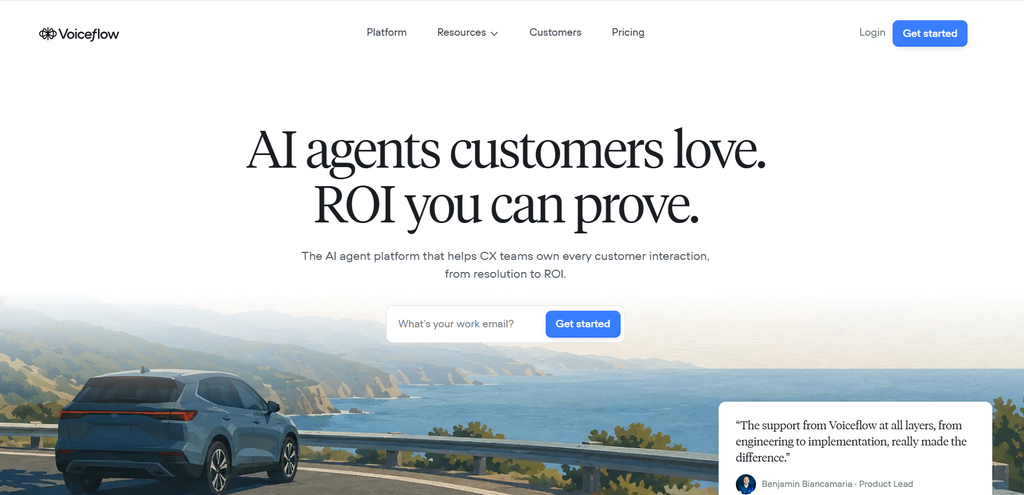
It provides a visual environment for designing AI agents across voice and chat. The current platform includes integrations, observability and performance analytics, and Voiceflow says teams can deploy agents across voice and chat channels.
Its pricing is usage-based rather than a simple consumer subscription. The current pricing page advertises a free trial for agencies and partners, while business customers can request pricing.
That flexibility is the reason to use Voiceflow.
You decide the conversation logic. You decide which tools the agent can call. You can connect business systems and build a workflow around your own requirements.
It takes more setup than opening ChatGPT and saying hello.
That’s the point.
Best for: Companies and builders creating custom voice and chat agents.
Watch out for: You need to design and maintain the workflow rather than relying on a ready-made personal assistant.
Which AI voice assistant can actually perform tasks?
This is where the tools start separating themselves.
Talking naturally is only one part of the job. The more useful question is whether the assistant can move from conversation to action.
| Capability | ChatGPT | Gemini | Siri | Alexa+ | Copilot | Perplexity | Lindy |
|---|---|---|---|---|---|---|---|
| Answer questions | Yes | Yes | Yes | Yes | Yes | Yes | Yes |
| Web research | Yes | Yes | Yes | Yes | Yes | Yes | Yes |
| Personal context | Available | Yes | Yes | Yes | Yes | Yes | Yes |
| App actions | Available features | Strong | Strong | Strong | Strong | Supported actions | Strong |
| Business workflows | Limited compared with agent builders | Growing | Limited by ecosystem | Limited | Strong in Microsoft ecosystem | Growing | Strong |
| Recurring automation | Available features | Yes | Limited | Yes | Yes | Limited | Strong |
| Phone voice agents | No | No | No | No | No | No | Yes, with platform |
The table needs one warning.
A “Yes” doesn’t mean unlimited access to every app or action. Capabilities depend on the connected services, device, account and region.
Google, for example, now describes Gemini Live as capable of multi-step work across Google apps, while Apple documents systemwide app actions for supported Siri AI experiences.
What makes a voice assistant actually good?
A natural voice isn’t enough.
I look at five things when judging these products: understanding, conversation, action, integration and recovery.
Recovery is the one people forget.
Imagine saying:
“Book it for Thursday.”
Then immediately:
“Wait, no. Friday afternoon.”
A good assistant shouldn’t force you to start over.
Latency matters too. Even a smart system feels awkward if every response arrives several seconds late. The same goes for interruption handling. Voice is supposed to be conversational, so constantly waiting for a turn to finish defeats the point.
This is also why personal assistants and voice agents should not receive the same score.
A consumer assistant may win on conversation.
A business agent may win on task completion.
Which AI voice assistant is best for privacy?
There isn’t one universal winner because privacy means different things across these products.
Apple places privacy at the center of Siri AI, with a mix of on-device processing and Private Cloud Compute. Apple says requests handled by Private Cloud Compute don’t have their personal data stored or made accessible to Apple.
Business users have a different checklist.
They need to know where recordings go, which connected apps can be accessed, how long data is retained and whether the service offers enterprise controls.
Retell, for example, offers enterprise options around custom data retention, role-based access, SSO and HIPAA-related controls. Voiceflow also positions its business product around control, observability and agent management.
So don’t ask only, “Is this AI private?”
Ask:
What information can it access, where is that information processed and what happens to it afterward?
How much do AI voice assistants cost?
There are three very different pricing models in this category.
Free consumer assistants
Siri is included with supported Apple devices. ChatGPT and Gemini have free access options, while Alexa+ has a free tier for non-Prime users in the US.
Subscription assistants
ChatGPT Plus costs $20/month. Google AI Pro is $19.99/month. Perplexity Pro costs $20/month. Lindy starts at $29.99/user/month, while Otter Pro is $16.99/user/month on monthly billing.
Usage-based voice agents
Retell starts at $0.07/minute and can reach $0.31/minute depending on the setup. Voiceflow uses usage-based billing for its agent platform.
These numbers shouldn’t be compared without considering what you’re buying.
Paying $20 for ChatGPT isn’t equivalent to paying $0.07 per minute for a phone agent. One is a personal AI service. The other can be part of a customer-call workflow.
What is the best AI voice assistant for each use case?
| Use Case | Best Choice | Why |
|---|---|---|
| Natural conversation | ChatGPT Voice | Strong conversational workflow |
| Google ecosystem | Gemini Live | Deep Google app integration |
| Apple ecosystem | Siri | Systemwide Apple integration |
| Smart home | Alexa+ | Strong Amazon device ecosystem |
| Microsoft work | Copilot Voice | Microsoft 365 integration |
| Research | Perplexity Assistant | Search-focused answers and citations |
| Business automation | Lindy | Recurring tasks and integrations |
| Meetings | Otter.ai | Transcription and meeting workflows |
| Phone agents | Retell AI | Built for production voice calls |
| Custom assistants | Voiceflow | Visual agent builder and integrations |
That is a better way to choose than simply asking which tool has the highest rating.
There isn’t one product that wins every situation.
How do you choose the right AI voice assistant?
Start with the device or software you already use.
If you’re on iPhone, Siri has access to system-level context and actions that a third-party assistant can’t replicate in exactly the same way. If you’re heavily invested in Google services, Gemini makes more sense.
Then ask whether you want answers or actions.
For research and conversation, ChatGPT or Perplexity may be enough. For recurring business tasks, Lindy becomes more interesting. For customer phone calls, Retell is a different class of product altogether.
Finally, look at privacy and pricing.
A cheap assistant isn’t cheap if it can’t access the service you need. A powerful one isn’t useful if your organization can’t approve its data handling.
If you’re building a broader audio workflow around voice assistants, GuideAITools also has a best AI audio tools collection worth checking.
FAQs
What is the best AI voice assistant in 2026?
ChatGPT Voice is the strongest general-purpose choice, while Gemini Live is particularly good for Google users, Siri for Apple users and Alexa+ for smart homes. Business users have better options in Lindy, Retell AI and Voiceflow.
Which AI voice assistant is the most human-like?
ChatGPT, Gemini Live and Alexa+ all focus heavily on natural conversation. The best choice depends on more than voice quality, including interruption handling, context and the actions available after the conversation.
Is ChatGPT better than Gemini for voice?
Neither is universally better. ChatGPT is a strong general conversational assistant, while Gemini has a major advantage when your workflow depends on Google apps and Android. Gemini Live now supports more hands-free, multi-step work across Google’s services.
What is the best AI voice assistant for Android?
Gemini Live is the strongest choice for Android users who want deep Google integration. Perplexity Assistant is another strong option if web research and cross-app actions matter more to you.
What is the best AI voice assistant for iPhone?
Siri is the most deeply integrated option because it is built into Apple’s operating systems and can use supported systemwide app actions. ChatGPT and Perplexity are strong third-party choices for broader conversation and research.
Is Alexa+ better than Siri?
It depends on what you want. Alexa+ has a strong advantage in Amazon’s smart-home ecosystem and household tasks, while Siri has deeper integration with Apple devices and supported apps.
Which AI voice assistant is best for business?
Lindy is a strong choice for business task automation, while Retell AI is better for customer phone agents and Voiceflow is better when you want to build a custom assistant yourself.
Which AI voice assistant is best for meetings?
Otter.ai is the strongest fit for meetings because it combines live transcription, speaker identification, meeting recording and AI meeting workflows. Its Basic plan is free and includes 300 monthly transcription minutes.
Which AI voice assistant has the best privacy?
There isn’t a universal answer. Siri has a particularly strong privacy architecture, including on-device processing and Private Cloud Compute, while business platforms need to be judged on enterprise controls, retention and compliance.
Can AI voice assistants control apps?
Yes. Siri AI can perform supported actions across apps, Gemini can work with connected Google apps, Copilot works across Microsoft services and Perplexity Assistant can interact with supported apps on mobile. The available actions depend on the platform and account.
Can AI voice assistants make phone calls?
Some can, but the experience varies. Consumer assistants can support certain calling actions, while platforms such as Retell AI are specifically designed to make and receive production phone calls through AI agents.
Are AI voice assistants free?
Several have free options. Siri is included with supported Apple devices, ChatGPT and Gemini have free access, Alexa+ has a free US tier, Perplexity has a free plan and Otter has a free Basic plan. Paid tiers usually increase usage or add more advanced features.
The best assistant is the one that can finish the job
Voice assistants are moving past the old model of asking a question and waiting for an answer.
ChatGPT is strong when you want a conversation. Gemini becomes more compelling when your Google apps are part of the task. Siri makes sense when your life is tied to Apple. Alexa+ is at home among smart devices.
Then the category changes.
Lindy handles recurring business work. Otter handles meetings. Retell handles phone conversations. Voiceflow lets you build the assistant yourself.
So I wouldn’t choose from a ranking alone.
Choose based on what you want to happen after you speak. If the answer is simply “give me information,” start with a personal assistant. If the answer is “complete this workflow,” look at an agent platform instead.

Related Blog Posts