Best AI Voice Cloning Tools in 2026: 10 Top Picks Compared
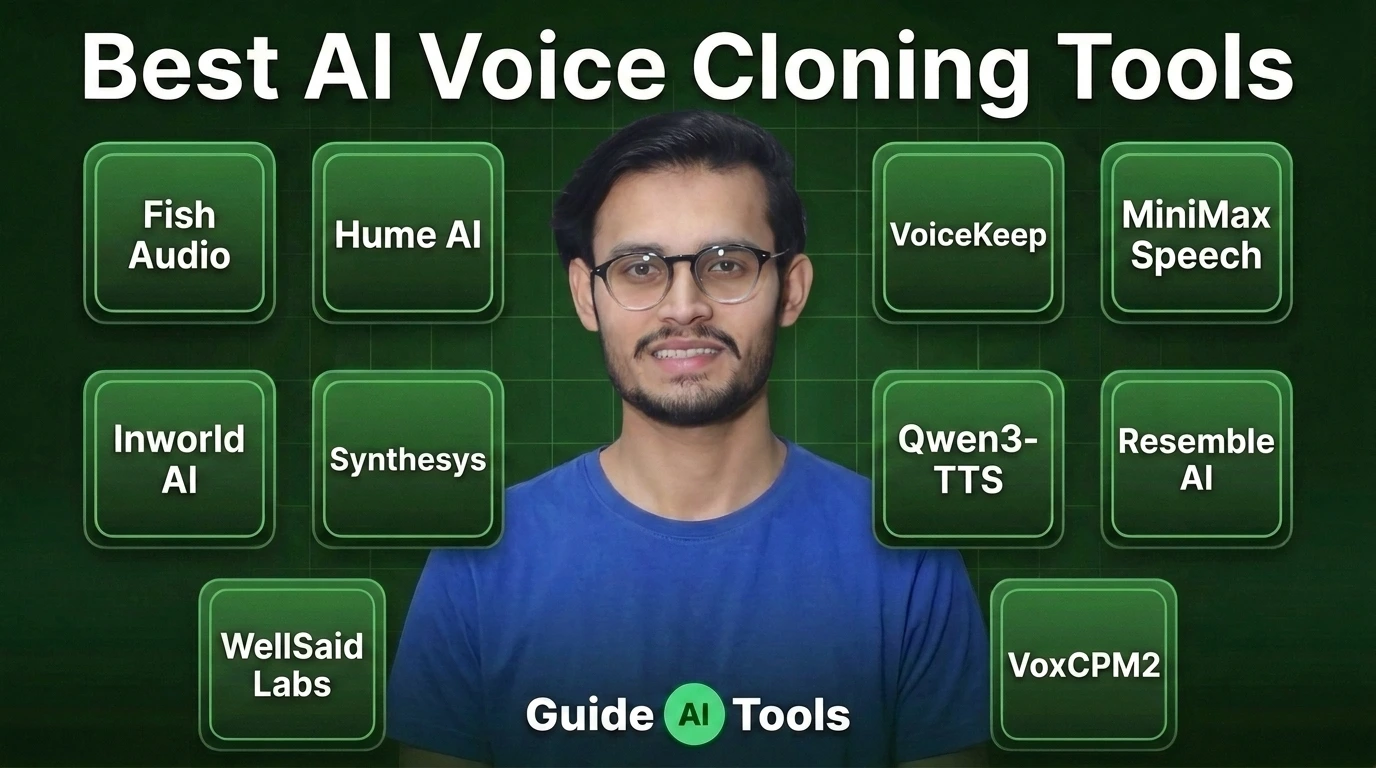
The best AI voice cloning tool depends on what you need after the voice is created. Fish Audio and Hume are strong for fast creator workflows, Inworld suits real-time applications, WellSaid fits business teams, VoiceKeep targets audiobooks, while Qwen3-TTS and VoxCPM2 give developers local control. There isn’t one winner for every project.
Voice cloning has changed quickly.
A few seconds of clean speech can now be enough to create a usable replica with several current systems. But a convincing demo isn’t the same thing as a production-ready voice.
For this comparison, I checked current product pages, pricing, model documentation and licensing information. I also separated voice cloning from ordinary text-to-speech because the two are often treated as the same thing when they aren’t.
What is AI voice cloning?
AI voice cloning creates synthetic speech that resembles a particular person’s voice from a reference recording.
You provide audio from the speaker, the system analyzes characteristics such as timbre, pronunciation and speaking style, then generates new speech from text using that voice.
The amount of reference audio varies widely.
Some current systems can create an instant clone from only a few seconds. Others offer longer professional training for users who want higher speaker similarity or more consistent results.
And there’s another distinction worth making.
Voice cloning is not the same as ordinary text-to-speech.
A standard TTS system gives you a selection of existing voices. Voice cloning tries to reproduce a specific speaker. Voice design goes in another direction entirely, creating a new voice from a description instead of copying an existing one.
If you’re also comparing related technologies, GuideAITools has separate categories for AI voice cloning, text-to-speech tools and AI speech recognition.
How much audio do you need to clone a voice?
There isn’t one standard requirement.
Current tools range from very short reference clips to professional cloning workflows that use several minutes of speech. The shorter systems are convenient, but recording quality becomes even more important when the sample is tiny.
| Tool | Current reference requirement | Cloning approach |
|---|---|---|
| Fish Audio | Short reference audio | Fast voice cloning |
| Hume AI | Recorded session or uploaded sample | Custom voice cloning |
| Inworld AI | 5 to 15 seconds for instant cloning | Instant and professional cloning |
| Synthesys | Short sample | Voice cloning |
| WellSaid | Custom voice process | Enterprise custom voice |
| VoiceKeep | 5 to 25 seconds | Quick custom clone |
| MiniMax Speech | Around 10 seconds | Rapid voice cloning |
| Qwen3-TTS | 3 seconds | Open model cloning |
| Resemble AI | 10 seconds to 3 minutes | Rapid and professional cloning |
| VoxCPM2 | Short reference audio | Controllable and high-fidelity cloning |
Inworld currently documents instant cloning from 5 to 15 seconds, while professional cloning uses at least five minutes and recommends 20 to 30 minutes or more for maximum fidelity.
VoiceKeep says its free plan can clone a voice from a 5 to 25 second sample, with the first clone ready in under 30 seconds.
Qwen3-TTS is even more aggressive on the reference requirement. Its current model card says the model supports 3-second voice cloning and lists Apache 2.0 licensing.
Resemble’s current documentation supports cloning from 10 seconds to 3 minutes of audio, while its professional cloning workflow uses longer recordings.
The lesson is simple.
Clean audio matters more than a long recording.
A noisy 60-second sample can be less useful than a clean 10-second recording with clear speech.
Quick comparison of the 10 best AI voice cloning tools
| Tool | Best For | Starting Price | Clone Type | API | Local Use |
|---|---|---|---|---|---|
| Fish Audio | Creators and developers | Free | Fast cloning | Yes | Selected open models |
| Hume AI | Expressive voices | Free | Custom cloning | Yes | No |
| Inworld AI | Real-time applications | Free/on-demand | Instant + professional | Yes | No |
| Synthesys | Voice and video production | $20/mo annually | Voice cloning | Yes | No |
| WellSaid | Business voice production | Free trial, $10/mo annual | Custom voices | Yes | No |
| VoiceKeep | Audiobooks | Free | Quick cloning | Pro+ | No |
| MiniMax Speech | Low-cost API cloning | $1.50/clone | Rapid cloning | Yes | No |
| Qwen3-TTS | Open-source projects | Free | 3-second cloning | Developer use | Yes |
| Resemble AI | Production voice systems | Free Flex | Rapid + professional | Yes | Yes, enterprise options |
| VoxCPM2 | Local voice replication | Free | Controllable cloning | Yes | Yes |
Pricing models are not directly comparable here. Some services charge a monthly subscription, others charge per clone or generated character, while open models have no software subscription but require your own computing resources.
1. Fish Audio
Fish Audio is one of the strongest choices if you want fast voice cloning without giving up developer access.
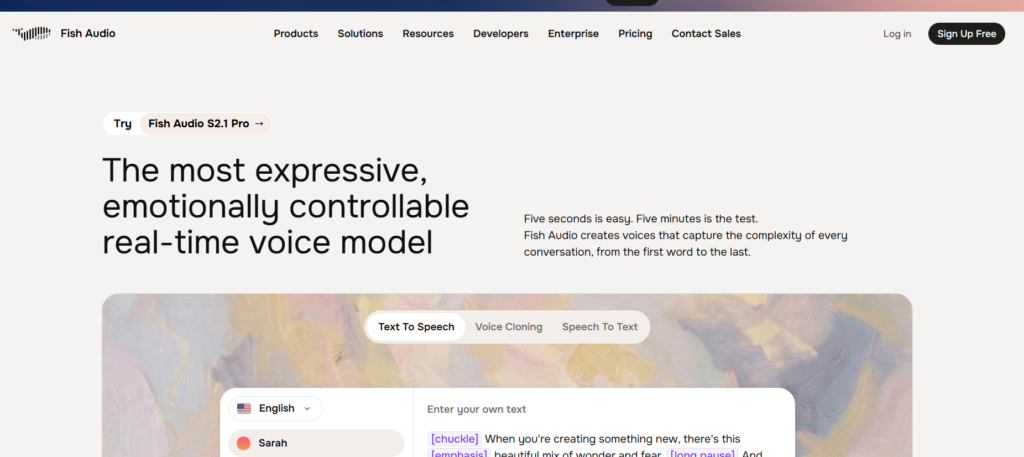
Its current platform combines voice cloning, speech generation and transcription. The developer platform provides Python and TypeScript SDKs, REST and WebSocket access, and pay-as-you-go pricing. Fish currently lists S2.1 Pro at $15 per million UTF-8 bytes, while its developer version of S2.1 Pro is available free.
The creator plans are separate from the API. Fish’s current subscription page lists a Free plan, Plus at $11/month, Pro at $75/month and Max at $749/month.
That gives Fish two useful audiences.
A creator can use the web product without building anything. A developer can use the API and connect cloned voices to an application.
Fish also publishes research and benchmark information around its speech models, which is helpful when you’re evaluating a tool beyond its marketing demo.
Best for: Creators, developers and teams that want voice cloning plus API access.
Watch out for: Subscription pricing and API pricing are separate, so compare the plan that matches your actual workflow.
2. Hume AI
Hume AI is a particularly interesting choice when expression matters as much as speaker identity.
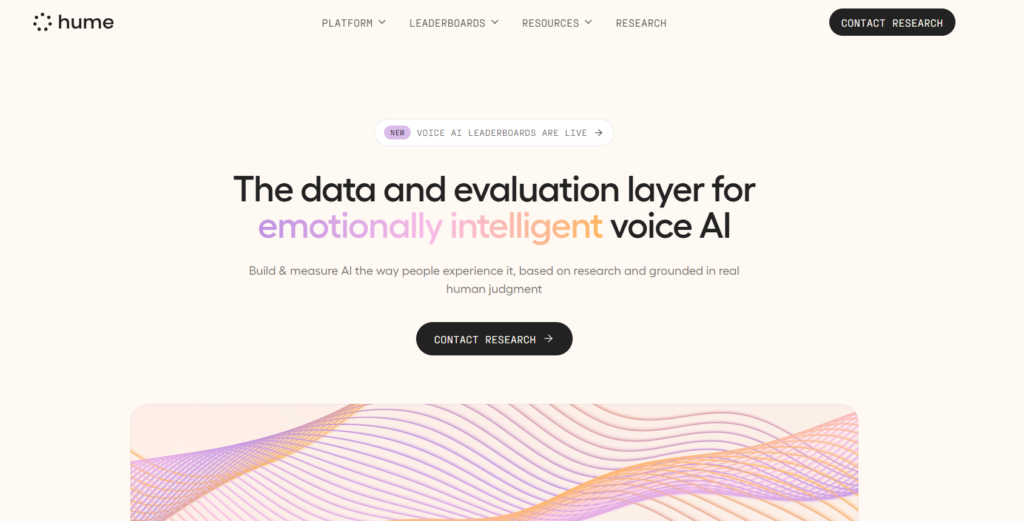
Its Octave voice system supports voice cloning from recorded or uploaded audio, while Hume’s wider platform focuses heavily on expressive speech and spoken interaction. Hume currently lists unlimited voice cloning across its Free, Starter, Creator, Pro, Scale and Business plans.
The pricing is unusually accessible for a voice platform.
Hume’s current plans start with Free at $0/month, Starter at $3/month, Creator at $14/month after its introductory period, Pro at $70/month, Scale at $200/month and Business at $500/month.
Its cloning documentation says a guided voice recording typically takes less than 30 seconds, while users can also upload an audio sample.
What makes Hume stand out is the emphasis on how the voice speaks, not just whose voice it resembles.
That matters for characters, conversational products and narration where tone, emotion and delivery are part of the result.
Best for: Expressive voice cloning and conversational voice applications.
Watch out for: If you only need straightforward narration, Hume’s broader expressive feature set may be more than you need.
3. Inworld AI
Inworld AI is the strongest fit when the cloned voice needs to respond in real time.
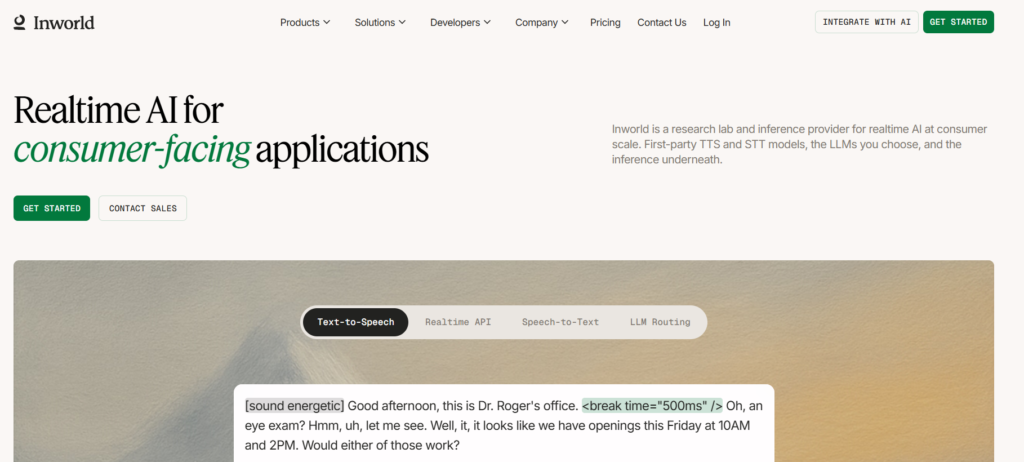
Its current voice cloning system offers instant cloning from 5 to 15 seconds of audio. For higher fidelity, Inworld also offers professional cloning using longer recordings.
The current On-Demand plan starts free and includes voice cloning, voice design and real-time API access. Creator costs $25/month, Builder $100/month, Developer $300/month and Growth $1,500/month. Professional voice cloning is available as an add-on at the Developer tier.
Inworld also says its real-time voice system supports more than 200 languages and can preserve the same voice identity across languages.
That makes it particularly relevant for games, virtual characters, voice agents and interactive applications.
The pricing deserves attention, though. Inworld’s subscription includes credits, while speech generation is also priced by characters and model. You need to look at both when estimating production cost.
Best for: Real-time voice applications, games, agents and interactive characters.
Watch out for: Higher production requirements can push you into the more expensive plans.
4. Synthesys
Synthesys makes more sense when voice cloning is part of a larger content production workflow.
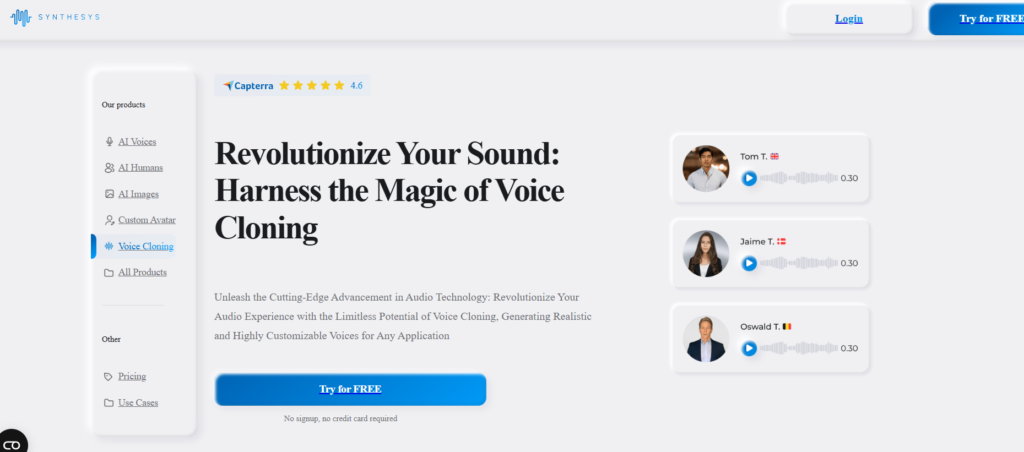
Its current plans combine voice cloning with AI avatars, digital twins, dubbing and video production. The Indie plan costs $20/month when billed annually, Studio costs $41/month annually and Agency costs $83/month annually. Monthly list prices are higher.
The current plans include 10 voice clones on Indie, 25 on Studio and unlimited voice cloning on Agency. Synthesys also lists more than 1,000 voices and support for more than 175 languages and dialects.
This is not really a pure voice-cloning product.
That’s actually its advantage.
If you’re producing training videos, marketing content, multilingual presentations or avatar-led videos, keeping voice, video and dubbing tools together can save a lot of switching between services.
Synthesys also states that its plans include commercial rights and that consent is required when cloning voices.
Best for: Creators and teams producing voiceovers, videos, avatars and multilingual content.
Watch out for: You’re paying for a wider content suite, not only voice cloning.
5. WellSaid Labs
WellSaid is better suited to professional voice production than casual voice cloning.
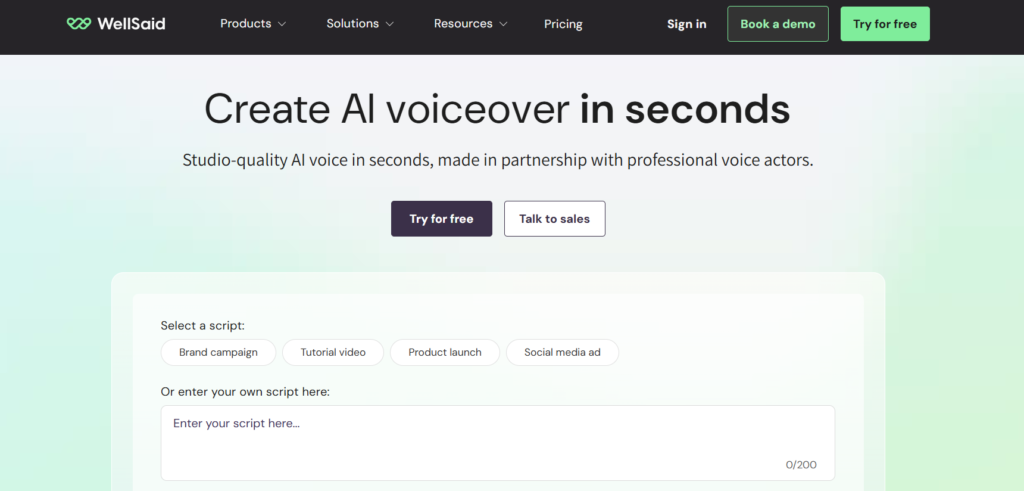
Its current pricing starts with a free trial that provides three downloaded minutes per month without commercial rights. Starter costs $10/month when billed annually, while Pro costs $33/month annually. Business is $160 per user/month annually, with Enterprise pricing available by quote.
The important part is how WellSaid approaches custom voices.
The platform is built around professional voice production, curated voice actors, commercial licensing and team workflows. Its enterprise offering also supports custom voice work and broader security controls.
That makes it a different proposition from an open model where you upload a clip and start generating immediately.
For companies, that can be a good thing.
You get a more controlled production environment and a clearer path for team use.
Best for: Businesses, training teams and organizations that need controlled voice production.
Watch out for: The free trial doesn’t include commercial rights, and the platform is less suited to hobbyists looking for unrestricted experimentation.
6. VoiceKeep
VoiceKeep is particularly interesting for audiobook creators and anyone working with several characters.
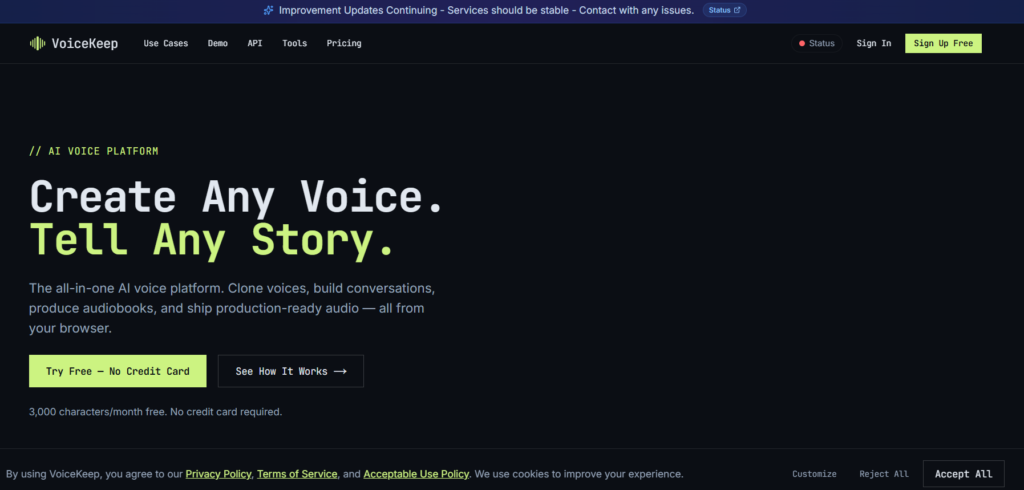
Its current Free plan costs $0 and includes 3,000 characters per month, one custom voice and the ability to clone a voice from a 5 to 25 second sample. Starter costs $5/month, Creator $19/month, Pro $49/month and Studio $149/month.
The plans are built around character limits and custom voice slots rather than a simple minute-based system.
Creator adds audiobook export in M4B format, custom pronunciation rules and stage direction support. Pro adds REST API, SSE and WebSocket access, along with AI voice casting. Studio adds unlimited custom voices and a full commercial usage license.
That makes VoiceKeep unusually focused.
It’s not trying to be everything.
If you’re producing a long audiobook with multiple recurring characters, the ability to manage voices and dialogue in one place becomes more useful than a simple voice generator.
Best for: Audiobooks, narration and multi-character projects.
Watch out for: The free plan has a small character allowance, so long-form production quickly moves into paid tiers.
7. MiniMax Speech
MiniMax Speech is worth considering if your priority is inexpensive API-based voice cloning.
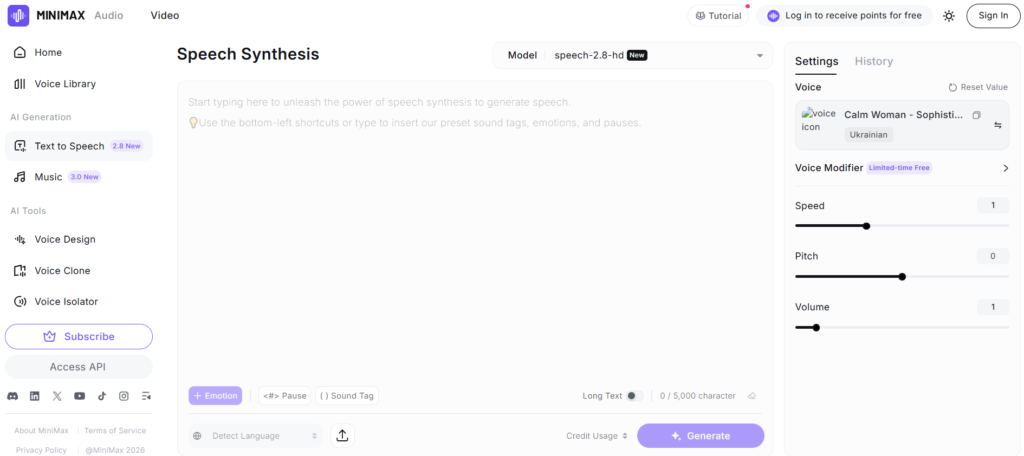
The current MiniMax API pricing lists Rapid Voice Cloning at $1.50 per voice. Voice generation is charged separately, with Speech-2.8 HD at $100 per million characters and Turbo at $60 per million characters.
That distinction is easy to miss.
The $1.50 charge creates the cloned voice. It isn’t the price of unlimited speech generation.
MiniMax’s current voice product says a custom voice can be created from around 10 seconds of audio. The service also provides a large preset voice library and multilingual speech generation.
The platform also offers subscription options for its broader audio service, with a Starter plan listed at $5/month in its service terms.
For developers who need a simple API and want to keep cloning costs low, MiniMax deserves attention.
Best for: Developers looking for inexpensive voice cloning through an API.
Watch out for: Separate cloning and speech-generation charges make the total cost higher than the headline clone price alone.
8. Qwen3-TTS
Qwen3-TTS is the option I’d look at when local control matters more than convenience.
It isn’t a normal SaaS subscription.
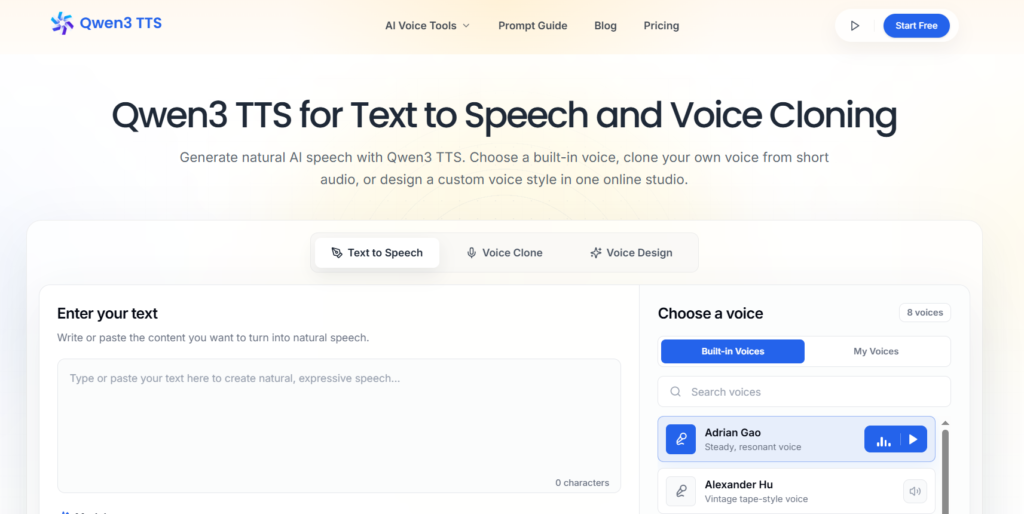
Qwen3-TTS is an open model family, and the current 0.6B Base model is licensed under Apache 2.0. Its model card says it supports 10 languages and can perform rapid voice cloning from a user-provided audio sample.
The model supports 3-second voice cloning, which is remarkably short for a local model.
You can download the model, install the required software and run inference yourself. That changes the economics completely. There is no monthly voice-cloning subscription, but you need suitable hardware or an inference environment.
This is where open models become interesting.
Your audio can stay under your own control, and you aren’t locked into a provider’s generation limits.
But you’re also responsible for setup, performance, updates and infrastructure.
Best for: Developers, researchers and teams that want local voice cloning.
Watch out for: “Free” refers to the model and license, not the hardware required to run it.
9. Resemble AI
Resemble AI has taken a broader approach than simple voice generation, combining voice creation with identity, watermarking and AI detection tools.
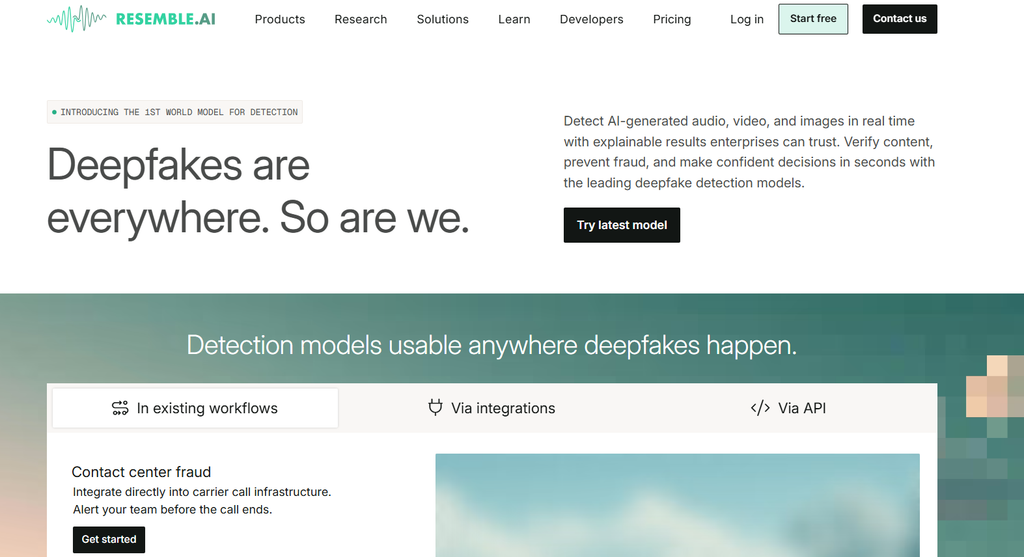
Its current Voice Creation product offers Rapid Clone from 10 seconds of audio, professional cloning from 10 to 25+ minutes and voice design from text. Resemble says its cloning system can generate across 23 languages while preserving voice identity.
There is also an important pricing change to know about.
Resemble’s current public pricing page is now centered heavily around detection and security. Flex is $0/month with pay-as-you-go usage, Team is $350/month and Business is $1,000/month.
Its changelog records a voice cloning change in May 2026, with the first clone free and additional clones at $2 each.
So don’t copy old articles that say Resemble starts at a fixed monthly voice-cloning subscription.
The product and pricing have changed.
Best for: Production voice systems, identity protection and teams that care about voice security.
Watch out for: Its current product mix is broader than voice cloning, so pricing needs to be checked against the exact service you’re using.
10. VoxCPM2
VoxCPM2 is the most developer-oriented option in this list, and it belongs in the open-source section rather than beside SaaS products as if the pricing were equivalent.
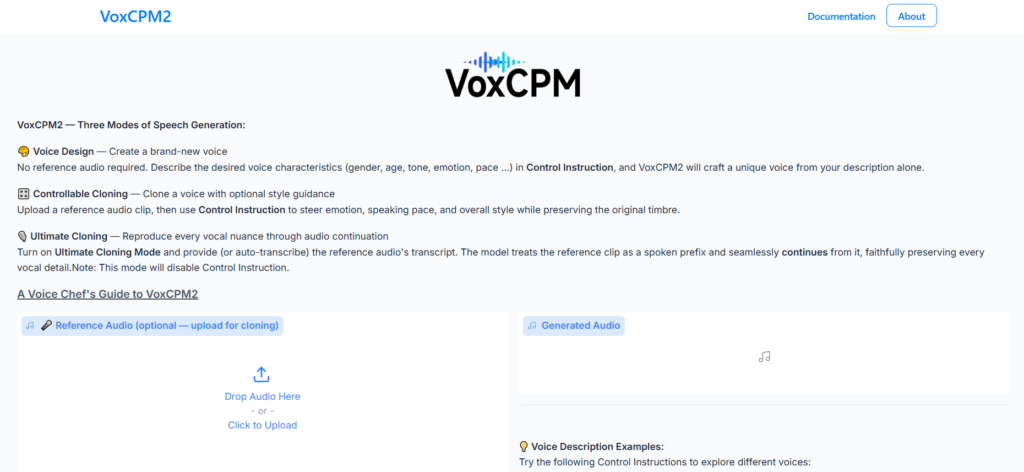
The current VoxCPM2 release is a 2B parameter multilingual TTS model supporting 30 languages, voice design, controllable cloning and 48 kHz audio output. Its project documentation describes reference-audio cloning with optional style controls for emotion, speed and delivery.
The model also supports a higher-fidelity cloning mode that uses reference audio together with its transcript. The documentation says this mode is designed for maximum voice similarity.
VoxCPM2 is open source and released under Apache 2.0 according to its project documentation. It can run locally, which means you don’t pay a per-minute cloud fee for every generated clip.
The catch is obvious.
You need technical knowledge and suitable hardware.
Best for: Developers who want local, multilingual voice cloning with deep control.
Watch out for: Setup and inference requirements are much higher than a browser-based voice service.
Does the most realistic AI voice make the best clone?
No.
A voice can sound extremely natural while still failing to reproduce the speaker’s identity accurately.
This is one of the biggest mistakes I see in voice comparisons. People listen to a polished sample and judge the entire system from that one clip.
There are really two questions:
Does it sound human?
Does it sound like the target speaker?
Those aren’t the same test.
Hume’s current voice replication benchmark separates speaker similarity from naturalness and other quality measures. That approach is much more useful than giving a single “realism” score to every model.
For a serious comparison, I’d score:
| Factor | What to check |
|---|---|
| Speaker similarity | Does it sound like the original person? |
| Naturalness | Does it sound like normal human speech? |
| Prosody | Does rhythm and emphasis feel right? |
| Pronunciation | Are names and difficult words correct? |
| Consistency | Does the voice remain stable across long scripts? |
| Emotion | Can it change mood without losing identity? |
| Cross-language quality | Does the same voice survive another language? |
A clone that nails five seconds but falls apart during a ten-minute narration isn’t a strong production voice.
What makes a good voice clone?
The reference recording is only half the equation.
The generation system also needs to reproduce the speaker’s rhythm, pitch movement, pronunciation and pauses without turning every sentence into the same pattern.
Emotion matters too.
A narrator might need to sound calm in one paragraph and excited in the next. A game character may need anger, fear or a whispered delivery. A customer-service agent needs something else entirely, clarity and consistency.
Real-time applications add another concern.
Latency matters.
If the cloned voice takes several seconds to respond, it won’t feel natural in a live conversation no matter how accurate the voice sounds.
Inworld currently positions its voice system around real-time applications and lists real-time API access alongside voice cloning.
Can you legally clone someone’s voice?
You should only clone a voice when you have the necessary rights or permission to do so.
That sounds obvious. It isn’t always followed.
If you’re cloning your own voice, the situation is straightforward. If you’re cloning an actor, employee, customer or another identifiable person, you need to understand the permissions covering the recording, the generated voice and its intended use.
Hume requires users to confirm they have the rights needed to clone a voice.
WellSaid’s custom voice agreement also requires authorization and written consent for voices submitted for custom voice creation.
Synthesys likewise states that consent is required for voice cloning and prohibits non-consensual impersonation.
The legal rules can also vary by jurisdiction. The U.S. Copyright Office has specifically examined AI-generated digital replicas, including realistic digital reproductions of a person’s voice or appearance. For commercial projects, especially anything involving a public figure, employee likeness or advertising, get proper legal advice before cloning a voice.
Can AI voice cloning be used commercially?
Yes, but commercial use depends on the provider, plan and licensing terms.
A paid subscription doesn’t automatically mean that every generated voice can be used anywhere.
Look at four separate questions:
| Question | Why it matters |
|---|---|
| Can I generate commercial audio? | Determines business use |
| Can I clone a voice commercially? | May have separate restrictions |
| Who owns the source recording? | Affects your input rights |
| Can I use the output in ads or products? | Determines practical licensing |
WellSaid’s Starter and Pro plans include commercial rights, while its free trial does not.
Synthesys says its current plans include full commercial rights.
VoiceKeep includes a full commercial usage license on its Studio plan, while lower plans have different terms.
Open-source models need a different check.
Qwen3-TTS is Apache 2.0, but you should still review the model and repository terms before using it in a commercial product.
Which AI voice cloning tools work in real time?
Not every cloning platform is built for live speech.
Some are optimized for creating finished narration. Others are designed for interactive applications where the voice needs to respond quickly.
| Tool | Real-time suitability | Best fit |
|---|---|---|
| Inworld | Strong | Games, agents, interactive characters |
| Hume AI | Strong | Conversational and expressive voice |
| Fish Audio | Strong | API and streaming applications |
| Resemble AI | Strong | Production voice systems |
| MiniMax | API focused | Developer applications |
| Qwen3-TTS | Hardware dependent | Local applications |
| VoxCPM2 | Hardware dependent | Local development |
| Synthesys | Lower priority | Content production |
| WellSaid | Lower priority | Business narration |
| VoiceKeep | Lower priority | Audiobooks and long-form audio |
Inworld’s current product supports real-time API access and instant voice cloning, while Fish Audio provides WebSocket streaming through its developer API.
VoxCPM2 can also stream locally, but performance depends heavily on the hardware and inference setup. Its project documentation reports real-time factors on supported NVIDIA hardware.
How much does AI voice cloning cost?
There is no useful single number.
Some platforms charge a monthly subscription. Others charge per generated character, per clone or per API request. Open models don’t have a subscription price at all.
Here are the current examples:
| Tool | Current pricing example |
|---|---|
| Fish Audio | Free, Plus $11/month |
| Hume AI | Free, Starter $3/month |
| Inworld | Free/on-demand, Creator $25/month |
| Synthesys | $20/month annually |
| WellSaid | Free trial, Starter $10/month annually |
| VoiceKeep | Free, Starter $5/month |
| MiniMax | $1.50 per rapid voice clone |
| Qwen3-TTS | Free model |
| Resemble AI | Free Flex, usage based |
| VoxCPM2 | Free open-source model |
These prices describe different things.
MiniMax’s $1.50 is a cloning charge. Generated speech has a separate cost.
Inworld’s voice cloning itself is free on its On-Demand plan, while generated speech is billed according to the selected TTS model and usage.
Fish Audio’s creator subscriptions and API have separate pricing structures as well.
This is why the cheapest headline number isn’t always the cheapest production workflow.
A free local model can cost more in engineering time.
A $10 subscription can be cheaper for a creator who needs a complete browser workflow.
An API can be far cheaper at scale if you’re generating thousands of clips programmatically.
Which AI voice cloning tool is best for each use case?
| Use case | Best choice | Why |
|---|---|---|
| Fast creator cloning | Fish Audio | Quick access and API options |
| Expressive voice | Hume AI | Strong focus on expressive speech |
| Real-time applications | Inworld AI | Instant cloning and real-time API |
| Voice plus video | Synthesys | Voice cloning inside a broader production suite |
| Business voice production | WellSaid | Commercial licensing and team features |
| Audiobooks | VoiceKeep | Multi-voice and audiobook workflows |
| Low-cost API cloning | MiniMax Speech | $1.50 rapid clone |
| Open-source cloning | Qwen3-TTS | Local model and Apache 2.0 license |
| Production voice security | Resemble AI | Voice creation plus identity and security tools |
| Local multilingual cloning | VoxCPM2 | 30 languages and local deployment |
That is a better way to choose than asking which model is simply “number one.”
The answer changes with the job.
How to choose the right voice cloning tool
Start with the recording you actually have.
If you have only 10 seconds of clean audio, prioritize tools built for instant cloning. If you can record 20 or 30 minutes from the speaker, professional cloning becomes more interesting.
Then decide where the voice will run.
A YouTube creator may want a browser app. A game developer may need a real-time API. A privacy-sensitive team may prefer a local model. An audiobook producer needs long-form consistency and character management.
Next, check the licensing.
Don’t leave consent and commercial rights until the end of the project.
They can change which tools are usable for your project.
If you’re building a complete production workflow around cloned voices, GuideAITools also has AI audio tools covering related audio creation and editing software.
For projects that combine cloned voices with conversational systems, the AI voice assistants category is another useful place to compare related tools.
FAQs
What is the best AI voice cloning tool in 2026?
Fish Audio is a strong choice for creators and developers, Hume AI is well suited to expressive speech, Inworld is better for real-time applications and Qwen3-TTS or VoxCPM2 are strong options for local development.
Which AI voice cloning tool sounds the most realistic?
There isn’t one universal winner. Speaker similarity, naturalness, pronunciation, emotion and recording quality all affect the result. A model can sound very human without matching the target speaker closely.
What is the best free AI voice cloning tool?
Qwen3-TTS and VoxCPM2 are strong free open-source options for developers who can run models locally. Fish Audio and Hume also provide free access, but their usage limits and service terms are different.
How much audio do you need to clone a voice?
It depends on the tool. Inworld supports instant cloning from 5 to 15 seconds, VoiceKeep supports a 5 to 25 second sample and Qwen3-TTS supports 3-second cloning. Professional cloning can require several minutes of audio.
Can AI clone a voice from a few seconds?
Yes. Several current systems can create an initial clone from a very short recording. Short samples are convenient, but longer, clean recordings can give professional systems more information about the speaker’s characteristics.
Is AI voice cloning legal?
Voice cloning can be lawful when you have the appropriate rights and consent, but the rules depend on the jurisdiction and use. You should not clone another person’s voice for commercial or impersonation purposes without proper permission.
Can I commercially use an AI voice clone?
Often, yes, but check the provider’s current plan and terms. Commercial rights can differ between free and paid plans, and the right to clone a particular person’s voice is a separate issue from the right to use generated audio.
What is the best AI voice cloning tool for developers?
Inworld, Fish Audio, MiniMax, Resemble AI and open models such as Qwen3-TTS and VoxCPM2 are strong developer choices. The best option depends on whether you need an API, real-time processing, local inference or a hosted service.
What is the best AI voice cloning tool for audiobooks?
VoiceKeep is particularly well suited to audiobook production because its higher plans include audiobook export, custom pronunciation rules, multiple custom voices and tools for multi-character projects.
Which AI voice cloning tools support real-time audio?
Inworld, Hume, Fish Audio and Resemble AI are strong choices for real-time applications. Qwen3-TTS and VoxCPM2 can also be used locally, but performance depends on your hardware and deployment setup.
Which voice cloning tool works offline?
Open models such as Qwen3-TTS and VoxCPM2 can be deployed locally, which gives you the option of generating speech without sending each request to a hosted voice service. The required hardware depends on the model and implementation.
Is Qwen3-TTS free for voice cloning?
The Qwen3-TTS model is available under the Apache 2.0 license, so there is no SaaS subscription required to download and run the model. You still need compatible hardware or an inference service to actually generate the audio.
What is the difference between voice cloning and text-to-speech?
Text-to-speech turns written text into spoken audio using a selected voice. Voice cloning adds another step by creating a voice model that resembles a specific speaker.
Can AI voice cloning copy emotions?
Some systems can control emotion and delivery. Hume focuses strongly on expressive speech, while Inworld supports emotion and audio markups in its voice system. VoxCPM2 also supports style controls for emotion, speed and delivery.
The best clone isn’t always the best voice tool
If you only judge a voice clone by a five-second demo, you’re missing most of the buying decision.
The better test is longer.
Does the speaker still sound like themselves after several minutes? Can the system pronounce names correctly? Does emotion remain believable? Does the voice work in another language? Can you legally use it? What happens when your monthly usage grows?
For creators, Fish Audio, Hume and VoiceKeep are worth a close look. Developers have stronger reasons to consider Inworld, MiniMax, Resemble or the open models. Businesses may prefer WellSaid or Synthesys because licensing and production workflows matter as much as raw voice similarity.
And if privacy or local control is the priority, Qwen3-TTS and VoxCPM2 change the equation completely.
Don’t choose the voice that sounds best in one demo. Choose the system that still makes sense when you turn that demo into real work.

Related Blog Posts