Best AI Tools for Accounting in 2026: 12 Tools Compared
Xero raises prices tomorrow. Third-party sites still display QuickBooks rates from last year. Before picking software, check the date on the price tag.
Every accounting software vendor now slaps an intelligence label on their homepage. Most of it is just a basic search bar glued to decade-old code.
Finding the best AI tools for accounting requires looking past vendor marketing to see real bank reconciliation features and verified pricing.
At GuideAITools, we verified live pricing pages directly to cut through the noise. Picking software without checking tier limits causes painful subscription surprises.
Here is what you need to know before spending your monthly software budget.
What Are the Best AI Tools for Accounting?
The best AI tools for accounting in 2026 combine automated bank feeds, optical character recognition for receipts, and natural-language financial queries. Platforms like QuickBooks Online and Xero lead for general small business bookkeeping, while tools like Digits and Ramp offer AI-native ledger intelligence and expense control.
| Category or Need | Recommended Tool |
| Best Overall Small Business Software | QuickBooks Online |
| Best for Unlimited Users | Xero |
| Best Budget Ecosystem Tool | Zoho Books |
| Best for Invoicing & Freelancers | FreshBooks |
| Best Free Option for Solopreneurs | Wave |
| Best AI-Native Real-Time Ledger | Digits |
| Best for Spend & Expense Control | Ramp |
| Best for Receipt & Invoice Capture | Dext |
| Best Multi-Location Automation | Docyt |
| Best High-Volume Accounts Payable | Vic.ai |
| Best Mid-Market ERP Assistant | Sage Intacct |
| Best General Research Assistant | ChatGPT |
How We Picked These AI Accounting Tools
We checked published pricing directly on official vendor pages on October 1, 2026. Third-party blogs often copy outdated figures, which leads to bad buying decisions.
We looked for platforms with verified automated features, active market presence, and stable financial backing.
We verified prices directly on official vendor pages to ensure you do not get hit with surprise subscription jumps.
What Does AI Actually Do in Accounting?
Automated algorithms handle repetitive tasks like bank reconciliation, receipt data extraction, and expense coding.
They scan bank feeds, flag duplicate payments, predict cash flows, and help parse receipts.
Understanding how traditional platforms compare against native platforms makes choosing your software easier.
| Software Type | How It Works | Best Fit |
| AI-Native Ledger | Built from scratch around machine learning models and real-time transaction streams | Tech startups and fast-scaling digital businesses |
| AI-Bolted-On System | Traditional database platform with added machine learning features and chat helpers | Established businesses needing standard tax compliance |
The 12 Best AI Tools for Accounting
1. QuickBooks Online
Best for: Small businesses that want the standard industry default.
Intuit Intelligence brings automated transaction matching, smart sales tax categorizations, and customer payment predictions. It includes an AI chat helper for pulling quick financial summaries without building manual reports from scratch.
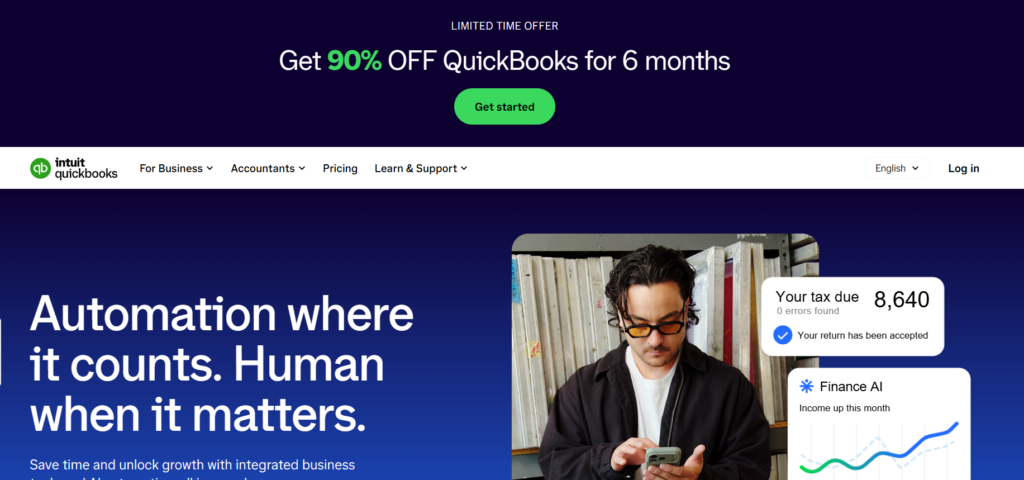
Simple Start costs $38 monthly, Essentials costs $85 monthly, Plus costs $140 monthly, and Advanced costs $340 monthly. Promotional 50% discounts apply for the first three months.
Advanced transaction matching and anomaly detection sit behind the Plus plan, meaning cheaper tiers miss out on core automated bookkeeping features.
2. Xero
Best for: Growing teams that want unlimited user seats without extra headcount fees.
JAX acts as a conversational finance partner that drafts invoices, predicts cash flow, and handles smart document capture. Automated bank reconciliation matches recurring bills against incoming bank statements.

As of October 1, 2026, Early costs $27 monthly, Growing costs $59 monthly, and Established costs $97 monthly.
Auto-reconciliation requires an optional $5 monthly add-on fee on the Early tier, though Growing and Established include it by default.
3. Zoho Books
Best for: Budget-conscious businesses using the broader Zoho application ecosystem.
Zia AI flags duplicate entries, predicts payment delays, detects unusual transaction spikes, and parses receipt details automatically.
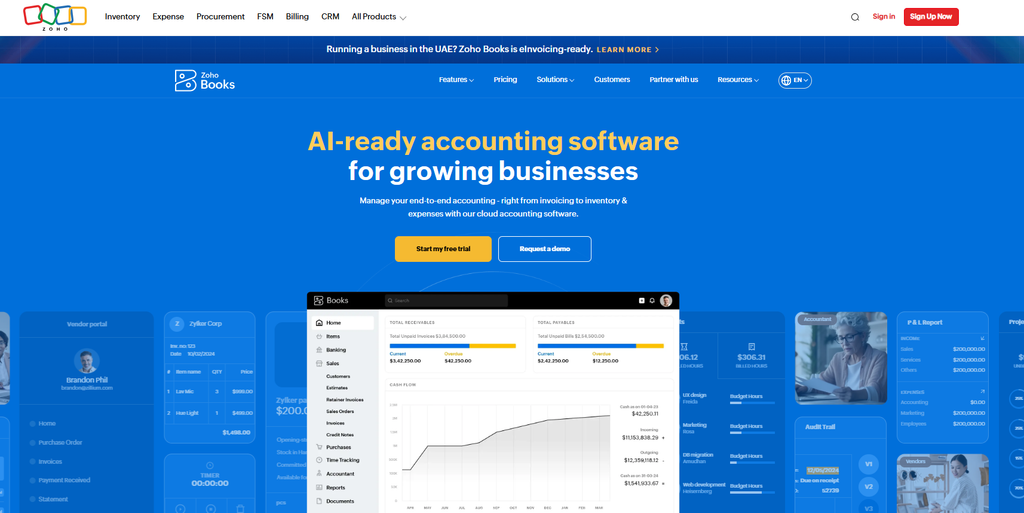
A free tier exists for businesses making under $50,000 annually. Standard costs $20 monthly ($15 annual rate), Professional costs $50 monthly ($40 annual rate), and Premium costs $70 monthly ($60 annual rate).
Zia insights and cash forecasting stay locked until you upgrade to the Premium plan or higher.
4. FreshBooks
Best for: Service providers, agencies, and freelancers managing billable client hours.
Automated receipt scanning extracts vendor names and totals, matching them directly to client invoices and bank feeds.

Lite costs $23 monthly, Plus costs $43 monthly, and Premium costs $70 monthly. Extra team members cost $11 each per month.
It lacks deep multi-entity consolidation and inventory management tools required by product-heavy businesses.
5. Wave
Best for: Solopreneurs and micro-businesses needing simple zero-cost accounting.
Bank feeds auto-categorize recurring income and expense items. Optical character recognition scans physical receipts on paid tiers.
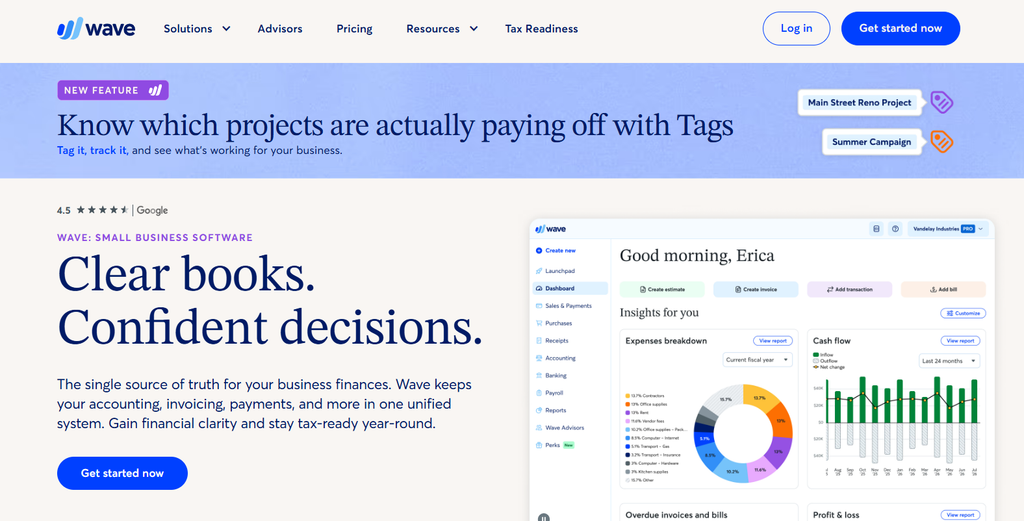
Starter plan is $0 forever for manual bookkeeping. The Pro plan costs $19 monthly or $170 annually.
Automated receipt scanning requires the paid Pro plan, and credit card processing carries standard 2.9% plus $0.60 transaction fees.
6. Digits
Best for: High-growth startups wanting a living, real-time general ledger.
Machine learning models categorize transactions instantly, generate natural-language month-end summaries, and answer financial questions via Ask Digits.
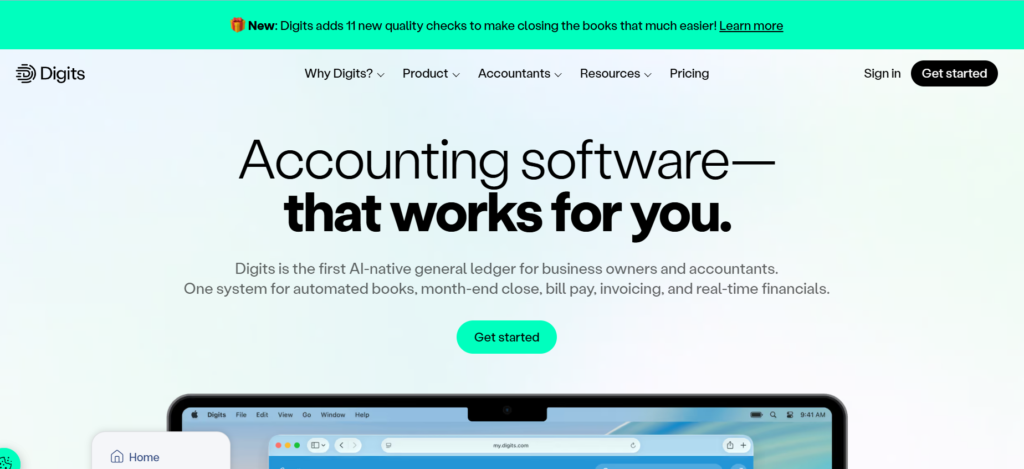
Essentials costs $65 monthly, Core costs $100 monthly, and Pro costs $250 monthly.
Digits works best for US-based companies and requires direct bank feed connections to train its machine learning engine properly.
7. Ramp
Best for: Finance teams wanting automated corporate card spending limits and vendor controls.
Autonomous expense coding matches receipts sent via text message or email directly to ledger GL codes while checking company policy rules.
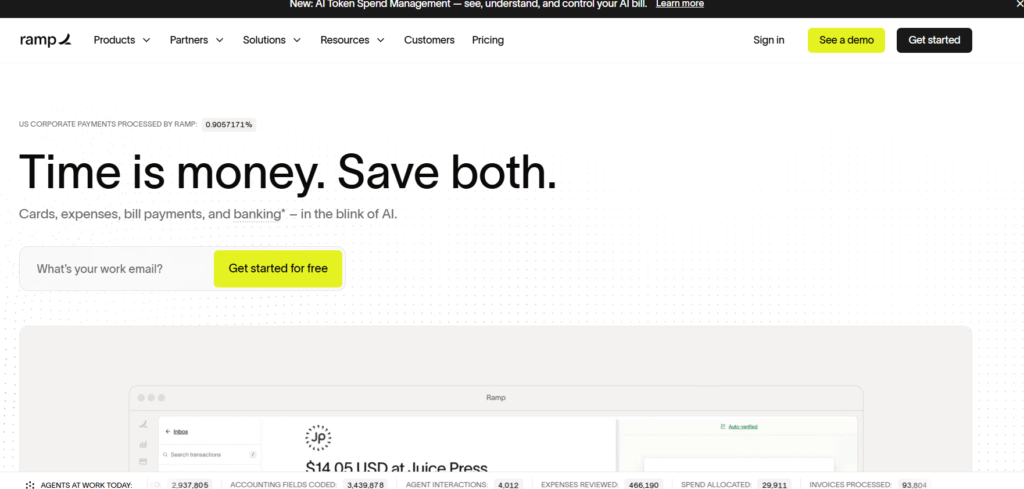
Starter tier is $0 per month. Ramp Plus costs $15 per user monthly alongside an undisclosed platform fee.
You must issue and run transactions through Ramp corporate cards to unlock full automated expense matching.
8. Dext
Best for: Accounting firms and small businesses processing heavy stacks of paper receipts and PDFs.
High-accuracy document parsing extracts line items, tax totals, and supplier rules automatically while AI Assist flags duplicate submissions.
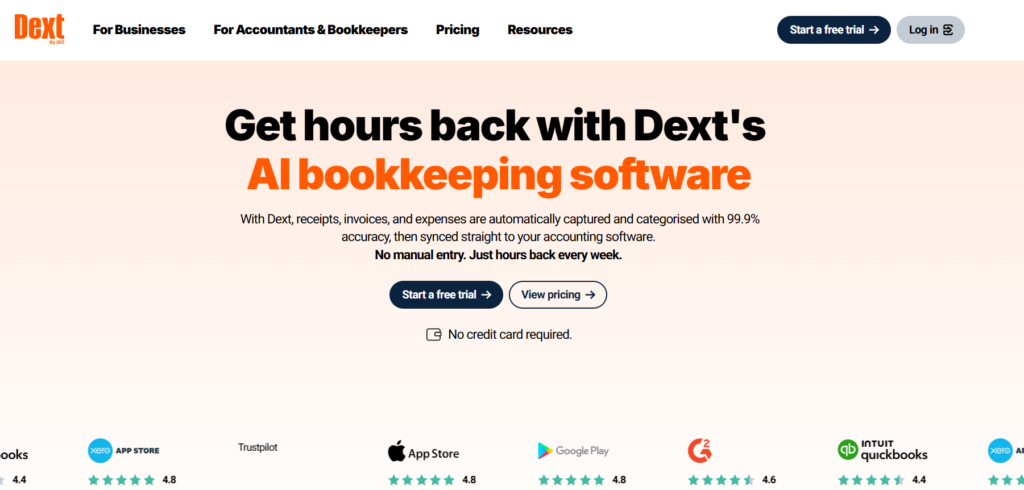
Business plans start around $31.50 monthly for up to 5 users, while practice plans run per client file.
Dext is a document extraction layer rather than a standalone general ledger software.
9. Docyt
Best for: Franchisees, multi-location restaurants, and hospitality businesses.
Continuous real-time bookkeeping, daily bank balance auditing, automated inter-company transfers, and revenue reconciliation across branches.
Expense and revenue modules start at $50 monthly, while complete location packages start at $299 monthly.
Custom chart of accounts rules require significant initial setup time before automated daily posting works smoothly.
10. Vic.ai
Best for: Enterprise accounts payable departments handling thousands of vendor invoices every month.
Autonomous invoice processing reads complex multi-page invoices, matches purchase orders, and routes approvals without human input.
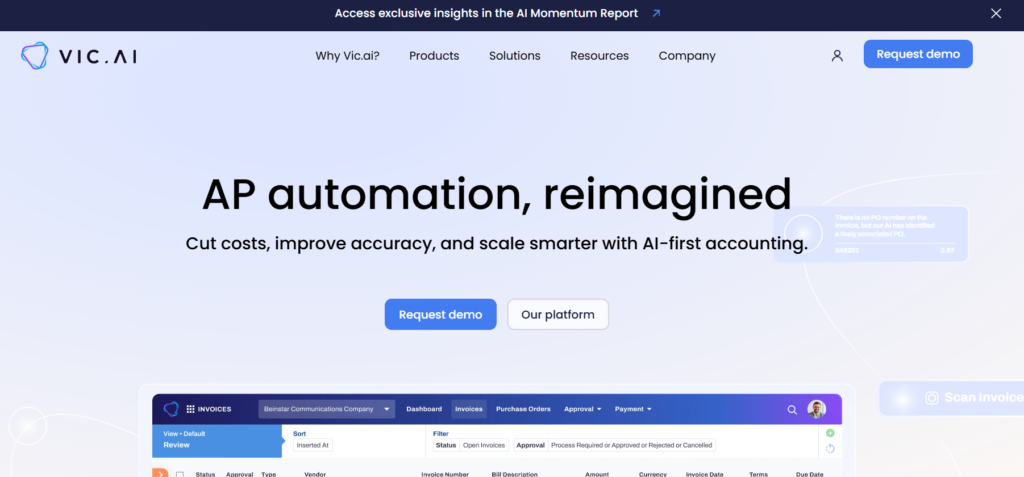
Custom quote-only pricing based on annual invoice volume.
It targets large corporate teams and is far too complex and costly for standard small business operations.
11. Sage Intacct
Best for: Mid-market organizations needing sophisticated financial controls and multi-entity management.
Embedded Sage Copilot detects unusual general ledger entries, automates continuous auditing, and drafts conversational financial reports.

Custom quote-only pricing based on module selection and user count.
High implementation costs require working through certified implementation partners.
12. General-Purpose Assistants
Best for: One-off financial data cleaning, formula creation, and summarizing lengthy financial reports.
Large language models like ChatGPT, Claude AI, or Microsoft Copilot
parse raw CSV files, draft payment collection emails, and write complex Excel formulas.
Free tiers exist. Individual pro tiers run around $20 monthly per user.
General assistants are not systems of record, so you should never paste confidential client banking credentials into public models.
AI Accounting Tools Compared: Pricing and Features
Here is how entry prices and automation capabilities compare side by side.
| Software | Base Monthly Price | Free Trial or Tier | Primary Automation Feature |
| QuickBooks Online | $38 / mo | 30-day free trial | Intuit Intelligence transaction matching |
| Xero | $27 / mo | 30-day free trial | JAX conversational finance assistant |
| Zoho Books | $20 / mo | Free tier available | Zia anomaly detection and forecasting |
| FreshBooks | $23 / mo | 30-day free trial | Smart receipt capture and bank matching |
| Wave | $19 / mo (Pro) | Free plan available | Automated bank feeds and receipt OCR |
| Digits | $65 / mo | Free trial available | Living ledger and real-time natural language queries |
| Ramp | $0 / mo (Starter) | Free tier available | Autonomous corporate expense coding |
| Dext | ~$31.50 / mo | 14-day free trial | Deep line-item receipt extraction |
| Docyt | $50 / mo | Demo on request | Continuous multi-location bookkeeping |
| Vic.ai | Quote-only | Demo on request | Autonomous high-volume accounts payable |
| Sage Intacct | Quote-only | Demo on request | Sage Copilot continuous general ledger auditing |
| ChatGPT | $20 / mo (Plus) | Free tier available | Financial text parsing and formula creation |
Real Monthly Cost for a 5-Person Team
Per-user seat fees quickly alter total software costs. Here is what a five-person team actually pays each month across popular platforms.
| Platform & Tier | Calculated Monthly Cost | How the Cost Is Calculated |
| Xero (Growing Plan) | $59 / month | Base plan includes unlimited user seats |
| Zoho Books (Premium Plan) | $70 / month | Base plan includes up to 10 user seats |
| FreshBooks (Premium Plan) | $114 / month | $70 base price plus 4 extra seats at $11 each |
| QuickBooks Online (Plus Plan) | $140 / month | Base plan includes up to 5 user seats |
Which AI Accounting Tool Should You Choose?
Select your platform based on your organizational structure rather than marketing promises.
- Freelancers and solopreneurs: Use Wave for zero-cost tracking or FreshBooks for client time tracking.
- Small businesses with staff: Choose Xero to avoid per-seat fees or QuickBooks Online for easy CPA handoffs.
- Fast-growing startups: Pick Digits for living ledger insights or use Ramp alongside your core software.
- Multi-unit franchises: Implement Docyt to automate daily sales balance checks across locations.
- Mid-market enterprises: Deploy Sage Intacct or Vic.ai for high-volume accounts payable approval chains.
If you want to explore broader business software, check out our list of the best AI business tools
Risks and Limits of AI in Accounting
Automation models make confident errors when dealing with messy receipts or handwritten invoices. They misclassify vendor categories, hallucinate transaction numbers, and fail on poorly formatted scans.
Human review remains essential for all automated ledger entries before filing tax returns or closing annual books.
Financial privacy requires careful handling. Never input unencrypted banking credentials into unverified software without checking compliance frameworks like the NIST AI Risk Management Framework
.Vendor stability also demands due diligence. For example, Bench AI
abruptly shut down in late December 2024 before being acquired and restarted weeks later under new management.
Always verify that you can export raw general ledger data instantly if a software vendor changes pricing or shuts down.
FAQs
What are the best AI tools for accounting?
The best AI tools for accounting in 2026 include QuickBooks Online, Xero, Digits, Ramp, Zoho Books, and FreshBooks for automated bookkeeping and expense management.
What is the best AI accounting software for small business?
QuickBooks Online and Xero are the top choices for small businesses because they offer broad bank feed support, strong accountant compatibility, and reliable reconciliation features.
Is there free AI accounting software?
Yes, Wave offers a free accounting plan for basic tracking, while Ramp and Zoho Books provide free plans with entry-level expense features.
Can AI do bookkeeping?
AI handles repetitive bookkeeping tasks like receipt scanning and transaction categorizing, but humans must still review exceptions and verify totals.
Will AI replace accountants?
No, AI automates manual data entry and routine reconciliation, allowing human accountants to focus on strategic tax advice and financial planning.
Is it safe to put financial data into AI tools?
Financial software is safe when backed by SOC 2 certified bank-grade encryption, but you should never paste confidential financial details into public unencrypted chat tools.
What is the difference between AI-native and AI-bolted-on accounting software?
AI-native software builds its core general ledger around real-time machine learning models, while AI-bolted-on software adds automated features onto a traditional database structure.
How much does AI accounting software cost?
Small business entry plans start between $19 and $38 per month, while mid-market enterprise platforms require custom annual quotes.
Which AI Accounting Tool Fits Your Workflow?
No algorithm replaces sound financial judgment. Start by testing one or two tools using a single month of bank statement data to verify accuracy before committing your business.
To explore more software options, check out our full AI accounting assistant directory.

Related Blog Posts