10 Best AI Trip Planner Tools for 2026 (Compared and Verified)

The best AI trip planner for most travelers is Mindtrip. It is free, it maps your trip in one workspace, and it books flights inside the chat. Wanderlog runs a close second for group trips and road trips. Every pick below was checked against official pricing pages, and every itinerary still needs a verification pass before you pay for anything.
Planning a trip the old way still means forty open tabs, three spreadsheets, and a hotel booked in the wrong neighborhood. Travel keeps growing anyway. UN Tourism counted 1.52 billion international arrivals in 2025, up 4 percent on the year before, and the AI trends shaping travel in 2026 point the same way: planning is moving into chat windows.
Honestly, most people get this wrong. They ask a chatbot for live prices, or ask a price engine to dream up a route. Different tools, different jobs. We compared the 10 planners below on itinerary quality, live data, booking, and free-tier honesty, so you can match the tool to your trip. At GuideAITools we track thousands of AI tools, and travel is where the gap between a good pick and a bad one costs real money.
What Is an AI Trip Planner and How Does It Work?
An AI trip planner is a tool that turns your destination, dates, budget, and interests into a day-by-day travel itinerary. You feed it the basics. It hands back a plan with places, times, rough costs, and booking links. Call it an AI itinerary generator if you like. The job is the same.
The label covers three different products, and mixing them up is where most disappointment starts:
- Conversational itinerary builders like Mindtrip and Layla, which chat with you and shape a full trip plan
- General AI chatbots like ChatGPT, Gemini, and Perplexity, which reason well but were not built only for travel
- Booking platforms with an AI layer, like Tripadvisor and Kayak, which search live inventory and add chat on top
If you are new to the category, start with what artificial intelligence actually is and come back. The short version: the tool does the drafting, you keep the judgment. Route optimization and multi-city routing are where the good ones earn their keep, grouping stops by neighborhood instead of zigzagging you across a city.
How We Evaluate AI Trip Planners: 7 Criteria That Matter
At GuideAITools we score every AI travel planner against the same seven criteria. Feature counting is not one of them.
- Itinerary quality and realism. Days that fit human energy, not a checklist sprint.
- Live data and price accuracy. Real fares and room rates, or honest estimates labeled as estimates.
- Map and route logic. Stops grouped sensibly, with travel time between stops shown.
- Booking integration. Can it book, or does it hand you off at the payment step?
- Editing and collaboration. Easy changes, shared plans, comments from the people traveling with you.
- Free-tier generosity. What you actually get before a paywall appears.
- Verification transparency. Does the tool separate confirmed facts from guesses?
Why these seven? Because a long feature list means nothing if the hotel does not exist. A planner that admits what it does not know beats a confident one that invents.
Best AI Trip Planner Tools Compared
Short on time? This table is the whole argument. The detailed reviews below explain every row, and all prices were verified from official pricing pages.
| Tool | Best For | Itinerary Style | Live Prices | Booking | Free Tier | Price From |
|---|---|---|---|---|---|---|
| Mindtrip | All-in-one visual planning | Mapped and collaborative | Partner feeds | Flights in chat, hotels via partners | Yes, full planner | Free |
| Layla | Planning with human advisors | Chat-built, advisor-checked | Partner feeds | Yes, advisors book | Yes | Free |
| Wanderlog | Group trips and road trips | Map-based workspace | Limited | Lodging via partners | Yes, generous | Free, Pro $39.99/yr |
| ChatGPT | Flexible research | Conversational | Via travel apps | Handoff to apps | Yes, capped | Free, Plus $20/mo |
| Google Gemini | Live prices | Conversational with Maps data | Yes | Partial, region-limited | Yes | Free, AI Pro $19.99/mo |
| Wonderplan | Fast free drafts | Form-built day-by-day | No | No | Yes, full builder | Free |
| GuideGeek | Help inside messaging apps | Chat in WhatsApp | Yes | Partner links | Yes | Free |
| Tripadvisor AI Assistant | Review-backed picks | Form-built day-by-day | Listings data | Yes, on Tripadvisor | Yes | Free |
| Kayak Ask AI | Price-first search | Chat with live results | Yes | Yes, via partners | Yes | Free |
| Perplexity | Cited travel answers | Research answers | Search-based | Hotels via partner | Yes, limited | Free, Pro $20/mo |
In-Depth Reviews: The Top AI Trip Planner Tools
One pattern showed up in every tool we evaluated for this GuideAITools roundup: the plan looks finished long before it is bookable. Read the weaknesses as carefully as the strengths.
Mindtrip – Best for all-in-one visual trip planning
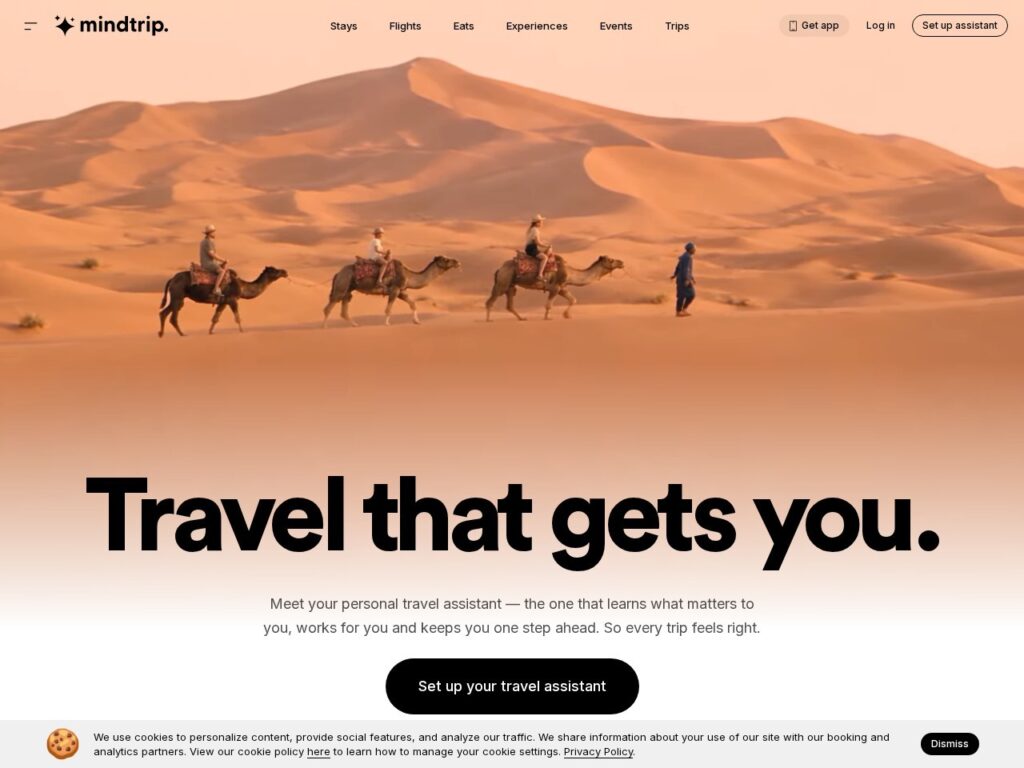
Mindtrip is a dedicated AI trip planner that builds your trip on a map, learns your travel style, and keeps bookings, saved places, and chat in one workspace. It suits visual planners who think in places, not lists. Groups can plan together on the same trip.
Key features:
– Mapped itinerary with location cards for every stop
– Start Anywhere turns a photo, link, or social post into trip stops
– In-chat flight booking, plus hotel search with price-drop alerts
– Shared trips with collaborative editing
Pricing: Free. There is no paid tier, and the planner earns from booking commissions instead.
Strengths:
– The most complete free planner on this list
– Collaboration works without a paywall
Weaknesses:
– Ticket and activity booking still hands you off to partners
– Complex multi-city routing can lose track of realistic travel times
Layla – Best for conversational planning with human travel advisors
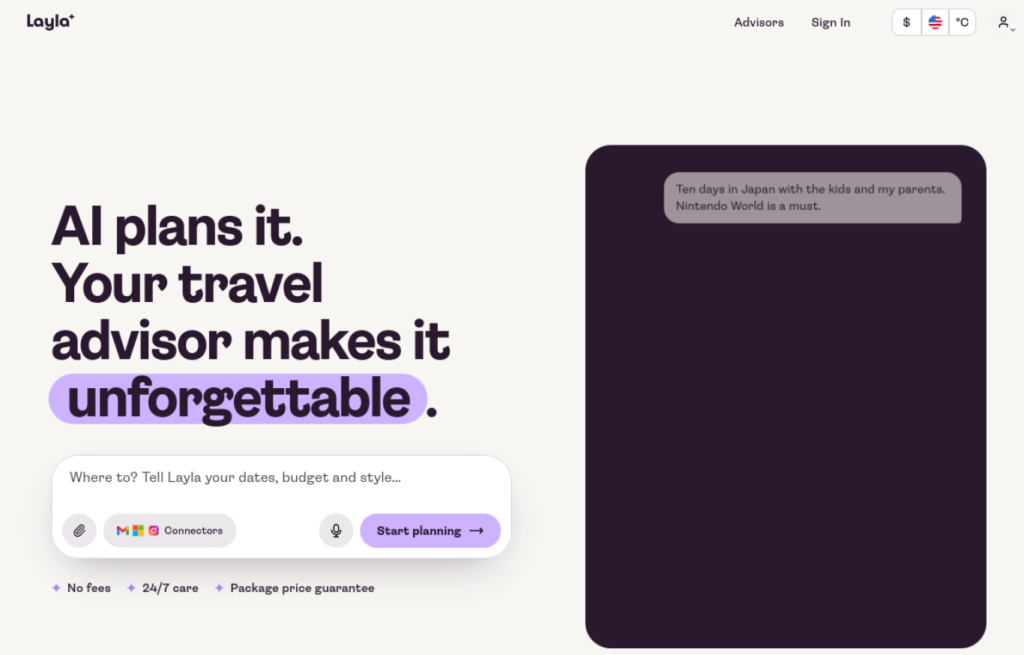
Layla pairs a conversational AI planner with real human travel advisors who check the plan and can book the whole trip. It grew out of the older Roam Around and Trip Planner AI products. Choose it when you want a person to call if plans fall apart mid-trip.
Key features:
– Chat-built itineraries shaped around dates, budget, and style
– Human advisors review details and handle bookings
– 24/7 support during the trip, including WhatsApp
– Package price guarantee on advisor-booked trips
Pricing: Free. Planning and advisor booking carry no subscription or planning fee, and you pay only for the travel you book.
Strengths:
– A real person checks the AI output before money moves
– Support continues while you travel, not just before
Weaknesses:
– Advisor-led trips suit bigger budgets. The site suggests planning around 100 euros per person, per night
– Less of a do-it-yourself workspace than Mindtrip or Wanderlog
Wanderlog – Best for map-based planning, group trips, and road trips
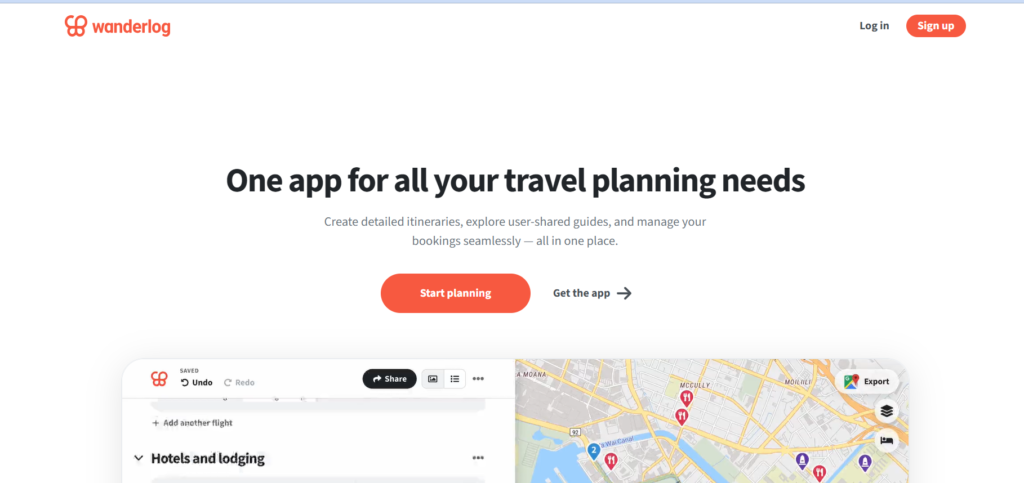
Wanderlog is a map-based AI travel planning app that doubles as a trip organizer, with imported reservations, expense splitting, and real-time collaboration. It fits groups and road trippers who plan stop by stop. The AI assistant helps, but the map is the main event.
Key features:
– Itinerary and map in one view, with route optimization on Pro
– Import flight, hotel, and car bookings from confirmation emails
– Expense tracking and cost splitting for groups
– Packing lists, checklists, and shared editing
Pricing: The free tier is generous. Wanderlog Pro costs $39.99 a year and adds offline access, route optimization, the AI assistant, and unlimited attachments.
Strengths:
– Best group planning here, even before you pay
– Road trip routing and expense splitting in one app
Weaknesses:
– Offline access sits behind the Pro paywall
– The AI assistant suggests places. It does not build the whole trip for you
ChatGPT – Best for flexible travel research and custom itineraries
ChatGPT is the general AI chatbot most travelers already have, and for open-ended trip thinking it is still the most flexible tool here. Travel apps from Expedia, Booking.com, and Skyscanner plug into the chat. It plans in words, not on a map.
Key features:
– Custom itineraries shaped by follow-up questions and constraints
– Travel apps inside the chat for flights, stays, and activities
– Deep research for destination background and comparisons
– Voice mode for hands-free planning
Pricing: Free with usage limits on advanced features. Plus costs $20 a month for higher limits and the strongest models.
Strengths:
– Handles odd requests and multi-step reasoning better than any planner here
– Great for budget breakdowns and cost per day estimates
Weaknesses:
– No live prices of its own. Costs are estimates unless an app supplies them
– Booking is a handoff, and long plans drift without a map to anchor them
Google Gemini – Best for live prices via Google Flights, Hotels, and Maps
Gemini plugs straight into Google Flights, Google Hotels, and Google Maps, so its prices come from live inventory instead of memory. That makes it the strongest pick when the budget matters more than the prose. It is free with a Google account.
Key features:
– Live flight and hotel prices with fare prediction and price tracking
– Maps data for neighborhoods, opening hours, and travel times
– Multimodal input: ask about a photo or a screenshot of a place
– Works across Google apps you already use
Pricing: Free with standard limits. Google AI Pro costs $19.99 a month and raises usage limits.
Strengths:
– Price accuracy beats every other chatbot here
– Price tracking watches fares after you plan
Weaknesses:
– Itineraries read plainer than Mindtrip or Layla output
– In-chat hotel booking is limited to certain regions and languages
Wonderplan – Best for fast free itinerary drafts
Wonderplan is a free AI itinerary generator that turns a short form into a day-by-day plan in about a minute. No signup is needed to start, which makes it the fastest first draft on this list. Treat the output as a sketch you improve, not a finished plan.

Key features:
– Day-by-day itineraries from destination, dates, budget, and interests
– Edit on one page: reorder, add, or drop stops
– Accommodation recommendations matched to your preferences
– Free PDF export for offline access
Pricing: Free. There is no subscription and no paid tier.
Strengths:
– Zero friction: no account, no card, no paywall at export
– PDF export works as a simple offline backup
Weaknesses:
– No live prices and no booking
– Plans can feel similar across different inputs, so push it with specific constraints
GuideGeek – Best for travel help inside messaging apps
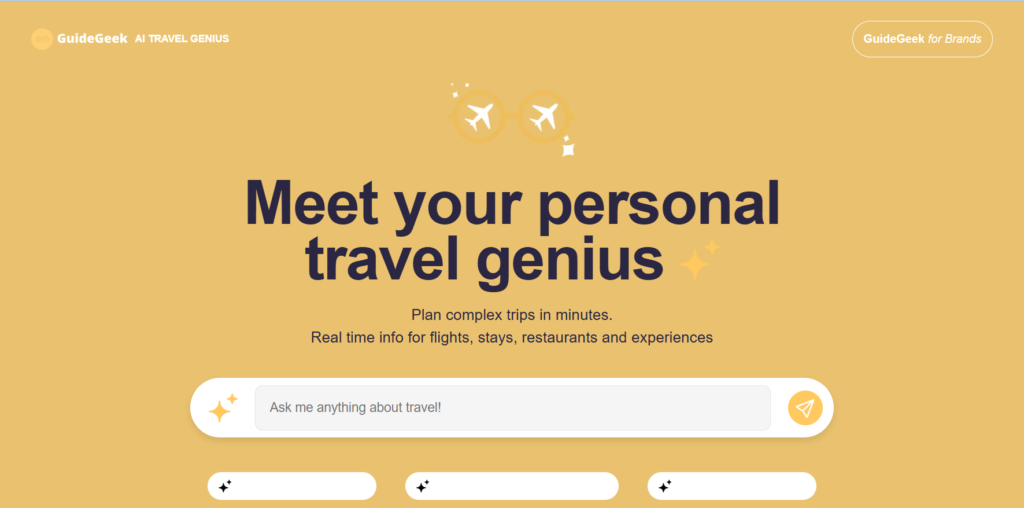
GuideGeek is Matador Network’s free AI travel assistant that lives inside WhatsApp, Instagram, and Facebook Messenger. There is no new app to install or learn. It suits travelers who plan in short bursts on their phone, before and during a trip.
Key features:
– Works inside WhatsApp, Messenger, and Instagram
– Custom itineraries plus quick answers on food, stays, and local tips
– Live flight and hotel data behind the chat
– Answers in any language, with human-curated travel content behind it
Pricing: Free for travelers, with no ads. GuideGeek earns from business partnerships, not from you.
Strengths:
– Nothing to install. It meets you in an app you already open daily
– Fast, specific local tips while you are on the ground
Weaknesses:
– Chat-only format gets messy on long, detailed itineraries
– No map view or shared trip workspace
Tripadvisor AI Assistant – Best for review-grounded recommendations
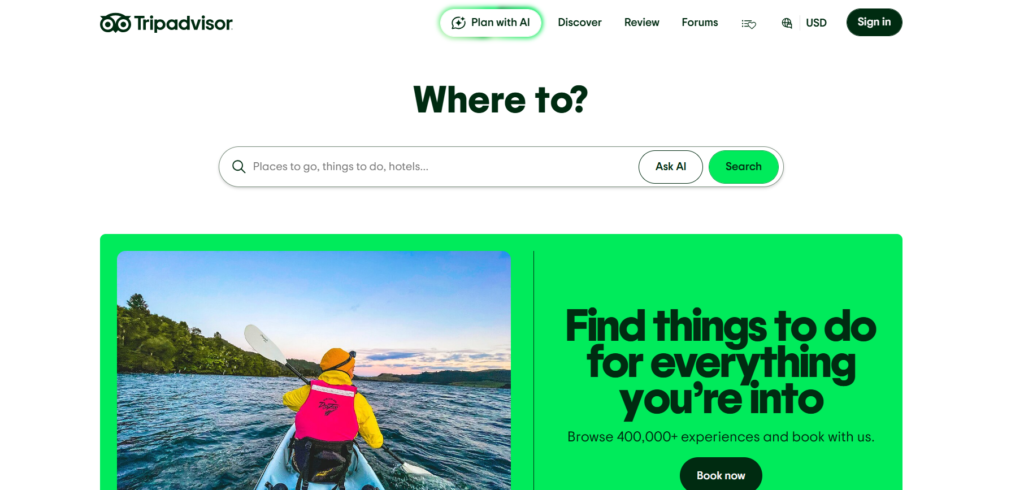
Tripadvisor’s AI assistant builds day-by-day itineraries from the platform’s enormous review database. Every pick comes with ratings and traveler photos attached. Pick it when social proof matters more to you than clever routing.
Key features:
– Itineraries built from millions of traveler reviews and ratings
– Four quick questions: destination, dates, travel party, interests
– Save, edit, and share trips inside Tripadvisor
– Book hotels and experiences without leaving the platform
Pricing: Free with a Tripadvisor account. Tripadvisor earns from booking commissions and ads.
Strengths:
– Restaurant and attraction picks rest on real traveler feedback
– Booking and planning live in one account
Weaknesses:
– Suggestions lean toward popular, highly rated places over hidden corners
– It only recommends what is listed on Tripadvisor
Kayak Ask AI – Best for price-first flexible search
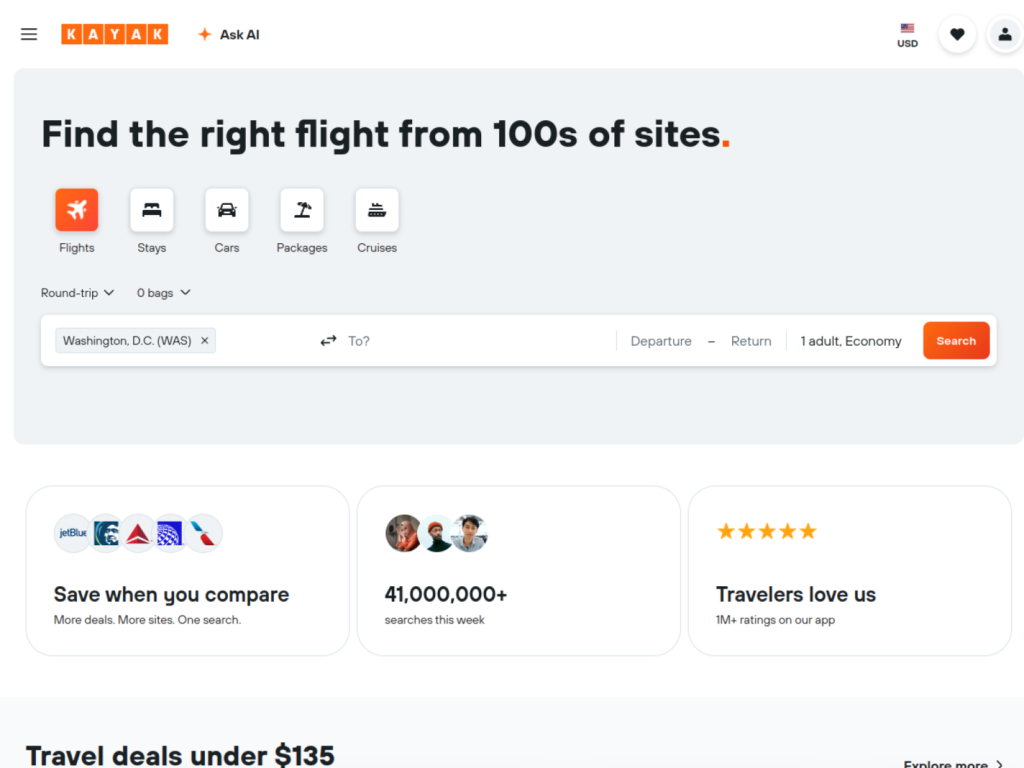
Ask AI is Kayak’s conversational search layer, built for travelers whose dates or destinations are still flexible. You describe the trip in plain words and live results update beside the chat. It is a price engine first and a planner second.
Key features:
– Natural language search across hundreds of travel partners
– Live, bookable prices that update as you refine the chat
– Price alerts and fare predictions on flights and hotels
– Flexible destination ideas ranked by cost
Pricing: Free. Kayak earns referral commissions when you book with a partner.
Strengths:
– Best tool here for finding the cheapest weekend or route
– Hard constraints like nonstop only or refundable rates are respected
Weaknesses:
– It searches and compares. It does not build a day-by-day itinerary
– Hotel and flight results outnumber activity planning
Perplexity – Best for cited, checkable travel answers
Perplexity is an AI answer engine that replies with sources attached, which makes it the natural fact-checker for every other tool on this list. Ask it whether a museum is open on Mondays and you can open the citation yourself. It is a research companion, not a planner.
Key features:
– Cited answers with links to the sources used
– Pro Search for multi-step travel research questions
– Compares neighborhoods, seasons, and costs across sources
– Some hotel booking through a partner integration
Pricing: Free with limited Pro searches. Pro costs $20 a month and raises limits.
Strengths:
– Claims come with receipts, so verification takes minutes
– Excellent for seasonal conditions and entry-rule checks
Weaknesses:
– Weak itinerary structure. Answers are not a day-by-day plan
– Free tier caps the deeper research modes quickly
Free vs Paid: What “Free” Really Means in AI Trip Planning
Free means three different things in this category, and the difference decides whether you waste an hour. Truly free tools have no paid tier at all. Mindtrip, Wonderplan, GuideGeek, and Kayak Ask AI earn from booking commissions, affiliate links, partnerships, or ads, so the planner itself costs you nothing.
Freemium tools give you a real free tier with hard edges. Wanderlog keeps offline access and its AI assistant on Pro. ChatGPT and Perplexity cap their stronger modes on free accounts. Free-ish tools are the trap: the plan looks generous until export, extra trips, or the day-by-day detail sits behind a paywall.
Spot the model before you invest an hour. Check the pricing page for a paid tier, try the export button early, and count the message caps. Ten minutes of checking beats rebuilding a trip in a second app.
Which AI Trip Planner Fits Your Trip?
Forget feature lists for a second. Your trip type decides the tool.
Solo travelers need flexibility and fast answers on the ground. A chatbot you can interrogate at midnight, plus an assistant inside WhatsApp for local tips, beats a heavy workspace. Mindtrip for the plan, GuideGeek for the trip itself.
Families with kids need realistic pacing, early dinners, and a human safety net. An advisor-checked planner like Layla, or a review-grounded one like Tripadvisor, cuts the risk of booking a hotel that is nowhere near kid-friendly.
Groups of friends need one shared plan everyone can edit, plus expense splitting so money stops being awkward. That is Wanderlog’s home ground, and its free tier already covers collaboration.
Business travelers run on live prices and tight schedules. Gemini’s fare prediction and Maps data fit best, and the plan lives where your email and calendar already are.
Road trippers live on route logic: distances, drive times, and stops in the right order. Wanderlog’s mapped routing and Kayak’s price-first search cover the two halves of the job.
Budget backpackers need zero-cost tools and honest cost per day estimates. Wonderplan drafts free, ChatGPT stress-tests the budget, and Perplexity checks the facts before money moves.
And if you plan trips to film or write about them, your planner is only half the stack. GuideAITools keeps a separate breakdown of AI tools for travel content creators for the shooting and editing side.
Copy-Paste Prompts for Every Planning Stage
The planner matters less than the prompt. Vague questions get tourist-brochure answers. These four prompts work in ChatGPT, Gemini, or any general chatbot, one per planning stage. For more on this skill, read our guide to how to write better ChatGPT prompts.
Stage 1: Destination shortlist
I have [7] days in [month] and a total budget of [$2,000]. I like [street food, hiking, old towns] and want to avoid [party areas, long bus rides]. Suggest 3 destinations that fit. For each one, give the best neighborhood to stay in and one honest downside.
Good output names specific neighborhoods and trade-offs. If every destination sounds too good to be true, push back and ask for the downsides again.
Stage 2: Day-by-day build
Build a day-by-day itinerary for [4] days in [city]. Group stops by neighborhood so I never cross the city twice in one day. Start nothing before [9:30 am], keep walking under [6 km] a day, and mark anything that needs tickets booked ahead.
Good output respects geography and your pace. Watch for days packed with five major sights. That is a fantasy schedule.
Stage 3: Budget reality check
Here is my itinerary: [paste it]. Estimate the daily cost for [2] people: mid-range hotel, three meals, local transport, and entry tickets. Give a total for the trip, then name the 3 items most likely to cost more than your estimate.
Good output separates estimates from facts. Treat every number as a range until a live price tool confirms it.
Stage 4: Verification pass
Check this itinerary against current official sources: [paste it]. Flag any hotel, restaurant, or attraction you cannot confirm exists. Flag opening hours that look wrong and prices that look out of date. List the source you used for every correction.
Good output admits uncertainty instead of filling gaps. Any tool that confirms everything with total confidence is guessing.
How to Verify an AI Itinerary Before You Book
Read this part twice. AI planners invent things: hotels that closed years ago, restaurants that never existed, prices from another decade. The itinerary is a draft until you check it.
- Confirm every hotel exists on its official site or a major booking platform.
- Check opening hours and ticket prices on official attraction pages.
- Test drive times and transit times between stops on a maps tool.
- Check visa and entry requirements on a government site, never on a blog.
- Re-check every price on the day you book, not the day you planned.
- Run the plan through a cited answer engine and open at least two of its sources.
Our Google Gemini guide shows how to cross-check facts with live sources. And if a deal looks too good, it is usually a hallucinated price. Walk away and search it yourself.
Pricing and Plans Compared
Every figure below was verified from official pricing pages. Where a tool has no paid tier, the table says so instead of guessing.
| Tool | Free Tier | Paid Plan | Price | How It Makes Money |
|---|---|---|---|---|
| Mindtrip | Full planner, no paid tier | None | Free | Booking commissions |
| Layla | Planning and advisor booking, no fee | None | Free | Not disclosed |
| Wanderlog | Unlimited places, collaboration, imports. Offline locked to Pro | Pro | $39.99/year | Subscriptions |
| ChatGPT | Core chat with usage caps | Plus | $20/month | Subscriptions |
| Google Gemini | Free with a Google account, standard limits | Google AI Pro | $19.99/month | Subscriptions |
| Wonderplan | Full builder and PDF export | None | Free | Not disclosed |
| GuideGeek | Free in messaging apps, no ads | None for travelers | Free | B2B partnerships |
| Tripadvisor AI Assistant | Free with an account | None | Free | Booking commissions and ads |
| Kayak Ask AI | Free search, no subscription | None | Free | Referral commissions |
| Perplexity | Limited Pro searches each day | Pro | $20/month | Subscriptions |
FAQs
What is the best AI trip planner in 2026?
Mindtrip is the best AI trip planner for most travelers in 2026. It is free, maps the whole trip, supports shared planning, and books flights in chat. If your trip is a group drive, start with Wanderlog instead.
Is there a completely free AI trip planner?
Yes, several. Mindtrip, Wonderplan, GuideGeek, Kayak Ask AI, and the Tripadvisor assistant cost nothing to use, and Layla charges no planning fee. They earn from bookings and partnerships rather than subscriptions.
Can AI actually book my flights and hotels?
Sometimes, and the gap is narrowing. Mindtrip books flights inside the chat, Layla’s advisors book the full trip for you, and Kayak hands you live bookable results. Most other tools still pass you to a partner site at the payment step.
How accurate are AI-generated itineraries?
Accurate in structure, unreliable in details. The day order and neighborhoods usually make sense. Hotel names, opening hours, and prices can be invented or years out of date, which is why the verification pass above is not optional.
Can AI replace a travel agent?
Not yet for complex trips. AI replaces the research hours, not the judgment calls or the person who fixes things when a flight gets canceled. Layla’s model, AI speed with human advisors behind it, is the honest middle ground.
Which AI trip planner is best for group travel?
Wanderlog. Real-time collaborative editing, shared maps, and expense splitting are built in, and the free tier already covers them. Mindtrip is the runner-up when the group wants the AI to draft the plan first.
Do AI trip planners work offline?
Mostly no. Wanderlog Pro downloads trips and maps for offline access, and Wonderplan’s free PDF export works as a low-tech backup. Chat-based tools need a connection, so screenshot your key bookings before you fly.
Final Verdict: Start With One Tool, Verify Everything
Start with Mindtrip. It is the best AI trip planner for a first attempt: free, visual, and strong enough for a real trip. Pick Wanderlog instead when the trip is a group drive or the plan needs heavy editing. Then verify every hotel, hour, and price before you book, because no tool on this list earns blind trust.
We test and track planners like these across the GuideAITools directory of thousands of AI tools. When you are ready to compare more options, browse all AI tool comparisons and build the stack that fits your trip.

Related Blog Posts