11 Best AI Diagram Generator Tools in 2026
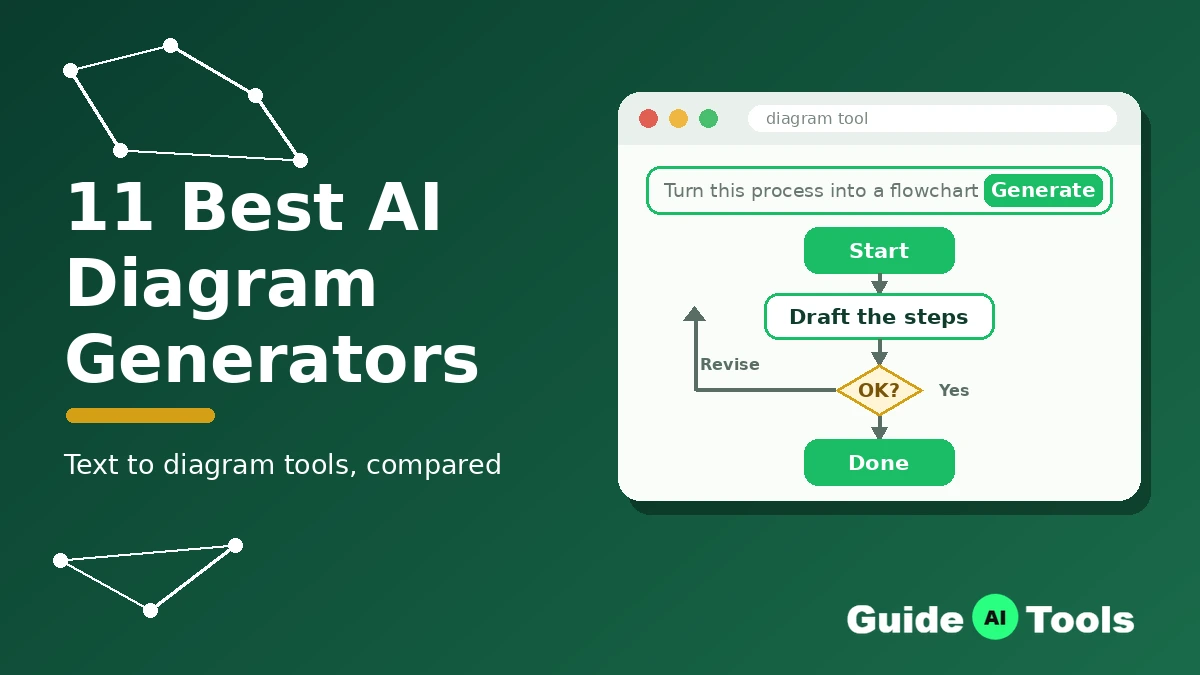
Most diagram tools now claim AI. Half of them mean a button that tidies up boxes you drew yourself. The other half genuinely write the diagram from your words, and that difference decides whether the tool saves you an afternoon or just rearranges your work.
This guide covers the second group, plus one honest exception. Every price below was checked on the tool’s own pricing page, and every free plan is described by its real limit, not by the word “free” on a landing page.
Quick answer: Lucidchart is the safest all-round pick. Napkin AI has the most generous free plan and turns plain text into finished visuals faster than anything else here. Developers should start with Mermaid Chart, and teams doing technical diagrams should look at Eraser first.
What Is an AI Diagram Generator?
An AI diagram generator creates a diagram from a text prompt, a pasted document, or plain notes, instead of making you place every box and arrow by hand. You describe the process, the system, or the structure, and the tool builds the first version, which you then edit.
Three working styles sit under the same label. Prompt-to-canvas tools (Miro, Whimsical, Lucidchart) build an editable diagram on a board. Diagram-as-code tools (Eraser, Mermaid Chart) write the diagram in a text syntax, so it can live in documentation and version control. Text-to-visual tools (Napkin AI) turn a document into a polished graphic in one pass.
Classic diagramming software with smart auto-formatting, like SmartDraw further down this list, is a fourth, older pattern, and this guide labels it as such rather than pretending it takes prompts.
The same generation idea now shows up across the AI tools in the Image category, from image generation to the best AI avatar generators, but diagrams are where it saves the most tedious work, because the input is usually text you already have.
The 11 Best AI Diagram Generators at a Glance
| Tool | Best for | Starting price | Free plan | AI limit to know |
|---|---|---|---|---|
| Napkin AI | Turning text into finished visuals | $9/month (annual) | Yes, 500 credits a week | Credits counted per word selected |
| Eraser | Technical diagrams | $45/month (annual) | Yes, very small | 3 AI credits on free, 100/month on Business |
| Miro | Teams on a whiteboard | $8/month (annual) | Yes, 3 boards | 10 credits free, 25 Starter, 50 Business |
| Whimsical | Fast flowcharts and mind maps | $10/month (annual) | Yes, watermarked exports | 10 AI credits per member to start |
| Lucidchart | All-round professional diagramming | $9/month (annual) | Yes | AI generation inside paid tiers |
| Creately | Budget pick, many diagram types | $5/month (annual) | Yes | Basic AI on Pro, advanced AI on Team |
| EdrawMax | Desktop app, one-time licence | $69 semi-annual | Free trial only | AI runs on tokens, AI add-on is separate |
| Mermaid Chart | Developers, diagram as code | $10/month (annual) | Yes, limited | AI credits counted per year, not per month |
| FigJam | Design teams and workshops | $3/month (Collab seat) | Yes, limited | 500 AI credits a month on Collab seat |
| Taskade | Project teams | $6/month (annual) | Yes | Shared workspace credits, none monthly on free |
| SmartDraw | Classic automation, no prompts | $6.95/user/month (annual, intro) | No, 7-day trial | No prompt generation, data-driven only |
The 11 Best AI Diagram Generator Tools
Napkin AI
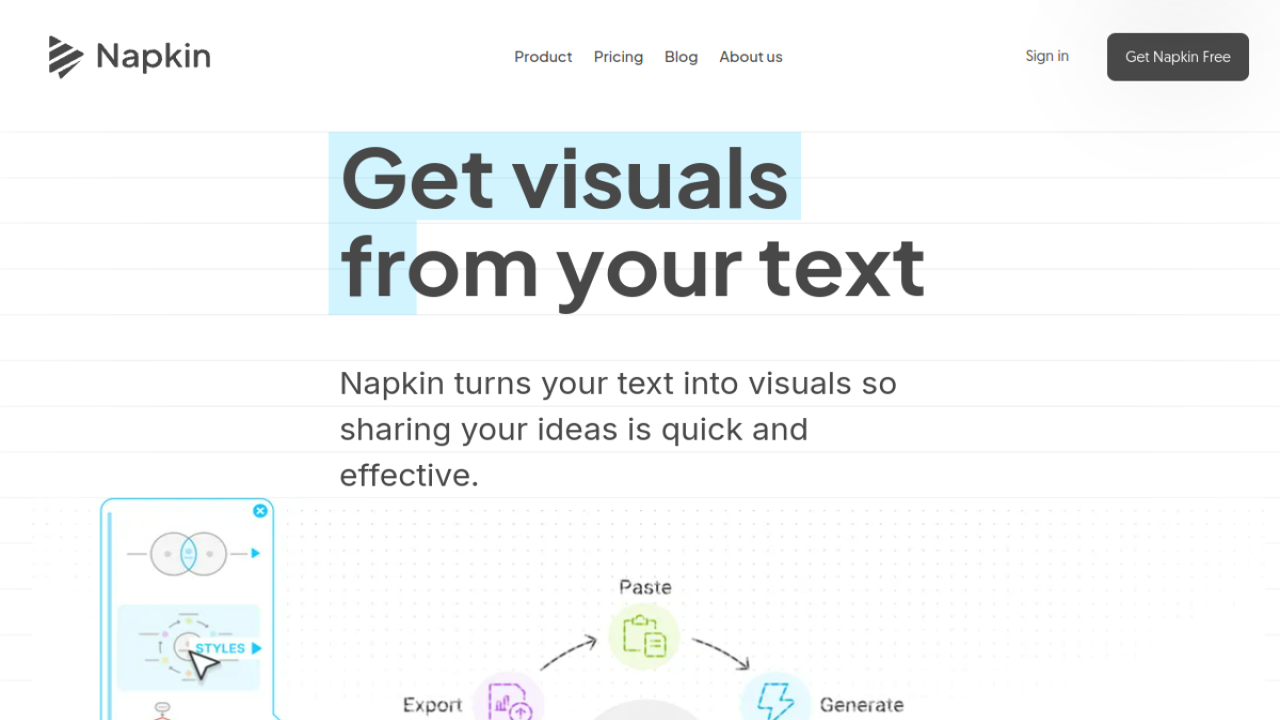 Napkin AI takes the text you already wrote and turns it into a finished visual. Paste a process description, meeting notes, or a report section, and it produces flowcharts, mind maps, timelines and infographics that look designed rather than generated.
Generation runs on credits counted by the words you select, so a long document costs more than a short one. The free plan gives 500 credits a week with unlimited editing and PNG and PDF export, which is the most usable free tier in this list. The catch is branding on free visuals, and Plus at $9 a month on annual billing removes it and raises the allowance to 10,000 credits a month.
Eraser
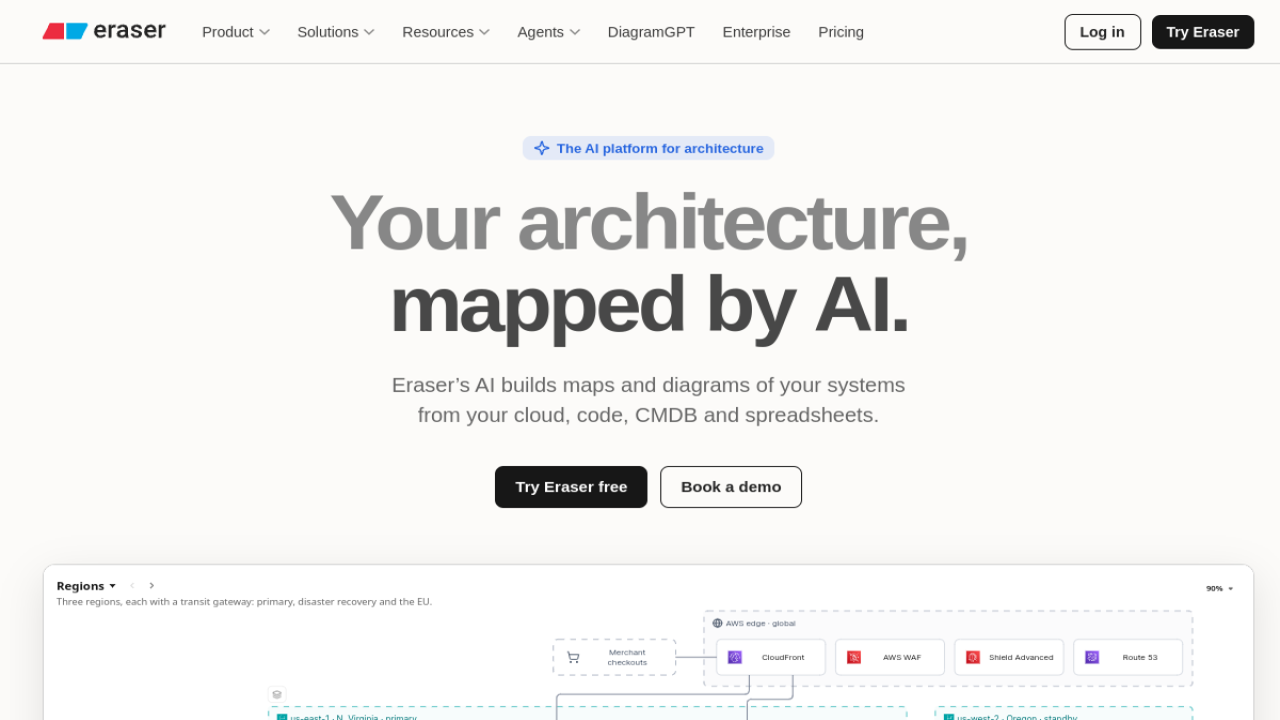 Eraser is built for technical diagrams: cloud architecture, ER diagrams, sequence diagrams and system designs, written as code you can edit by hand or with AI follow-up prompts. It also generates diagrams from Git repositories and data sources on paid plans, which no other tool here does as directly. The free plan is best treated as a short trial, with 3 files and only 3 AI credits.
Paid pricing jumps hard: Business is $45 per member a month on annual billing with 100 AI credits a month. For engineering teams documenting real systems, that buys depth. For everyone else, it is the steepest ladder in this list.
Miro
 Miro adds diagram generation to the whiteboard many teams already use for workshops and planning. You prompt on the canvas and get flowcharts, mind maps and diagrams next to your sticky notes, with ER and UML shape packs for technical work. AI runs on monthly credits: 10 on the free plan, 25 per member on Starter, 50 on Business. Starter costs $8 per member a month on annual billing, Business $20. The honest warning is that casual teams burn credits without noticing, because generation sits one click away from everyday board work.
If your team does not already live in Miro, the board-first design is more than a diagram-only buyer needs.
Whimsical
 Whimsical is the fastest route from a sentence to a clean flowchart or mind map. Its AI generates the structure, expands branches, and keeps the layout tidy without the heavy shape libraries of older tools. The free plan allows unlimited boards but caps board objects each month, watermarks exports, and includes 10 AI credits per member.
Pro is $10 per editor a month on annual billing and removes the watermark; viewers and guests stay free, which keeps team costs sane. It covers flowcharts, mind maps, wireframes and org charts well. It is not the tool for ER diagrams, UML or anything that needs formal notation.
Lucidchart
 Lucidchart is the all-rounder most workplaces already trust, and its AI adds prompt-based generation and assisted editing on top of the widest diagram library here: flowcharts, org charts, ER diagrams, UML, network diagrams, BPMN and more. Individual costs $9 a month billed yearly and Team $10 per user, with Enterprise on request; the pricing page shows annual figures, so budget on those. Sharing, permissions and admin controls are the strongest in this list, which matters once diagrams become company documentation. The trade-off is that the AI feels like an assistant inside a classic tool rather than the main event, and the interface carries more panels than a beginner needs.
Creately
 Creately is the budget pick that still covers serious ground: 100+ diagram types including UML, ER, org charts, Kanban and Gantt, with AI generation from text prompts and AI text suggestions on paid tiers. Pro is $5 a month billed yearly for personal use, Team matches that per user with advanced AI, and Business is a flat $89 a month billed yearly for unlimited users, which beats per-seat maths for bigger teams. The free plan is a genuine starter with basic tools and one collaborator per diagram.
The interface is less polished than Whimsical or Miro, and the AI is a step behind Eraser on technical depth, but on price per diagram type nothing here comes close.
EdrawMax
 EdrawMax is the desktop-first option, running on Windows, Mac and Linux with an online version alongside, and it covers 210+ diagram types from flowcharts to floor plans and electrical diagrams.
Its AI generates diagrams from a prompt inside the app and helps with drawing and analysis, metered through AI tokens. Pricing breaks the subscription pattern: $69 for six months, $99 a year, or a perpetual licence at $198 one time for the desktop version, which suits buyers who would rather own software. There is a free trial but no permanent free plan, and the AI Assets add-on at $15.9 a month after a short trial is easy to miss in the total cost.
Mermaid Chart
 Mermaid Chart is the diagram-as-code home for developers. Its AI chat writes and fixes Mermaid code from plain language, so flowcharts, sequence diagrams, ER diagrams and Gantt charts live as text that fits Git, wikis and docs.
The free Basic plan limits diagram count and size (a 60-node cap), and paid plans count AI credits per year rather than per month: Plus at $10 per user a month billed annually includes 300 AI credits a year, Premium at $20 includes 2,000. That yearly meter is the one to watch, because a heavy documentation month can eat a visible share of it. For anyone who does not want code in the loop, the canvas tools above are a better fit.
FigJam
 FigJam, Figma’s whiteboard, generates boards, flowcharts and templates from a prompt and sorts and summarizes sticky notes after workshops. It is the natural pick for design and product teams who already work in Figma, because diagrams sit beside the design files instead of in another subscription.
FigJam is not sold alone; it rides on Figma seats. A Collab seat at $3 a month on the Professional plan gives full FigJam access with 500 AI credits a month, and a Full seat at $16 raises that to 3,000. The free Starter plan is a limited taste. Diagram depth is workshop-grade rather than engineering-grade, so ER and UML work belongs elsewhere.
Taskade
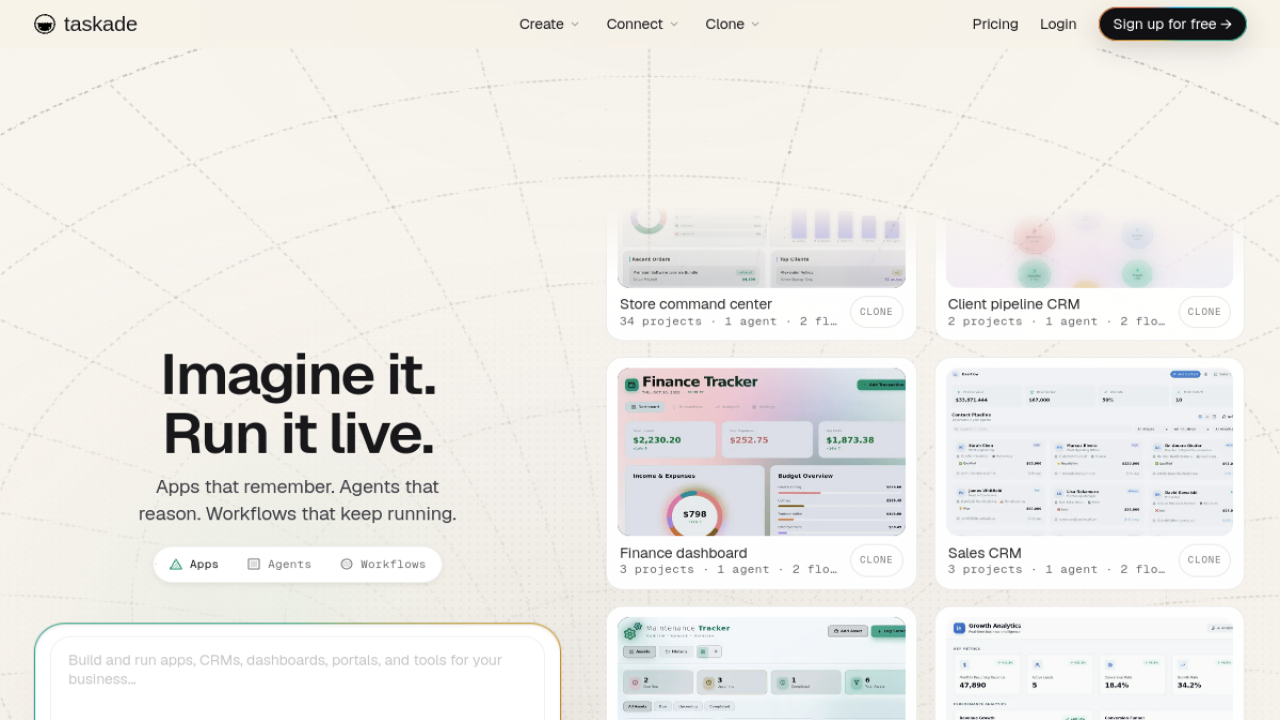 Taskade turns project data into diagrams instead of starting from a blank prompt box. Its mind map and org chart views render the same tasks you manage in list, board and calendar views, and its AI generates the project structure from a description in the first place. Pricing is flat per workspace with users included: Starter $6 a month billed yearly with 3 users and 10,000 AI credits a month, Pro $10 with 10 users, Business $25 with unlimited users. That model gets cheap fast for small teams.
The limit is control: you get diagrams of your projects, in fixed view styles, not a free-form diagram editor for arbitrary technical drawing.
SmartDraw
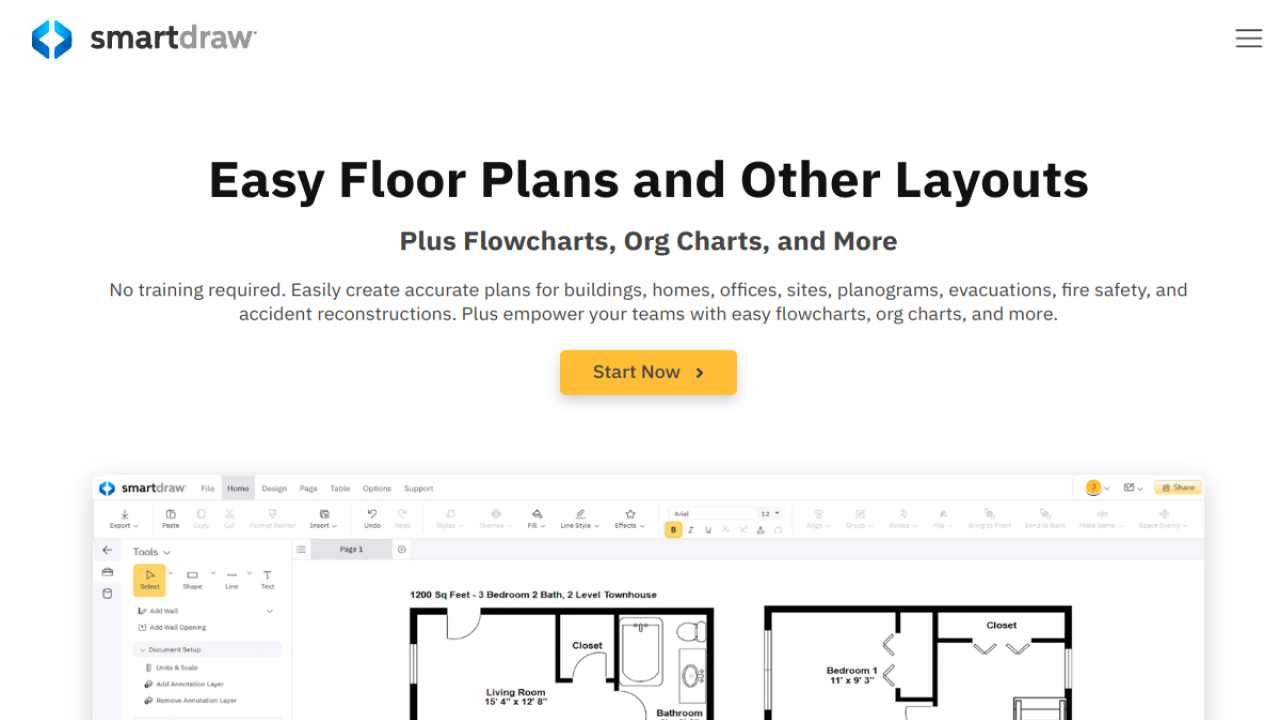 SmartDraw is the honest exception on this list. It does not take a text prompt. What it does well is classic automation: it generates org charts and other diagrams from imported data, auto-formats as you add shapes, and carries deep symbol libraries across 70+ diagram types. For a facilities or operations team that has always worked this way, that reliability is the point.
There is no free plan, only a 7-day trial, and the Team plan starts at $6.95 per user a month billed annually as an introductory rate (regular $10.95), with a 3-user minimum. Buy it for automation and templates, not for AI generation, and it will not disappoint.
AI Credits Explained: What 50 Diagrams a Month Really Costs
Sticker prices hide the real comparison, because every tool meters AI differently. Napkin AI counts credits by the words you select. Miro and Eraser count generations per month. Mermaid Chart counts per year. Whimsical sells extra credits in bundles. So take one fixed job, one person making about 50 diagrams a month, and price it honestly on each model.
| Tool | How the meter works | What 50 diagrams a month takes |
|---|---|---|
| Napkin AI | About 1 credit per word selected | A 200-word source text per diagram means roughly 10,000 credits, which is exactly the Plus allowance |
| Miro | 1 credit per generation, monthly | Starter gives 25, so 50 diagrams needs Business at 50 credits |
| Eraser | 1 credit per AI diagram, monthly | Business gives 100, so 50 fits with room to spare |
| Whimsical | Credits per generation, bundles at $0.10 each | 50 diagrams is about $5 of credit bundles on top of a paid plan |
| Mermaid Chart | Credits counted per year | Plus holds 300 a year (about 25 a month), so 50 a month needs Premium at 2,000 a year |
| FigJam | Shared Figma AI credits, monthly | Collab seat holds 500 a month, so 50 diagrams is a small share |
| Taskade | Shared workspace credits, monthly | Even Starter holds 10,000, so diagram views are not the constraint |
Two lessons fall out of that table. First, the cheapest sticker price is not the cheapest diagram: a per-year meter (Mermaid Chart) and a per-word meter (Napkin AI) punish volume in ways a monthly generation cap does not. Second, free tiers run out at very different speeds. Eraser’s 3 free AI credits can vanish in a single sitting, while Napkin’s 500 credits a week keeps a light user going indefinitely.
Pick the meter that matches how much you actually generate, not the plan name.
Which AI Diagram Tool Fits Your Diagram Type?
Most buyers do not need “a diagram tool”. They need one kind of diagram, done well. Formal types like class and sequence diagrams follow the UML specification maintained by the OMG, and only some of these tools respect that notation properly.
| Diagram type | Best pick | Why |
|---|---|---|
| Flowchart | Whimsical | Fastest prompt-to-flowchart flow, tidy auto-layout |
| ER diagram | Eraser | Diagram-as-code editing and database-first design |
| Sequence diagram | Mermaid Chart | Mermaid syntax is built for sequence flows and lives in docs |
| Cloud architecture | Eraser | Architecture diagrams plus generation from Git repos |
| Mind map | Napkin AI | Turns a document outline into a branching visual in one pass |
| Org chart | Lucidchart | Data import, permissions and the deepest org chart features |
| Customer journey map | Miro | Whiteboard space for research notes beside the map |
| Timeline | Napkin AI | Text-to-timeline generation from plain notes |
| Wireframe | Whimsical | Wireframe elements sit next to the flowcharts |
Check the Output Before You Share It
AI diagram tools get the shape of a process right and the details wrong. A decision branch points the wrong way. A step from your notes disappears. An entity in an ER diagram gets a tidier name than the one in your database. None of these errors look like errors, which is exactly why they slip into documentation.
Three checks catch most of them, and they take about a minute. Count the decision points in your source text and count them again in the diagram; the numbers must match. Trace every connector from start to end and confirm it lands where the process actually goes.
Then match names word for word: every box label, entity and field against the original text, because AI quietly renames things to sound cleaner. A diagram that passes those three checks is documentation. One that skips them is a draft with good formatting.
A Short Note on Privacy
A prompt is rarely just a prompt. It can hold an unreleased org structure, a system design, or a process your competitors would happily read. Before a team pastes that into any tool here, check who can see the account, not just the diagram. The team tiers of Lucidchart, Miro and Eraser add SSO and admin controls, and that is the level where company diagrams belong. Code-based diagrams in Mermaid Chart at least keep the source as plain text your team controls in its own repositories.
Free tiers are fine for learning a tool with sample content. Keep real internal material for the plan whose access controls you have actually read.
How to Choose an AI Diagram Generator
Work through five checks in this order. First, name the diagram types you make every month, and drop any tool that treats your main type as an afterthought. Second, read the AI meter before the price: per month, per year, per word, or per generation decides your real cost, as the credits table above shows. Third, confirm the result stays editable in the way your team works, on a canvas or as code.
Fourth, check exports against where diagrams actually get shared: PNG and PDF are everywhere, SVG and PowerPoint separate the team tools from the personal ones, and presentation work connects naturally to AI presentation tools when the diagram ends up in a deck. Fifth, check collaboration rules: who counts as a paid seat, and whether viewers and guests are free.
Then run the 3-minute test. Give your two finalists the same real process text, with its decision points and awkward exceptions included, and compare what comes back. The tool that keeps your exceptions beats the tool with the prettier default style, every time.
You can compare the finalists side by side in the AI diagram generator category on GuideAITools, where each listing carries its pricing and platform details.
FAQs
What is the best free AI diagram generator?
Napkin AI, for most people. Its free plan gives 500 AI credits every week with unlimited editing and PNG and PDF export, and the only real cost is Napkin branding on the visuals. Whimsical is the better free pick if you mainly need flowcharts, and Mermaid Chart’s free plan suits developers who want diagram as code.
Can ChatGPT create diagrams?
Yes, indirectly. ChatGPT and Claude can write Mermaid code from a description, and tools like Mermaid Chart render that code as a diagram you can edit. It works, and it costs nothing extra if you already pay for a chatbot. What you give up is the canvas: no drag editing, no team comments, and no saved diagram library, which is why dedicated tools still win for regular use.
Which AI diagram tool is best for ER diagrams?
Eraser. Its diagram-as-code model fits database work, where entities, fields and relationships need exact names and quick edits as the schema changes. Lucidchart is the better pick if your team prefers a canvas and needs formal ER notation with sharing controls around it.
Do AI diagram generators charge per diagram?
Most charge through a credit allowance rather than a per-diagram fee, but the effect is similar. Miro allows 25 AI credits a month on Starter and 50 on Business. Eraser allows 100 a month on Business. Napkin AI counts credits by the words you select. Once the allowance is gone, you wait, buy more credits, or upgrade, so the allowance matters more than the plan name.
Which AI diagram tool is best for teams?
Lucidchart for diagram-heavy documentation, because of its permissions and admin controls, and Miro for mixed workshop and planning work, because the diagrams live where the team already collaborates. Whimsical keeps costs down for flowchart-focused teams since viewers and guests are free and only editors are billed.
Can AI turn meeting notes into a diagram?
Yes. That is Napkin AI’s core job: paste the notes and it builds a visual summary, a flowchart or a timeline from the text. Miro and Taskade can also structure notes into boards and project views. Expect to tidy the result and run the accuracy checks described above, especially names and decision points, before the diagram leaves the team.
Conclusion
Pick by the job, not by the feature list. Napkin AI for turning documents into visuals, Eraser and Mermaid Chart for technical work, Lucidchart or Miro for teams, Creately when the budget leads, EdrawMax when you want to own the software.
Start with the free plan whose meter fits your real volume, run the same process text through two finalists, and keep the one that survives your exceptions. Every tool above is listed with full pricing in the AI diagram generator category on GuideAITools, alongside thousands of AI tools across every other job you might hand to AI next.

Related Blog Posts