What Is Computer Vision? How It Works, Uses and Examples
Computer vision is a field of artificial intelligence that helps computers process and interpret visual information from images, videos and other visual inputs. It can identify objects, read text, detect movement, recognize patterns and produce useful information from what a camera or sensor captures.
Your phone can recognize your face before you type a password.
A shopping app can identify a product from a photo. A document scanner can pull text from a receipt.
These aren’t separate tricks. They’re examples of computer vision.
The basic idea is surprisingly simple. A computer receives visual data, processes it, finds useful patterns and produces an output such as a label, object location, measurement, text or decision.
But computers don’t literally “see” the way people do.
They process pixels, visual features and other signals using machine learning, deep learning and computer vision models.
What is computer vision?
Computer vision is a field of AI that enables computers to process and interpret visual information from images, videos, documents and other visual inputs.
A camera might capture an image containing a person, a car, a road sign and several buildings. A computer vision system can analyze that image and identify different elements within it.
The result depends on the task.
It might answer:
“What is in this image?”
Or:
“Where are the cars?”
Or:
“What text appears on this document?”
Or:
“Is there a damaged part in this product?”
A useful way to think about the basic process is:
Visual input → processing → pattern recognition → interpretation → output
That output doesn’t have to be a sentence. It could be a classification, bounding box, extracted text, measurement or action sent to another system.
Computer vision is also broader than image recognition. Image recognition is one task within computer vision, while the larger field includes detection, segmentation, tracking, OCR, pose estimation and video analysis.
For a broader introduction to the field that computer vision belongs to, see What Is Artificial Intelligence?.
How does computer vision work?
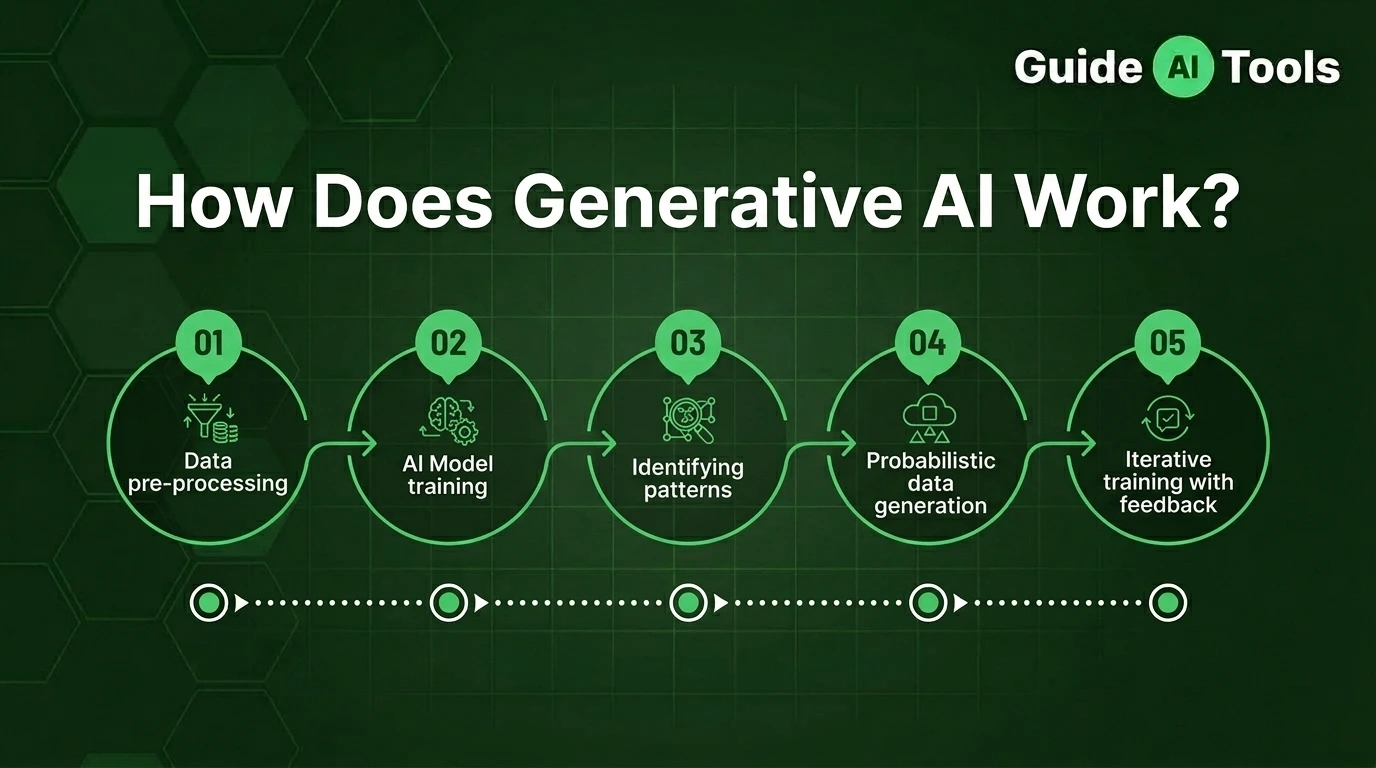
Computer vision systems generally start with visual data and use a trained model to identify useful patterns within that data.
A simplified workflow looks like this:
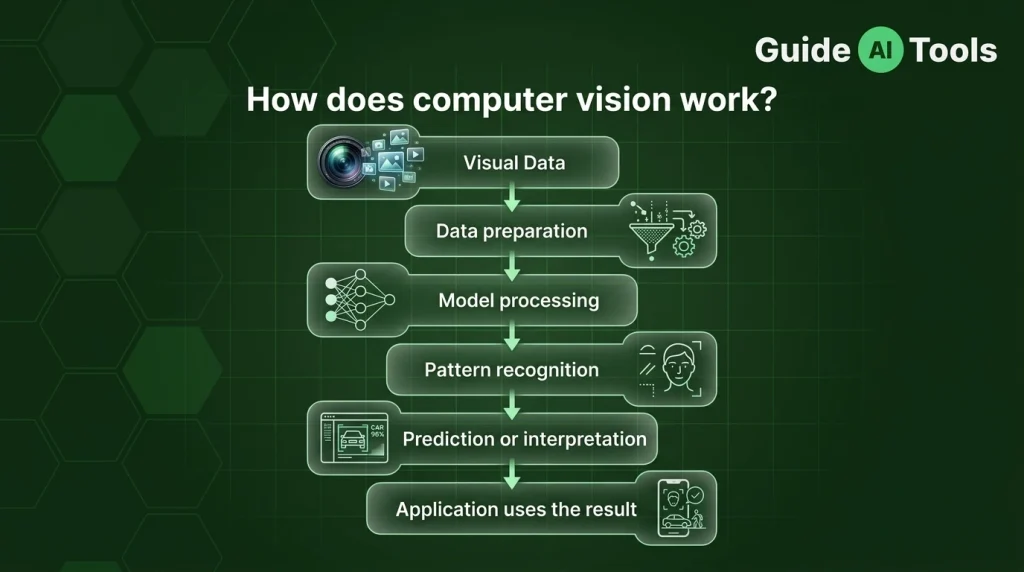
Suppose a traffic camera is watching a busy road.
The camera captures frames containing cars, buses, motorcycles, pedestrians and road markings. The system processes those frames and passes the visual information to a computer vision model.
The model can then detect vehicles, classify what type they are and locate them using bounding boxes.
If the system needs to understand movement, object tracking can follow those vehicles across multiple video frames.
The final information might help a traffic management system estimate congestion or monitor road conditions.
Behind the scenes, the process can involve pixels, datasets, labels, training, neural networks, model inference and predictions.
The technical details get much deeper than this. For a dedicated explanation of the full workflow, see our future guide to How Does Computer Vision Work?
What can computer vision recognize?
Computer vision can analyze much more than simple objects in photographs.
Depending on the model and task, it can work with objects, people, faces, text, scenes, movement, products, defects and other visual patterns.
| Visual task | What the system identifies |
|---|---|
| Object detection | Objects and their locations |
| Image classification | The category of an image |
| OCR | Text inside an image |
| Facial recognition | Facial identity or matching |
| Pose estimation | Body positions and keypoints |
| Object tracking | Movement across video frames |
| Image segmentation | Pixel-level regions |
| Scene understanding | Objects and relationships within a scene |
One image can produce several types of information at once.
Take a road scene.
A computer vision system might identify three cars, two pedestrians, a traffic light and several road signs. It could also estimate where each object is located and track how they move from one video frame to another.
That’s why computer vision isn’t just about answering one question about an image.
The same visual input can support several tasks at the same time.
What are the main computer vision tasks?
Computer vision covers a group of related tasks. Some sound similar at first, but they answer different questions.
Image classification
Image classification asks:
“What is this image?”
A model might receive an image and classify it as a cat, dog, car, landscape or medical image category.
Classification usually focuses on the overall category rather than locating every object inside the image.
For example, if a photo contains a dog sitting beside a car, a classification system might determine the main category of the image.
Object detection
Object detection asks:
“What objects are here, and where are they?”
Unlike classification, detection provides both the object class and its location.
The system may identify:
- Three cars
- Two people
- One bicycle
- One traffic sign
The locations are often represented using bounding boxes, which mark the approximate area occupied by each detected object.
A confidence score can also indicate how strongly the model supports a particular prediction.
Image segmentation
Segmentation goes further by working at the pixel level.
Instead of simply drawing a box around a car, a segmentation model can identify which pixels belong to the car.
Two common forms are semantic segmentation and instance segmentation.
Semantic segmentation assigns pixels to categories such as road, sky, person or vehicle.
Instance segmentation goes a step further by separating individual objects of the same category.
So if there are three cars, the system can distinguish one car from another rather than treating all car pixels as one group.
Optical character recognition
OCR, or optical character recognition, extracts text from visual content.
A scanned receipt is a good example.
The system can detect the document, locate the printed characters and convert the visible text into machine-readable information.
OCR is widely useful for:
- Receipts
- Forms
- IDs
- Invoices
- Scanned documents
- Handwritten material
This is why document scanning apps can turn a photograph of a paper document into editable text.
Object tracking
Object tracking deals with movement over time.
Imagine a football match recorded on video.
A detection model might identify a player in one frame. A tracking system can then follow that player as they move across subsequent frames.
Tracking is useful in sports analysis, traffic monitoring, robotics, security systems and video analytics.
Facial recognition
Facial recognition attempts to match or identify a person using visual information from their face.
But facial detection and facial recognition aren’t the same thing.
Face detection answers:
“Is there a face here?”
Facial recognition goes further:
“Does this face match a known identity?”
That distinction matters, especially when discussing privacy and security.
Pose estimation
Pose estimation identifies body positions using visual keypoints.
A system might locate the head, shoulders, elbows, wrists, hips, knees and ankles.
This can help analyze human movement in sports, fitness applications, animation, healthcare research and interactive systems.
What is the difference between computer vision and image processing?
Computer vision and image processing often work together, but they aren’t the same thing.
The simplest distinction is:
Image processing changes or improves an image. Computer vision extracts meaning from it.
| Computer vision | Image processing |
|---|---|
| Interprets visual information | Changes visual information |
| Identifies objects | Adjusts brightness |
| Detects defects | Removes noise |
| Reads text | Sharpens images |
| Tracks movement | Resizes images |
| Produces meaning or decisions | Produces modified image data |
Imagine taking a dark photograph and increasing its brightness.
That’s image processing.
Now imagine analyzing that photograph to determine whether it contains a person.
That’s computer vision.
In a real system, both can be part of the same workflow.
Image processing may resize an image, reduce noise or improve contrast before a computer vision model analyzes it.
So one isn’t necessarily a replacement for the other.
What is computer vision used for?
Computer vision is used anywhere visual information can provide useful data.
| Industry | Example |
|---|---|
| Healthcare | Medical image analysis |
| Manufacturing | Defect detection and quality inspection |
| Retail | Product recognition and visual search |
| Automotive | Road and object detection |
| Agriculture | Crop monitoring |
| Security | Video monitoring |
| Robotics | Environment perception |
| Banking | Document processing |
| Education | Document and visual analysis |
| Sports | Player and movement tracking |
In healthcare, computer vision can support medical image analysis by helping identify patterns in scans or other visual data.
In manufacturing, cameras can inspect products for visible defects.
In retail, visual search can help match a photographed product with similar products in a catalog.
In agriculture, visual systems can monitor crops, plants and field conditions.
The role of computer vision depends heavily on the surrounding system. A model can detect something, but another application may decide what to do with that information.
That distinction matters in high-stakes fields.
A computer vision system can support analysis. It doesn’t automatically replace the human expert responsible for interpreting the result.
How is computer vision used in everyday life?
You probably interact with computer vision without thinking about it.
Face unlock
Your phone’s camera captures an image of your face. A vision system processes visual features and compares the resulting representation with the information used for authentication.
The important point is that the phone isn’t “seeing” your face like a person does.
It’s processing visual data to make an authentication decision.
Visual search
You can take a photo of an object and use visual search to find related information.
The system may identify objects, text or other visual features before matching them with search results.
Document scanning
A phone camera can capture a document, detect its boundaries, identify the text and convert it into editable information.
That’s a combination of image processing and computer vision techniques, with OCR playing a central role.
Social media
Visual analysis can help platforms organize images, identify objects, support search, moderate content or add accessibility features.
The exact technology varies between platforms and applications.
Shopping
A product photo can be analyzed for visual features and matched against a catalog.
This can make it possible to search for a product without knowing its exact name.
What technologies power computer vision?
Computer vision has evolved alongside machine learning and deep learning.
Modern systems can use several technologies depending on the task.
Machine learning
Machine learning allows models to learn patterns from data instead of relying entirely on manually written rules.
You can read more about the broader concept in What Is Machine Learning?.
Deep learning
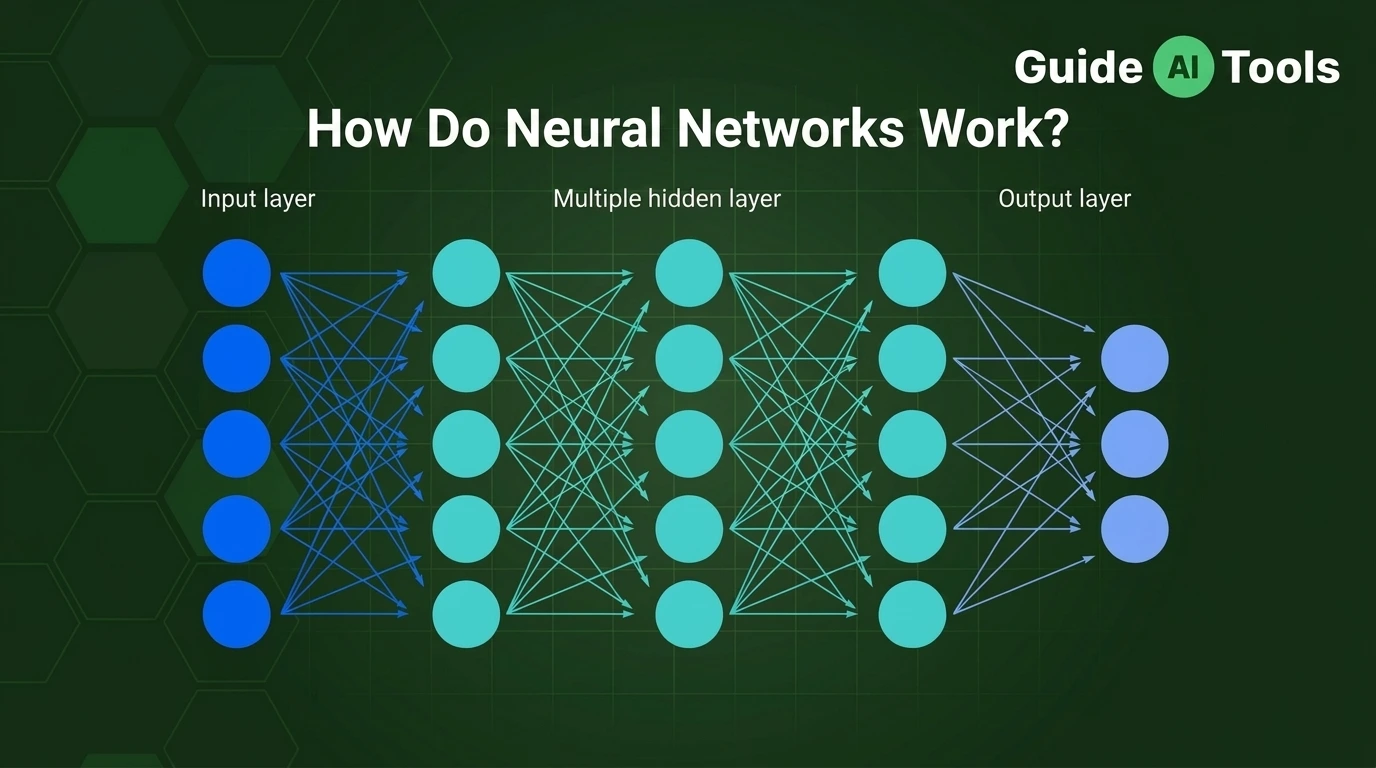
Deep learning uses neural networks with multiple layers to learn complex patterns.
It has played a major role in modern computer vision, especially for image and video analysis.
Our guide to What Is Deep Learning? covers that foundation in more detail.
Convolutional neural networks
CNNs, or convolutional neural networks, became especially important in computer vision because they can learn useful visual patterns from images.
A CNN can learn increasingly complex features through multiple layers.
Early layers may respond to simple patterns such as edges, while deeper layers can represent more complex structures.
You can see how neural networks fit into this picture in What Is a Neural Network?.
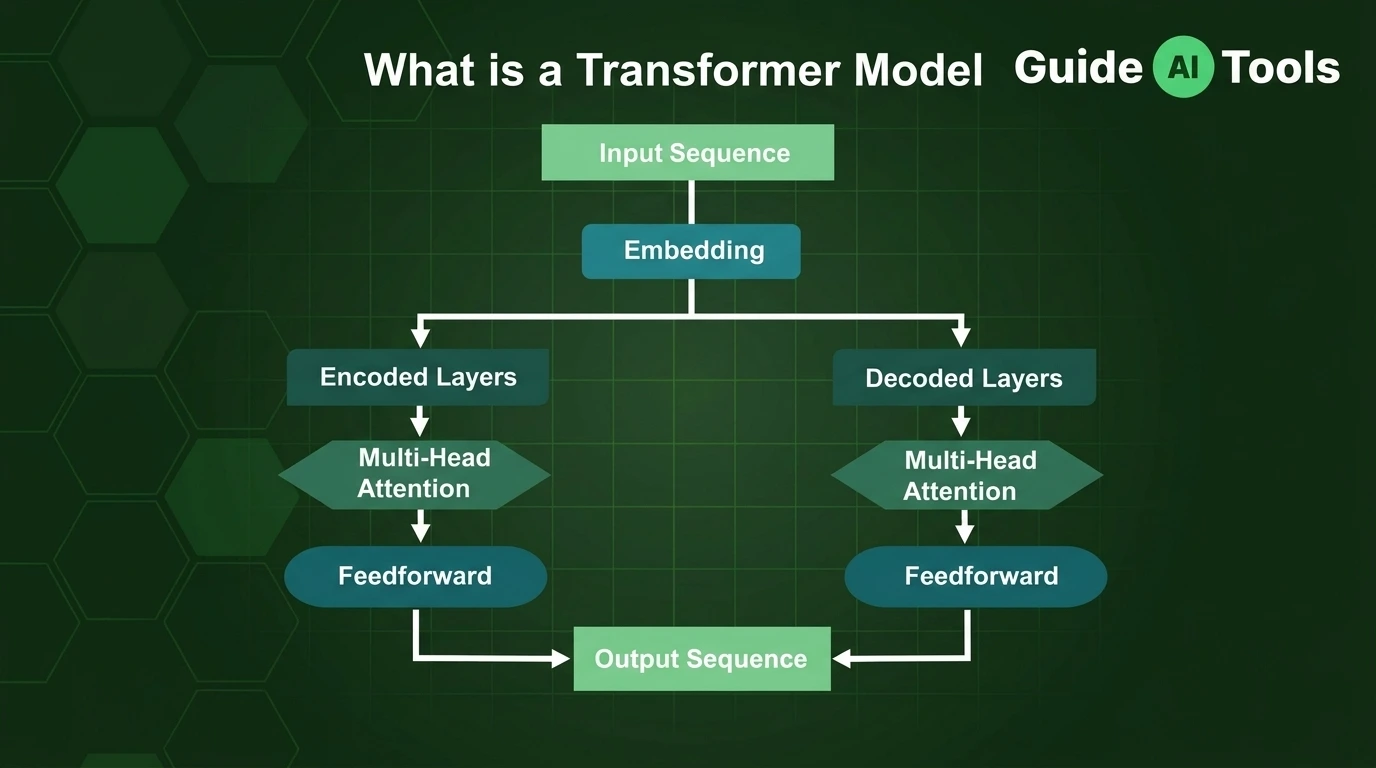
Vision Transformers
Vision Transformers, often called ViTs, apply transformer-based approaches to visual data.
They have become an important alternative to CNN-based approaches for many computer vision tasks.
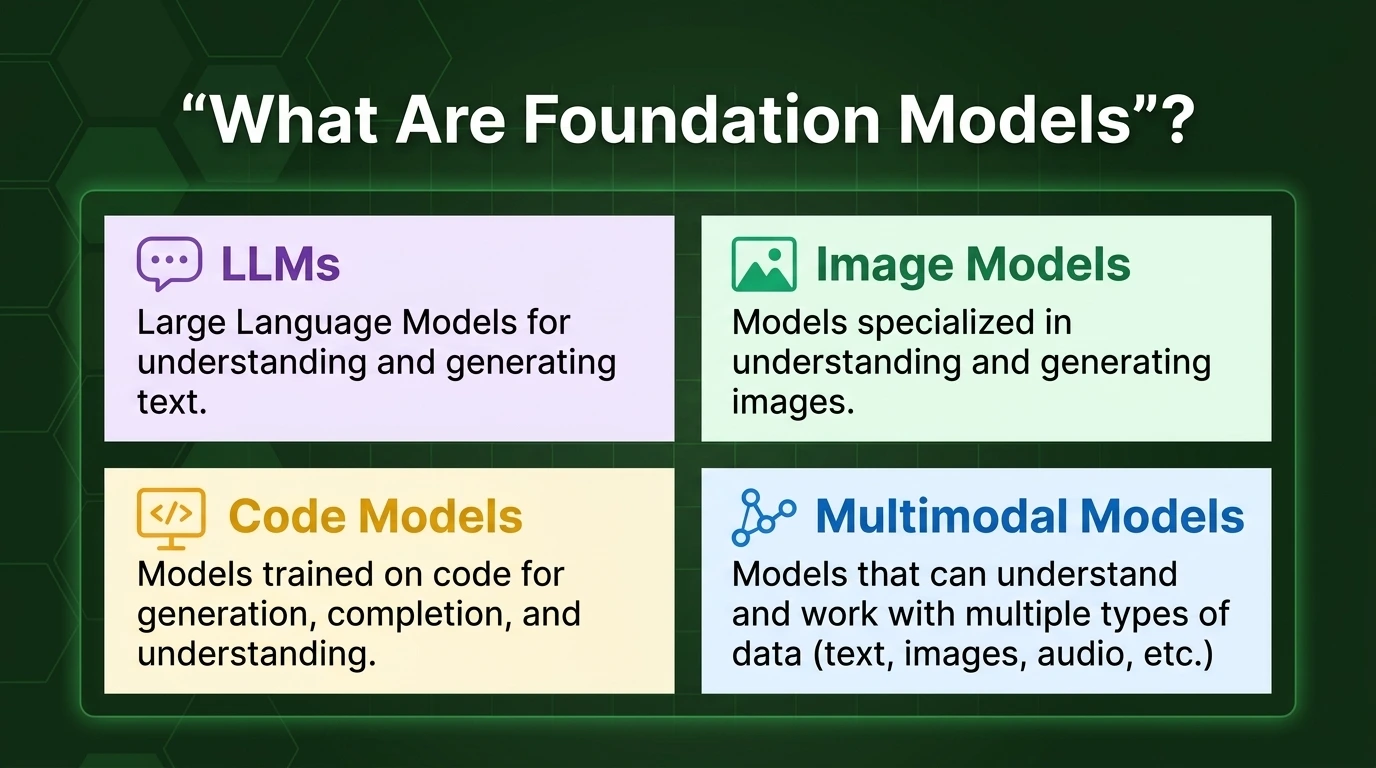
The broader shift toward transformer-based vision models also connects computer vision with modern multimodal AI.
Vision-language models
Vision-language models can work with both visual and language information.
For example, a model may receive an image and answer a question about what appears in it.
That opens the door to tasks such as visual question answering, image description and multimodal search.
GPUs and edge devices
Computer vision often requires significant computing power, especially for real-time video.
GPUs can accelerate the calculations needed by modern models.
Some applications also run models directly on edge devices rather than sending every image to a remote server.
That can reduce latency and may help with privacy or connectivity requirements.
What are the limitations of computer vision?
Computer vision can perform extremely well in controlled conditions and still struggle when the environment changes.
That’s one of the easiest points to overlook.
A model trained on clear daytime road images may behave differently in heavy rain, darkness or unusual camera angles.
Common challenges include:
- Poor lighting
- Occlusion
- Low-quality images
- Unusual viewpoints
- Dataset bias
- False positives
- False negatives
- Changes between training and real-world data
- Privacy concerns
Occlusion is a good example.
A person may be partly hidden behind another object. The system now has less visual information to work with, which can make detection or tracking harder.
Dataset bias can create another problem.
A model can perform very well on its test dataset and still produce weaker results when exposed to images that look different from the data used during training.
This is why test accuracy doesn’t always tell you how a computer vision system will behave in the real world.
Privacy also deserves attention, particularly for facial recognition and systems that analyze people in public or private spaces.
For high-stakes applications, human review, careful testing and appropriate safeguards remain important.
What is the future of computer vision?
Computer vision is moving beyond the simple task of recognizing objects in photographs.
Vision-language models are making it easier for systems to connect images with language.
Multimodal AI can combine text, images, audio and other types of information.
Edge AI can bring visual processing closer to cameras and devices, which can be useful when low latency matters.
Real-time video analysis is also becoming more capable, while 3D vision and spatial understanding are opening new possibilities for robotics, augmented reality and other applications.
Generative vision systems add another direction. Instead of only analyzing an image, AI can also create or modify visual content.
The interesting part is the combination.
A system might detect an object, understand a user’s question about it, retrieve related information and respond in natural language.
That’s where computer vision starts connecting with other parts of AI rather than existing as an isolated technology.
FAQs
What is computer vision?
Computer vision is a field of AI that enables computers to process and interpret visual information from images, videos and other visual inputs.
Is computer vision a type of AI?
Yes. Computer vision is a field of artificial intelligence focused on processing and interpreting visual information.
How does computer vision work?
Computer vision systems process visual data and use trained models to identify patterns, classify objects, locate features, extract information or produce other useful outputs.
What are examples of computer vision?
Face unlock, document scanning, visual search, product recognition, medical image analysis, defect detection and video tracking are common examples.
What is the difference between computer vision and image processing?
Image processing mainly changes or improves visual data, while computer vision aims to extract meaning from that data. The two are often used together.
What is OCR in computer vision?
OCR, or optical character recognition, is a technology that identifies and converts text contained in images or scanned documents into machine-readable text.
Is facial recognition part of computer vision?
Yes. Facial recognition is a computer vision task that attempts to match or identify a person’s face. Face detection is different because it only determines whether a face is present.
What are the limitations of computer vision?
Computer vision can struggle with poor lighting, occlusion, unusual viewpoints, low-quality images, dataset bias and changes between training data and real-world conditions.
Final thoughts
Computer vision is not really about teaching computers to “see.”
It’s about turning visual information into something a computer can work with.
A camera provides pixels. A trained model finds patterns. The system then turns those patterns into information such as an object label, bounding box, extracted text, movement, measurement or decision.
That’s why the same technology can appear in a phone’s face unlock, a factory inspection system, a medical imaging workflow and a retail visual search tool.
The field is also getting broader.
CNNs remain important. Vision Transformers have changed how visual models are built. Vision-language models connect images with language, while multimodal AI brings several types of input together.
Once you understand the difference between classification, detection, segmentation, OCR and tracking, computer vision becomes much easier to recognize in the products you already use.

Related Blog Posts