12 Best AI Avatar Generators in 2026 for Videos, Training and Headshots
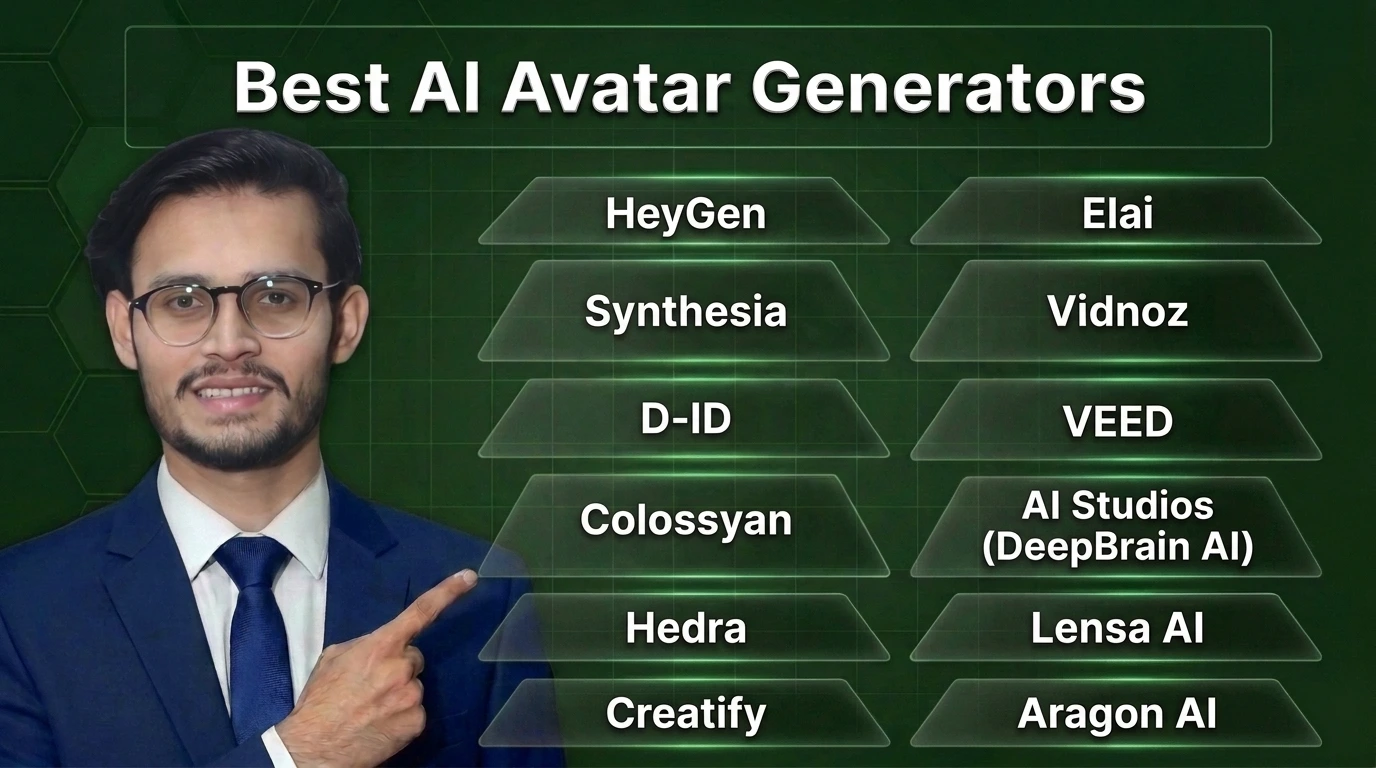
If you want one pick and no homework, take HeyGen for talking avatar videos, Synthesia for company training, and D-ID if you need to animate a single photo on a small budget. Those three cover most people. The other nine on this list win in narrower lanes, and the lanes matter more than the logos.
Here is the thing nobody tells you on the sales pages. “Avatar” is one word covering four different products. A stock presenter who reads your script is not the same tool as a clone of your own face, and neither one makes headshots. Pick by the job first and this whole market gets a lot simpler.
Every price below was read on the tool’s own pricing page by a person, not copied from another roundup. Half the articles ranking for this topic quote prices that contradict each other, sometimes on the same page.
What an AI avatar generator actually is
An AI avatar generator turns text, a photo, or a short video of a person into a digital presenter who can speak on camera without anyone filming. You type a script, pick or create the face, pick a voice, and the tool renders a video with matched lip movement.
The four types you will keep running into:
- Stock avatars. Ready-made presenters from a library. Fastest route, zero setup, and the same faces your competitors can also use.
- Photo avatars. One photo gets animated so it talks. Cheap and quick, with a quality ceiling you hit fast.
- Digital twins. A clone of a real person, usually you, built from a short recording. Best realism, most setup, and the consent rules below apply.
- Live avatars. Interactive faces that answer in real time on a website or kiosk. A different product with different pricing, not just a fancier video.
One freshness note, because out-of-date roundups will not give it to you. Ready Player Me, the default name for 3D and VTuber avatars for years, shut down on January 31, 2026. Any article still recommending it has not been touched in a while. If 3D avatars are your lane, start from the wider AI avatar generator tools category and check each tool is still operating before you pay.
The quick comparison
| Tool | Best for | Starting price | Free plan |
|---|---|---|---|
| HeyGen | Talking avatar videos overall | $29/mo ($24 billed annually) | Yes, 3 videos a month, watermarked |
| Synthesia | Corporate training video | $19/mo monthly billing | Basic plan at $0, watermarked |
| D-ID | Animating a photo on a budget | $5.90/mo ($4.70 billed annually) | 14-day trial, no free plan |
| Colossyan | Training with quizzes and SCORM | $59/mo billed annually | Free Starter, 20 minutes a month |
| Hedra | Expressive character videos | $20/mo | No free plan on Studio |
| Creatify | UGC-style product ads | $15/mo ($10 billed annually) | Yes, 10 credits a month |
| Elai | Turning slides and links into video | $29/mo ($23 billed annually) | Yes, 1 minute |
| Vidnoz | The most generous free tier | $26.99/mo ($19.99 billed yearly) | Yes, daily credits, watermarked |
| VEED | Avatars inside a full video editor | $25/user/mo ($10 billed yearly) | No free plan card on pricing page |
| AI Studios | Huge avatar library, interactive avatars | $24/mo | Yes, 3 videos one time |
| Lensa AI | Stylised photo avatars on your phone | In-app purchases only | Free app, packs cost extra |
| Aragon AI | Professional headshots from selfies | Packages from $35 one time | No free plan |
Read the free plan column carefully. A free plan with a watermark is a test drive, not a publishing route, and two tools on this list put watermarks on paid entry plans too.
In-depth reviews: the top AI avatar generator tools
HeyGen – Best overall for talking avatar videos

HeyGen is the safe first pick for most people, and it earns that spot the boring way. The avatars look natural, the editor is hard to get lost in, and the custom twin flow asks for a short recording and gets out of your way. The free plan gives you 3 videos a month to learn on.
The catch sits in the fine print. Free HeyGen output is watermarked and meant for trying the tool, not for client work. Paid plans run on credits, so a team that renders long videos will feel the meter running. Creator at $29 a month ($24 billed annually) is where serious solo use starts.
Synthesia – Best for corporate training

Synthesia is built for the training department, not the TikTok feed. Companies use it to turn policy documents and product training into watchable video in many languages, with a review workflow managers actually approve of. The Basic plan at $0 lets you test the water with watermarked output, and Starter at $19 a month on monthly billing is the real entry point.
It is not the cheapest way to make a talking head, and it does not try to be. You pay for structure, brand controls, and a library of professional presenters who look at home in a boardroom deck. If your videos need to survive a compliance review, start here.
D-ID – Best for animating a photo on a budget
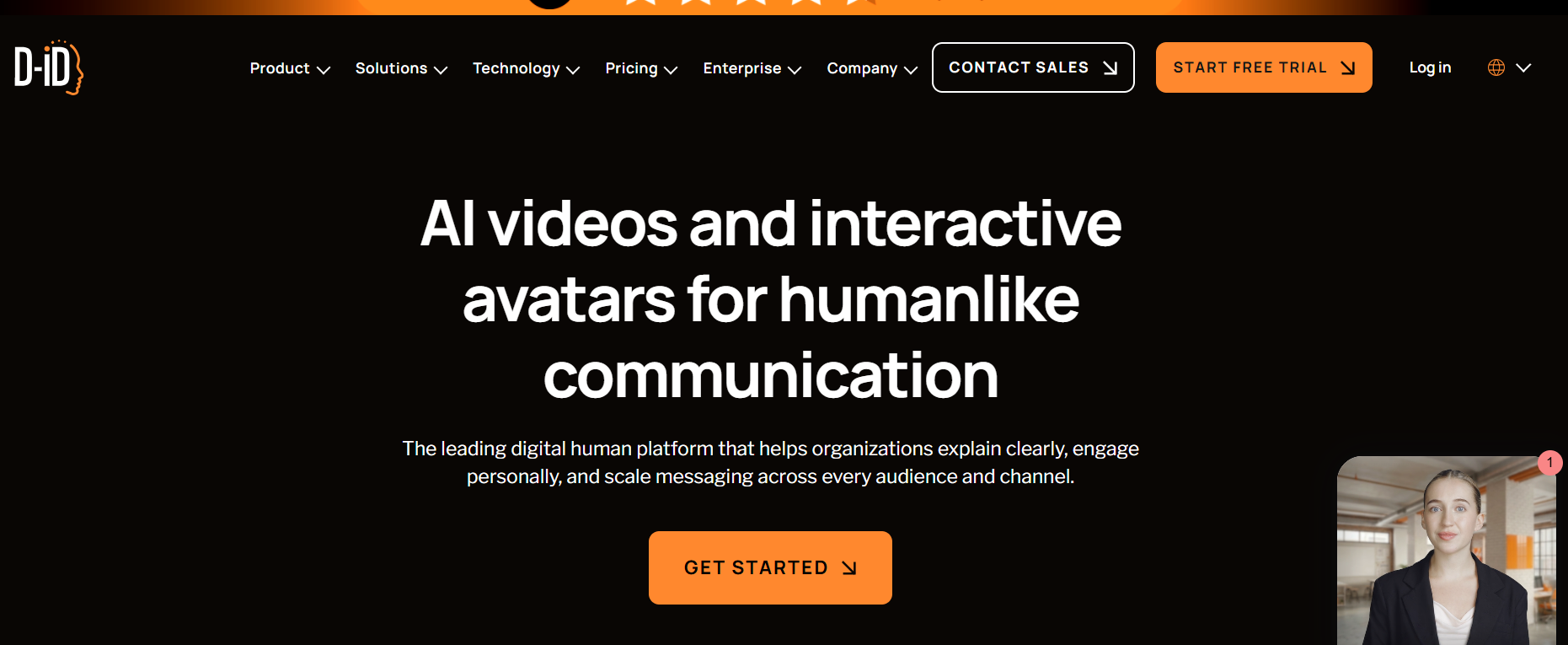
D-ID does one trick better than anyone at this price. Give it a portrait photo and a script, and the face talks. Lite costs $5.90 a month, or $4.70 a month billed annually, which makes it the cheapest real entry on this list. The 14-day trial gives you 3 minutes to judge the output yourself.
Judge it honestly, though. A photo pushed into long speeches shows its limits in the eyes and head movement, and the Lite plan keeps a D-ID watermark on your video. For short clips, memorial videos, and quick explainers it is great value. For a 20-minute course, pick a video-native tool instead.
Colossyan – Best for training with quizzes and SCORM

Colossyan aims at the same training buyer as Synthesia and fights it on interactivity. Branching scenarios, quizzes inside the video, and SCORM export for your learning platform are the reasons it makes this list. The free Starter plan gives you 20 minutes a month with its NEO avatar model, which is a fair test drive.
The honest limit is price. Professional runs $59 a month billed annually, and there is no cheap monthly on-ramp below it. For a training team that publishes every week, that maths works. For one course a quarter, it does not, and Elai below covers that ground for less.
Hedra – Best for expressive character videos

Hedra is the creator’s pick on this list. Its Character-3 model puts more life into faces than the corporate presenters do, with expressions and head movement that suit character content, storytelling, and social video. Studio Basic costs $20 a month with 2,000 credits, and the same account can tap pay-per-use API rates when a project spikes.
Know what you are not getting. There is no free plan or trial on the Studio side, so your first look costs money. And Hedra is a character tool, not a training platform. No SCORM, no course structure, no apology for it either.
Creatify – Best for UGC-style product ads
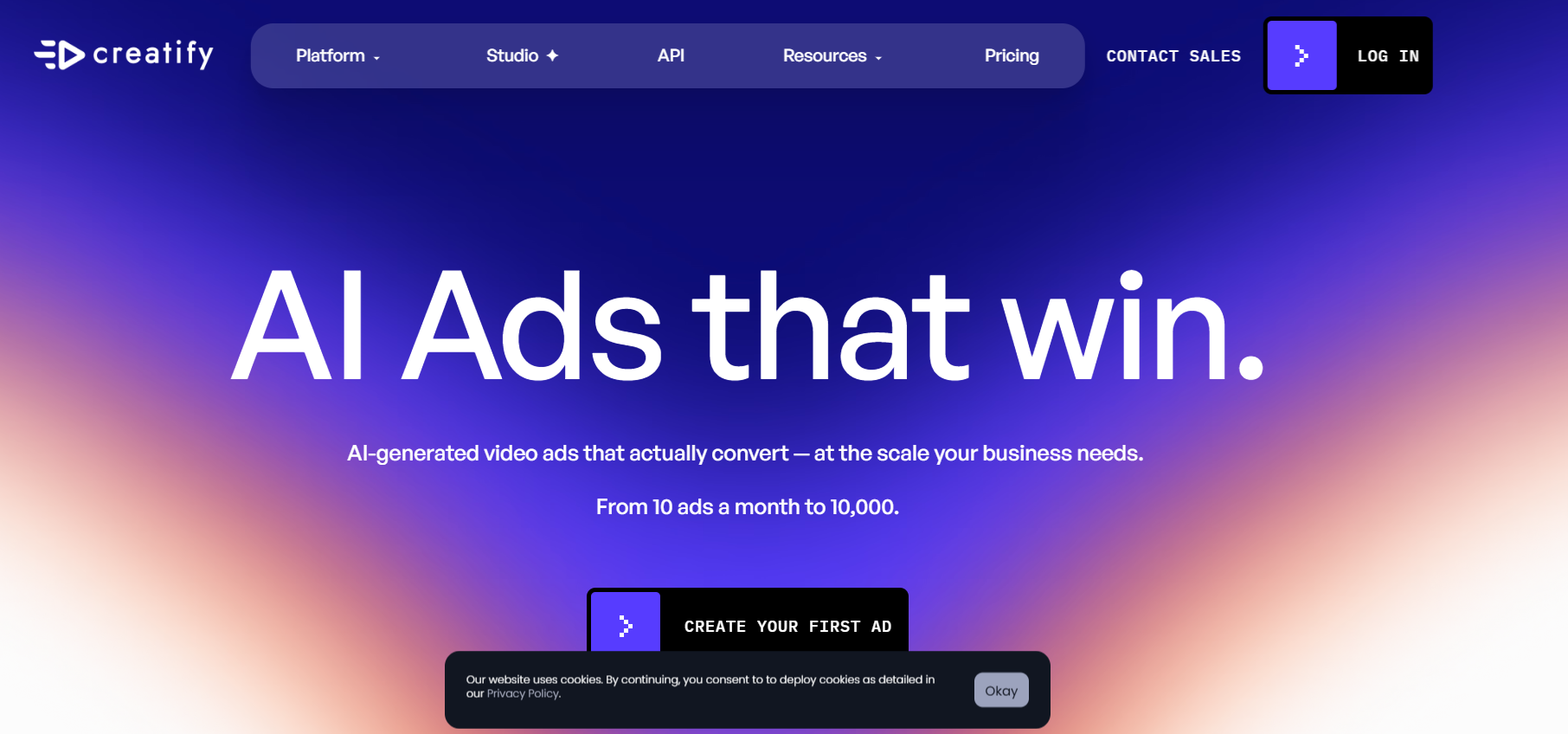
Creatify skips the boardroom entirely. It makes the kind of avatar ad you scroll past on social media, a person holding your product and talking to camera, and it can build one from a product link. Standard costs $15 a month, or $10 a month billed annually, and the free plan gives 10 credits a month to test the format.
The trade-off is range. Creatify is an ads tool wearing an avatar, so long training videos and careful corporate work belong elsewhere. But if your whole question is “can an avatar sell my product in a 30-second clip,” this is the most direct answer on the list.
Elai – Best for turning slides and links into video
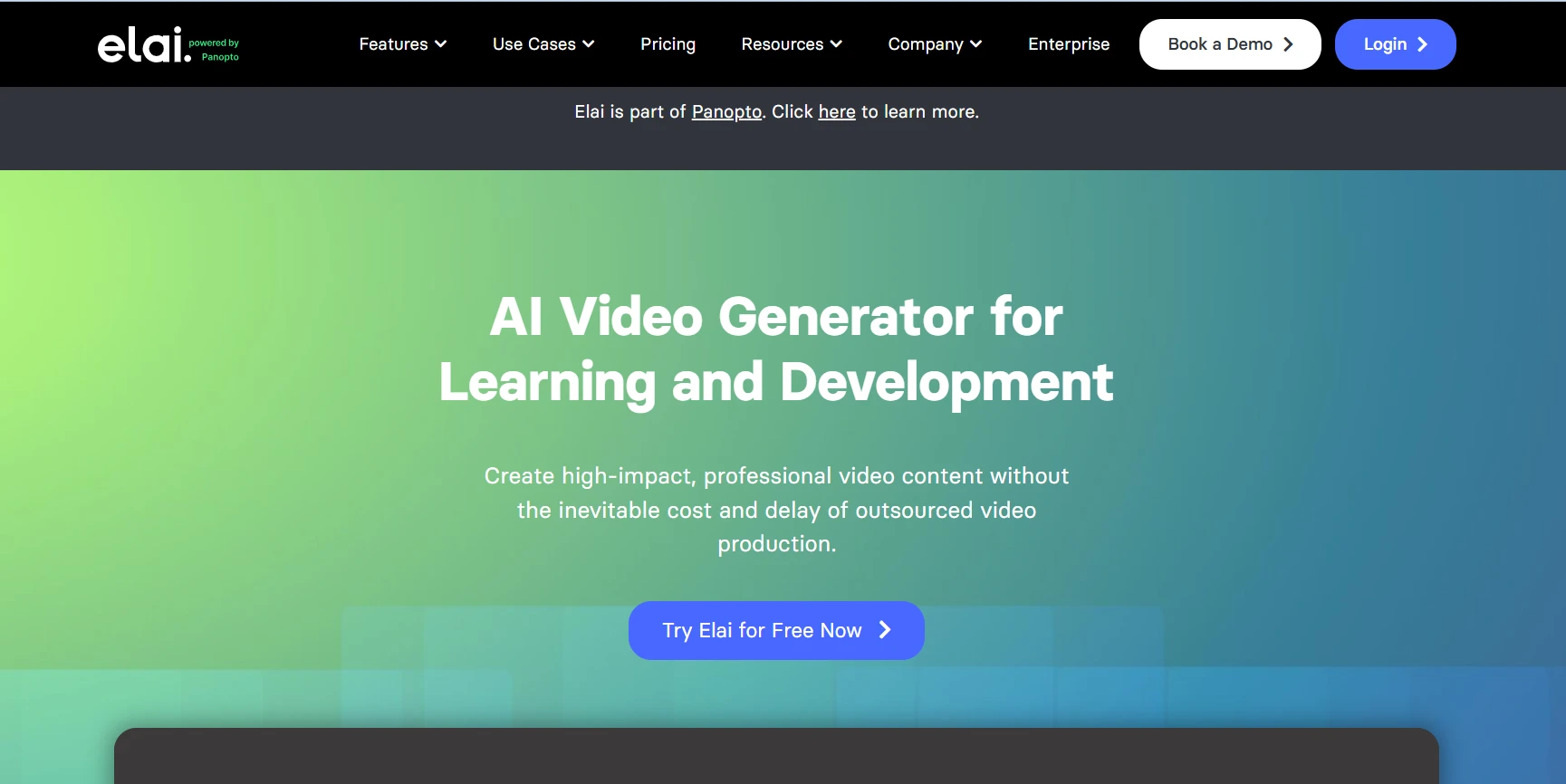
Elai is the quiet workhorse here. Paste a presentation, a document, or a web link, and it builds a presenter-led video from it, which makes it handy for onboarding and course updates. Creator costs $29 a month on monthly billing, or $23 a month billed annually, with 15 minutes of video a month. The free plan is 1 minute, enough to see the workflow and nothing more.
That minute cap is the story with Elai. Extra minutes cost $2 each on Creator, so heavy use pushes you up a tier fast. Run your real monthly volume through the cost section below before you commit.
Vidnoz – Best free tier to start with
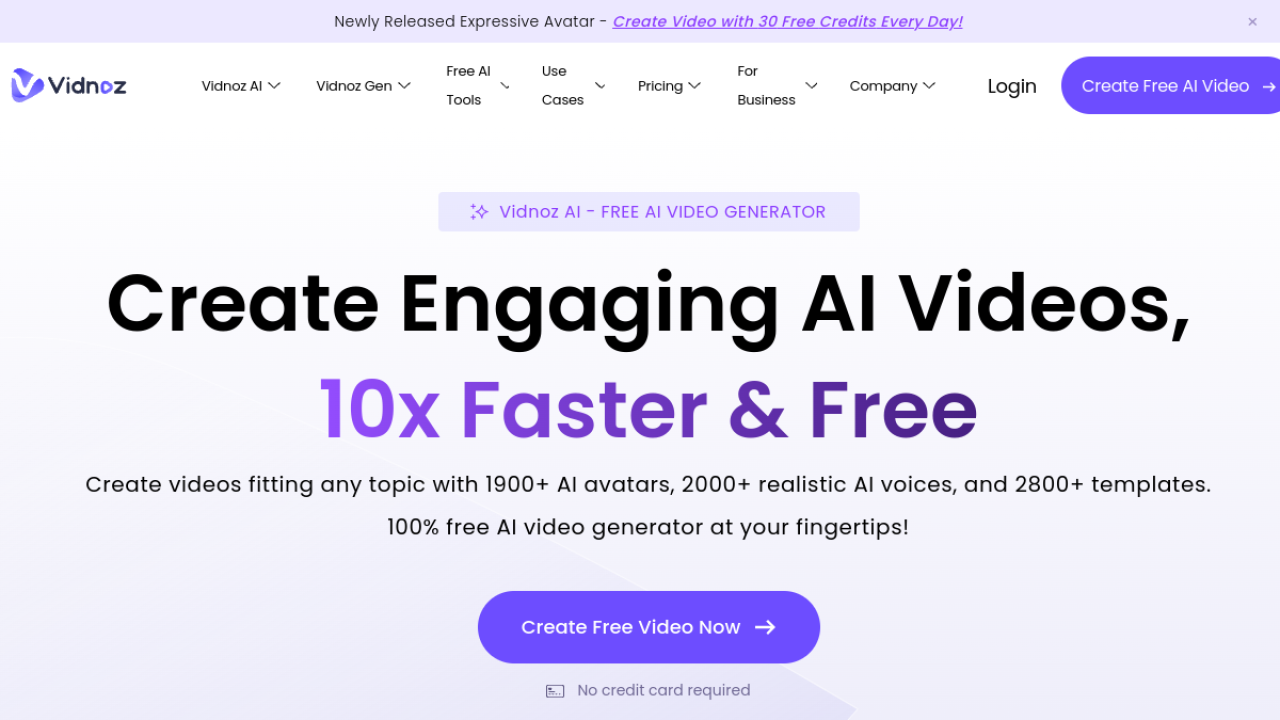
Vidnoz gives away more than anyone else here. The free plan hands out 30 credits a day, roughly a minute of video daily, at 720p with a watermark. Paid Starter is $26.99 a month, or $19.99 a month on yearly billing, with 450 credits a month and no watermark.
Free daily credits change how you learn the tool. You can test scripts, voices, and avatar styles for weeks without paying, then upgrade when a video actually matters. The avatar quality sits a step behind HeyGen at the top end, and the free output carries that watermark, so treat free Vidnoz as the practice ground it is.
VEED – Best if you want avatars inside a full editor
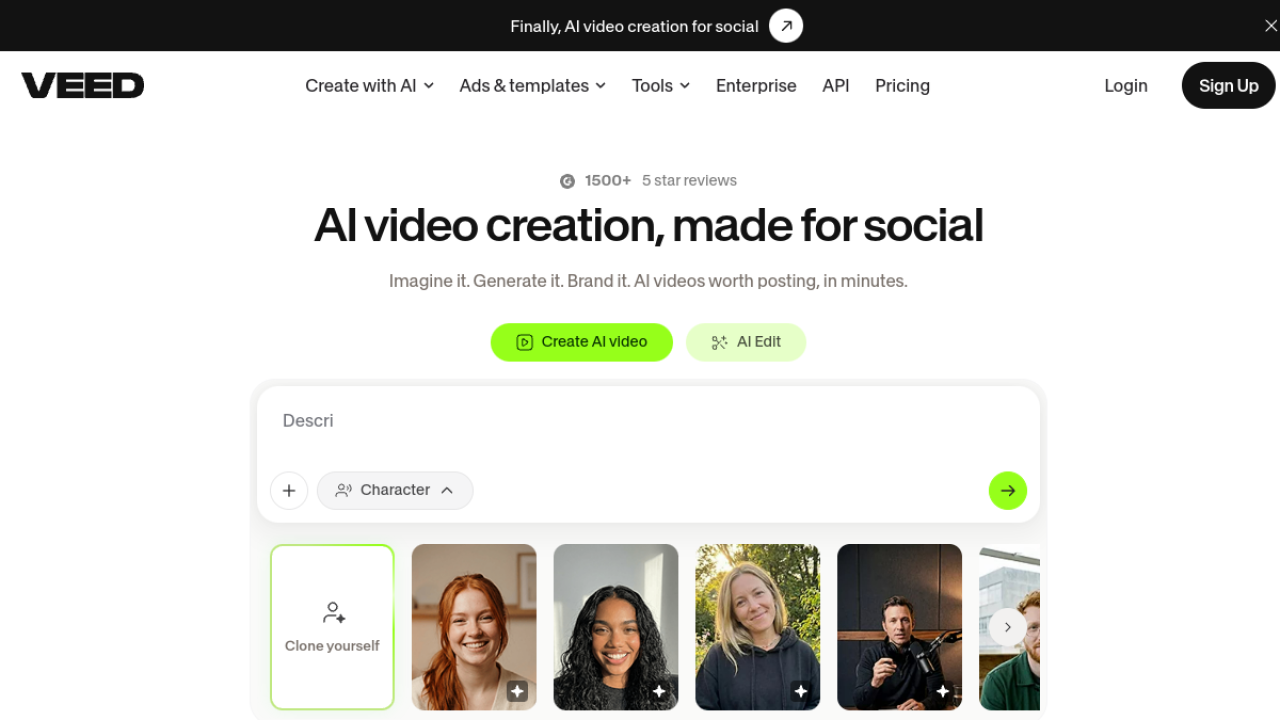
VEED answers a different question. Its avatar feature lives inside a complete online video editor, so the same place that generates your presenter also cuts, captions, and finishes the video. Creator costs $25 per user a month on monthly billing, or $10 per user a month billed yearly.
The catch is the on-ramp. VEED’s pricing page shows no free plan card, and its free trial is an enterprise arrangement through sales. So VEED makes the most sense when you already want the editor and avatars are one feature on your list, not when avatars are the whole job. It also sits naturally next to the wider AI video generator tools if your work goes beyond presenters.
AI Studios – Best for a huge library and interactive avatars

AI Studios, from DeepBrain AI, plays the catalogue game. It advertises more than 2,000 avatars, plus photo avatars built from a single picture, and the Personal plan at $24 a month is fairly priced for that depth. The free plan gives you 3 videos one time to check the quality.
Read its pricing page like a contract, because AI Studios sells two products on one page. The interactive avatar plan, the kind that answers visitors live, starts at $99 a month and is a separate line from the video plans. Neither is hidden, but buyers mix them up constantly.
Best AI avatar generators for photos and headshots
Everything above makes video. These two make still images, and mixing the lanes is how buyers end up disappointed, so they get their own section. If your actual need is a profile photo rather than a presenter, this is your part of the list, and the Which AI image generator is best comparison covers the wider image side.
Lensa AI – Best for stylised photo avatars on your phone
Lensa is a phone app, not a website tool, and its Magic Avatars turn a batch of your selfies into stylised portraits in different art styles. There is no web pricing page at all. The app is free to download, and the avatar packs and subscription live inside the app as in-app purchases.
That makes Lensa fun, fast, and completely wrong for business video. Buy it for profile pictures and social posts. Do not buy it expecting a presenter, a script, or a voice, because none of that exists here.
Aragon AI – Best for professional headshots
Aragon does the corporate version of the photo lane. Upload selfies, get studio-style headshots back, the kind people put on LinkedIn and company pages. Packages start at $35 as a one-time purchase, and there is no free plan, though the site offers a free redo and a refund policy if the results miss.
One-time pricing is the appeal. Headshots are a rare purchase, so a subscription makes little sense, and Aragon knows it. Check the turnaround time and the number of finished photos in the package you pick, because that is where the packages actually differ.
Before you generate: the input checklist
Most bad avatars are born before the tool even starts. From what we see across the tools catalogued on GuideAITools, weak input is the top reason a clone looks off, and no plan tier fixes a bad source recording.
- Plain background, no windows or busy shelves behind you
- Even light on your face, ideally facing a window or a lamp, never backlit
- Camera at eye level, front-facing, at the highest resolution your phone or webcam offers
- No sunglasses, hats, or hands near your face in the source photo or clip
- A quiet room for voice recordings, with the microphone close and steady
- Clothing in solid colours, since fine stripes and tiny patterns shimmer on camera
- For twins, record the consent and training clip in one calm take instead of stitching pieces together
Thirty honest minutes on input beats a month of blaming the render. Every time.
What 20 finished videos a month really costs
Headline prices lie by omission. What decides your bill is how much finished video your plan includes, so run one real workload through it. Say you publish 20 videos a month at 2 minutes each. That is 40 finished minutes.
| Tool and plan | What the plan actually includes | Enough for 40 minutes a month? |
|---|---|---|
| Elai Creator, $29/mo monthly billing | 15 minutes a month, extra minutes at $2 each | No. The same month costs about $79 once you buy the missing 25 minutes |
| Vidnoz Starter, $26.99/mo monthly billing | 450 credits a month (the free tier values 30 credits at 60 seconds, so roughly 15 minutes) | No. You land on the Business tier or you publish less |
| D-ID Lite, $5.90/mo monthly billing | A small monthly minute allowance aimed at short clips | No. Lite is priced for occasional clips, not a publishing schedule |
The pattern is the point. Entry plans are sampler sizes. Price your shortlist at your real monthly minutes, including the failed renders and re-takes you will absolutely produce in month one, and the ranking of “cheapest” tools often flips.
Free plans, watermarks, and the fine print
Free tiers in this market sort into three honest buckets. Test-drive plans (HeyGen, Synthesia Basic, Colossyan Starter) give real minutes with a watermark and exist so you can judge quality. Daily-credit plans (Vidnoz) let you practice in small daily pieces. One-shot plans (AI Studios) give a few full videos once, then stop.
Two warnings that save real embarrassment. First, a watermark on a client video or a company training film looks cheap in a way no caption can explain away, so plan to pay before you publish. Second, check the licence on free output before it goes anywhere public. Free plans are written for evaluation, and the terms, not the pricing page, decide what you may use commercially.
Consent, ownership, and disclosure
Cloning a person is not like cloning a template. Before you build a twin of an employee, a client, or a founder, get their consent in writing, agree who owns the clone, and agree what happens to it when that person leaves. Then check how the tool deletes a clone, because “we will stop using it” and “it is deleted from the model” are different promises.
Disclosure is catching up with the technology too. The EU AI Act’s Article 50 transparency rules require AI-generated content to be labelled in many business contexts, and platforms increasingly ask on upload. The yearly Stanford AI Index Report tracks the same shift across adoption and regulation, and its direction never changes: more use, more rules. A small “made with an AI avatar” note costs you nothing and protects the account. Voice work follows the same logic, which is why the AI voice cloning rules are worth reading before you clone anyone’s voice, including your own.
How to pick the right one
Decide in this order and the choice usually makes itself.
Start with the job. Training with tracking goes to Synthesia or Colossyan. Ads go to Creatify. A presenter who is you goes to HeyGen. A photo that needs to talk, cheaply, goes to D-ID.
Then check the free output rules and the watermark, because they decide whether the free plan is a test or a trap. Then your language needs, since every tool brags about language counts and far fewer sound natural in your specific language. Test your actual language on the free tier before paying. Always.
Price comes last, at your real monthly minutes, using the section above. The tool that wins that maths is your tool, even if it ranked fourth in somebody else’s list.
FAQs
What is the best AI avatar generator overall?
HeyGen, for most people. It balances avatar quality, an editor that stays out of the way, and a custom twin flow that a beginner can finish in one sitting. Synthesia beats it for structured corporate training, and D-ID beats it on price for short photo-based clips.
What is the best free AI avatar generator?
Vidnoz, if free means learning the craft, because its daily credits never fully run out. HeyGen’s free plan makes better-looking video but caps you at 3 watermarked videos a month. Every free plan here watermarks output, so free is for testing, not publishing.
Can I make an AI avatar of myself?
Yes. That is the digital twin flow in tools like HeyGen and AI Studios. You record a short video of yourself, the tool builds your clone, and you verify your identity and consent before it activates. Budget half an hour and follow the input checklist above, because your clone can only be as good as your recording.
How much does an AI avatar generator cost?
Real entry points run from $5.90 a month (D-ID Lite) through $19 to $29 a month for the main video tools, up to $59 a month for training-focused Colossyan. Photo headshots are usually one-time money, from $35 at Aragon. Enterprise tiers across this market are custom priced.
Can I use free AI avatar videos for my business?
Treat the answer as no until the tool’s terms say otherwise in writing. Free plans are evaluation licences in this market, and most watermark the output anyway. The moment a video represents your business in public, it belongs on a paid plan.
Which AI avatar generator looks the most realistic?
For stock presenters and twins, HeyGen leads this list, with Hedra ahead on expressive character work. Realism drops fast with photo-based tools on long scripts, which is a physics problem, not a brand problem. A talking photo is impressive for 20 seconds and strained at 20 minutes.
Do these tools work in languages other than English?
Yes, most headline 75 to 175 or more languages. The honest catch is quality spread. Lip sync and accent quality in your language is the one thing you cannot judge from a pricing page, so run your exact script in your exact language on a free plan first.
Conclusion
Pick by the job and this market stops being confusing. HeyGen for the all-round presenter, Synthesia or Colossyan when training needs structure, Creatify for ads, D-ID for a cheap talking photo, and Aragon when all you need is a headshot that looks like a studio took it.
Compare the full set in the AI avatar generator tools category, where each listed tool carries its pricing and verdict on one page, and browse the wider image AI tools hub as this series works through the rest of the image categories. Start free, test your real script and your real language, and only then let a plan anywhere near your card.

Related Blog Posts