12 Best AI Analytics Tools in 2026: Compare Top Picks
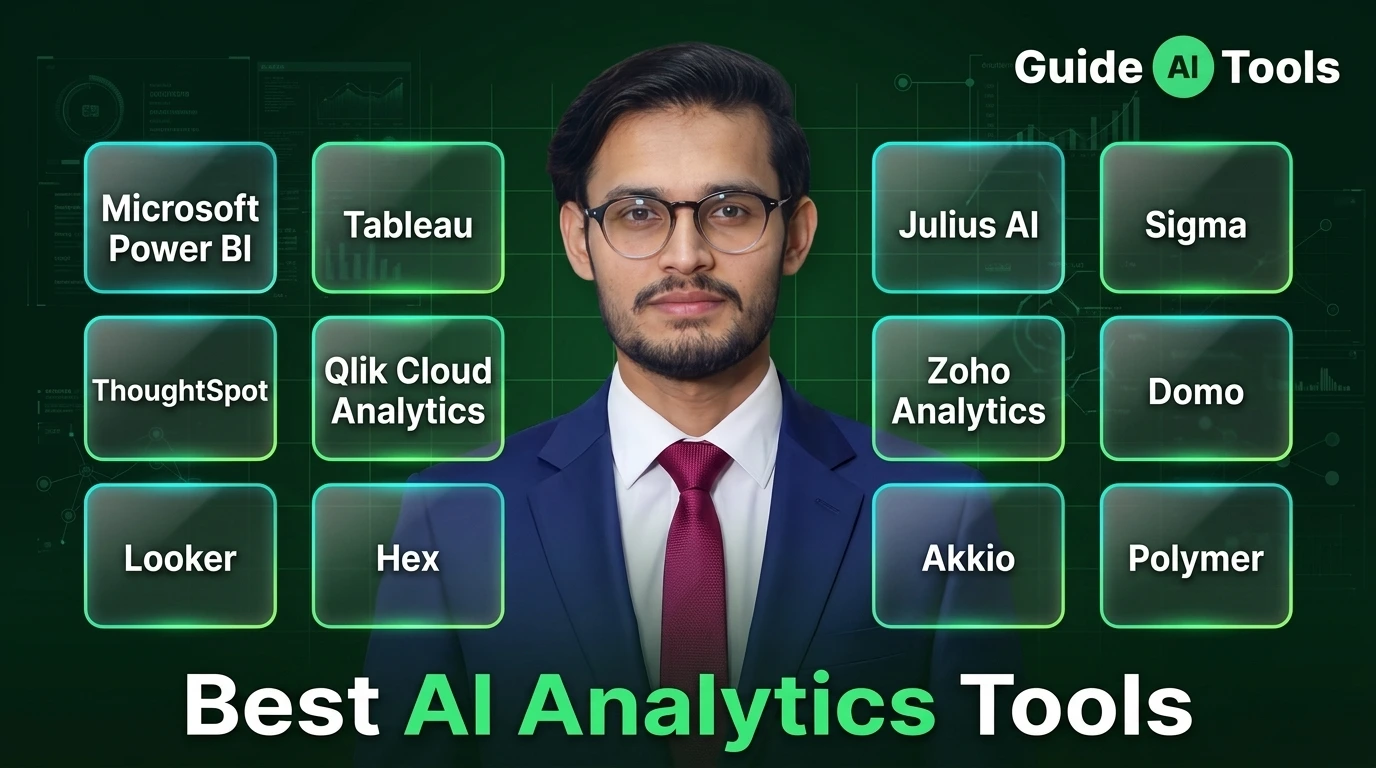
Power BI is the strongest broad pick for Microsoft-based teams, Tableau wins on visual analytics, ThoughtSpot leads conversational enterprise search, and Julius AI is one of the easiest no-code options for quick file analysis. No single tool wins every workflow here.
That’s the part most buying guides skip. They rank everything by feature count and call it a day. We’re doing this differently, dedicated analytics platforms only, prices pulled straight from vendor pages this week, and picks based on what you actually do with your data, not how long the feature list looks on a sales page.
Best AI Analytics Tools at a Glance
Here’s the shortlist before you dig into specifics. Starting prices below reflect current vendor pages as of October 2026, and a few of these have AI features gated behind higher tiers than you’d expect from the sticker price.
| Tool | Best For | Starting Price | Free Access | Main AI Feature |
|---|---|---|---|---|
| Power BI | Microsoft teams | $14/user/mo (Pro) | Free account | Copilot (needs Fabric capacity) |
| Tableau | Visual analytics | $15/user/mo | No | Tableau Pulse and Agent |
| ThoughtSpot | Conversational analytics | $25/user/mo | No | Spotter AI agents |
| Qlik | Governed enterprise AI | $300/mo (10 users) | No | Qlik Answers Agents |
| Looker | Google Cloud analytics | Custom | No | Gemini Conversational Analytics |
| Hex | Technical data teams | $36/editor/mo | Community tier | Hex Agent |
| Julius AI | No-code data analysis | $20/mo ($16 yearly) | Free tier | Conversational data agents |
| Sigma | Warehouse-native analytics | See pricing note | 7-day trial | Sigma Agents |
| Zoho Analytics | SMB value | $25/mo | Always-free plan | Ask Zia |
| Domo | All-in-one enterprise | Custom | 30-day trial | AI Agent Store |
| Akkio | Media agencies | Custom | No | Domain-specific agents |
| Polymer | Quick no-code dashboards | See pricing note | No | PolyAI |
A couple of these rows need a flag before you move on. Polymer’s own pricing page currently shows two different sets of plans at once, so we’re not publishing a single number until the vendor fixes that. Sigma doesn’t post fixed rates either, you get routed to a sales rep.
What Counts as an AI Analytics Tool?
An AI analytics tool connects AI to actual data work, querying, reporting, visualization, forecasting, anomaly detection, that kind of thing. It’s not the same category as a general chatbot that happens to read a spreadsheet.
A chatbot that can read a CSV is useful. It doesn’t automatically make that chatbot a complete analytics platform, though. ChatGPT, Claude, and Gemini do great one-off analysis. They’re not built around persistent data connections, governance, or repeatable workflows the way the tools below are, and we treat that as a real distinction, not a technicality.
How We Chose the Best AI Analytics Tools
We weighted analytics depth, real AI usefulness, data connectivity, governance, ease of use, pricing, and product maturity, in roughly that order. Preview and beta features don’t get the same credit as stuff that’s actually shipped and working.
One honest note here. This ranking is verified against current vendor documentation, not personally hands-on tested across every platform, and we’re telling you that upfront instead of pretending otherwise.
The 12 Best AI Analytics Tools in 2026
1. Power BI – Best for Microsoft Teams
Power BI Pro runs $14 per user per month, Premium Per User is $24, and there’s a free account tier for solo use. Here’s the catch almost every comparison glosses over: Copilot needs a paid Fabric F2 capacity or higher, or Premium P1 or above. A plain Pro license doesn’t get you there.
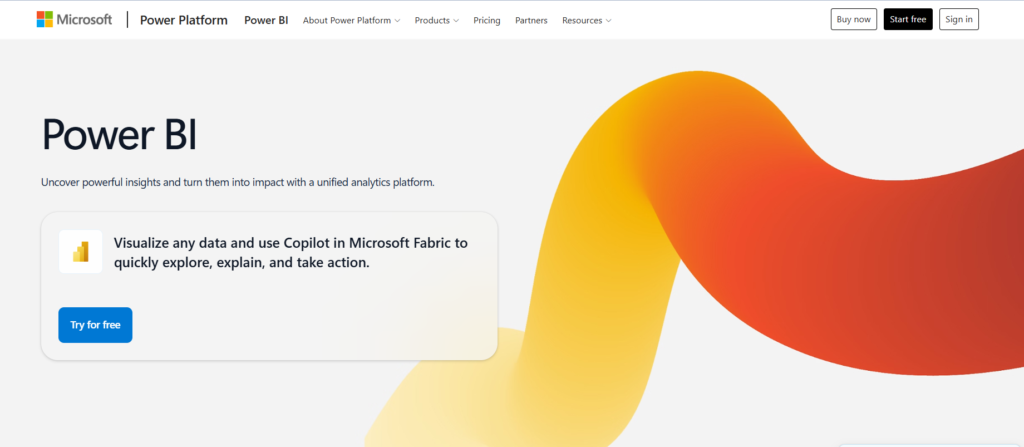
The upside is real if you’re already on Microsoft 365 and Fabric. Semantic models, DAX help, Excel integration, it all clicks together. The AI licensing path is more complicated than the $14 sticker suggests, and that’s worth knowing before you budget.
2. Tableau – Best for Visual Analytics
Tableau Standard starts at $15 per user monthly and includes Tableau Pulse. Tableau Next jumps to $40 and adds Tableau Agent, while Cloud+ runs on sales-led pricing for the broader agentic layer. Every deployment needs at least one Creator license, no way around that.
Visualization quality is where Tableau still separates from the pack. The tradeoff is that AI capability varies quite a bit depending on which edition you land on, so check the fine print before assuming Agent comes bundled.
3. ThoughtSpot – Best for Conversational Analytics
ThoughtSpot Essentials starts at $25 per user monthly, Pro at $50, Enterprise goes custom. Spotter handles natural-language search, and the Liveboards feel more like exploring than querying.
Honestly, the results only get as good as your underlying business data. If your metrics aren’t well defined going in, Spotter will still answer you, just not always with what you meant.
4. Qlik Cloud Analytics – Best for Governed Enterprise AI
Qlik’s Starter plan is $300 a month for 10 users, Standard begins at $825 with 25 GB of data, Premium at $2,750 for 50 GB. Starter already bundles AI-powered analytics and Answers Agents, which is more generous than most entry tiers.
Qlik Answers can work across structured and unstructured sources, and it shows you where its answers came from. Move past Starter, though, and you’re quickly into serious enterprise budget territory.
5. Looker – Best for Google Cloud Analytics
Looker uses custom platform pricing plus per-user licenses, no published flat rate. Conversational Analytics includes monthly token allowances, and starting October 1, 2026, anything above the quota bills at $3 per million input tokens and $20 per million output tokens.
LookML grounds the AI in your actual semantic model, which matters more than it sounds like. Google itself says Gemini-generated output can look convincing while still being wrong, and recommends validating it. That’s a rare bit of vendor honesty worth repeating.
6. Hex – Best for Technical Data Teams
Community is free. Professional runs $36 per editor monthly, Team jumps to $75, and Team includes a 14-day trial with no card required. Hex Agent now handles a big chunk of the actual work, by Hex’s own reporting, agent workflows have overtaken manual notebook clicking for a lot of users.
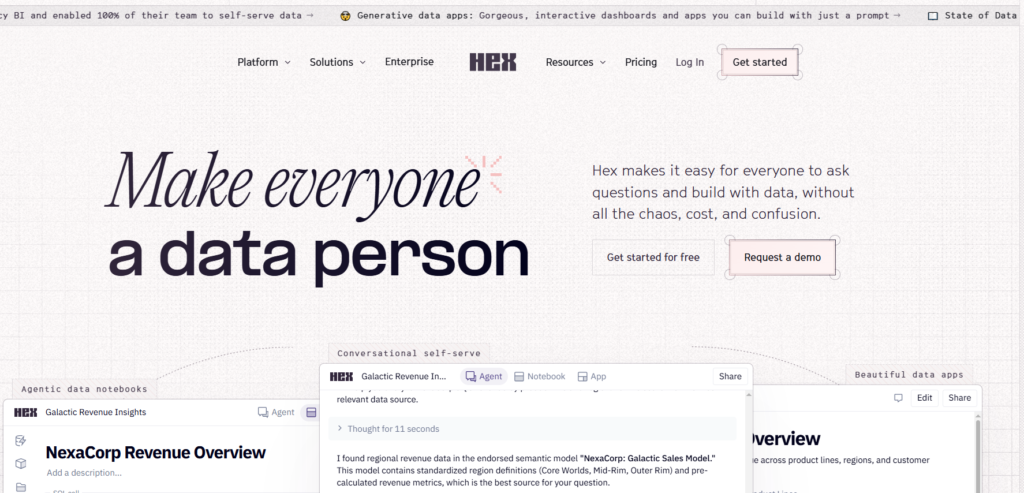
This one’s for people who live in SQL and Python already. If your team wants pure point-and-click BI with zero technical overhead, Hex isn’t really built for that crowd.
7. Julius AI – Best for No-Code Data Analysis
Free tier exists. Plus is $20 monthly or $16 on annual billing, Pro at $45 or $37 yearly, Business at $450 or $375 annually. You chat with spreadsheets, get charts and forecasts back, connect databases if you need to.
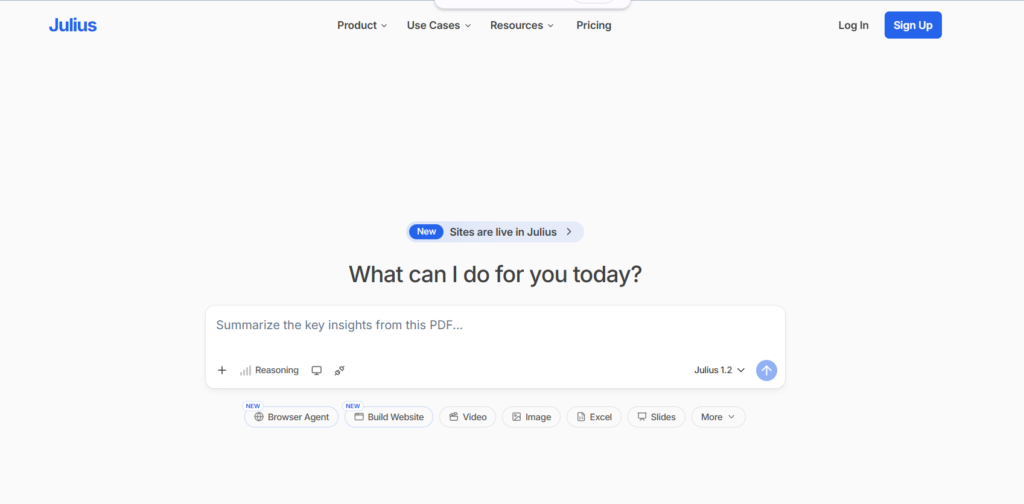
It’s genuinely one of the fastest ways to go from raw file to answer without touching code. Credit limits start mattering once your usage gets heavy, so keep that in mind if you’re running this daily.
8. Sigma – Best for Warehouse-Native Analytics
Sigma doesn’t publish fixed subscription prices. You talk to an account executive, and there’s a 7-day free trial to test the waters first. Sigma Assistant and Sigma Agents work directly against live warehouse data, Snowflake, BigQuery, Databricks, no exports needed.
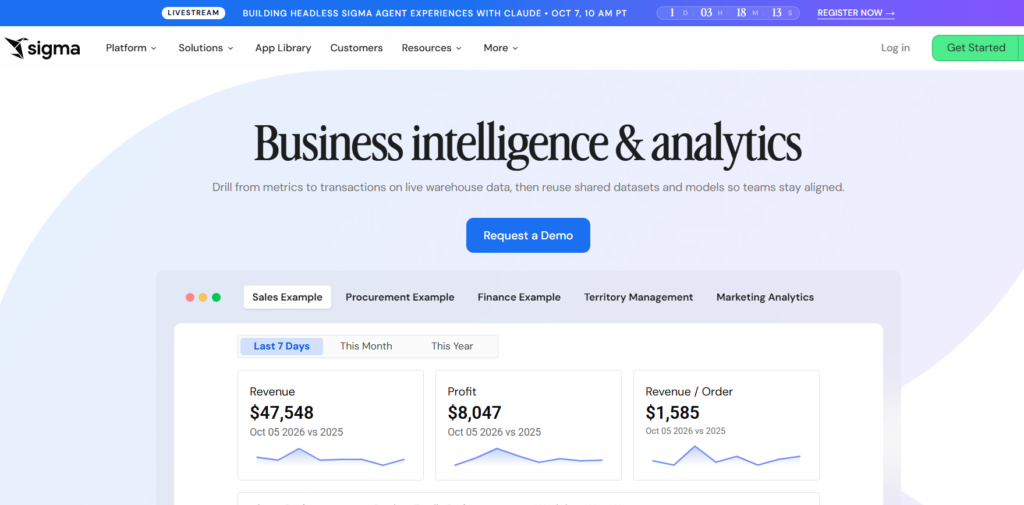
One thing to watch, current Sigma documentation says Agent messages are free right now but start consuming credits on November 1, 2026. That’s a cost shift worth planning around if you’re evaluating this quarter.
9. Zoho Analytics – Best Value for SMBs
The Always Free plan covers 2 users, 5 workspaces, and 10,000 rows. Paid plans start at $25 monthly for 2 users and 500,000 rows, with a 15-day trial on paid tiers. Ask Zia handles conversational queries, report generation, anomaly detection.
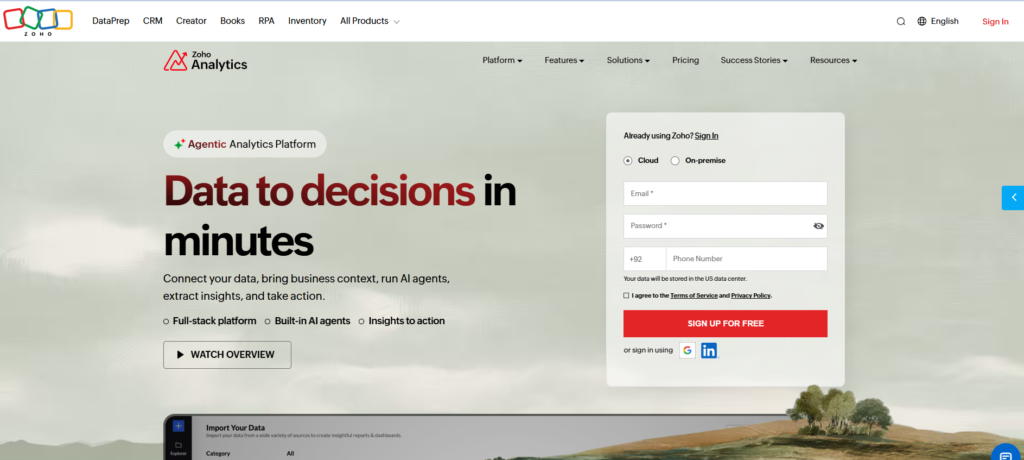
The newer generative Ask Zia capabilities sit behind Premium and Enterprise plans though, not the entry tier. Still, for SMB budgets, this is hard to beat on raw value.
10. Domo – Best All-in-One Enterprise Platform
Domo runs custom consumption-based pricing, with a 30-day free trial and unlimited users during that window, no card required. The AI Agent Store covers data discovery, narrative insights, and workflow automation across multiple business functions, not just analytics.
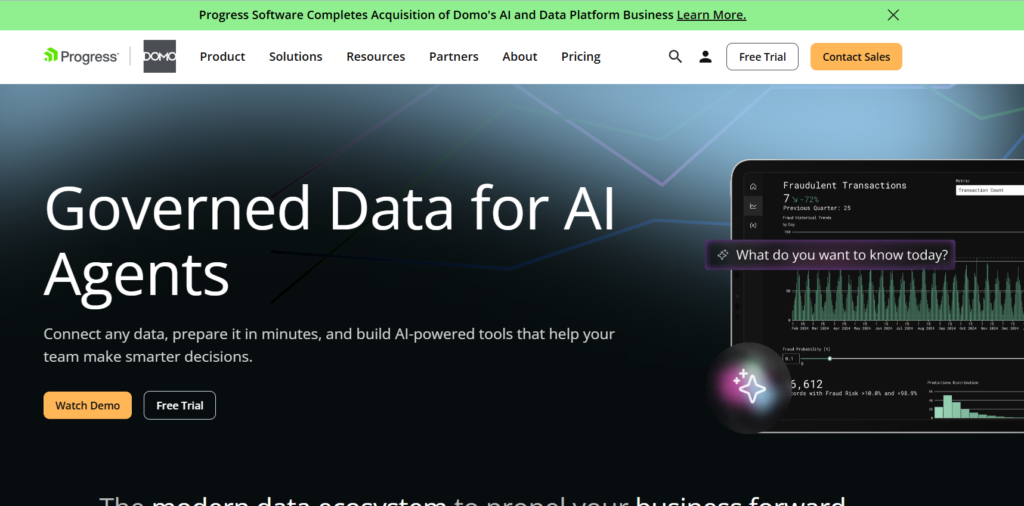
Consumption pricing means your monthly cost is less predictable than a flat per-seat plan. Worth asking vendor reps for real usage projections before you commit.
11. Akkio – Best for Media Agencies
Akkio has shifted hard toward agency-focused enterprise analytics, and pricing is custom only now. It’s built around campaign analytics, audience development, and forecasting, with a notable multi-year partnership with Horizon Media.
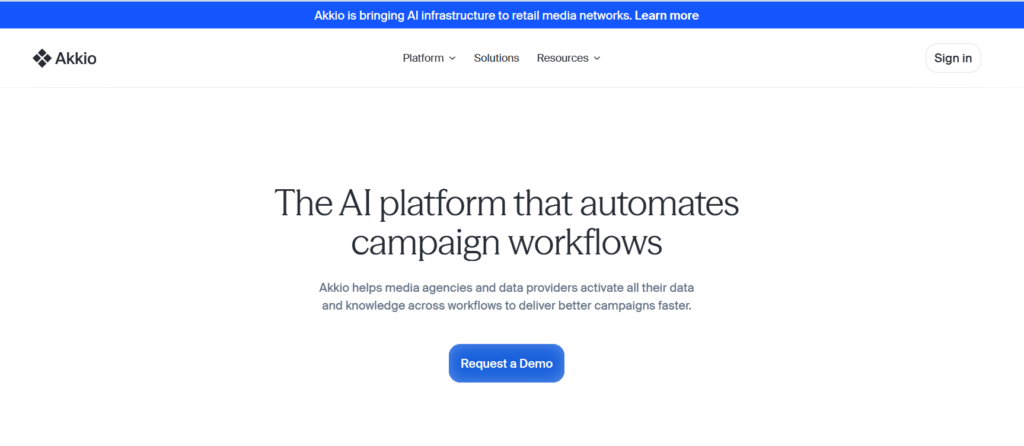
This isn’t the budget no-code ML tool it used to be positioned as. If you’re a solo marketer looking for something cheap and self-serve, this probably isn’t your fit anymore.
12. Polymer – Best for Quick No-Code Dashboards
PolyAI handles conversational dashboard building, with connectors aimed at marketing and ecommerce data. Good for small teams that want dashboards fast without a full BI rollout.
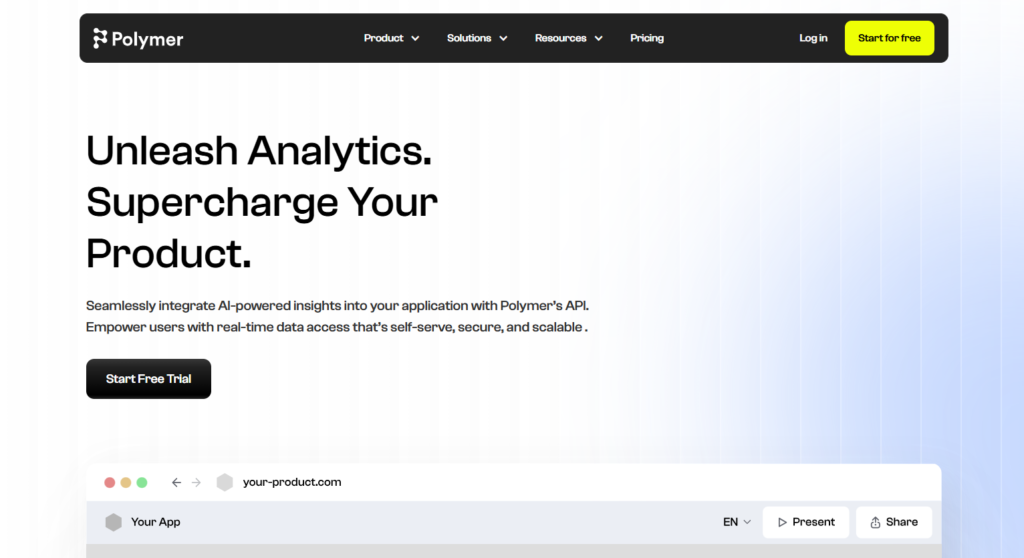
We’re not publishing a specific Polymer price right now. Its own pricing page shows two conflicting sets of plans on the same page at the same time, one block says Starter is $20, another says Starter is $50, and that’s not something we’re comfortable turning into a definitive number. Check the vendor’s live page before you buy.
How Much Do AI Analytics Tools Really Cost?
The number on the pricing page is rarely the full story. Here’s where the real cost usually hides.
| Pricing Model | Examples | Main Risk |
|---|---|---|
| Per-user | Power BI, Tableau, ThoughtSpot | Cost scales fast with seats |
| Capacity | Qlik, Microsoft Fabric | Low seat price can hide capacity fees |
| Consumption/credits | Domo, Sigma, Looker overage | Monthly spend gets hard to predict |
| Custom enterprise | Akkio, Looker, Domo | Requires a full sales process |
Compare the cost of the AI capability you actually need, not just whatever license happens to be cheapest on the page.
How to Choose the Right AI Analytics Tool
Match the tool to your actual stack and team, not the other way around.
- Running on Microsoft already? Power BI.
- Visual analysis is the priority? Tableau.
- Business users need self-service natural language? ThoughtSpot.
- Need governed AI over structured and unstructured data? Qlik.
- Your stack lives in Google Cloud? Looker.
- Analysts work in SQL and Python daily? Hex.
- Mostly uploading spreadsheets? Julius.
- Data’s in a warehouse and your team thinks in spreadsheets? Sigma.
- SMB budget, need real BI anyway? Zoho Analytics.
- Want one enterprise platform that does everything? Domo.
- You’re a media agency specifically? Akkio.
- Need fast, low-code dashboards and nothing fancier? Polymer.
Can You Trust AI-Generated Analytics?
Not blindly, no. And that’s not us being difficult, it’s just how these systems currently work.
AI analytics tools can get joins wrong, misread metric definitions, pull stale data, or hallucinate an explanation that sounds confident and isn’t. Before trusting a generated chart, check where the data came from, whether the generated SQL or code is visible, how fresh the source is, and whether permissions were actually respected.
Google itself warns that Gemini-powered Looker output can look plausible while being factually wrong, and tells users to validate it. That’s about as direct a confirmation as you’ll get from a vendor. For a broader framework on this, the NIST AI Risk Management Framework is a solid independent reference on managing AI risk and building trust into how these systems get deployed.
FAQs
What is the best AI analytics tool overall?
There is no universal winner. Power BI is a strong overall choice for Microsoft setups, while Tableau leads in visual design and ThoughtSpot wins conversational search.
Which AI tool is best for analyzing spreadsheet data?
Julius AI is the dedicated no-code choice for analyzing spreadsheets. You can use general tools like ChatGPT for basic files, but they lack dedicated BI workflows.
What is the best free AI analytics tool?
Power BI offers a free desktop version, Zoho Analytics provides an Always Free plan, and Julius AI has a free tier. Your choice depends on whether you need dashboards or chat workflows.
Is Power BI Copilot included with Power BI Pro?
No, Copilot requires paid Microsoft Fabric F2 capacity or Power BI Premium P1 capacity. A Pro license alone does not run Copilot.
Which AI analytics tool is best for small businesses?
Zoho Analytics and Julius AI offer the most affordable entry points for small business needs.
Can AI analytics tools replace human data analysts?
No, AI tools speed up repetitive tasks like writing SQL and building charts, but human analysts are still needed to validate context and make strategic choices.
What is the difference between AI analytics and traditional BI?
Traditional BI shows fixed dashboards, while AI analytics adds conversational querying, automated anomaly detection, predictive forecasting, and data agents.
Are AI-generated analytics accurate?
They are accurate when grounded in a semantic layer, but you should always inspect generated queries to verify the business logic.
Finding the Right Match for Your Data Workflow
The strongest AI analytics tool usually isn’t the one with the longest feature list. It’s the one that can reach your real data, understand your business definitions, respect your permissions, and show its reasoning when asked. Browse the individual tool reviews or check the AI analytics assistant category for more side by side comparisons.

Related Blog Posts