Best AI Audio Editing Tools in 2026
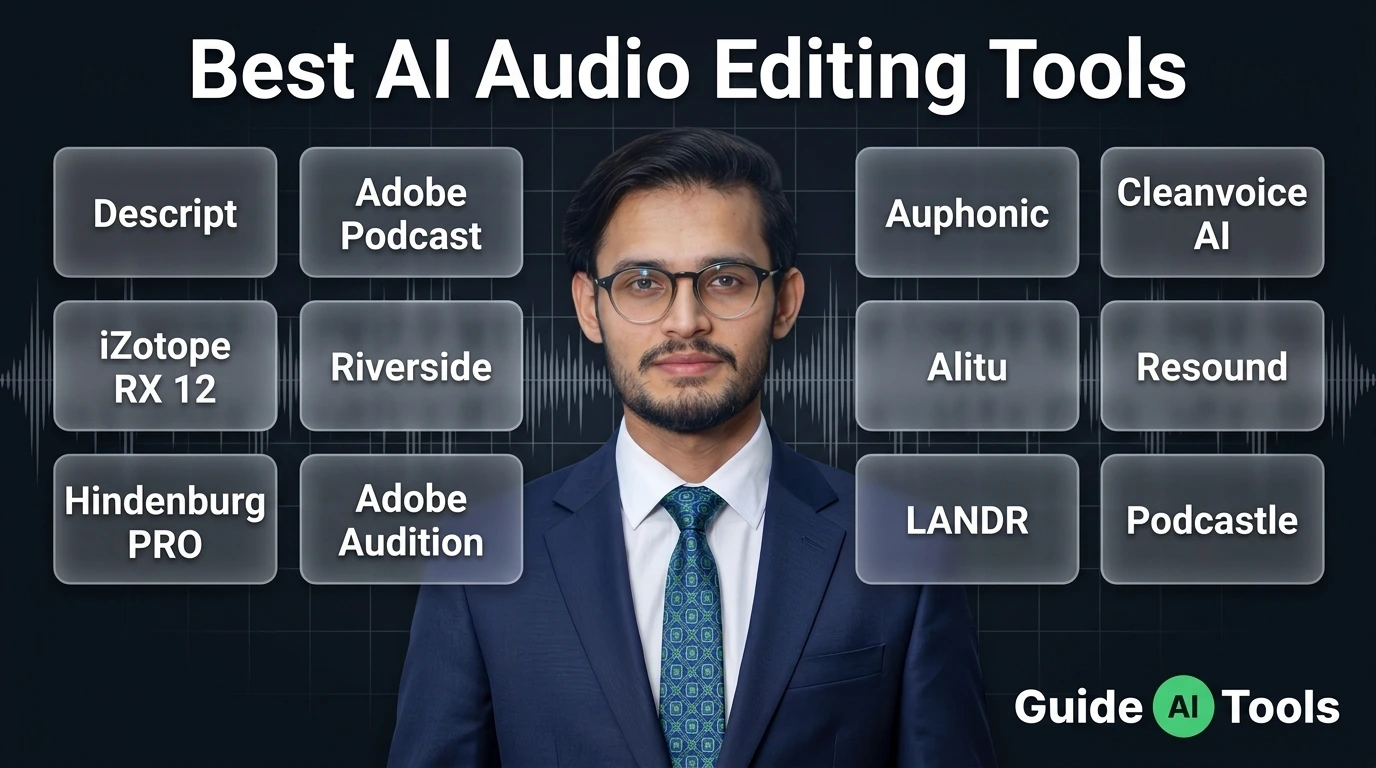
The best AI audio editing tool depends on what you actually need to fix. Descript is built around transcript editing, Adobe Podcast focuses on speech enhancement, Auphonic handles automated leveling and mastering, Cleanvoice removes common speech distractions, and iZotope RX goes much deeper into audio repair. There isn’t one editor that fits every workflow.
Audio editing used to mean staring at a waveform for hours.
Cut a mistake. Find a breath. Remove a click. Fix the level. Listen again.
Then repeat.
AI hasn’t removed all of that work, but it has changed which parts you need to do yourself. Some tools can find filler words, clean noisy speech, level a recording or let you edit an audio file by changing its transcript.
The trick is knowing what each one is actually good at.
That’s what matters here.
Best AI audio editing tools at a glance
Here are the tools I’d look at first, based on their current feature sets and the jobs they are designed to handle.
| Tool | Best for | Free option | Starting price | Main platform |
|---|---|---|---|---|
| Descript | Transcript-based editing | Yes | $16/month annually | Web, Desktop |
| Adobe Podcast | Speech cleanup | Yes | Free, premium through Firefly Pro | Web |
| Auphonic | Automatic mastering | Yes, 2 hours/month | Paid credits | Web, API |
| Cleanvoice AI | Filler and speech cleanup | Trial | $11 pay as you go | Web |
| iZotope RX 12 | Professional restoration | Trial | $99 one-time | Desktop |
| Riverside | Recording and podcast editing | Yes | $15/month annually | Web |
| Alitu | Beginner podcast production | Trial | £32/month annually | Web |
| Resound | AI podcast editing | Yes | $15/month | Web |
| Hindenburg PRO | Spoken-word production | Trial | Current price varies by plan | Desktop |
| Adobe Audition | Professional editing | Trial | $22.99/month | Desktop |
| LANDR | AI music mastering | Preview | $8.25/month Studio | Web, Desktop, Mobile |
| Podcastle / Async | Podcast recording and editing | Yes | Current plan pricing varies | Web |
Prices were checked against current vendor pages where available. Descript currently lists Hobbyist at $16/month annually and Creator at $24/month annually. Adobe Podcast currently has a free plan, while premium Podcast features are included through the Adobe Firefly Pro plan. Auphonic gives free users two hours of processed audio each month.
Cleanvoice currently starts at $11 for five pay-as-you-go hours or $11/month for a 10-hour subscription. iZotope RX 12 starts at $99 for Elements, with Standard at $399 and Advanced at $1,399. Riverside lists Standard at $19 monthly or $15/month when billed annually, while Pro is $29 monthly or $24/month annually.
Alitu currently lists its Audio plan at £32/month when billed annually, with a seven-day trial. Resound has a free plan and paid plans starting at $15/month. Adobe Audition is currently $22.99/month on its annual, billed-monthly plan. LANDR Studio starts at $8.25/month and includes unlimited AI mastering.
What counts as an AI audio editing tool?
An AI audio editor isn’t necessarily a program that replaces a traditional DAW.
The term covers a few different jobs.
One tool may remove background noise. Another may detect filler words. A third might repair a clipped recording, while another lets you edit an interview by changing the transcript.
That’s why comparing these products only by the number of features can be misleading.
I’d split AI audio work into five areas:
Editing changes the structure of the recording.
Cleanup improves unwanted noise, pauses, breaths or speech distractions.
Restoration repairs damaged or difficult recordings.
Mastering prepares a finished mix for consistent playback and delivery.
Repurposing turns one recording into other content, such as clips, transcripts or captions.
A tool can be excellent at one of these and average at another.
That’s normal.
Descript
Descript makes the most sense when you want to edit spoken audio by working with its transcript.
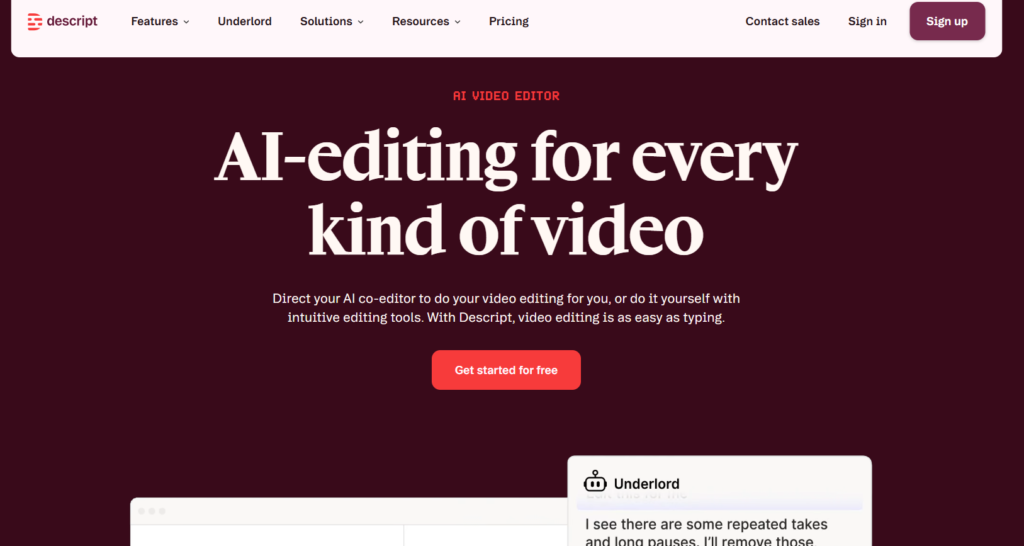
You upload or record your content, let Descript transcribe it, then edit the words in the document. Remove a sentence from the transcript and the corresponding audio is removed too.
That approach is particularly handy for interviews and podcasts where the main job is cutting spoken content rather than repairing damaged audio.
Descript also includes AI tools such as Studio Sound and Remove Filler Words. Its current plans include a free tier, while Hobbyist starts at $16/month when billed annually.
The free plan includes one hour of media per month and 100 AI credits, while Hobbyist increases that to 10 media hours and 400 AI credits.
Best for: Podcast editors, YouTubers and creators who prefer transcript-based editing.
Watch out for: Descript is much broader than a dedicated audio repair application.
Adobe Podcast
Adobe Podcast takes a different approach.
Its main strength is speech enhancement.
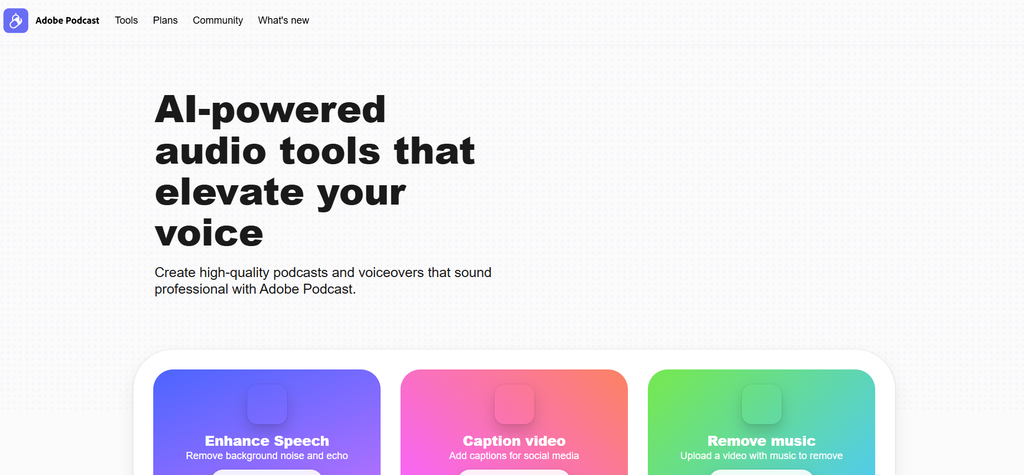
If you recorded an interview in a room that wasn’t exactly studio-friendly, Enhance Speech can reduce unwanted noise and improve the clarity of spoken audio.
The free plan is useful for trying it out. Adobe currently offers Enhance Speech for cleaning spoken recordings, with premium access adding larger files, video support, bulk processing and adjustable enhancement controls. Adobe Podcast Enhance Speech explains how the current tool handles difficult recordings.
Premium access adds video support, bulk processing, adjustable enhancement strength, larger files and longer processing limits through Adobe Firefly Pro.
This is not really a full replacement for a professional DAW.
And that’s fine.
It’s a focused solution for people who mainly want their voice recordings to sound cleaner without learning a complicated editing workflow.
Best for: Interviews, podcasts, voice recordings and creators working with noisy speech.
Watch out for: It isn’t the right choice if you need detailed spectral restoration or advanced multitrack mixing.
Auphonic
Auphonic is particularly useful when your recording is already edited and needs technical cleanup before publishing.
Its Intelligent Leveler, noise and reverb reduction, loudness processing, filtering and enhancement are designed around automated audio post-production.
That makes it a good fit for podcasts, spoken-word programs and other recurring productions.
The pricing is also different from a normal subscription-only product. Auphonic gives users two free hours of processed audio per month, then offers recurring credits and one-time credits. One-time credits don’t expire.
It also provides API and CLI access, along with automatic publishing and integrations.
There’s a useful detail here.
Auphonic bills based on the duration of processed audio, with a three-minute minimum for a production.
Best for: Podcasters and publishers who want repeatable leveling, cleanup and mastering.
Watch out for: It’s not designed to give you the same hands-on editing experience as a full DAW.
Cleanvoice AI
Cleanvoice is focused on the small things that make spoken recordings feel unfinished.
Think “um,” “ah,” long silences, mouth sounds and other unwanted vocal distractions.
You upload the recording and let Cleanvoice identify sections that can be removed or cleaned up.
The service also provides audio enhancement, transcription and video podcast processing.
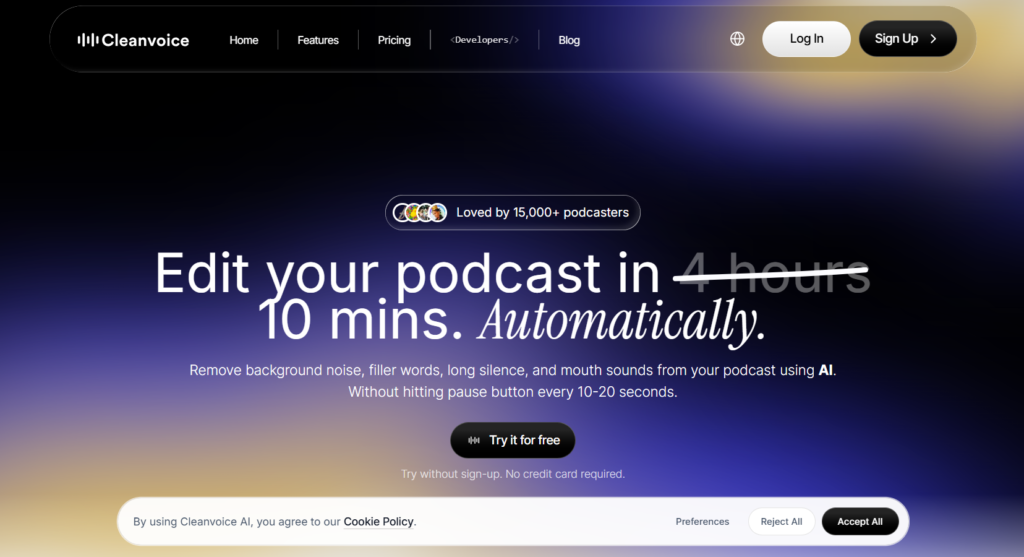
Its current pricing is unusually straightforward. Pay-as-you-go starts at $11 for five hours, while subscriptions start at $11/month for 10 hours. Higher plans reduce the hourly cost, and unused subscription hours can roll over up to three times the monthly limit.
Cleanvoice also states that its processing infrastructure is hosted in the EU, and its developer pages say customer data isn’t used to train its models.
Best for: Podcasters who want repetitive speech cleanup handled automatically.
Watch out for: It isn’t meant to replace a detailed restoration workstation.
iZotope RX 12
iZotope RX 12 belongs in a different part of the conversation.
This is the tool I’d look at when “make it sound cleaner” isn’t enough and you need to actually repair something.
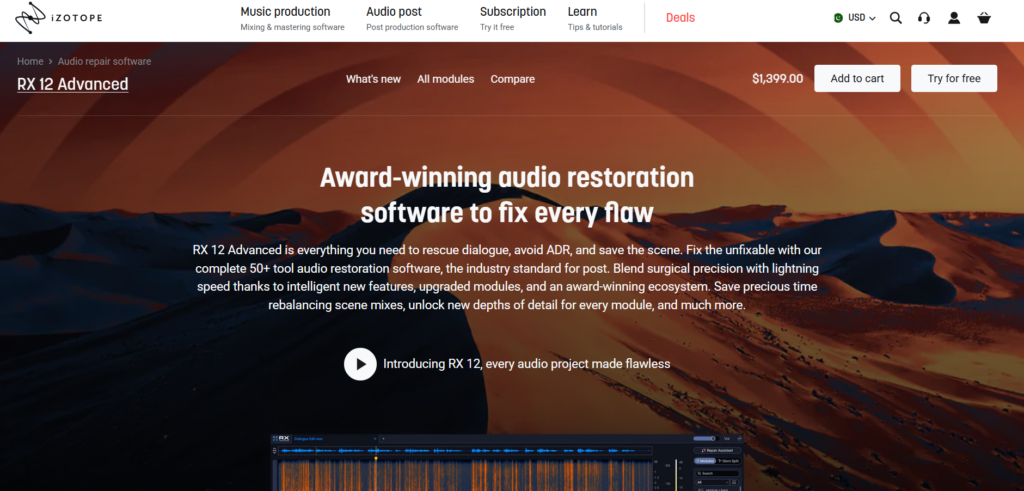
RX includes tools for problems such as clicks, hum, clipping, unwanted noise, breaths, dialogue isolation and other restoration work. The Advanced edition includes more than 50 restoration tools.
RX 12 Elements costs $99, Standard costs $399 and Advanced costs $1,399 on the current official site.
It also works with professional DAWs and NLEs through plugin formats including AU, AAX and VST3. iZotope lists compatibility with applications such as Logic Pro, Pro Tools, Ableton Live, Cubase, Adobe Audition, Premiere Pro and DaVinci Resolve.
This is where AI-assisted audio repair becomes much more serious.
Best for: Audio engineers, filmmakers, musicians and anyone repairing difficult recordings.
Watch out for: The learning curve and price are much higher than browser-based cleanup tools.
Riverside
Riverside combines remote recording with editing.
That makes it useful if the recording itself happens inside the same platform where you’re going to start preparing the episode.
Its plans support separate audio and video tracks, while the editing workflow includes tools for turning recordings into finished content. The current Standard plan provides five hours of multitrack recordings and 48 kHz audio.
Pricing currently starts with a free plan. Standard is $19/month monthly or $15/month when billed annually, while Pro is $29 monthly or $24/month annually.
Riverside is therefore less about surgical audio repair and more about keeping recording, editing and content production together.
Best for: Remote interviews, video podcasts and creators who want recording plus editing.
Watch out for: It isn’t a specialist restoration application like RX.
Alitu
Alitu is built around podcast production rather than traditional audio engineering.
You can record, edit, clean up audio, add music, publish episodes and handle other podcast tasks without working through a large DAW interface.
The current Audio plan costs £32/month when billed annually. There’s also a seven-day free trial, and Alitu states that its podcast hosting is free up to 1,000 downloads per month.
The editing workflow supports both text-based and waveform editing, while background noise removal, voice enhancement, mixing and mastering are handled as part of the podcast workflow.
If you’re new to audio production, that’s a big part of its appeal.
Best for: Beginners and podcasters who don’t want to learn a traditional DAW.
Watch out for: Advanced audio engineers may find it restrictive compared with professional editors.
Resound
Resound takes a narrow but useful approach to podcast editing.
Its AI automatically detects filler sounds and long silences, while you can still make manual edits yourself.
The current free plan gives you 20 minutes of processed audio. Creator costs $15/month for four hours, Professional costs $30/month for 10 hours and Studio costs $60/month for 30 hours.
Creator also adds Enhance, which combines noise removal, equalization, dynamic smoothing and loudness adjustment. Paid plans add more tracks and export formats.
The Studio plan also provides API access.
Best for: Podcasters who want AI-assisted editing without handing the entire process over to automation.
Watch out for: Processing limits are based on audio time, so high-volume users need to watch usage carefully.
Hindenburg PRO
Hindenburg PRO is aimed at spoken-word production.
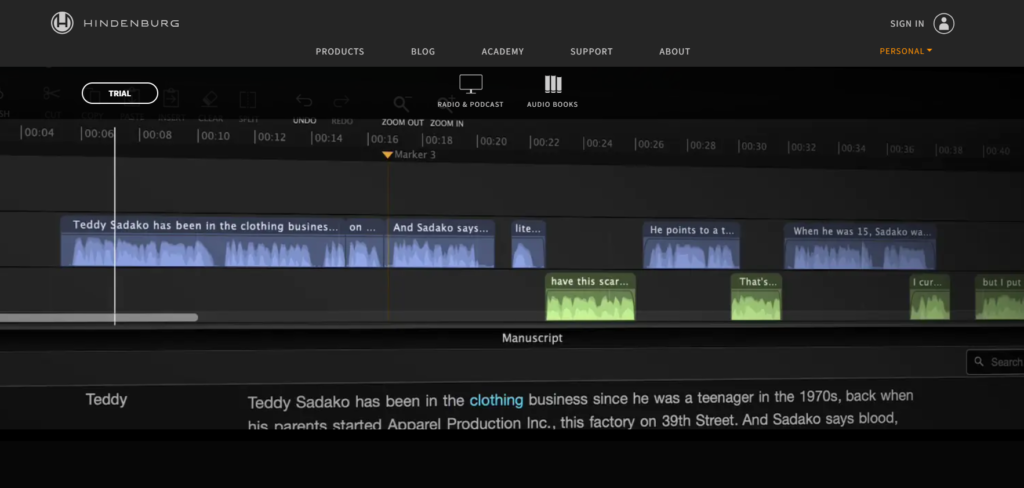
Its workflow is built around journalists, radio producers and podcasters who need to record, organize, edit, mix and publish spoken content.
The current version supports transcript-based editing, multitrack recording, offline transcription, speaker detection, dialogue-first editing and broadcast-ready loudness workflows. Hindenburg says its transcription supports 99 languages.
One detail I like here is the offline workflow.
You can work with imported broadcast formats such as BWF, WAV, MP3 and MP4, and Hindenburg converts imported material to high-quality WAV with 64-bit floating-point processing.
Hindenburg currently offers Standard, Plus and Premium configurations, with transcription hours varying by plan. Its public page confirms monthly, yearly and perpetual licensing options, but the exact numeric price isn’t exposed in the fetched pricing data.
Best for: Journalists, radio producers and serious spoken-word creators.
Watch out for: It’s more specialized than general-purpose editors and less focused on music production.
Hindenburg PRO on GuideAITools
Adobe Audition
Adobe Audition is the traditional professional workstation option in this list.
It gives you waveform editing, multitrack sessions, spectral editing, recording, effects and restoration tools in one desktop application. Adobe describes it as a professional audio workstation for recording, mixing, editing and restoration.
The current price is US$22.99/month on the annual billed-monthly plan, and Adobe offers a seven-day free trial.
Audition also works closely with Premiere Pro, which matters if your audio editing is part of a larger video production workflow.
The difference from a tool such as Adobe Podcast is control.
Audition gives you far more room to make precise decisions.
Best for: Video editors, podcasters, sound designers and professional audio work.
Watch out for: You’ll need more time to learn it than a one-click cleanup tool.
Adobe Audition on GuideAITools
LANDR
LANDR is the odd one out if you’re looking only for podcast editing.
Its strength is music mastering.
You upload a finished track, and LANDR’s mastering engine analyzes it and applies processing intended to prepare the track for release. LANDR says its mastering engine has been trained using work from audio engineers and supports online mastering and a plugin workflow.
LANDR Studio currently starts at $8.25/month and includes unlimited AI mastering along with other music production tools.
You can also buy individual mastering rather than taking a Studio subscription.
So why include it?
Because “audio editing” isn’t only podcasts.
If your audio workflow ends with a music track that needs mastering, LANDR is aimed at that final stage rather than dialogue cleanup.
Best for: Musicians, producers and independent artists.
Watch out for: It isn’t a general-purpose audio editor.
Podcastle / Async
Podcastle has expanded beyond its earlier podcast-only positioning, and its current web presence needs a little care when comparing plans and branding.
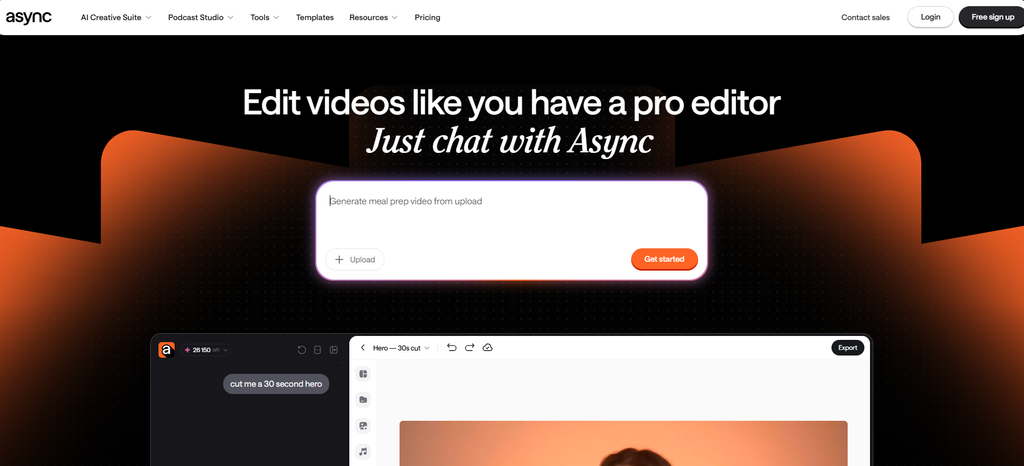
The platform is designed around browser-based podcast creation, recording and editing, with AI-assisted features for speech cleanup and content production.
This makes it attractive if you want to keep recording and post-production in one browser workflow.
Before publishing, check the current product naming and pricing shown on the live site because the service has been transitioning its branding and product presentation.
Best for: Creators who want browser-based podcast production.
Watch out for: Its positioning is broader than a dedicated restoration editor.
Podcastle / Async on GuideAITools
Which AI audio editor is best for your workflow?
The answer changes quickly once you describe the actual job.
| If you need to… | Look at |
|---|---|
| Edit an interview by transcript | Descript |
| Clean a noisy voice recording | Adobe Podcast |
| Automatically level a finished podcast | Auphonic |
| Remove “ums” and mouth sounds | Cleanvoice |
| Repair damaged or difficult audio | iZotope RX 12 |
| Record remote guests | Riverside |
| Produce a podcast without a complex DAW | Alitu |
| Remove filler and silence with AI | Resound |
| Produce radio and spoken-word content | Hindenburg PRO |
| Do detailed professional editing | Adobe Audition |
| Master finished music | LANDR |
| Record and edit podcasts in a browser | Podcastle / Async |
This is why I wouldn’t pick a tool simply because it has the longest feature list.
If your only problem is background noise, a professional restoration suite can be unnecessary.
If your recording has clipping, hum and dialogue buried under unwanted sound, a simple enhancer may not go far enough.
And if you’re editing a two-hour interview, transcript-based editing can save far more time than another collection of audio effects.
Best free AI audio editing tools
“Free” needs a little clarification here.
Some products have permanent free plans. Others give you a trial. Auphonic uses a monthly free processing allowance.
The strongest options to check first are:
Descript gives you a free plan with one media hour per month and 100 AI credits.
Adobe Podcast has a free plan with limited Enhance Speech and Studio functionality.
Auphonic gives two hours of free processed audio every month, with a jingle added to free productions.
Resound has a free plan with 20 minutes of processed audio.
Riverside has a free plan with limited recording and editing access.
That’s a better way to compare free tools than simply putting a green “Free” label beside everything.
A 7-day trial isn’t the same thing as a free plan.
AI audio enhancement vs AI audio editing
This distinction gets missed surprisingly often.
Suppose you have a recording of an interview.
The microphone picked up air conditioning noise.
That’s an enhancement problem.
You want the voice to sound cleaner.
Now suppose the guest says “um” six times in one sentence.
That’s an editing problem.
You want to remove unwanted content.
Now imagine someone recorded the interview next to a busy road and the audio contains difficult noise, clipping and other damage.
That’s closer to restoration.
And after the episode is finished, you may need to bring its loudness to the target required by your publishing workflow.
That’s mastering or loudness processing.
Different tools excel at different points in this chain.
Adobe Podcast is heavily focused on speech enhancement.
Cleanvoice focuses on speech cleanup.
Auphonic focuses on automated audio processing and loudness.
RX is designed for detailed restoration.
Descript focuses on editing through text alongside its other creator tools.
That’s a much more useful mental model than calling all of them “AI audio editors.”
You probably don’t need one AI audio editor
This is the part I’d keep in mind before paying for anything.
A podcast editor might use Descript for the rough cut, Cleanvoice for speech cleanup and Auphonic for final processing.
A noisy interview might go through Adobe Podcast first, then move into another editor for the actual content cut.
A film editor dealing with damaged dialogue might send problem clips to RX, then return the repaired files to the main editing project.
A musician might finish the mix in a DAW and use LANDR for mastering.
These aren’t rules.
They’re examples of how the tools fit together.
The best setup is often a workflow, not a single app.
Can AI replace traditional audio editing?
For repetitive tasks, AI can save a lot of manual work.
But there’s a difference between finding something and deciding what should happen to it.
An AI tool can detect a filler word.
You still need to decide whether removing it improves the conversation.
It can reduce noise.
You still need to listen for artifacts or an unnatural voice.
It can level the recording.
You still need to decide whether the final sound fits the project.
This matters even more with restoration.
A tool may technically remove a noise that you wanted to keep. Or it may clean a recording so aggressively that the speaker’s voice loses some of its natural character.
Good audio editing still involves judgment.
What should you look for in an AI audio editor?
Start with the problem, not the feature count.
For spoken audio, check how well the tool handles noise, reverb, filler words, breaths, silence and transcription.
For music, look at mastering, stem separation, spectral editing, effects and export quality.
For professional restoration, look for detailed repair controls, spectral editing, plugin support and compatibility with your DAW.
Then check the boring stuff.
File formats matter. Processing limits matter. Storage matters. Pricing matters.
A tool that saves you 30 minutes per episode can be worth more than one with 100 features you never touch.
FAQs
What are the best AI audio editing tools?
Descript, Adobe Podcast, Auphonic, Cleanvoice, iZotope RX 12, Riverside, Alitu, Resound, Hindenburg PRO, Adobe Audition, LANDR and Podcastle are useful options for different audio editing jobs.
What is the best AI audio editor for podcasts?
There isn’t one universal choice. Descript is useful for transcript-based editing, Adobe Podcast for speech enhancement, Auphonic for automated processing and Cleanvoice for removing filler and other speech distractions.
What is the best AI tool for cleaning audio?
Adobe Podcast is a strong option for straightforward speech enhancement, while Auphonic, Cleanvoice and iZotope RX offer different levels of cleanup and restoration control.
Which AI tool removes background noise from audio?
Adobe Podcast, Auphonic, Cleanvoice and iZotope RX can all help with unwanted noise, but they approach the problem differently. Adobe Podcast is aimed at quick speech enhancement, while RX provides much deeper restoration controls.
Can AI remove filler words from audio?
Yes. Descript, Cleanvoice and Resound provide AI-assisted filler detection or removal. Descript specifically lists Remove Filler Words among its AI tools, while Cleanvoice and Resound focus heavily on spoken-audio cleanup.
Can AI remove echo from a recording?
Yes, some AI audio tools can reduce room echo or reverb. Adobe Podcast’s Enhance Speech is designed to improve speech recordings, while Auphonic and specialist restoration tools provide additional processing options.
What is the best free AI audio editor?
Descript, Adobe Podcast, Auphonic, Resound and Riverside all provide some form of free access. The useful choice depends on whether you need transcript editing, speech cleanup, mastering or recording.
What is the best AI audio mastering tool?
Auphonic is designed for automated spoken-audio processing and loudness work, while LANDR focuses on AI mastering for music. The right choice depends on whether you’re preparing a podcast or a music release.
Can AI repair damaged audio?
Yes. Tools such as iZotope RX 12 are specifically designed for audio repair and restoration, with modules for problems such as clicks, hum, clipping, unwanted noise and dialogue issues.
Can AI edit audio from a transcript?
Yes. Descript and Alitu both support text-based audio editing. Hindenburg PRO also provides transcript-based editing for spoken-word workflows.
Is Descript good for audio editing?
Descript is particularly useful when you’re editing spoken content and want to work from a transcript. It combines text-based editing with AI tools such as Studio Sound and filler-word removal.
Is Adobe Podcast good for audio cleanup?
Yes, especially for speech recordings. Its Enhance Speech feature is designed to address common recording problems without requiring a traditional audio workstation.
Is iZotope RX good for audio restoration?
RX 12 is specifically built for audio repair and restoration. Its current editions range from Elements to Advanced, with Advanced offering more than 50 restoration tools.
Can AI replace traditional audio editing?
AI can automate many repetitive editing and cleanup tasks, but it doesn’t remove the need for human judgment. Editors still need to decide what should be removed, preserved, repaired or changed.
Final thoughts
The easiest mistake is looking for the “best AI audio editor” before deciding what kind of audio work you actually need.
If you’re cutting interviews, Descript may fit naturally. If a recording simply sounds rough, Adobe Podcast can be a much quicker starting point. Auphonic makes sense when you want repeatable processing and loudness control, while Cleanvoice is aimed at the little speech distractions that take time to remove manually.
Then there is RX 12.
That’s a different beast, built for serious restoration.
For music, LANDR belongs in the mastering conversation rather than the podcast editing one. And tools such as Riverside and Alitu make more sense when recording and production are part of the same workflow.
So don’t choose by feature count.
Choose the tool that matches the problem sitting in front of you.
That usually leads to a simpler setup, a cleaner workflow and fewer subscriptions you never end up using.

Related Blog Posts