AI Audio Tools for YouTube: Create Better Videos With AI
AI audio tools for YouTube help creators handle the parts of video production that usually take the most time, including voiceovers, background music, captions, and audio cleanup. They are useful for faceless channels, podcasts, tutorials, Shorts, documentaries, and any creator who wants better sound without building a full recording setup.
A lot of creators focus on cameras, thumbnails, and editing effects first. But viewers notice sound much faster than many people expect. A clear voice and balanced audio can keep someone watching. Poor narration, distracting noise, or flat background music can push them away.
AI does not replace the creative side of YouTube. It removes some of the repetitive work. The best results usually come when creators use AI for production speed and keep human control over ideas, storytelling, and final editing.
Where Do AI Audio Tools Fit Into YouTube Production?
AI audio tools are used throughout the YouTube workflow, not just for generating voices.
A creator making a video might need different AI tools for different stages:
| YouTube Task | AI Audio Solution | Example Use |
|---|---|---|
| Narration | Text to speech tools | Faceless videos, explainers, tutorials |
| Original music | AI music generators | Background tracks and intros |
| Sound cleanup | AI audio editors | Removing noise and improving clarity |
| Captions | Speech recognition tools | Subtitles and transcripts |
| Character voices | Voice cloning tools | Stories, games, creative videos |
A documentary creator may use AI for narration, background music, and audio cleanup. A podcast creator may only need transcription and editing support.
The right tool depends on what type of content you publish.
AI Voice Tools for YouTube Narration
Voiceovers are one of the most common reasons creators look for AI audio tools.
A faceless YouTube channel does not need a camera presence, but it still needs a voice that feels natural. Modern AI voice platforms focus on pronunciation, pacing, tone, and different speaking styles.
Creators commonly use AI voices for:
- Faceless channels
- Educational videos
- Product explainers
- Documentary content
- Storytelling videos
- YouTube Shorts
Popular options include:
ElevenLabs is widely used for realistic AI narration and voice generation. It is often considered by creators who need natural sounding voices for videos.
Murf AI focuses on AI voice generation for creators, businesses, and presentations.
Speechify is known for text-to-speech features and converting written content into spoken audio.
Resemble AI provides AI voice generation and voice cloning features for different content workflows.
You can explore more options through our AI Text To Speech Tools category.
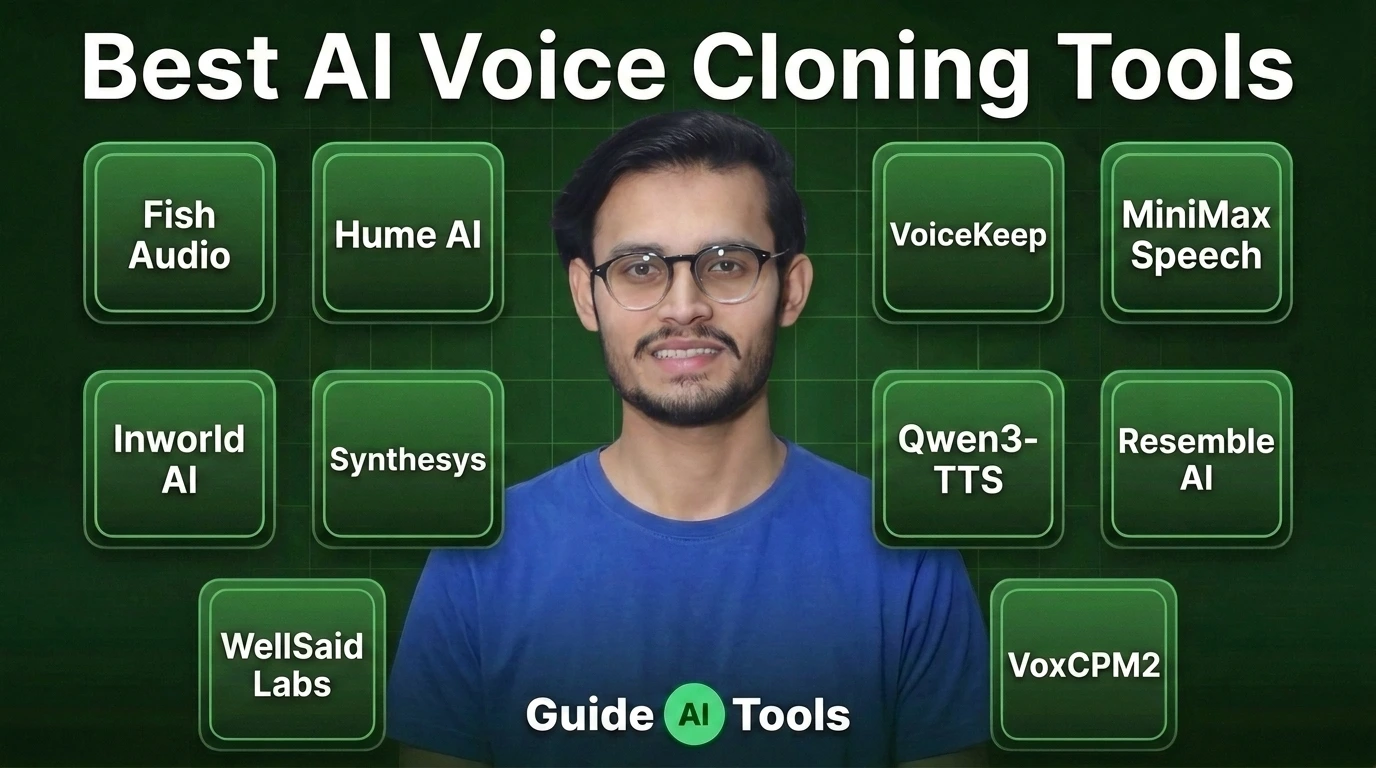
For creators working with character voices or custom narration styles, AI Voice Cloning Tools cover a different use case.
What Makes a Good AI Voice for YouTube?
Not every AI voice works for every channel.
A documentary channel may need a calm narrator. A gaming channel may need more energy. A tutorial channel may need clear pronunciation over dramatic expression.
Before choosing a voice tool, look at:
| Factor | Why It Matters |
|---|---|
| Natural delivery | Robotic voices can reduce viewer engagement |
| Language support | Useful for global audiences |
| Voice control | Helps match different content styles |
| Commercial rights | Important for monetized channels |
| Editing options | Saves time during production |
A good voice should support the story instead of becoming the main distraction.
AI Music Tools for YouTube Background Tracks
Music affects the mood of a video.
A travel video, gaming video, documentary, and educational tutorial all need different types of background audio. Finding suitable tracks manually can take time, and licensing restrictions can make the process more complicated.
AI music generators help creators produce original tracks using prompts, genres, moods, and styles.
Common uses include:
- Video background music
- Intro and outro tracks
- Storytelling soundtracks
- Gaming content
- Short-form videos
Popular AI music tools include:
Suno AI helps users create songs and music from text prompts.
Udio focuses on AI-generated music creation with different styles and genres.
AIVA is used for AI-assisted music composition.
Soundraw helps creators generate royalty-focused music tracks.
Beatoven AI creates background music based on mood and content requirements.
Explore:
Best AI Music Generators
How AI Music Helps Different YouTube Channels
Different creators use AI music in different ways.
| Channel Type | Audio Need |
|---|---|
| Gaming | Energetic background tracks |
| Education | Calm supporting music |
| Documentary | Emotional storytelling scores |
| Vlogs | Lifestyle background music |
| Shorts | Short memorable sounds |
The important part is matching the music with the content. A good track supports the video. It should not compete with the message.
AI Audio Editing Tools for Better Sound Quality
Recording audio is only one step.
Even a good microphone can capture unwanted noise, pauses, uneven volume, or background sounds. AI audio editing tools help clean these issues before publishing.
Common editing tasks include:
- Noise removal
- Voice enhancement
- Silence removal
- Audio leveling
- Background noise reduction
Popular tools include:
Adobe Podcast helps creators improve spoken audio quality.
Descript combines audio editing with transcription-based editing workflows.
Auphonic focuses on audio processing and automatic improvement.
iZotope RX is used for advanced audio repair and cleanup.
Cleanvoice AI helps remove unwanted parts from spoken recordings.
Explore:
AI Audio Editing Tools
AI Transcription and Captions for YouTube Videos
Captions are now part of the normal video workflow.
Many viewers watch videos without sound, especially on mobile devices. Accurate captions help them follow the content and make videos easier to access.
Speech recognition tools convert spoken audio into text.
The process usually looks like this:
Audio recording
↓
Speech recognition model
↓
Text conversion
↓
Captions or transcript
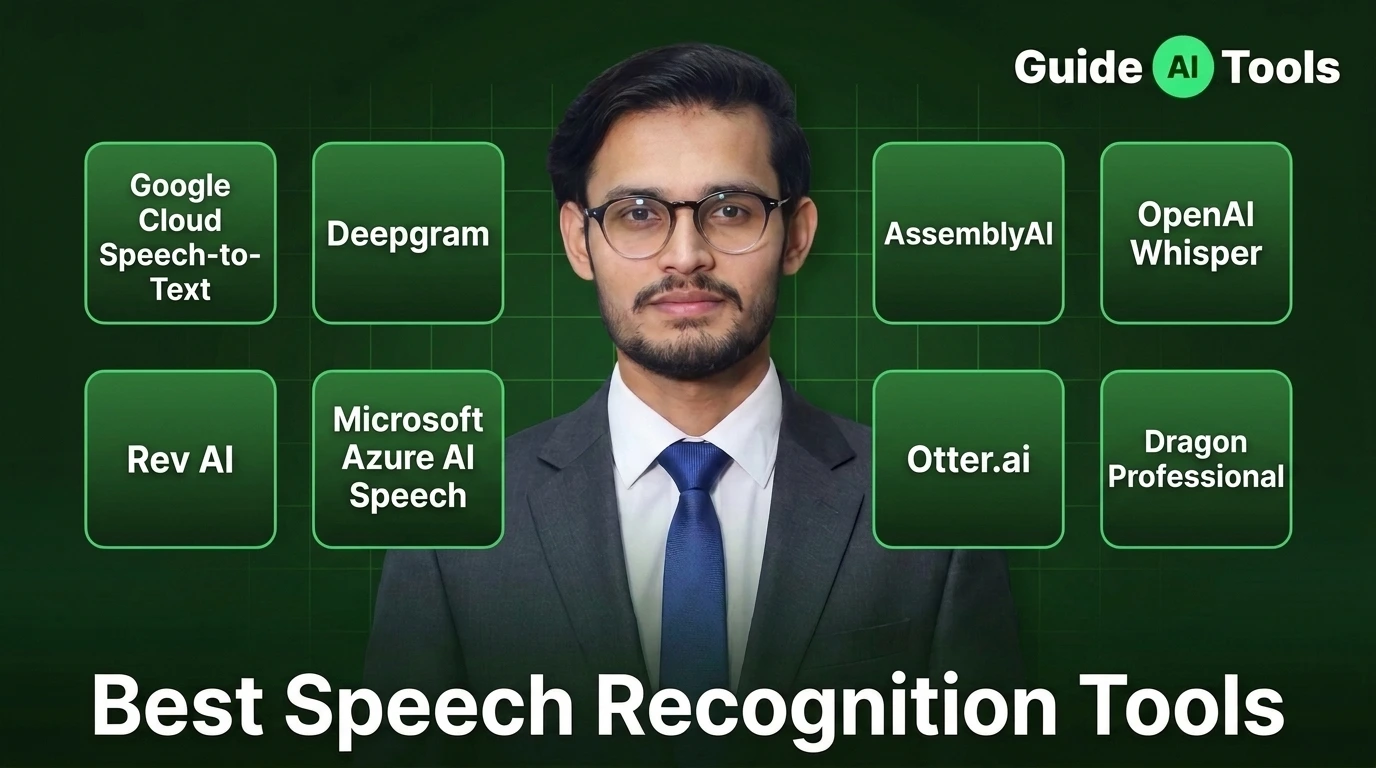
Popular speech technology tools include:
Whisper from OpenAI is widely used for speech-to-text tasks.
Deepgram provides speech recognition technology for developers and businesses.
AssemblyAI offers speech-to-text APIs and audio intelligence features.
Explore:
Speech Recognition Tools
AI Audio Workflow for Faceless YouTube Channels
Faceless YouTube channels are one of the biggest users of AI audio tools because the creator does not appear on camera. The entire storytelling process depends on narration, music, pacing, and sound quality.
A typical AI audio workflow looks like this:
Topic research
↓
Script writing
↓
AI voice generation
↓
Background music selection
↓
Audio editing
↓
Captions creation
↓
Final video upload
The mistake many new creators make is trying to automate everything.
A fully automated video can feel repetitive. Viewers notice when the voice lacks emotion, the music does not match the scene, or the pacing feels unnatural.
In my practical testing, AI works best when it handles repetitive production tasks while the creator controls the story, editing decisions, and final quality.
Best AI Audio Tools for Different YouTube Channels
There is no single AI audio tool that works for every creator. A gaming channel, podcast, and educational channel have completely different audio needs.
| YouTube Channel Type | Recommended AI Audio Category | Main Purpose |
|---|---|---|
| Faceless documentaries | AI voice + music tools | Narration and storytelling |
| Podcasts | Audio editing + transcription | Cleanup and transcripts |
| Educational channels | Text to speech + captions | Clear explanations |
| Gaming channels | AI music + voice tools | Commentary and background audio |
| Shorts creators | Voice + captions tools | Fast content production |
For a complete overview of available solutions, explore Best AI Audio Tools.
AI Audio Tools for YouTube Shorts
Short videos need speed.
Creators publishing YouTube Shorts often need to create several videos every week. AI audio tools help reduce the time needed for narration, captions, and editing.
Common Shorts workflows include:
- AI voiceovers for quick explanations
- Automatic captions
- Background music generation
- Audio cleanup
- Repurposing podcast clips
A creator can take a longer video, extract important moments, add captions, improve the audio, and create multiple short clips.
This approach is especially useful for educational creators, podcast channels, and news-style content.
Free vs Paid AI Audio Tools for YouTube
Free tools are useful when testing ideas, but paid plans usually provide more control and higher limits.
| Feature | Free Tools | Paid Tools |
|---|---|---|
| Voice selection | Limited options | More voices and styles |
| Audio quality | Basic output | Better customization |
| Export limits | Lower limits | Higher usage |
| Commercial usage | Depends on tool | Usually clearer licensing |
| Editing features | Basic tools | Advanced controls |
Before choosing a paid tool, always check the current license terms. A tool that works for personal videos may have different rules for monetized YouTube channels.
Are AI Voices Allowed on YouTube?
AI voices can be used for YouTube videos, but the final content still needs originality and value. Creators who monetize their channels should also review the official YouTube Partner Program policies to understand content quality and monetization requirements.
Using an AI voice does not automatically make a video successful. A channel still needs useful information, good storytelling, editing, and a clear reason for viewers to watch.
Creators should pay attention to:
- Original content quality
- Viewer value
- AI disclosure requirements when applicable
- Music and voice licensing
- Commercial usage permissions
The same applies to AI-generated music. A creator should check whether the selected tool allows monetized YouTube usage.
Common Mistakes When Using AI Audio for YouTube
AI audio makes production easier, but poor implementation can hurt the final result.
Common mistakes include:
- Using the same AI voice in every video
- Publishing raw AI narration without editing
- Choosing music that does not match the video mood
- Ignoring pronunciation mistakes
- Not checking commercial rights
- Making audio louder than the actual content requires
A few manual adjustments can make a big difference.
Adjusting pauses, fixing pronunciation, and balancing background music often makes AI-generated audio feel much more natural.
AI Audio Tools for Podcasts and Long-Form Content
Podcasters use AI audio tools differently from Shorts creators.
Long-form content usually needs:
- Cleaner recordings
- Speaker separation
- Transcripts
- Highlight clips
- Audio enhancement
AI podcast tools can help creators turn one recording into multiple content pieces.
For podcast workflows, tools such as AI Podcast Assistant Tools can help with recording, editing, and content preparation.
AI Audio and Content Repurposing
One recording can create multiple pieces of content.
For example:
A 60-minute podcast
↓
Full YouTube episode
↓
Short clips
↓
Social media videos
↓
Blog transcript
↓
Newsletter content
AI audio tools help creators move faster between these formats.
This is why audio technology has become useful beyond traditional YouTube videos.
How to Choose the Right AI Audio Tool for YouTube
Start with the problem you want to solve.
Do not choose a tool only because it is popular.
Ask:
Do you need a voice?
Choose a text to speech or voice cloning tool.
Do you need original music?
Choose an AI music generator.
Do you need cleaner recordings?
Choose an AI audio editor.
Do you need subtitles?
Choose a speech recognition tool.
The right choice depends on your workflow, not just the number of features a tool offers.
FAQs
What are the best AI audio tools for YouTube?
The best AI audio tools depend on the creator’s needs. Voice generation, music creation, editing, and transcription tools solve different parts of YouTube production.
Can I use AI voice for a monetized YouTube channel?
Yes, AI voices can be used, but creators should focus on original content, quality, and the licensing terms of the AI voice provider.
Which AI tool is best for YouTube voiceovers?
Tools like ElevenLabs, Murf AI, Speechify, and Resemble AI are commonly used for AI narration because they focus on realistic speech generation.
Can AI create music for YouTube videos?
Yes, AI music generators can create background tracks, songs, and sound ideas. Creators should verify commercial rights before monetizing videos.
Are AI-generated songs copyrighted?
Ownership and copyright rules vary depending on the tool, location, and licensing terms. Creators should check the provider’s current policy before publishing.
Do faceless YouTube channels use AI audio?
Yes, many faceless channels use AI voices, music generation, captions, and audio editing tools as part of their production workflow.
Final Thoughts
AI audio tools are becoming a practical part of YouTube creation. They help creators spend less time on repetitive production work and more time improving ideas, storytelling, and audience connection.
The best workflow is usually not fully automated. Use AI where it saves time, then add your own creative decisions before publishing.
Whether you create documentaries, podcasts, tutorials, gaming videos, or Shorts, better audio can make your content feel more professional.
Start with the part of your workflow that takes the most effort. For many creators, that is voice production. For others, it is editing, captions, or music.

Related Blog Posts