17 Best AI Website Builders in 2026 (Tested & Compared)
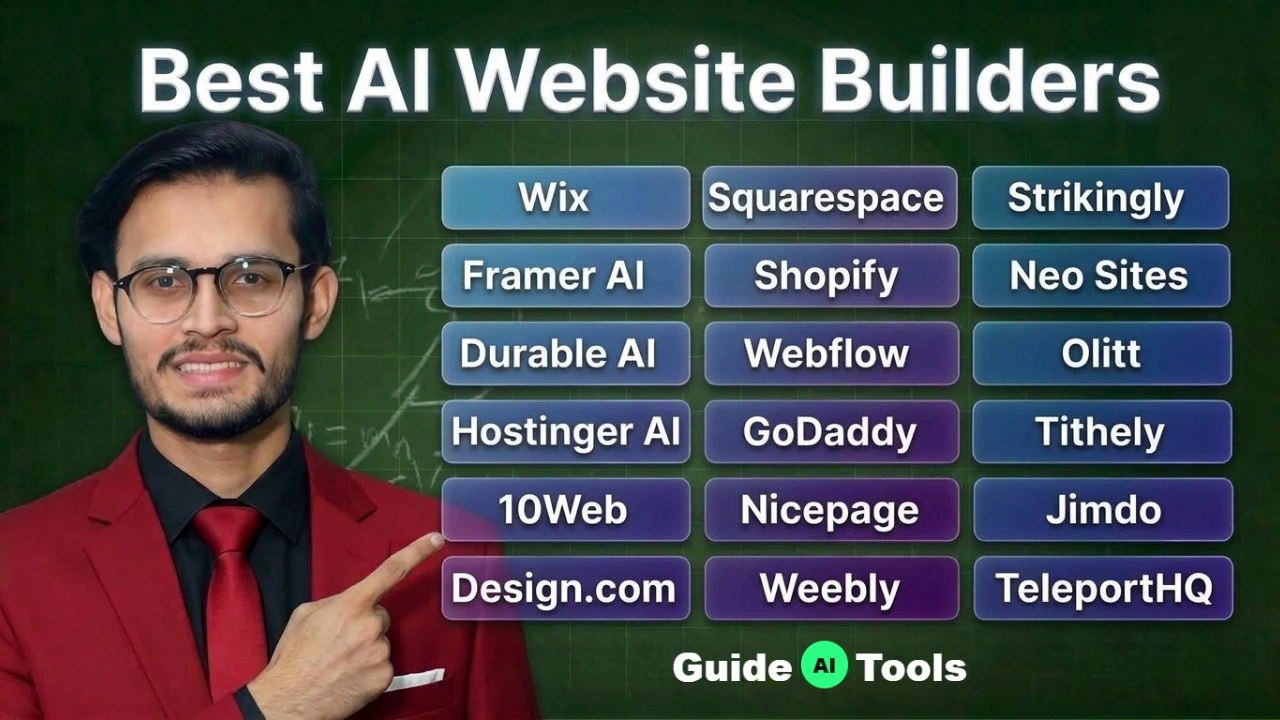
The best AI website builder for 2026 is Wix for general business needs, Shopify for dedicated ecommerce, and TeleportHQ for developers needing raw code export. Most platforms hide high transaction fees or lock your data into proprietary hosting servers. We tested 17 top builders to find out which ones actually let you own your website.
Building a digital presence used to take weeks of coding and expensive agency fees. AI generation tools now cut that process down to minutes. You type a simple prompt and the software creates a fully structured layout with placeholder copy.
Honestly, most people get this wrong by picking the first tool they see on Google. You must look past the initial generation speed. You need to verify if you can export your code later or if you will face massive price hikes upon annual renewal.
We reviewed every major platform in our AI website builder directory to find the truth. We checked mobile speed scores, code ownership rules, and real pricing tiers. Here are the tools that actually deliver.
Quick Comparison Table
| Tool Name | Starting Price | Free Plan? | Best For | Code Export? |
| Wix | $17/mo | Yes | General Business | No |
| Framer AI | $5/mo | Yes | Visual Designers | No |
| Durable AI | $12/mo | No | Local Services | No |
| Hostinger AI | $2.99/mo | No | Budget Hosting | No |
| 10Web | $20/mo | No | WordPress Users | Yes |
| Design.com | $15/mo | Yes | Complete Branding | No |
| Squarespace | $19/mo | No | Portfolios & Boutiques | No |
| Webflow | $15/mo | Yes | Agency Developers | Yes (HTML/CSS) |
| GoDaddy | $9.99/mo | Yes | Fast Appointments | No |
| Nicepage | $6.75/mo | Yes | Offline Theme Design | Yes (WordPress/HTML) |
| Weebly | $13/mo | Yes | Square POS Users | No |
| Strikingly | $8/mo | Yes | Single Page Sites | No |
| Neo Sites | $3.59/mo | No | Domain & Email Bundles | No |
| Olitt | $10/year | Yes | Budget Local SEO | No |
| Tithely | $0/mo | Yes | Churches & Ministries | No |
| Jimdo | $12/mo | Yes | Simple Web Presence | No |
| TeleportHQ | $9/mo | Trial | React/Vue Developers | Yes (React/Vue/Angular) |
Top AI Website Builders by Use Case
- Best for Serious eCommerce: Shopify handles massive traffic spikes and offers the fastest universal checkout.
- Best for Code Ownership: Nicepage lets you design offline and export complete WordPress themes to your own servers.
- Best for Front End Developers: TeleportHQ turns visual Figma components directly into clean React code.
- Best for Local Search Visibility: Olitt bundles global CDN hosting and Google Business Profile audits for ten dollars a year.
- Best for Religious Organizations: Tithely provides complete church management software with zero lock-in contracts.
In-Depth Reviews of the 17 Best AI Website Builders
Wix
Wix remains the most dominant force in the drag-and-drop website market today. Their AI generator asks you a few prompt questions and instantly builds a highly customized layout filled with relevant imagery.
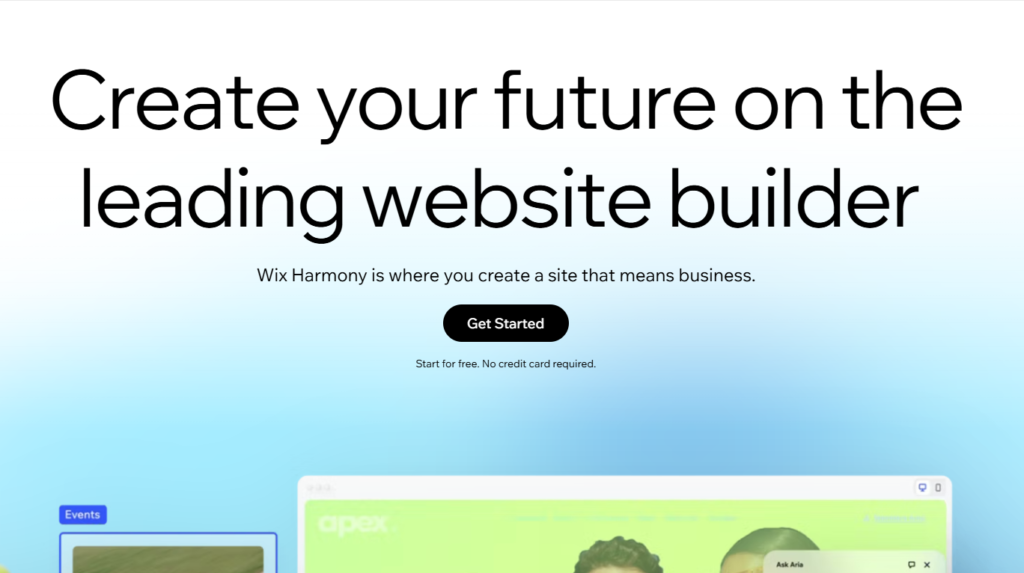
The backend dashboard offers an incredible amount of depth for managing physical inventory and customer bookings. In my practical testing, the visual editor gives absolute beginners enough freedom to move text blocks without breaking the mobile view.
You must watch out for their storage limits on basic tiers. They cap your media uploads at 2GB unless you upgrade to a premium business plan. Wix forces you to stay on their servers forever.
| Pros | Cons |
| Massive app market extends site functionality easily | Moving your site data to another host is impossible |
| AI creates full layouts from a single text prompt | Storage space is heavily restricted on cheaper plans |
| Built in booking tools handle service appointments | The interface feels overwhelming for simple projects |
Read our Wix Full Review for detailed performance metrics.
Framer AI
Framer AI bridges the gap between static graphic design and live web publishing. You generate a starting layout with AI and then tweak it using an interface that looks exactly like a professional design tool.
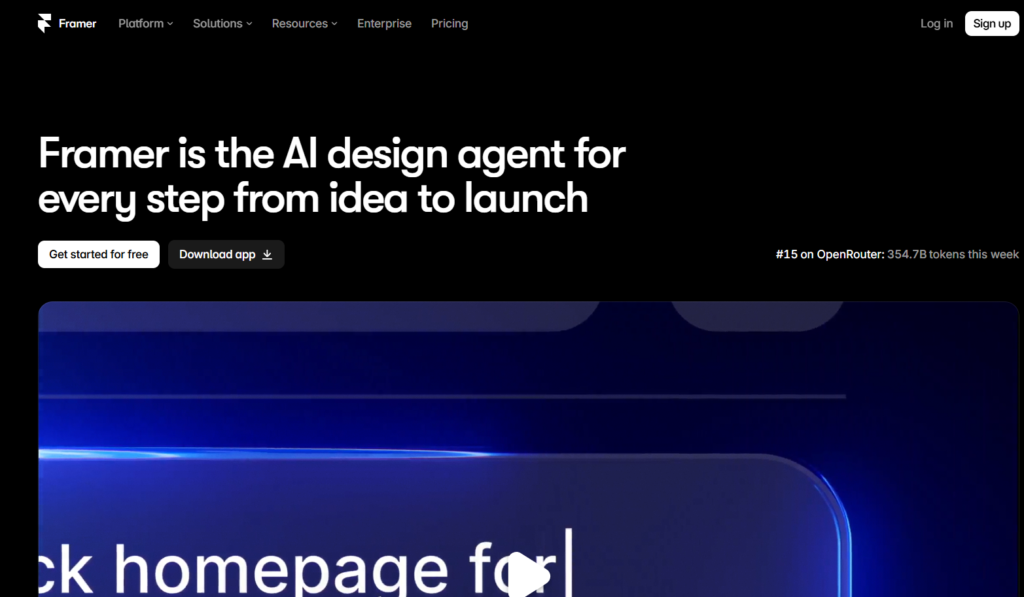
You can paste components directly from Figma and publish them to a live URL immediately. I have observed that visual designers absolutely love this workflow because it removes the need to learn CSS logic.
This platform heavily targets creative agencies and digital artists. It struggles with massive ecommerce catalogs or deep relational databases. Framer excels at fast visual landing pages.
| Pros | Cons |
| Interface is highly familiar to professional designers | Strict limits on visitor traffic for basic tier plans |
| Generates very fast loading code for static web pages | Ecommerce features are too basic for large retail stores |
| Figma plugin pastes designs directly into the editor | Complete beginners will face a steep learning curve |
Read our Framer AI Full Review to see complete export limits.
Durable AI
Durable AI claims to build your entire website in under thirty seconds. You enter your industry and location, and the software generates a complete homepage with localized copy and a contact form.
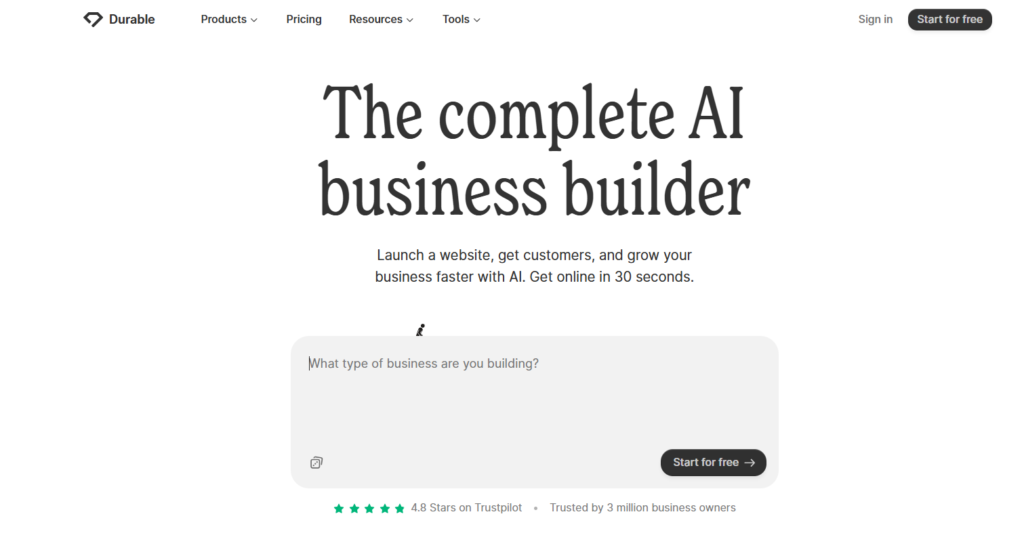
It acts as a rapid launchpad for solo contractors who just need a digital business card today. The built-in CRM automatically tracks anyone who fills out your contact form.
You will hit a customization wall very quickly if you want specific visual layouts. Durable works best if you accept the AI design exactly as generated.
| Pros | Cons |
| Fastest site generation time on the entire market | Visual layouts are highly rigid and hard to customize |
| Includes an automated CRM for tracking new leads | Lacks advanced blogging and SEO schema tools |
| Writes localized copy specific to your city | Monthly pricing feels high for a basic static site |
Read our Durable AI Full Review to check exact lead tracking tools.
Hostinger AI
Hostinger AI bundles an automated site builder directly into their highly affordable web hosting packages. You describe your brand, and the system produces a clean, mobile-ready layout instantly.

This option is fantastic for budget-conscious creators who want basic hosting and simple design tools in one place. You get access to heatmaps that show exactly where visitors click on your pages.
Honestly, most people get this wrong by ignoring the fine print on pricing. Hostinger raises the monthly price significantly after your first promotional year ends.
| Pros | Cons |
| Initial signup pricing is incredibly cheap | Renewal costs jump sharply after the first year |
| AI heatmap tool predicts visitor attention accurately | You cannot export the site design to another host |
| Generates AI blog posts to help start your content | Ecommerce tools lack deep physical inventory tracking |
Read our Hostinger AI Full Review to see actual renewal rates.
10Web
10Web uses artificial intelligence to recreate any web layout directly into open-source WordPress. You feed it a URL or a text prompt, and it builds a customizable Elementor page on their managed servers.
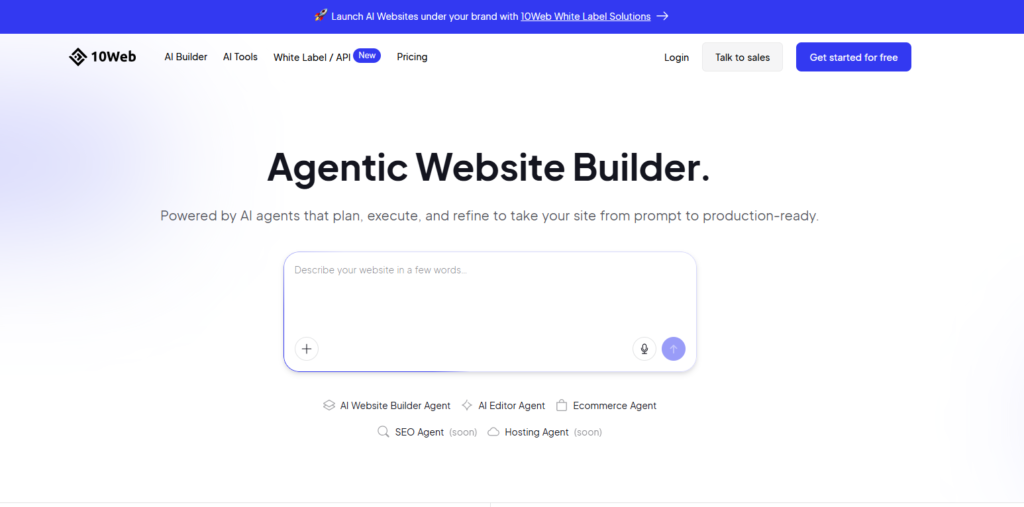
This approach gives you the speed of an automated builder paired with the total ownership of WordPress. You can install any third-party plugin you want without restriction.
Pairing this platform with dedicated AI SEO assistants gives you massive ranking potential. 10Web lets you own your final website code completely.
| Pros | Cons |
| You own the final open source WordPress files | Pricing is higher than basic shared hosting providers |
| Recreates layouts instantly using the Elementor builder | Elementor adds extra code bloat to simple web pages |
| Managed hosting speeds up WordPress performance | Customer support limits technical help on lower tiers |
Read our 10Web Full Review to check server speed tests.
Design.com
Design.com operates as a complete brand generation studio for new entrepreneurs. It creates your logo, picks your color palette, and generates a matching website all at the same time.
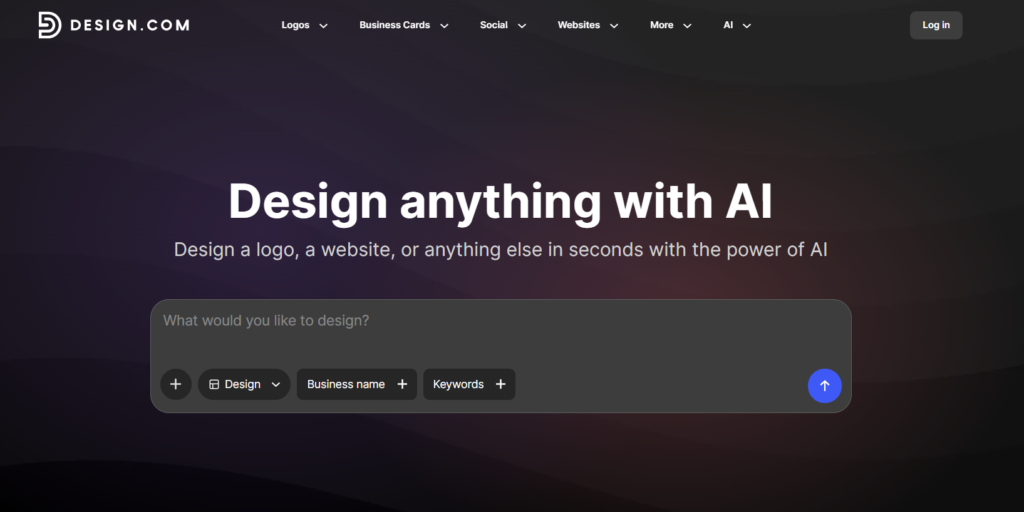
You save a massive amount of time by not having to bounce between different AI logo generators and hosting platforms. The interface is highly visual and easy to navigate for absolute beginners.
You must pay extra if you want exclusive legal rights to the logos it generates. Design.com is perfect for fast unified branding.
| Pros | Cons |
| Generates logos and websites in one single workflow | Exclusive copyright ownership costs an extra add on fee |
| Provides matching social media templates automatically | Monthly billing without an annual contract is expensive |
| Zero technical design knowledge required to start | Website builder offers very limited structural control |
Read our Design.com Full Review to see trademark licensing rules.
Squarespace
Squarespace delivers the most visually stunning templates in the entire website building industry. Their new Blueprint AI system structures functional wireframes based on your specific industry needs.
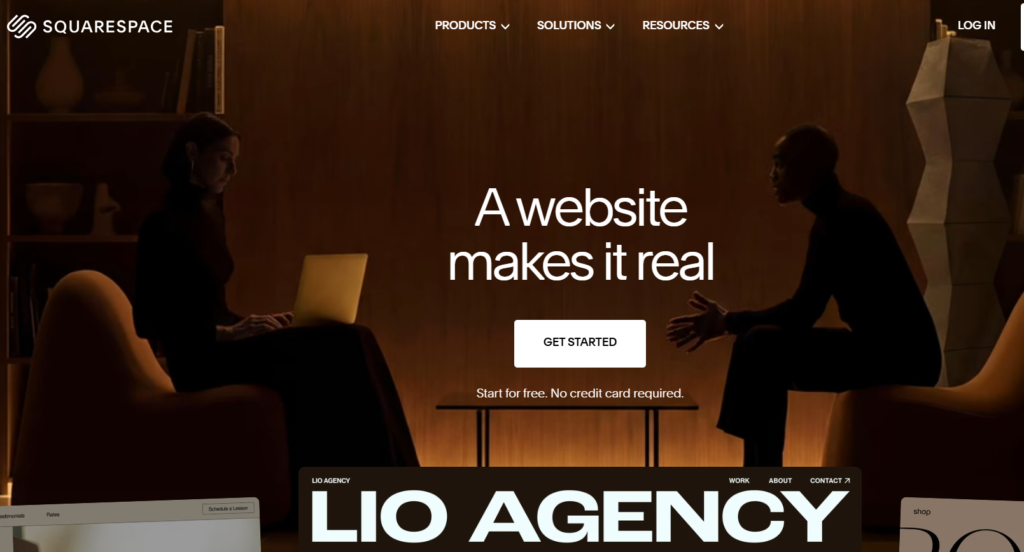
The Fluid Engine editor allows you to drag elements freely across a grid while keeping everything perfectly aligned on mobile devices. You can sell physical goods or gate digital content behind paid memberships easily.
Do not choose the Basic plan if you plan to sell physical products heavily. Squarespace charges a two percent transaction fee on their lowest tier.
| Pros | Cons |
| Templates provide unmatched visual aesthetic quality | Basic plan takes a 2 percent cut of all store sales |
| Fluid Engine editor allows highly precise grid placement | Adding custom JavaScript code requires a premium tier |
| Built in invoicing tools manage client billing perfectly | No permanent free tier exists after the 14 day trial |
Read our Squarespace Full Review to check transaction fee charts.
Webflow
Webflow translates visual design actions directly into production-ready HTML and CSS. You manipulate a visual canvas, and the software writes incredibly clean background code instantly.
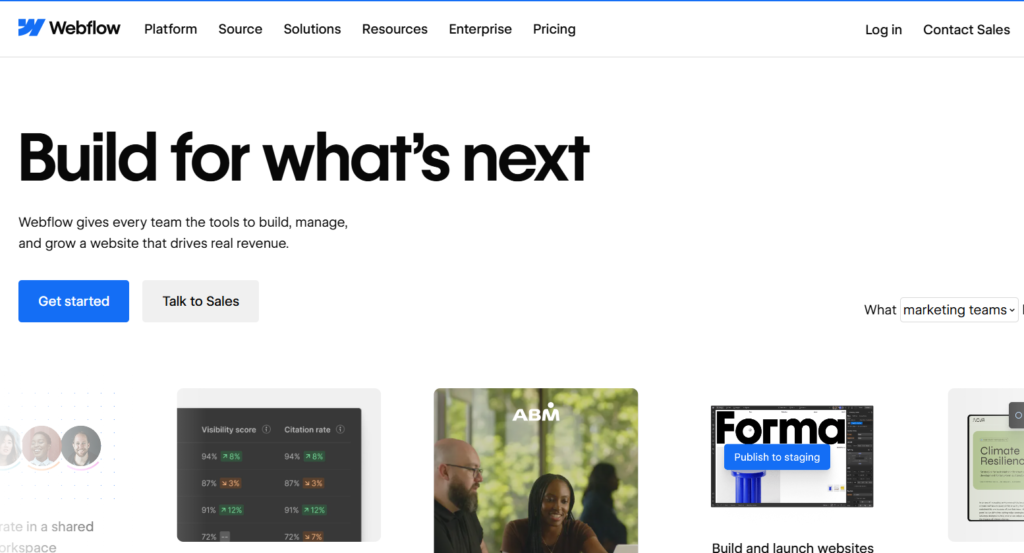
This tool targets professional designers who demand absolute pixel control over every element. You can build complex scroll animations without writing a single line of JavaScript.
The learning curve here is brutal for casual users. Webflow requires a solid understanding of the CSS box model.
| Pros | Cons |
| Generates exceptionally clean code for faster SEO ranking | The interface is highly confusing for absolute beginners |
| Provides total structural control over every single pixel | CMS export is blocked if you leave their hosting network |
| Complex animations require zero manual JavaScript coding | Team collaboration seats get very expensive for agencies |
Read our Webflow Full Review to see CMS database limits.
GoDaddy
GoDaddy uses their Airo AI system to bundle domain registration with instant website generation. You answer three questions, and they publish a live page connected to your custom web address.
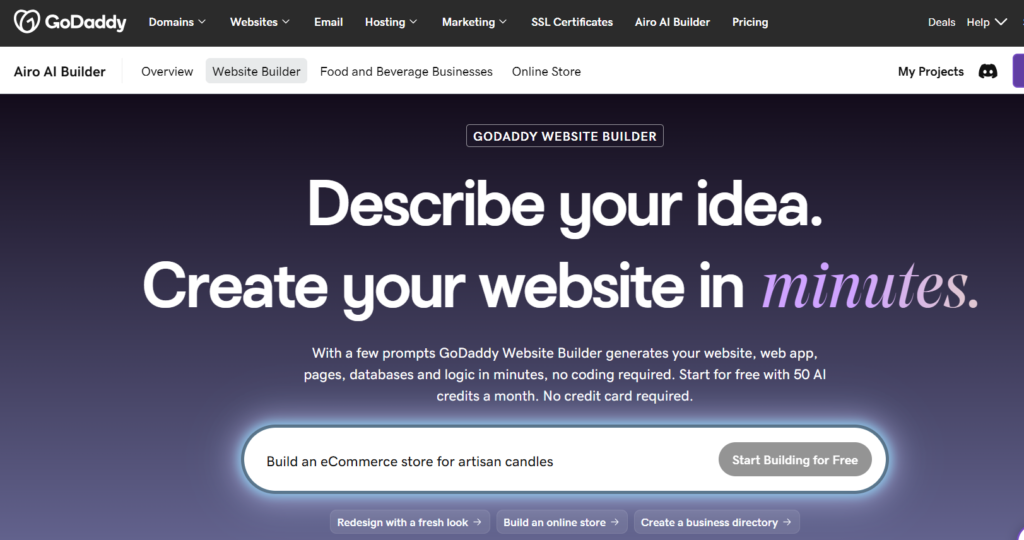
The platform includes built-in email marketing and appointment scheduling directly in the main dashboard. It acts as a highly convenient central hub for local service contractors.
You are forced into a very rigid block layout system here. GoDaddy locks your design files into their proprietary ecosystem permanently.
| Pros | Cons |
| Setup process gets a business online in literal minutes | The visual layout options feel incredibly restricted |
| Unified inbox tracks web chats and social media messages | Renewal pricing increases sharply after the first year |
| Built in appointment tools eliminate third party software | You cannot export your web code to another host ever |
Read our GoDaddy Full Review to check marketing tool limits.
Nicepage
Nicepage offers a hybrid approach by letting you design websites on a dedicated offline desktop application. You build the layout visually and then export it directly as a functional WordPress theme.
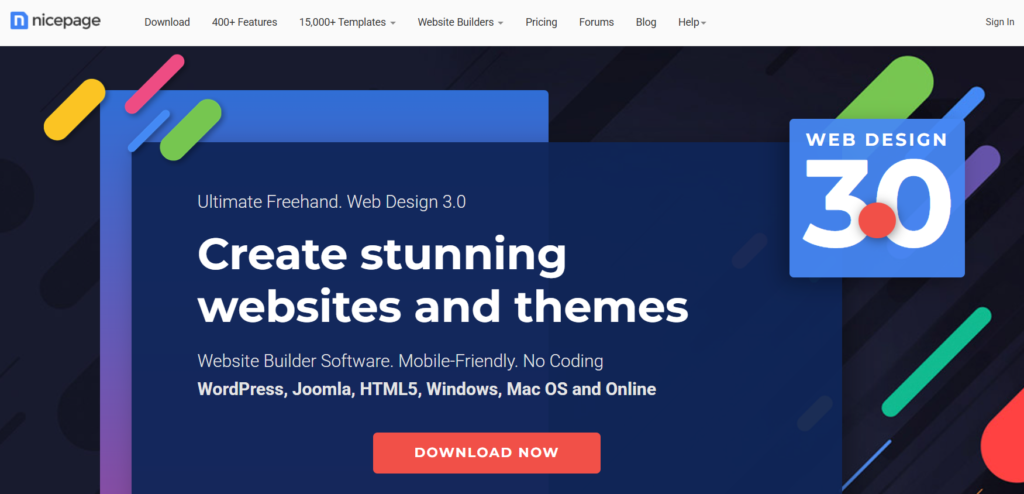
This completely solves the massive issue of proprietary platform lock-in. You get the speed of a drag-and-drop builder with the freedom to host your files anywhere you want.
You must manually check your mobile breakpoints here. Nicepage gives you enough freehand control to accidentally break responsive layouts.
| Pros | Cons |
| You can design websites completely offline on your desktop | Freehand canvas makes it easy to overlap text poorly |
| Exports pure HTML or ready to install WordPress themes | The user interface feels cluttered with technical menus |
| Offers a one time lifetime license to avoid subscriptions | Generated HTML code can contain unnecessary block tags |
Read our Nicepage Full Review to see exact export capabilities.
Weebly
Weebly provides a highly accessible block builder that integrates perfectly with Square payment hardware. You can sync your physical retail inventory directly with your online store automatically.
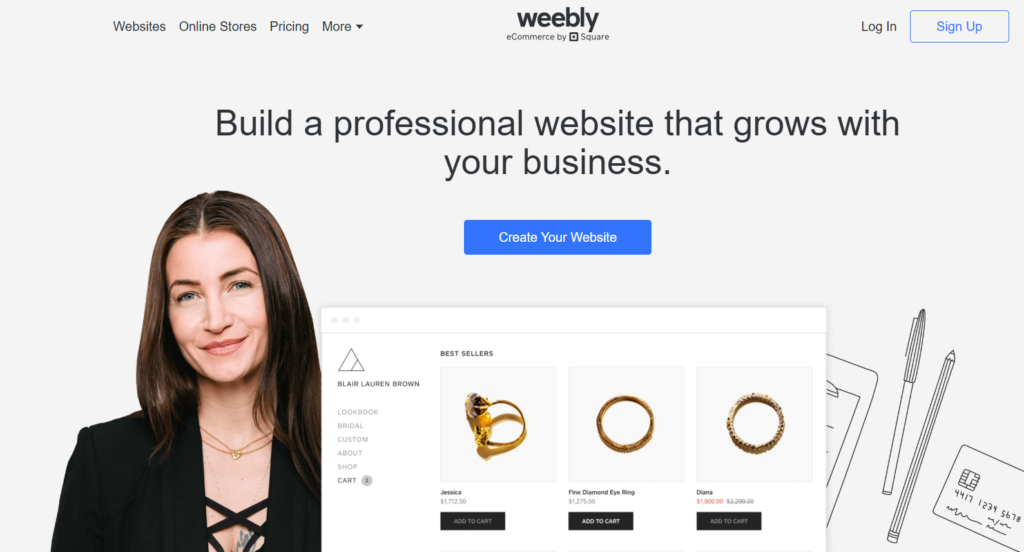
The platform handles complex regional tax calculations and shipping rates for you. It remains a very solid choice for local shop owners who find traditional ecommerce tools too intimidating.
You must pay attention to their hidden costs. Weebly charges high transaction fees on lower tier plans.
| Pros | Cons |
| Square integration makes retail payment processing simple | Design templates look noticeably older than competitors |
| Automated tax calculators save massive setup time | Lower tiers charge up to a five percent transaction fee |
| Drag and drop block editor is very forgiving for beginners | Blogging features lack modern text formatting options |
Read our Weebly Full Review to check exact store features.
Strikingly
Strikingly focuses entirely on generating beautiful single page scrolling websites. You stack content sections vertically to create a fast digital business card or event landing page.
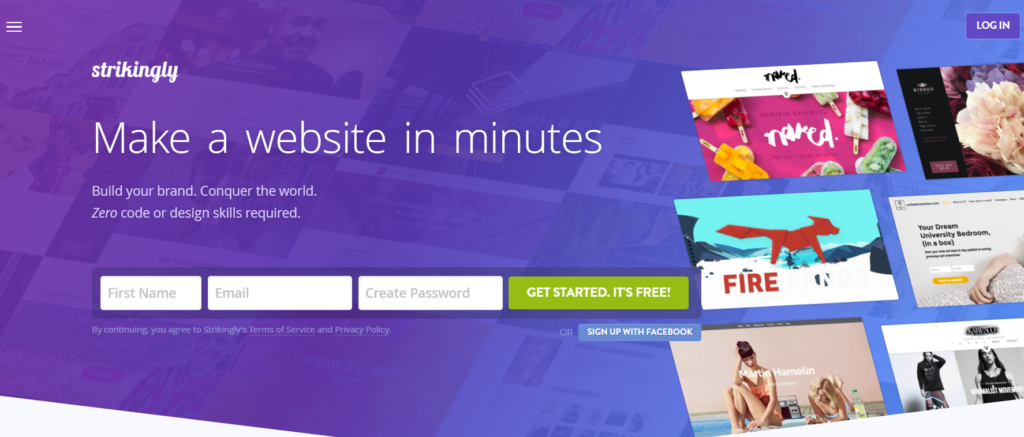
It completely removes the headache of managing complex navigation menus or deep folder structures. You can even lock specific sections of the page behind a paid membership wall.
Do not try to force this tool to run a massive multi-page corporate portal. Strikingly is optimized specifically for rapid one-page designs.
| Pros | Cons |
| Exceptional at building fast one page scrolling websites | Multi page setups feel cumbersome and hard to manage |
| Free plan provides a great testing ground for basic ideas | Limited plan takes a five percent cut of online sales |
| Membership features easily gate premium content instantly | Monthly billing drastically increases the base price tag |
Read our Strikingly Full Review to see membership gate features.
Neo Sites
Neo Sites uses AI to generate a functional website while simultaneously setting up your custom domain and professional business email. It solves three massive administrative headaches in one single workflow.
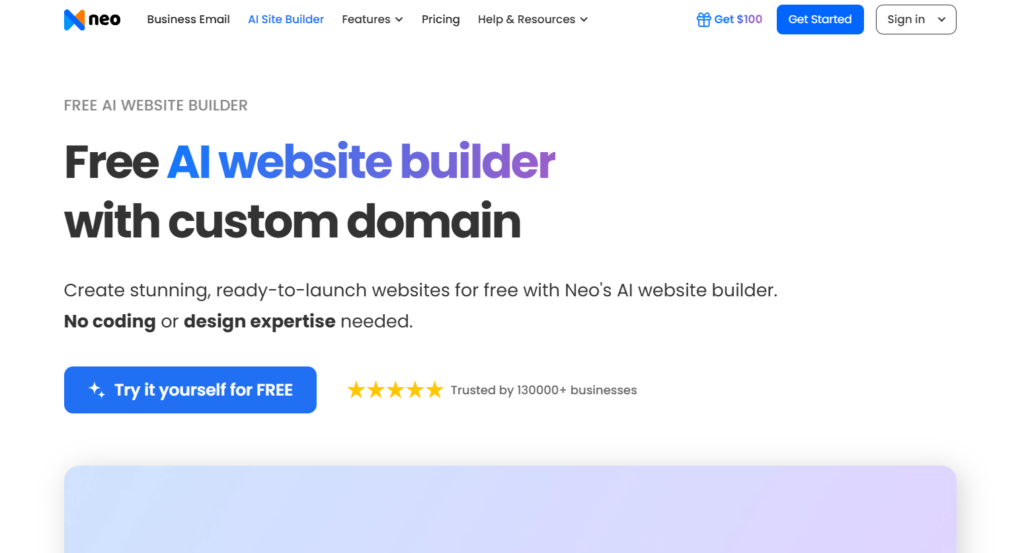
You get a matching domain and an active inbox ready to receive client messages in under a minute. The platform also includes a native appointment booking tool for consulting calls.
Storage limits are extremely tight on the base plans. Neo Sites provides only one gigabyte of media storage on the Starter tier.
| Pros | Cons |
| Bundles domain email and website into one fast setup | Base plan heavily restricts storage capacity to 1 GB |
| AI generation provides clean starting text for local services | No permanent free tier exists after the 15 day trial |
| Built in booking tools eliminate external calendar costs | You cannot access the root code for custom development |
Read our Neo Sites Full Review to check email hosting limits.
Olitt
Olitt stands out by offering incredibly cheap annual pricing bundled with native local SEO tools. You get an AI-generated landing page connected to a global CDN for high-speed loading.
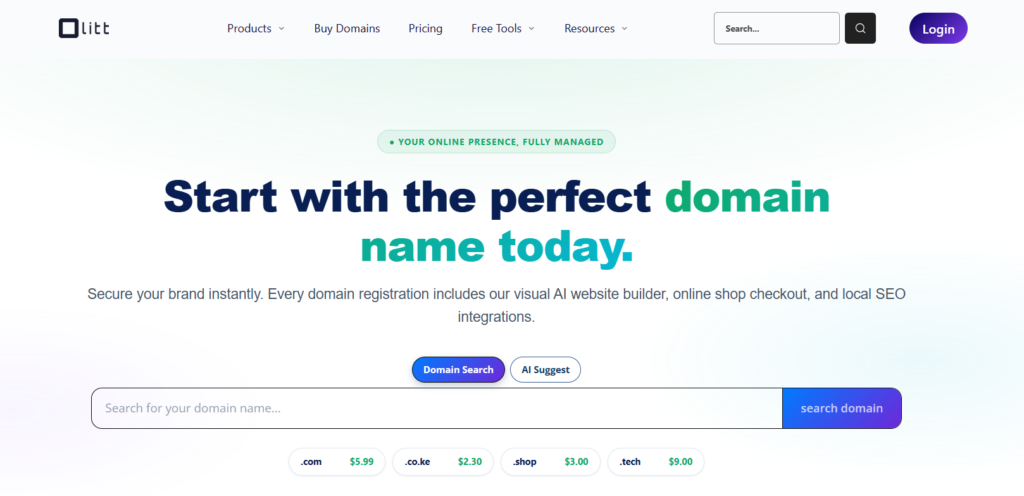
The dashboard includes a built-in Google Business Profile auditor to help local shops rank higher on Google Maps. It acts as an affordable central hub for neighborhood marketing.
The visual editor lacks the premium polish found in major competitors. Olitt wins on budget pricing rather than deep design flexibility.
| Pros | Cons |
| Annual pricing is incredibly affordable for small businesses | The visual drag and drop editor feels slightly clunky |
| Native DNS management simplifies connecting external domains | Social media management limits are strict on lower tiers |
| Built in local SEO tools help shops rank on Google Maps | Advanced customization options remain quite limited |
Read our Olitt Full Review to see global CDN performance metrics.
Tithely
Tithely delivers a comprehensive digital ecosystem built specifically for churches and religious ministries. It provides a drag-and-drop website builder alongside a massive donor management database.
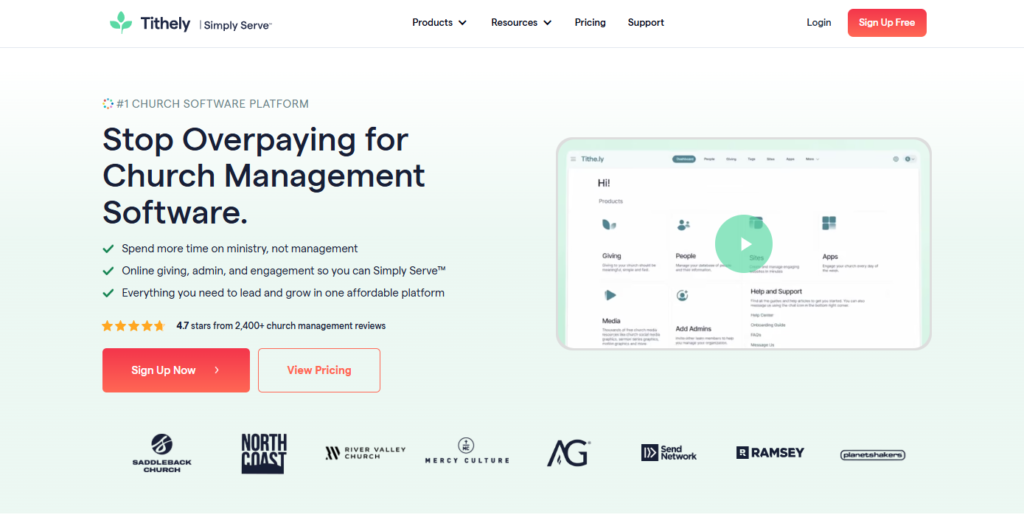
The platform allows donors to optionally cover the credit card processing fees during checkout. This single feature saves local ministries thousands of dollars every year.
They do not force you into aggressive enterprise sales contracts. Tithely operates entirely on a month-to-month basis with zero lock-in.
| Pros | Cons |
| Zero long term contracts means churches can cancel anytime | Donor analytics are less robust than enterprise competitors |
| Donors can automatically cover payment processing fees | Website builder offers limited deep design customization |
| Setup process allows new churches to process gifts instantly | Lacks deep physical operations tools for facility tracking |
Read our Tithely Full Review to check Church Management features.
Jimdo
Jimdo uses a guided AI questionnaire to assemble a clean, mobile-responsive website without any blank canvas paralysis. You answer basic questions about your goals, and the system publishes a working draft automatically.
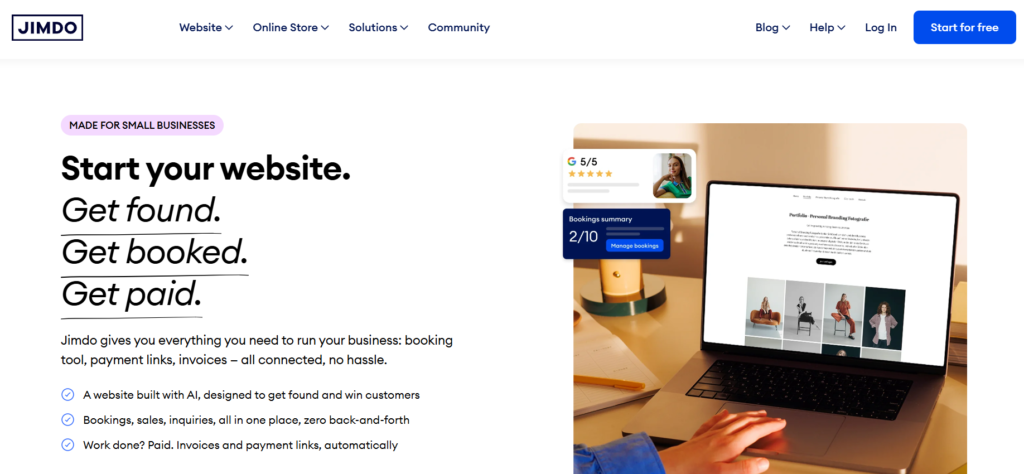
The platform includes advanced SEO settings and fast Google indexing features on all premium plans. It guarantees that your layout will look perfect on smartphone screens without manual adjustment.
You cannot use this platform to sell PDF downloads or software files. Jimdo currently restricts its ecommerce tools entirely to physical goods.
| Pros | Cons |
| Setup process turns a prompt into a site within minutes | Selling digital products is completely unsupported here |
| Advanced SEO tools guide beginners through optimization | Free plan restricts you to a maximum of five pages |
| Zero hidden transaction fees charged on any store sales | Priority support is locked behind the most expensive tier |
Read our Jimdo Full Review to see exact mobile speed scores.
TeleportHQ
TeleportHQ serves as an advanced visual builder that generates clean UI components and exports them directly into production code. You can import a Figma prototype and immediately export the framework files.
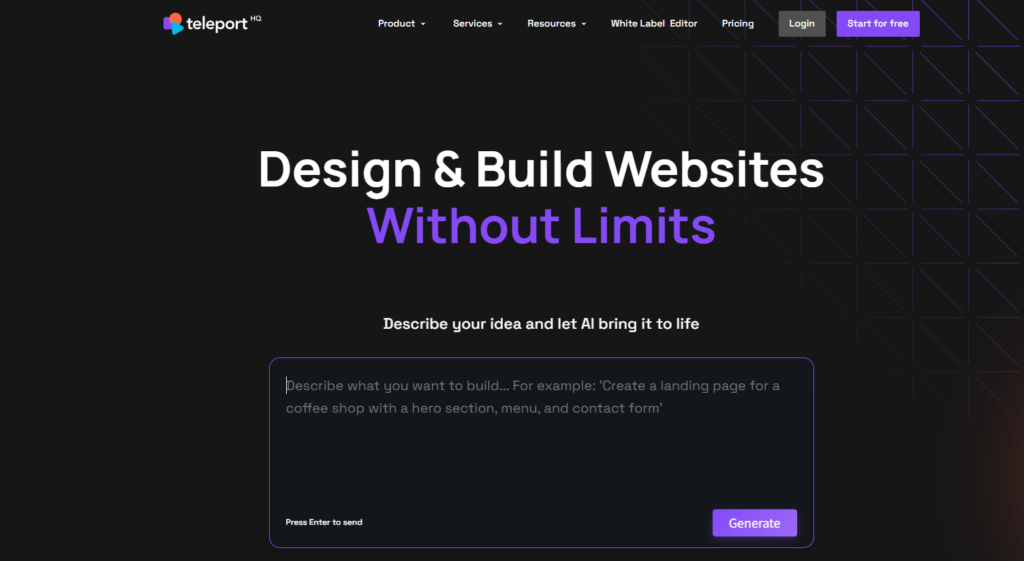
This platform completely changes the workflow for front-end developers who hate manual CSS styling. It exports natively to React, Vue, Angular, or standard HTML.
Absolute beginners should stay far away from this tool. TeleportHQ requires real technical knowledge to deploy the exported JavaScript frameworks properly.
| Pros | Cons |
| Generates exceptionally clean React and Vue component code | Pricing scales per editor making large teams very expensive |
| Figma plugin reduces manual front end coding time heavily | Requires technical knowledge to deploy the exported code |
| Code export prevents you from getting locked into hosting | Free trial only lasts seven days before locking access |
Read our TeleportHQ Full Review to check exact framework export options.
How to Choose the Right AI Website Builder
Choosing a website builder comes down to data ownership and long-term costs. You must decide immediately if you want the convenience of an all-in-one platform or the freedom to host your own files.
Platforms like Wix, GoDaddy, and Squarespace lock your design permanently to their servers. If you want to move your site three years from now, you have to rebuild it entirely from scratch. You should look at builders like Nicepage, 10Web, or TeleportHQ if you want to export your HTML or WordPress themes to a private server.
Transaction fees will destroy your retail profit margins if you do not read the fine print. Many entry-level plans charge a hidden two to five percent fee on every single store sale. You must upgrade to higher premium tiers to eliminate these penalties.
Watch out for the promotional pricing trap on budget hosts. Companies frequently offer incredibly cheap monthly rates for the first year, only to triple the price upon annual renewal. Connecting these platforms with top AI business tools ensures you maintain control over your digital operations.
FAQs
What is the best AI website builder?
The best AI website builder is Wix for general business, Shopify for large ecommerce stores, and TeleportHQ for developers needing raw React code. Your choice depends entirely on whether you prioritize design speed, physical inventory management, or ultimate code ownership.
Can I export code from an AI website builder?
Yes, but only on specific developer-focused platforms. Tools like TeleportHQ and Nicepage allow you to export raw HTML, React components, or WordPress themes. Mainstream builders like GoDaddy and Squarespace strictly prohibit code exporting to protect their hosting revenue.
Do AI website builders include free hosting?
Yes. Almost all major AI website builders include cloud hosting automatically as part of their monthly subscription fee. You do not need to purchase a separate cPanel or external web server unless you specifically choose a code-export tool like 10Web or TeleportHQ.
Which AI website builder is best for SEO?
10Web is best for SEO because it builds directly on open-source WordPress, giving you total control over schema markup and server speed. You must follow Google’s guidelines on AI-generated content carefully to ensure your pages actually rank high in search results.
How much does an AI website builder cost?
An AI website builder costs between $10 and $30 per month for standard business features and a custom domain. Basic free plans exist, but they force you to display branded platform ads and prevent you from using a professional .com web address.
Do I own the website built by AI?
You own the text and images you upload, but you rarely own the underlying structural code. Unless you use a platform that permits HTML export, you are merely renting the digital space on their proprietary servers month to month.
Which AI builder is best for WordPress?
10Web is the absolute best AI builder for WordPress users today. It recreates existing web layouts or generates new ones from text prompts directly into the Elementor page builder. You retain full access to the massive WordPress open-source plugin ecosystem.
Can AI build a functional ecommerce store?
Yes. Platforms like Shopify and Squarespace use AI to generate product descriptions, format layouts, and handle tax calculations automatically. You still need to manually configure your shipping rules and connect a verified bank account to process live payments.
Final Verdict
The market is flooded with AI generators that promise instant results but fail to deliver long-term value. You must prioritize code ownership, transaction fees, and renewal transparency when making your final decision.
If you want a highly capable business site without touching a line of code, Wix provides the best overall balance of AI generation and app integrations. If you are building a serious online retail brand, Shopify remains completely undefeated in checkout speed and inventory management.
If you are a front-end developer looking to bypass manual CSS styling, TeleportHQ is a phenomenal tool that exports directly to React. Choose the platform that aligns with your technical skills, and never ignore the fine print on pricing renewals.

Related Blog Posts