12 Best AI Consulting Assistant Tools for 2026 (Tested and Compared)
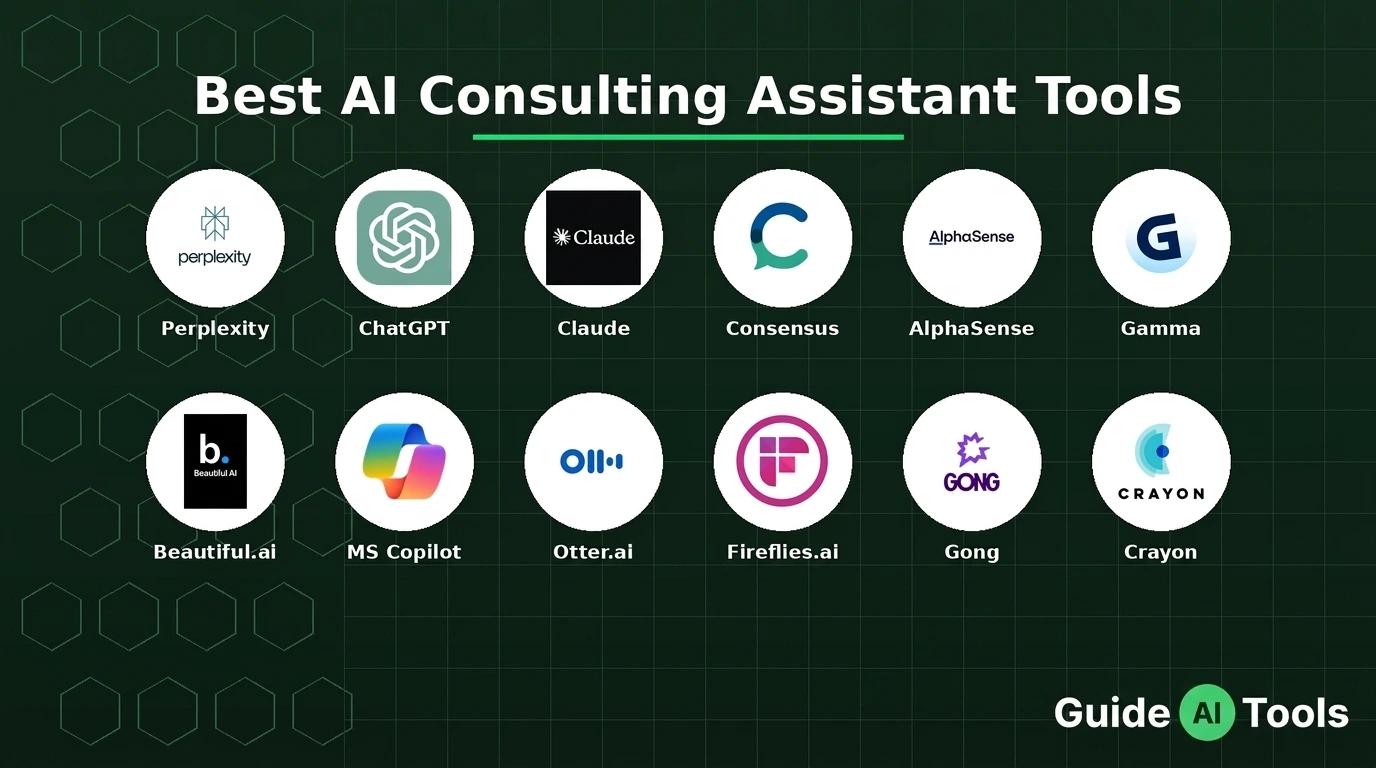
The 12 best AI consulting assistant tools for 2026 are Perplexity, ChatGPT, Claude, Consensus, AlphaSense, Gamma, Beautiful.ai, Microsoft 365 Copilot, Otter.ai, Fireflies.ai, Gong, and Crayon. Perplexity wins for cited research at $20 a month. Gamma is fastest for client decks. AlphaSense dominates financial research but costs enterprise money.
A consultant I know pasted a client’s board deck into free ChatGPT to tidy up a summary. It worked great. Then she realized OpenAI now had a copy of confidential client data with no way to take it back.
That is the part most tool roundups skip. They list features and prices. They never tell you which tools are safe for client work and which ones will get you fired. If you are new to how AI assistants actually work under the hood, start there before trusting any of them with client data.
I tested these 12 tools on real consulting tasks. RFP analysis. Market sizing. Pitch deck drafts. Meeting summaries. Three were worth every penny. Two are dangerous if you use the wrong tier. Here is the honest breakdown.
The 12 Best AI Consulting Assistant Tools at a Glance
| Tool | Best For | Starting Price | Free Tier |
|---|---|---|---|
| Perplexity | Cited research | $20/month | Yes, limited |
| ChatGPT | General drafting | $20/month | Yes |
| Claude | Long documents | $20/month | Yes, limited |
| Consensus | Evidence-backed answers | $20/month | Yes, limited |
| AlphaSense | Financial research | Custom pricing | Trial only |
| Gamma | Fast presentations | $10/month | Yes, 400 credits |
| Beautiful.ai | Brand-consistent decks | $12/month | 14-day trial |
| Microsoft 365 Copilot | PowerPoint-native AI | $30/user/month | No |
| Otter.ai | Meeting transcription | $16.99/month | Yes, 300 min |
| Fireflies.ai | Meeting summaries | $10/seat/month | Yes, limited |
| Gong | Sales call analysis | Custom pricing | Demo only |
| Crayon | Competitive intelligence | Custom pricing | Demo only |
Best AI Research Tools for Consultants
1. Perplexity – Best for research with cited sources
Perplexity answers your question and shows you where every claim came from. Click any citation and you land on the source. That one feature makes it the most useful research tool on this list.
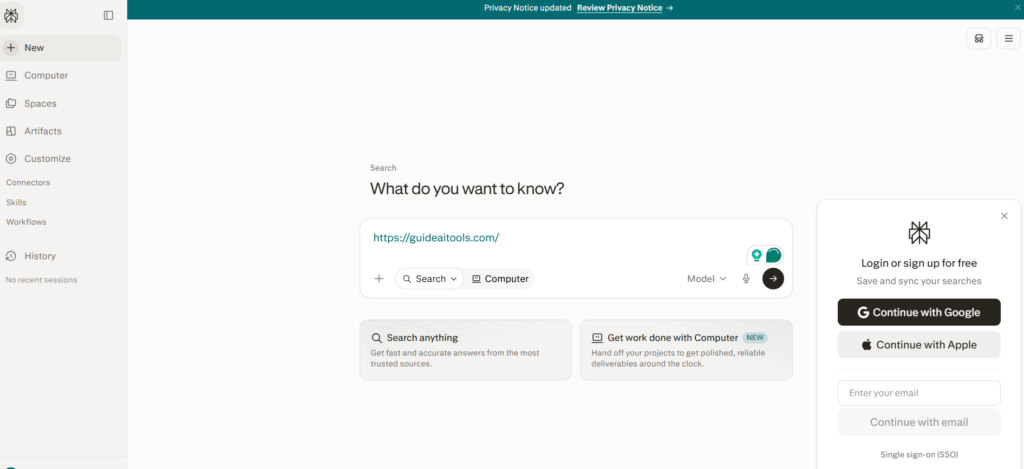
I ran market sizing questions through it before a mock client call. The kind of desk research that normally eats a full morning. Each answer came with linked sources I could verify in one click. One source did not fully support the number attached to it, so you still need to check. But it cut my research time by two thirds.
Pricing is simple. Free tier gives you limited searches. Pro at $20 a month unlocks unlimited queries and stronger models. In my practical testing, the free tier is enough to evaluate it properly before paying.
Two honest notes. Perplexity is weaker at open-ended brainstorming than ChatGPT. And the citations are only as good as the sources it pulls, so always click through on numbers you will put in front of a client.
2. ChatGPT – Best for versatile drafting and brainstorming
ChatGPT handles the widest range of consulting tasks without switching tools. Draft emails. Summarize interview notes. Outline a report structure. Brainstorm workshop exercises. It does all of it fast enough to fit into your workflow instead of interrupting it.
I fed it messy meeting notes from a mock client call and asked for a clean summary with action items. The output needed light editing but saved me a solid chunk of organizing time. The problem was accuracy on specific figures. It invented a percentage that sounded right but matched nothing in my notes.
Pricing starts at $20 a month for Plus. The free tier works but trains on your inputs by default. That is the critical thing most people get wrong. If you paste client material into free ChatGPT, that data can be used for training. Team and Enterprise tiers offer zero-retention options. For client work, never use the free tier. If you want to get more out of the tool safely, our guide on how to use ChatGPT covers the settings that matter.
3. Claude – Best for reasoning through long documents
Claude reads long documents better than anything else I tested. I uploaded a 40-page mock RFP plus three vendor proposals and asked for a clause-by-clause comparison. It held the full context across all four documents. It even flagged contradictions between proposals that would have taken me an hour to catch by hand.
The long context window is the real differentiator. ChatGPT starts losing track in very long threads. Claude keeps going. It does hedge more than necessary sometimes, adding qualifiers when the source material was perfectly clear. Minor annoyance.
Pro costs $20 a month. The free tier gives you limited usage to test it. For consultants who live in data rooms and RFP responses, this is the one to pick over ChatGPT.
4. Consensus – Best for evidence-backed research answers
Consensus searches over 200 million peer-reviewed papers and tells you what the science actually says. Ask a question and it shows you how many studies agree, disagree, or are inconclusive. That Consensus Meter is something no other tool on this list offers.
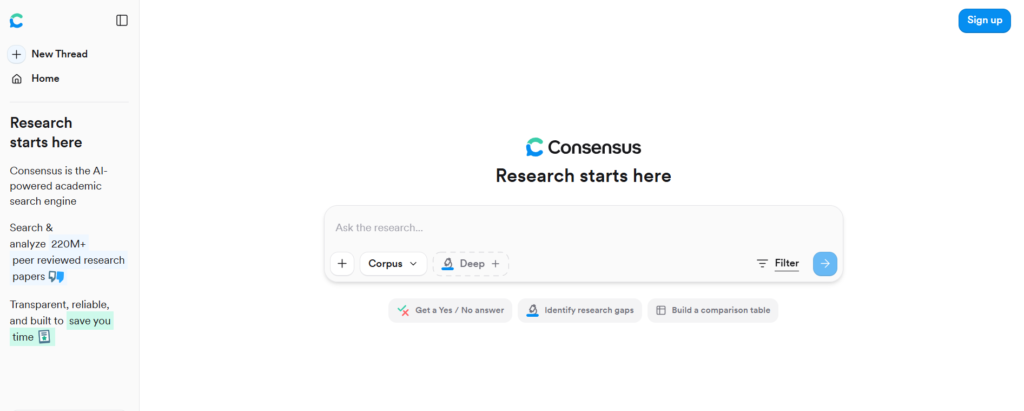
This matters more than people think for consultants in healthcare, pharma, or policy work. When a client asks whether the evidence supports a claim, you need more than a confident-sounding paragraph. You need the actual split of the literature. Tools like Consensus work because they are built on generative AI research that prioritizes accuracy over fluency.
Pricing is fair. Free tier gives you limited searches. Pro at $20 a month unlocks unlimited queries. The coverage is deepest in biomedical and behavioral science. It gets thinner for engineering or law topics, so check whether your field is well covered before committing.
5. AlphaSense – Best for financial and market research
AlphaSense is the Bloomberg terminal of AI research tools. It searches SEC filings, earnings call transcripts, broker research, and expert interview transcripts in one place. Nothing else on this list comes close for financial due diligence.
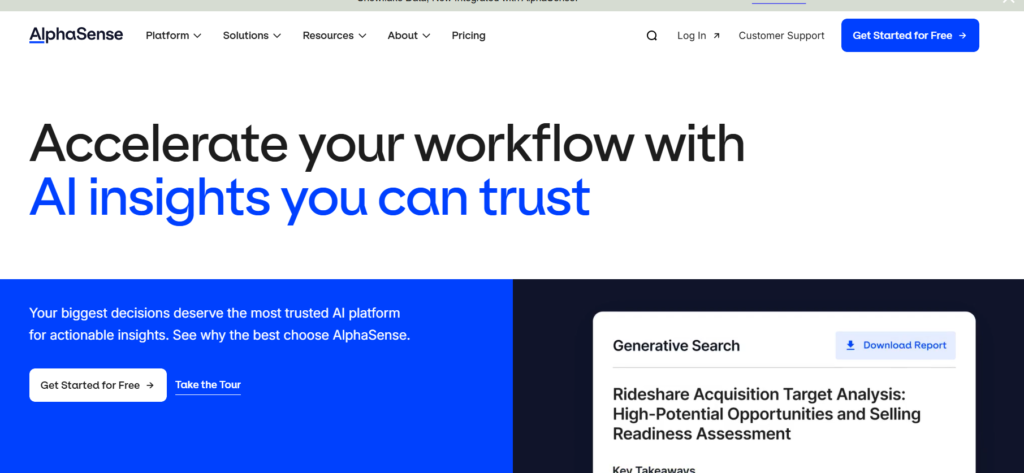
Here is the catch. Pricing is custom and enterprise-only. Third-party reports put it around $15,000 to $20,000 per user per year. That is not a typo. This tool is built for investment banks, large consulting firms, and corporate strategy teams with serious research budgets.
If you are a solo consultant, skip it. Perplexity plus some manual SEC filing searches will get you 70 percent of the way there for $20 a month. But if your firm already pays for it, learn to use the Smart Synonyms search. It finds relevant passages that keyword search misses completely.
Best AI Presentation Tools for Consultants
6. Gamma – Best for building decks fast
Type a prompt, pick a theme, and Gamma gives you a 15-slide deck in under a minute. The default designs look professional. The AI-generated content is better than placeholder text, usually relevant enough to edit rather than rewrite.
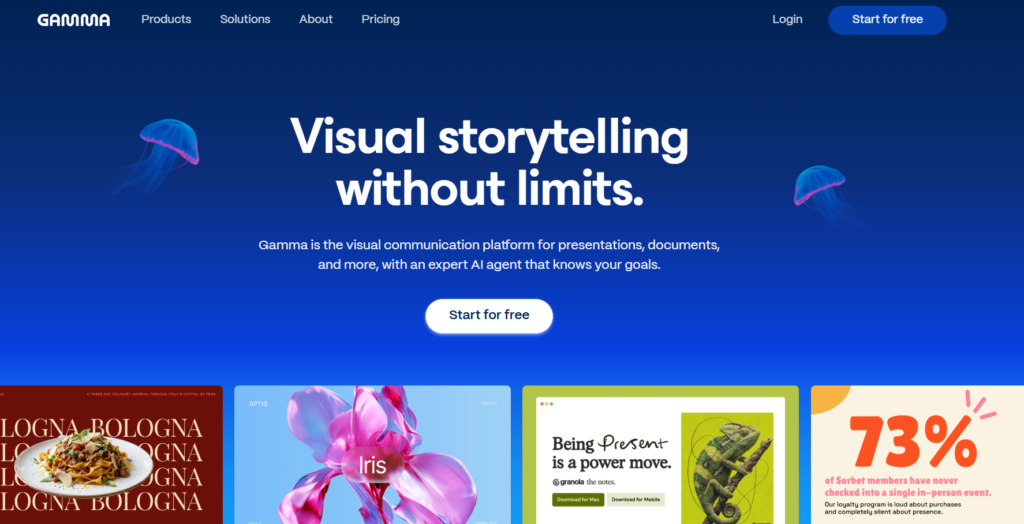
The honest limitation is PowerPoint export. Layouts shift. Text boxes move. Budget 20 minutes of cleanup before sending a Gamma deck as a PPTX file. If your client expects a native PowerPoint file, this friction matters. If web-native sharing works, Gamma is genuinely the fastest option available.
Pricing is generous. Free tier gives you 400 one-time credits, enough for about 8 to 10 presentations. Plus at $10 a month removes branding and adds unlimited standard generation. Most consultants will never need more than Plus.
7. Beautiful.ai – Best for decks that stay on brand
Beautiful.ai takes a different approach. Instead of generating slides from a prompt, it gives you Smart Slides that automatically rebalance the layout as you add content. Change the text and the design adjusts itself. Your deck always looks polished without manual formatting.
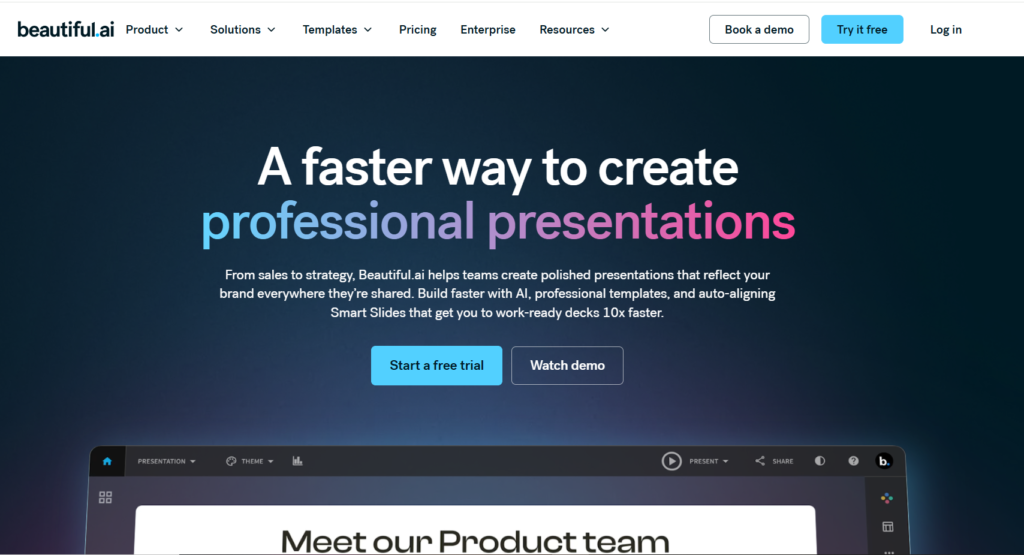
This is the tool for consultants who present to clients weekly and need every deck to look like it came from the same firm. The template library is strong. The DesignerBot can generate slide content from a prompt if you want the Gamma-style workflow too.
Pricing starts at $12 a month for Pro on annual billing. There is no free tier, just a 14-day trial. That trial is enough to know whether the Smart Slides approach fits your workflow. Teams that need enforced brand consistency will find it worth the cost.
8. Microsoft 365 Copilot – Best for AI inside PowerPoint and Word
If your firm already lives in Microsoft 365, Copilot is the obvious pick. It works inside the PowerPoint, Word, and Excel you already use. No new tool to learn. No export headaches because you never leave the native file format.
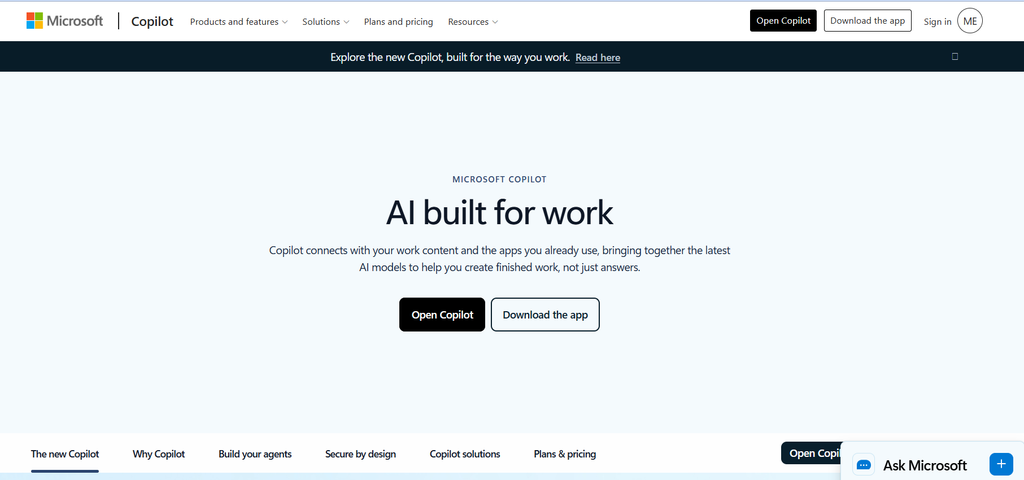
The draft quality is solid but not spectacular. It writes decent first drafts and summarizes documents well. Where it shines is the enterprise security story. Your IT department already trusts Microsoft. Client data stays inside your tenant. That alone makes it the safe choice for firms with strict compliance requirements.
Pricing is $30 per user per month on top of your Microsoft 365 subscription. That adds up fast for a large team. But if data governance matters more than saving a few dollars, the premium is justified.
Best AI Meeting Tools for Consultants
9. Otter.ai – Best for transcripts that sync to your CRM
Otter.ai joins your Zoom, Meet, or Teams calls automatically and produces a searchable transcript with AI summaries and action items. The Salesforce and HubSpot integrations push call notes directly into your CRM. For consultants who live in client meetings, that automation saves hours of manual documentation every week.
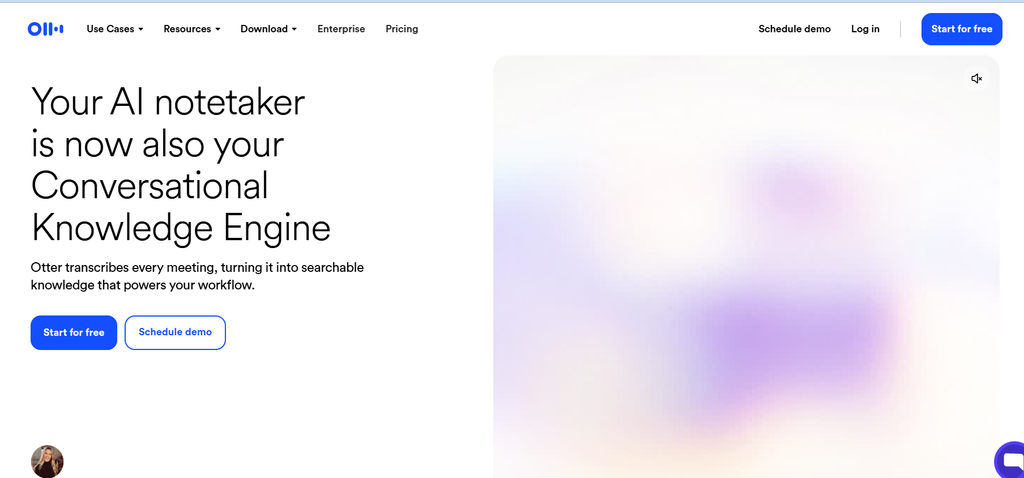
The free tier gives you 300 minutes a month with a 30-minute cap per meeting. That cap kills it for standard hour-long calls. Pro at $16.99 a month (or $8.33 on annual billing) raises the limit to 1,200 minutes and 90-minute meetings.
One thing to watch. Otter meters minutes strictly. Hit your limit and transcription stops until next month. If you are in back-to-back client calls all week, track your usage or step up to Business.
10. Fireflies.ai – Best value for meeting summaries
Fireflies does the core job for less money. It records, transcribes, and summarizes your meetings. The free tier offers unlimited transcription with storage limits. Pro at $10 per seat per month on annual billing is the cheapest uncapped paid option for small teams.
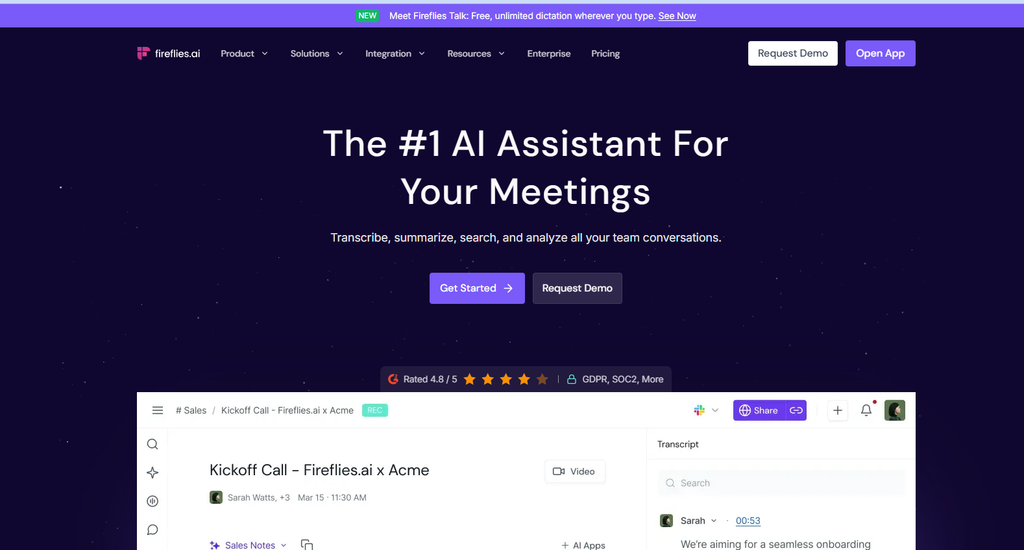
I have observed that Fireflies summaries are slightly less polished than Otter’s, but the difference is small. The AskFred feature lets you query across your entire meeting library, which is genuinely useful when you need to find what a client said three weeks ago.
For solo consultants and small firms watching every dollar, Fireflies is the smarter pick. You get 90 percent of Otter’s value at 60 percent of the price.
Best AI Intelligence Tools for Consultants
11. Gong – Best for analyzing sales calls and coaching teams
Gong records sales calls and uses AI to flag deal risks, score calls, and coach business development teams. It is the market leader in conversation intelligence for a reason. The analytics are deep and the Salesforce integration is solid.
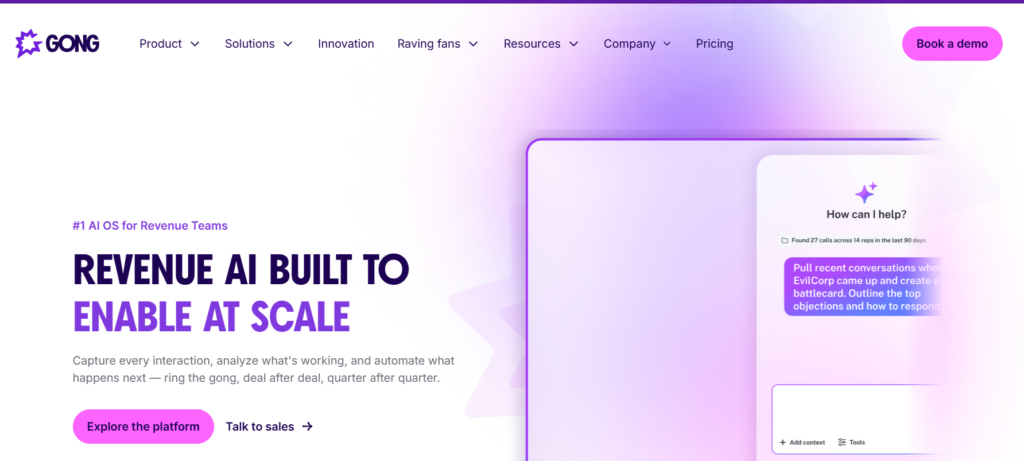
The pricing is enterprise-only and expensive. Expect around $1,300 to $1,600 per user per year plus a mandatory platform fee starting at $5,000 annually. A 10-person team easily crosses $28,000 in year one. Gong does not publish prices, so treat those numbers as reported ranges.
Honestly, most consultants do not need Gong. It is built for sales organizations with dedicated BD teams. If you are a solo advisor or a small strategy firm, Otter or Fireflies covers your meeting intelligence needs for a fraction of the cost.
12. Crayon – Best for competitive intelligence at scale
Crayon tracks your competitors automatically. Website changes, pricing updates, product launches, messaging shifts. It turns that raw monitoring into battlecards your team can actually use in client conversations.
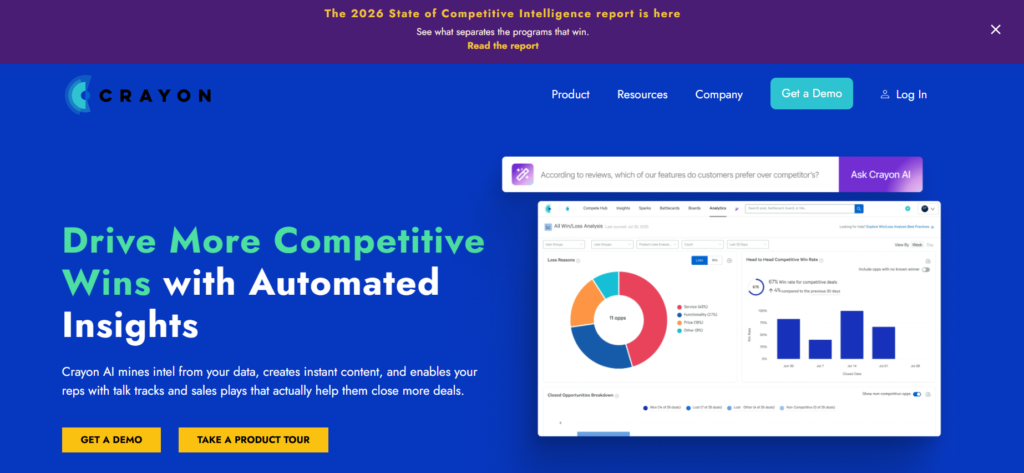
Like Gong, this is enterprise software with enterprise pricing. Expect $20,000 to $40,000 per year based on third-party reports. Crayon does not publish pricing. You need a dedicated person to get value from it, because the platform requires setup and ongoing curation.
For most consultants, a combination of Perplexity Pro and manual competitor monitoring will suffice. Crayon earns its cost only when competitive intelligence is a core function, not an occasional task.
Data Privacy: Which Tools Are Safe for Client Work
This is the section most roundups skip. It matters more than features.
| Tool | Trains on inputs by default | Zero-retention option | SOC 2 certified |
|---|---|---|---|
| ChatGPT (free) | Yes | No | Yes |
| ChatGPT (Team/Enterprise) | No | Yes | Yes |
| Claude (free) | Yes | No | Yes |
| Claude (Team/Enterprise) | No | Yes | Yes |
| Perplexity | No | Yes (Pro) | Yes |
| Microsoft 365 Copilot | No | Yes | Yes |
| Notion AI | No | Yes | Yes |
| Otter.ai | No | On Enterprise | Yes |
| Gamma | No | Not disclosed | Not disclosed |
The rule is simple. Never paste client material into a free AI tier unless you have verified its data policy. ChatGPT free and Claude free both use inputs for training by default. Paid team tiers from both offer zero-retention. Perplexity and Microsoft Copilot do not train on your inputs. When in doubt, check the tool’s privacy page before uploading anything sensitive. For broader context on AI risks and how to manage them, that guide is worth a read.
What Should You Actually Buy
Stop reading tool lists and start with your budget.
If you are a solo consultant with $50 a month, get Perplexity Pro and Gamma Plus. That covers research and presentations for $30. Add Fireflies Pro when meeting volume picks up. Before putting client data into any AI tool, read OpenAI’s enterprise privacy commitments to understand what zero data retention actually means.
If you run a small firm with $200 a month per person, add Claude Pro for long documents and Otter Pro for meeting intelligence. That stack handles 90 percent of consulting workflows.
If you are at an enterprise firm, your IT team probably already decided for you. Push for Microsoft 365 Copilot for the security story and AlphaSense if financial research is core to your practice.
The tools do not replace consulting judgment. They eliminate the groundwork so you can spend more time thinking and less time formatting. Pick the ones that fit your actual workflow, verify the privacy terms, and get back to client work.
FAQs
What is the best AI tool for consultants?
Perplexity is the best all-round pick for most consultants because it combines fast research with cited sources you can verify before putting them in front of a client. At $20 a month, it delivers more practical value than tools costing ten times more.
Is ChatGPT safe for client work?
ChatGPT is safe for client work only on paid Team or Enterprise tiers that offer zero data retention. The free tier and standard Plus plan may use your inputs for training. Never paste confidential client material into free ChatGPT.
How much does AlphaSense cost?
AlphaSense uses custom enterprise pricing and does not publish rates. Third-party reports estimate $15,000 to $20,000 per user per year. Contact their sales team for an exact quote based on your team size and data needs.
Can AI replace management consultants?
No. AI handles research, drafting, and formatting faster than humans, but it cannot build client relationships, exercise judgment in ambiguous situations, or take responsibility for recommendations. The consultants who thrive will be the ones who use AI to deliver better work faster, not the ones who ignore it.
What is the best free AI tool for consultants?
Perplexity’s free tier is the most useful free option because it provides cited research without requiring payment. ChatGPT’s free tier is versatile but trains on your inputs. Gamma’s free tier gives you 400 credits for presentations. For client work, always verify the data privacy terms before using any free tier.
How do I keep client data safe when using AI tools?
Use only paid tiers that offer zero data retention. Check each tool’s privacy page before uploading client material. Prefer tools like Microsoft 365 Copilot that keep data inside your existing tenant. Never paste confidential information into free AI tiers. When in doubt, anonymize the data first.

Related Blog Posts